Original document
GPT Image 2 · en
Scene:
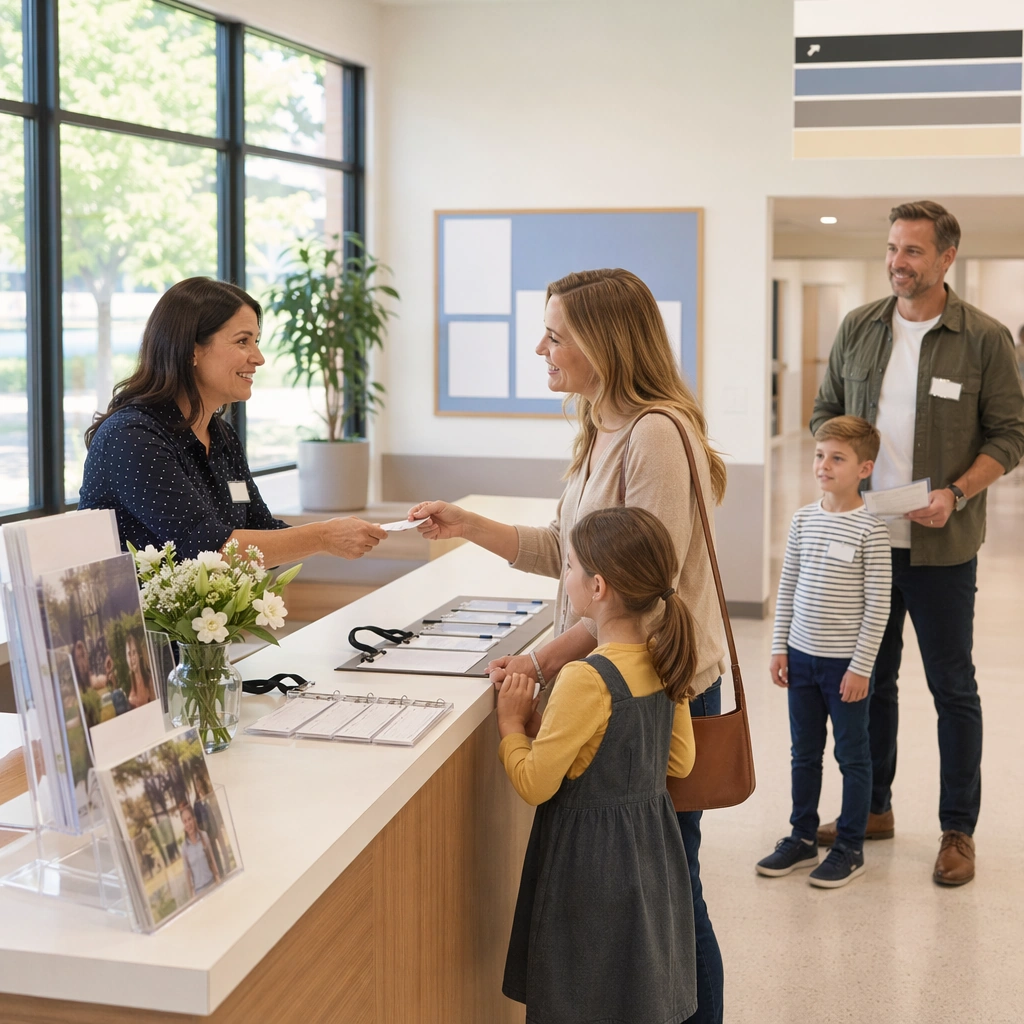
Return to the same square campaign style and campus-brand atmosphere, now centered on an admissions booth or welcome desk photographed from a slightly frontal angle under natural daylight. The scene should feel live enough for a real event and clean enough for use in a school marketing deck. Keep the square frame balanced, calm, and production-ready so the asset can serve gallery review, research comparison, and real educational delivery at the same time.

Subject:
Show a tidy welcome station with brochures, tote bags, blank badges, floral accents, and one or two photorealistic campus-brand panels behind it. The environment should suggest organized hospitality, family trust, and educational warmth rather than commercial hard-selling. The subject matter should feel intentionally selected for a coherent curriculum family rather than like a random decorative assortment.

Important details:
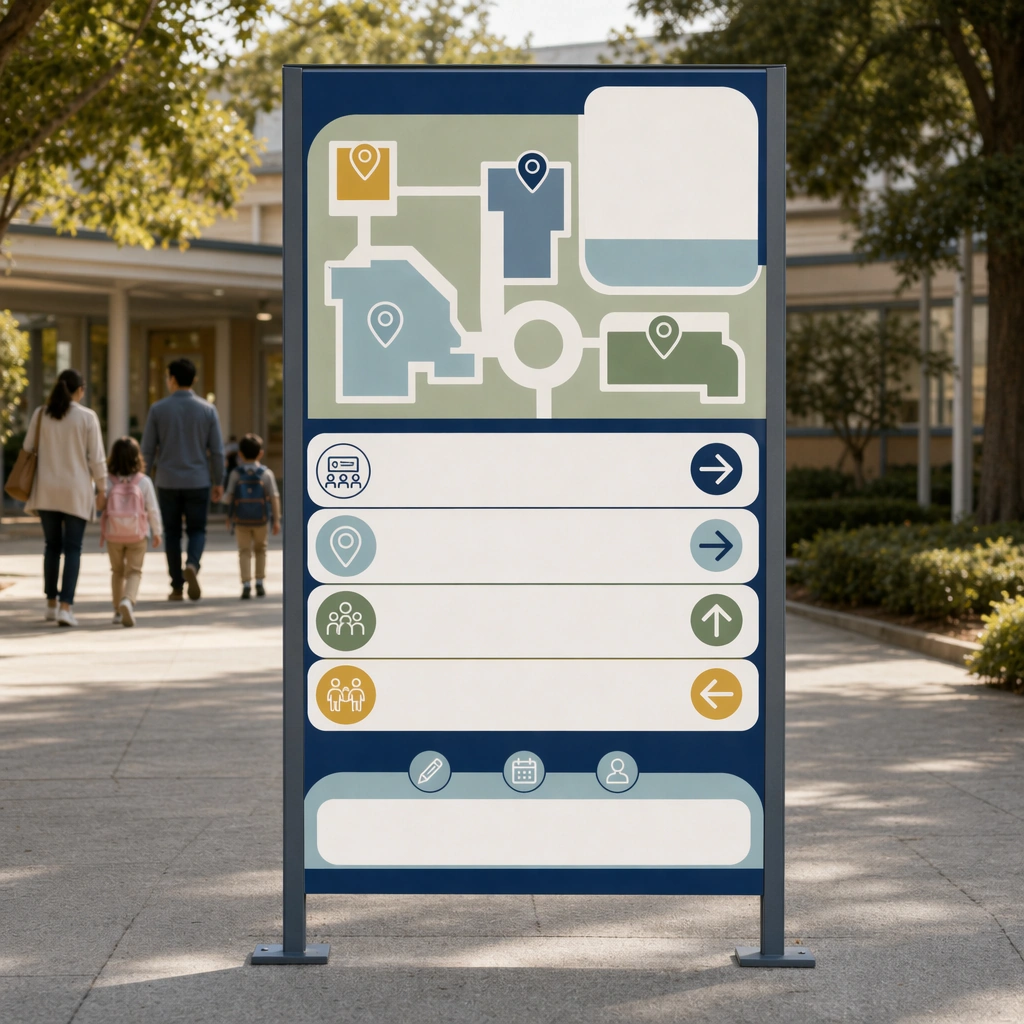
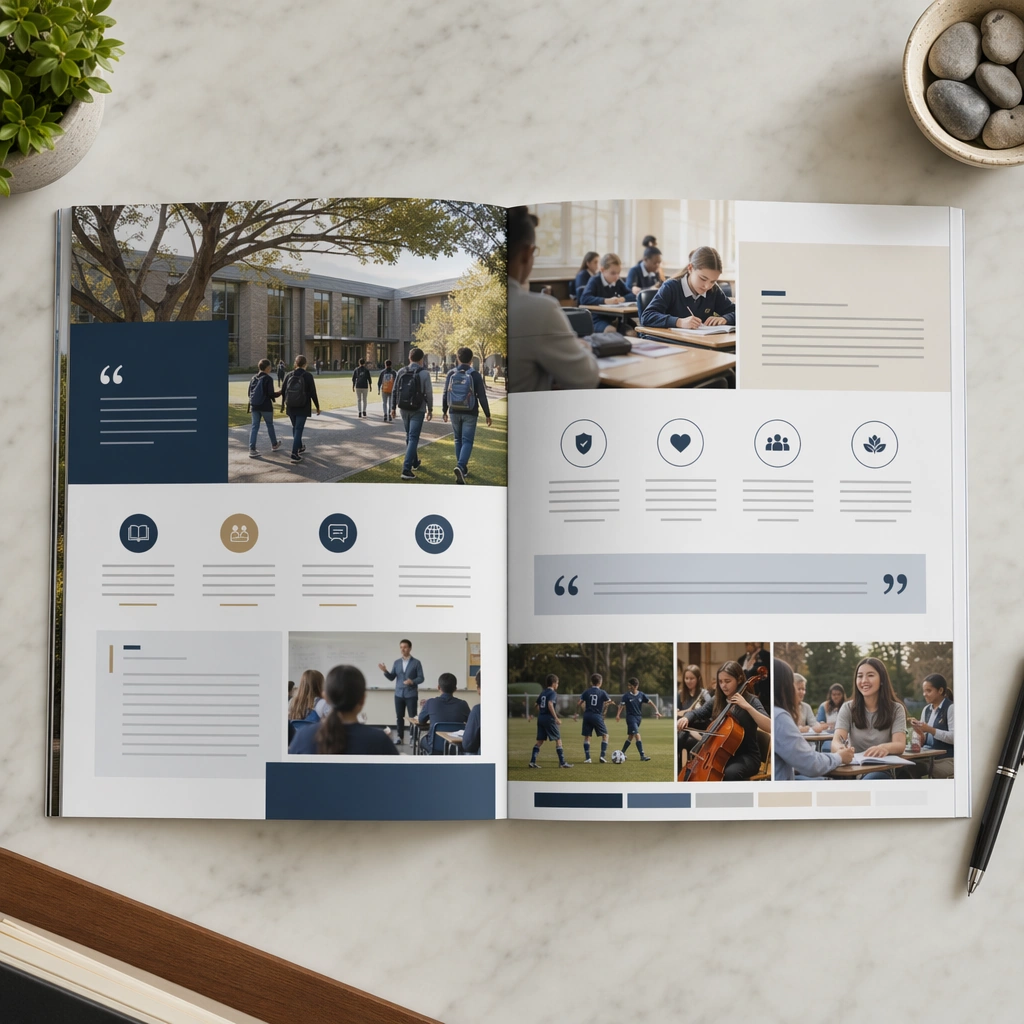
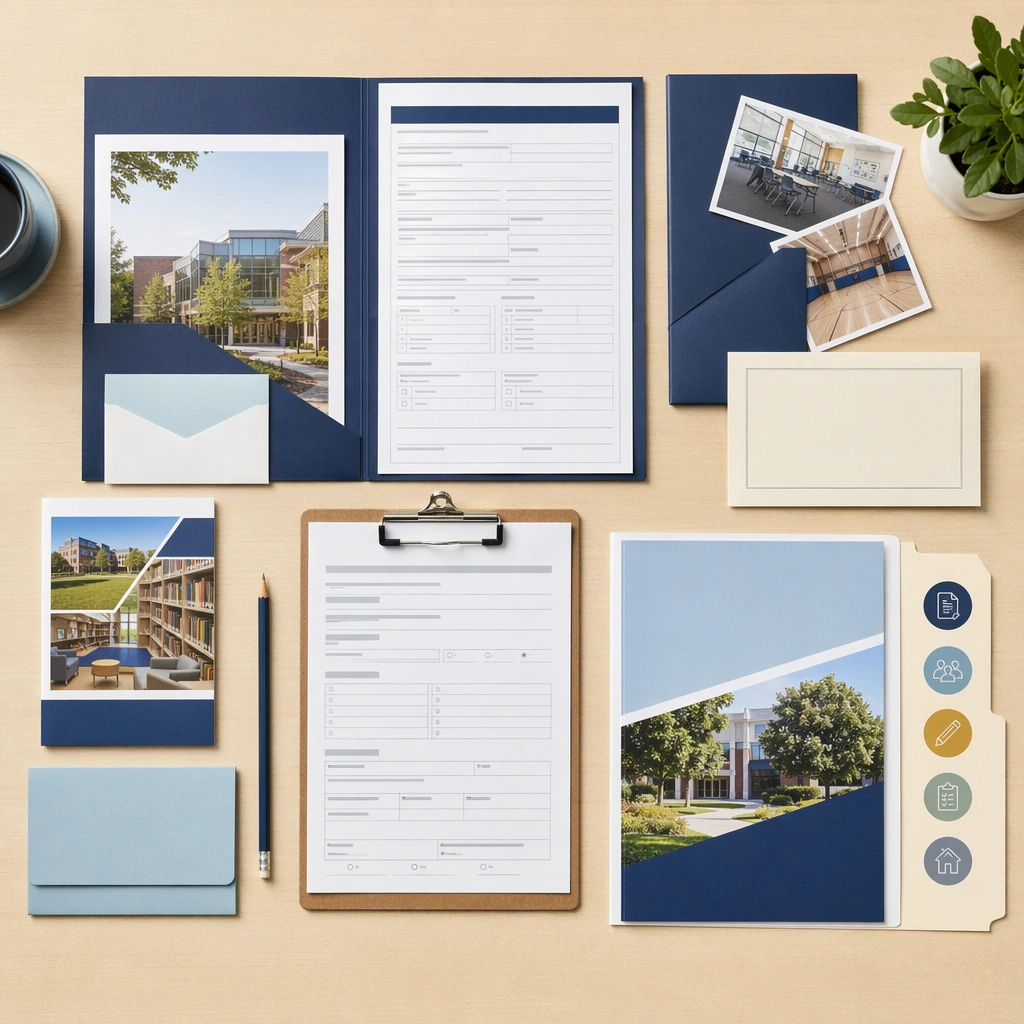
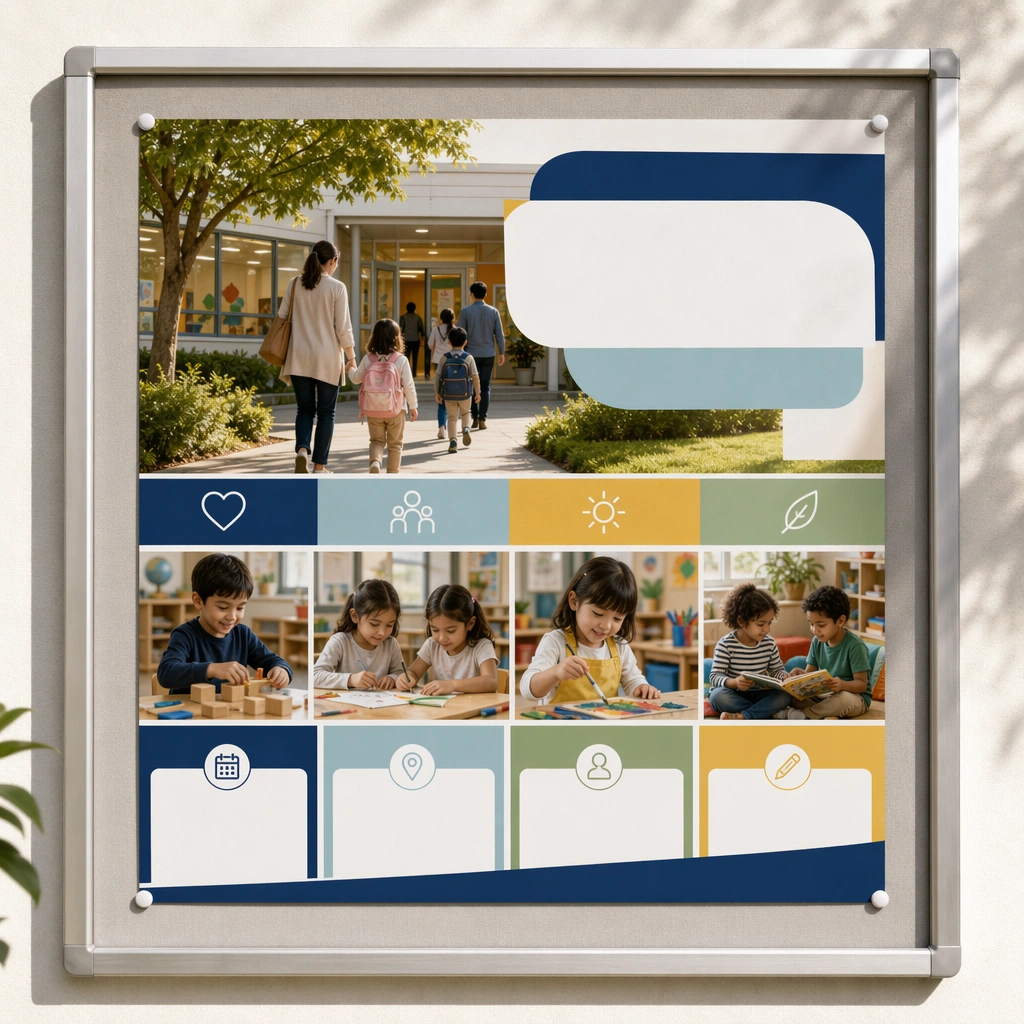
Preserve the same admissions identity system from the reference poster, especially the color family, photo treatment, and blank information panels. The result should feel like a complete enrollment-kit world, not four unrelated marketing assets. Preserve the same campus color system, photography tone, panel hierarchy, family-friendly admissions mood, and blank information-band rhythm from the reference asset. Use variation only in the teaching content, supporting props, and scene-specific mood while preserving the core visual system exactly.

Use case:
School Open Day and Enrollment Kit series study 4/4, admissions booth hero.

Constraints:
No readable text, no watermark, no logos, preserve exact 1:1 aspect ratio, no readable school names, no logos, no celebrity faces, no unrealistic campus luxury, no crowded chaos, no distorted architecture.
How to use
- Copy the complete original prompt, including any parameters.
- Replace the subject, text and composition with your own requirements.
- Use a compatible external tool; check its current access conditions and review the result.
Before you start
- Check whether a reference image is required. A compatible model label does not mean this example was generated with that model.
- Keep names, figures and visible text accurate; results can vary between model versions.