Original document
GPT Image 2 · en
Scene:
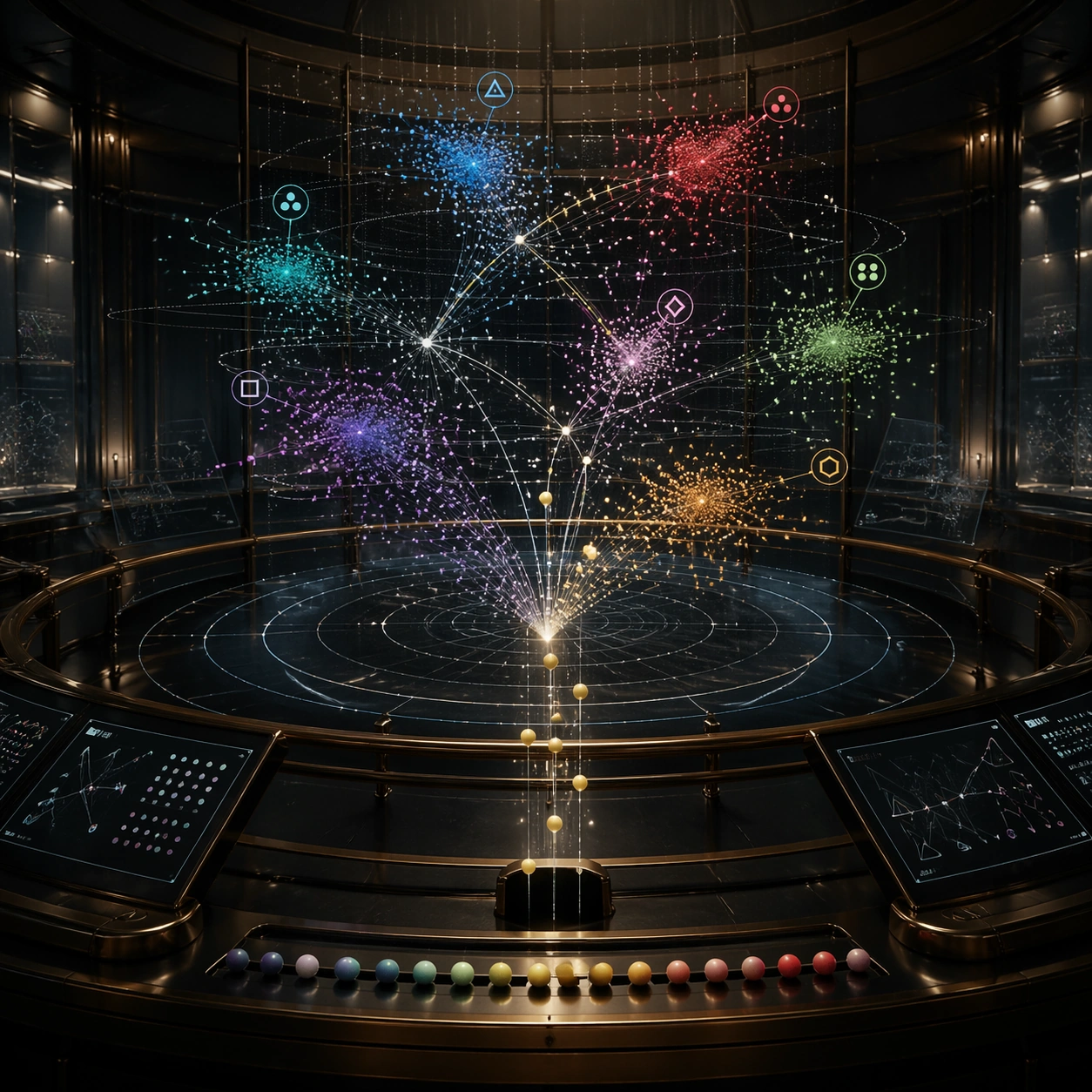
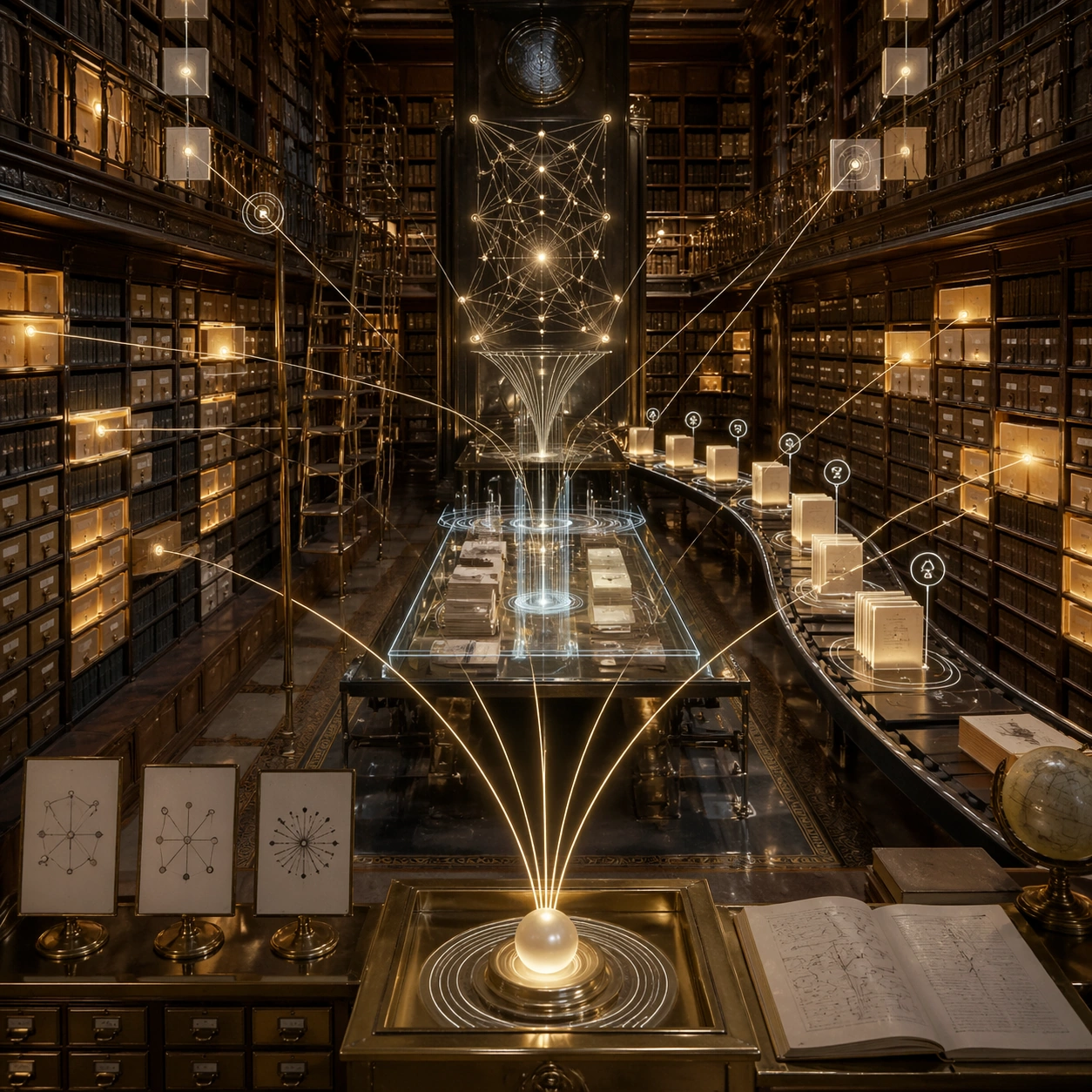
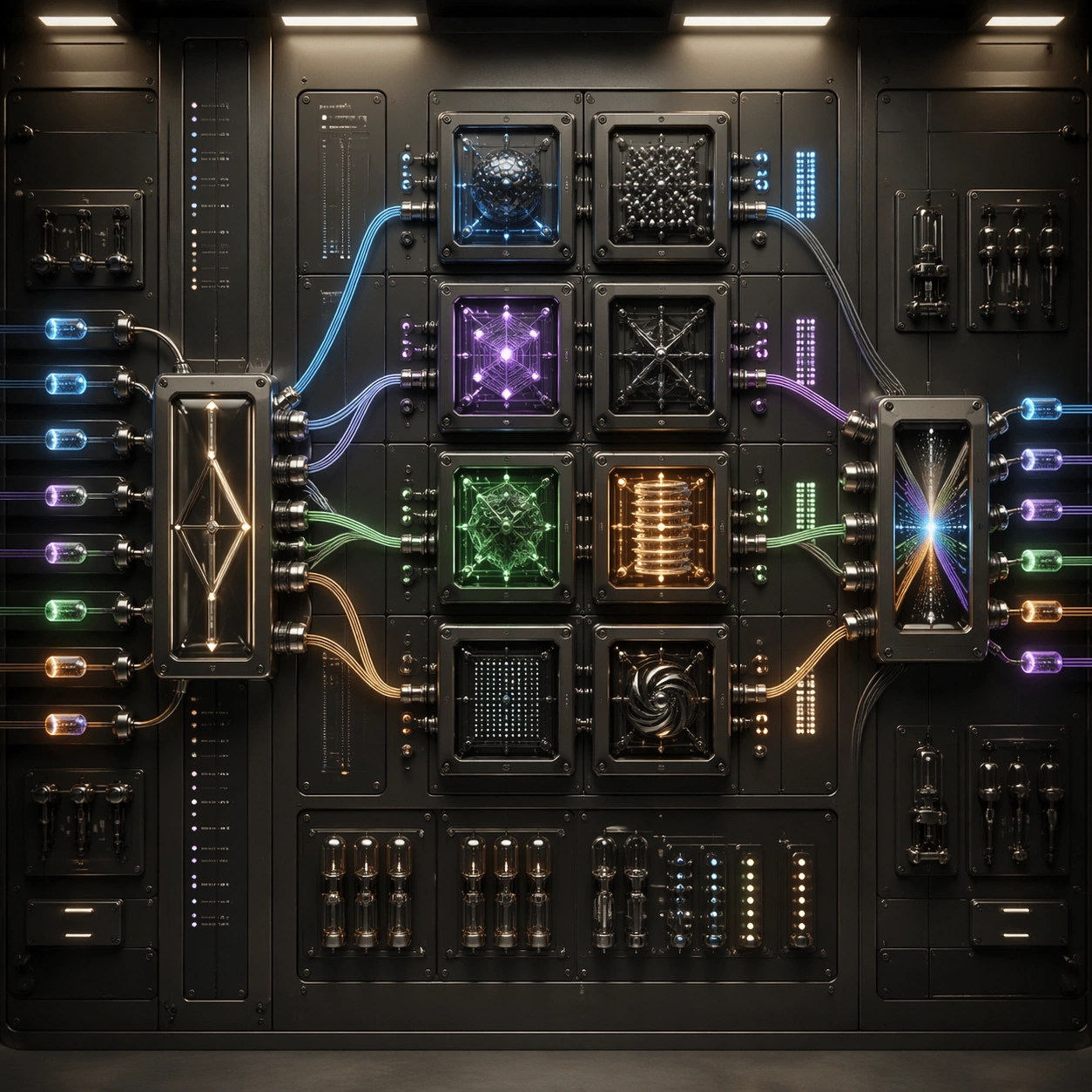
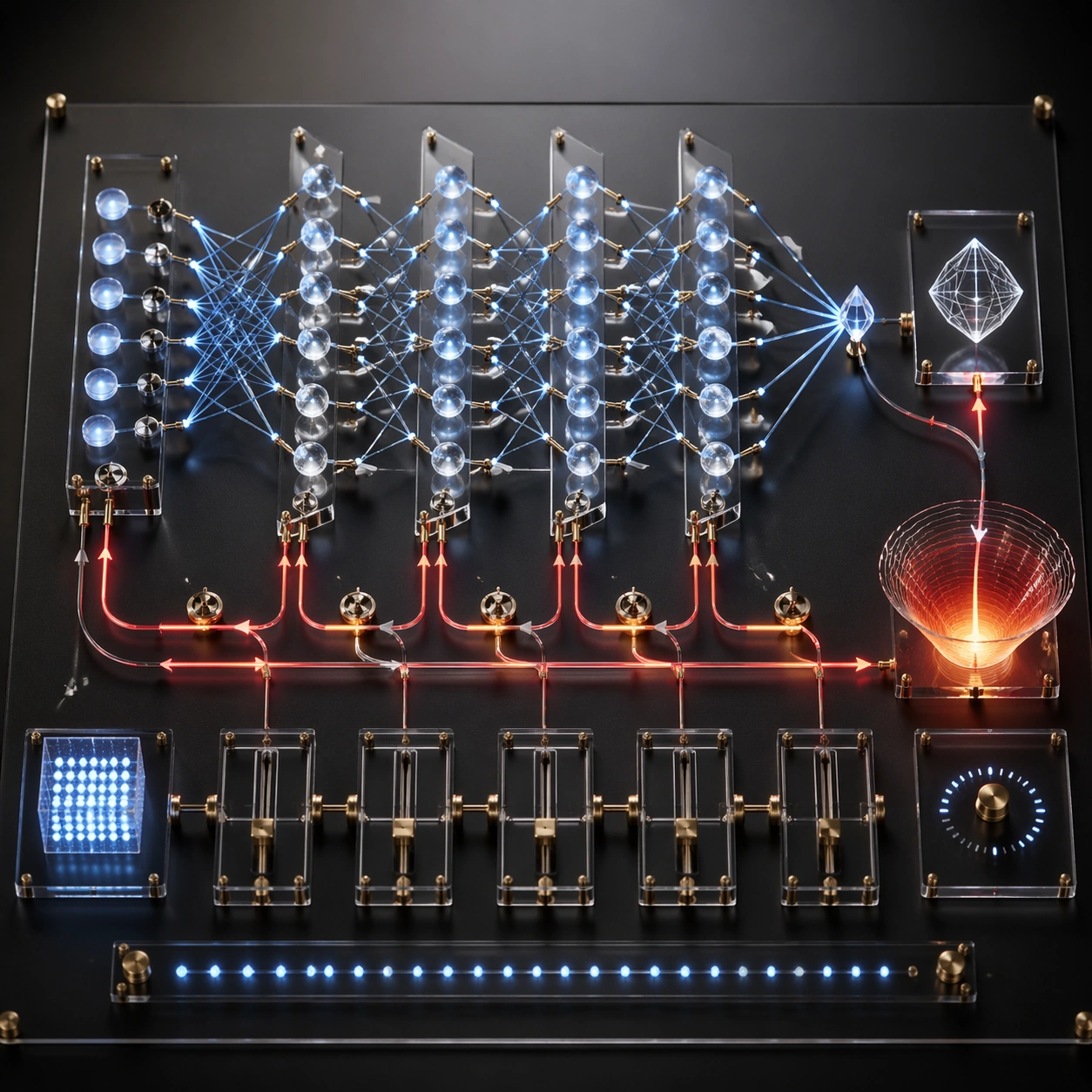
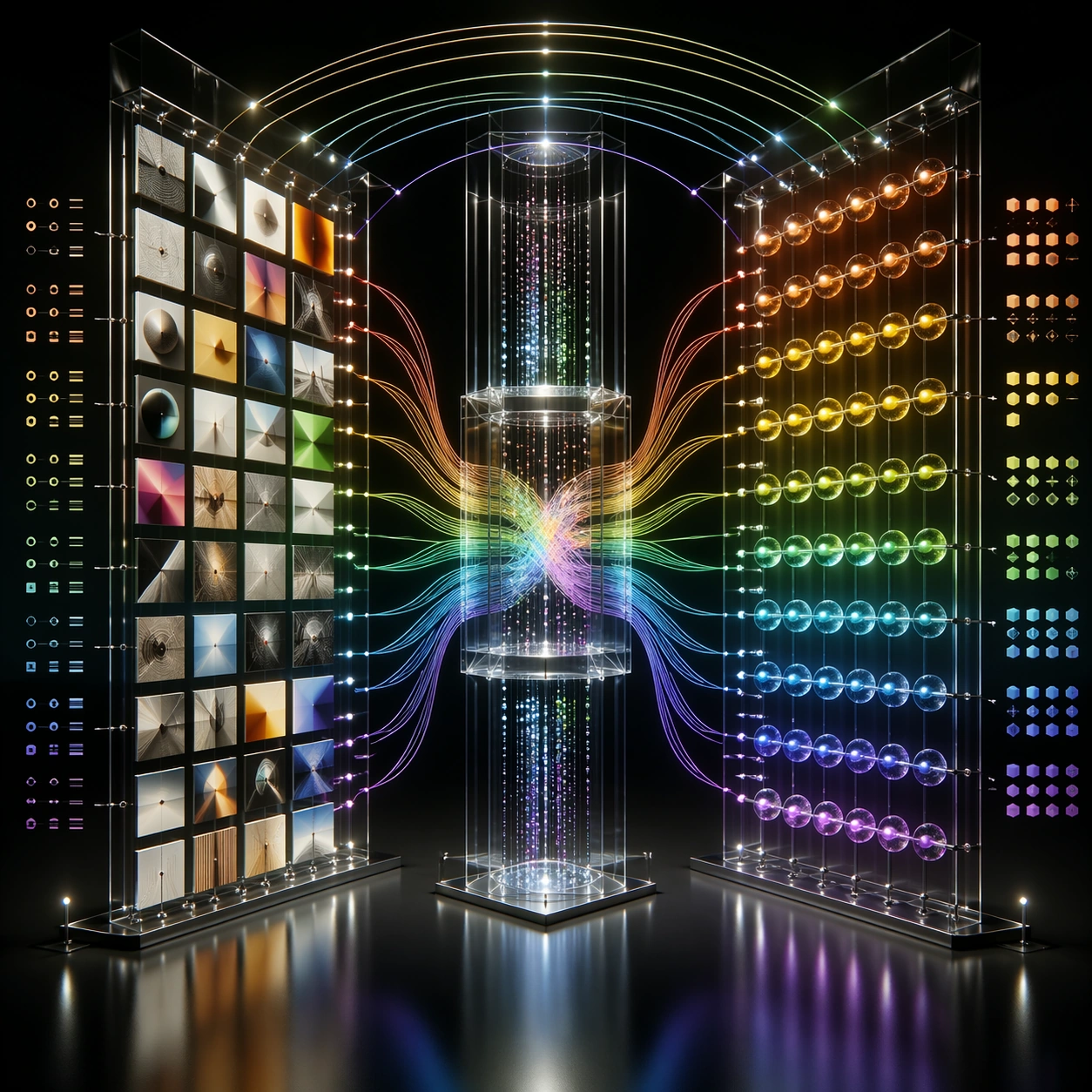
A square photoreal installation in a dark gallery showing how a multimodal neural network connects visual and language-like representations. Use a black reflective floor, suspended image tiles, glass token beads, and luminous bridges between two large transparent towers. The camera is centered and slightly low, giving the scene a monumental but readable structure.

Subject:
On the left, a grid of small image tiles shows abstract objects, colors, shapes, and scenes without text. On the right, clusters of token beads and symbolic sequence blocks represent language structure without readable words. Between them, cross-modal attention bridges carry light in both directions through a central fusion chamber. Some image regions connect to specific token clusters, while global context lines arc over the top. Add abstract alignment marks, similarity bands, and non-readable annotation ticks.

Important details:
The image must show grounding and fusion, not just two decorative columns. Visual patches should map to token clusters through distinct colored paths. The central chamber should merge modalities while preserving separate input streams. Keep the diagram clean, symmetric enough to understand, but rich enough for close inspection. Avoid real captions, real object labels, or any suggestion of private thought text.

Use case:
Neural Network Self-Explanation single study 7/8, testing vision-language cross-attention as a photoreal gallery bridge between image patches and token structures.

Constraints:
No readable text, no watermark, no logos, preserve exact 1:1 aspect ratio, no brand interface, no code, no equations, no private chain-of-thought, no random sci-fi portal, no disconnected image tiles, no text labels, no cluttered bridge crossings.
How to use
- Copy the complete original prompt, including any parameters.
- Replace the subject, text and composition with your own requirements.
- Use a compatible external tool; check its current access conditions and review the result.
Before you start
- Check whether a reference image is required. A compatible model label does not mean this example was generated with that model.
- Keep names, figures and visible text accurate; results can vary between model versions.