UI Design System Prompt

UI Design System Prompt

Original document

GPT Image 2 · zh

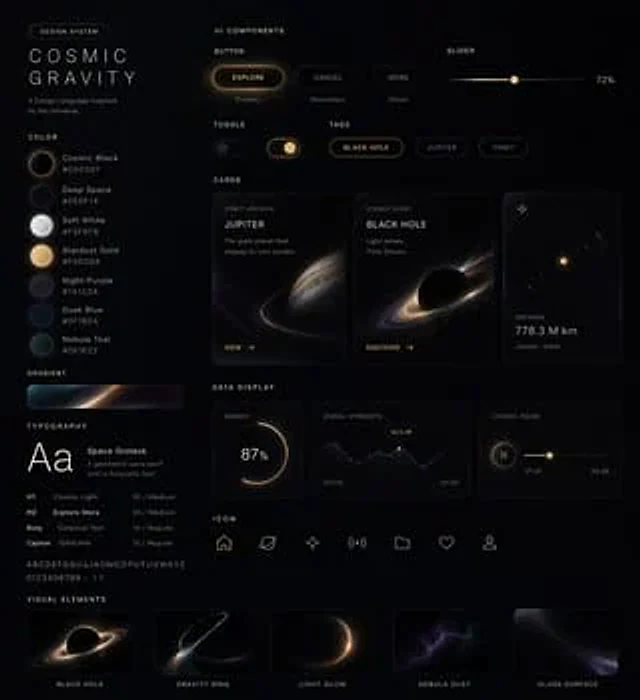
用这种风格帮我生成一套{argument name="主题" default="UI设计系统"},包含{argument name="组件列表" default="网页、移动端、卡片、控件、按钮 以及其它"} 

把这套视觉风格作为参考生成网页

How to use

  1. Copy the complete original prompt, including any parameters.
  2. Replace the subject, text and composition with your own requirements.
  3. Use a compatible external tool; check its current access conditions and review the result.

Before you start

  • Check whether a reference image is required. A compatible model label does not mean this example was generated with that model.
  • Keep names, figures and visible text accurate; results can vary between model versions.
More like this

UI Design System Prompt
GPT Image 2en

Using this style helped me generate a set{argument name="theme" default="UI design system"} ,include{argument name="components" default="Web, mobile, cards, controls, buttons and other components"} Please use this visual style as a reference to generate a webpage.

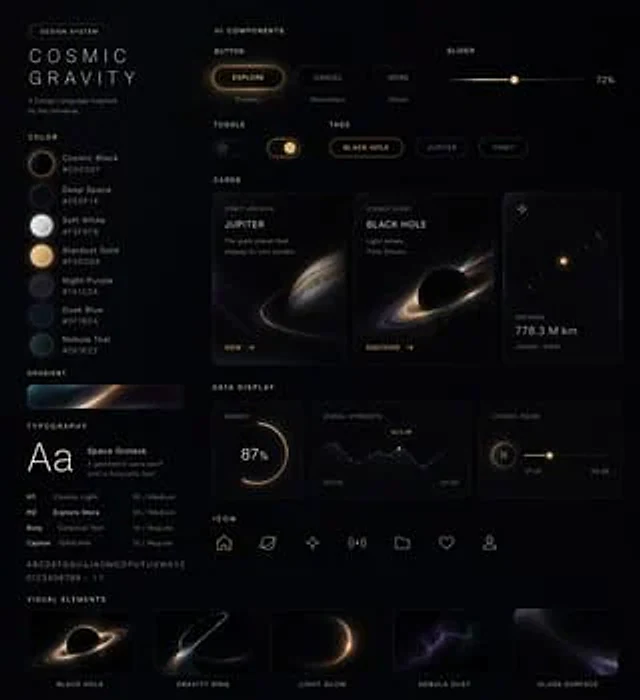
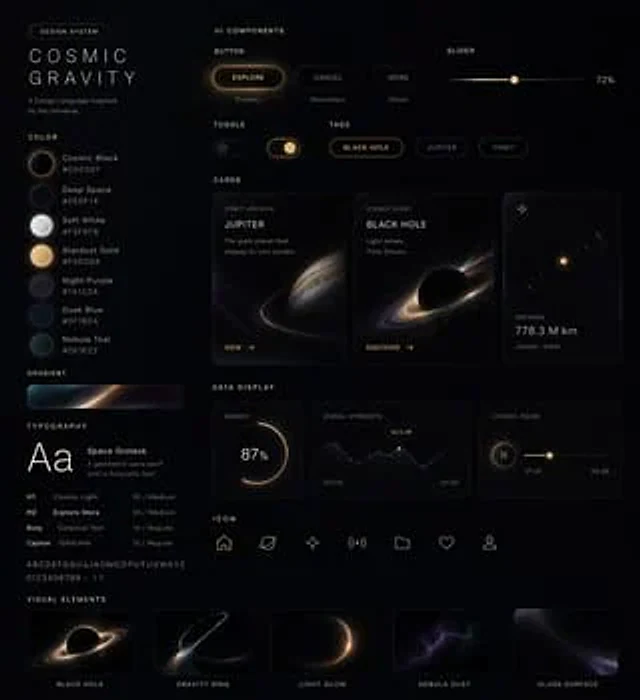
Cosmic Dark Mode UI Design System
GPT Image 2en

{ "type": "UI design system", "theme": "Dark mode, space-inspired, glowing decorations", "header": { "label": "Design System", "title": "{argument name=\"system name\" default=\"COSMIC GRAVITY\"}", "subtitle": "{argument name=\"theme description\" default=\"A De

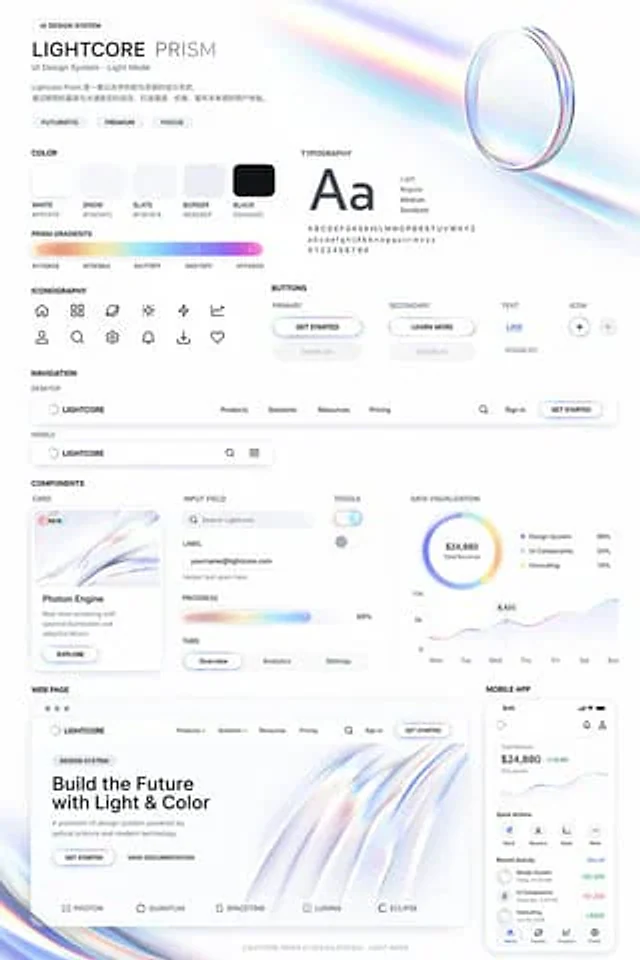
Light Mode UI Design System Board
GPT Image 2en

{ "type": "UI design system demonstration project", "theme": "{argument name=\"visual theme\" default=\"Optical Science and Light Refraction\"}", "overall_aesthetic": "A clean white background, light color mode, futuristic and sophisticated feel; its distinctive feature lie

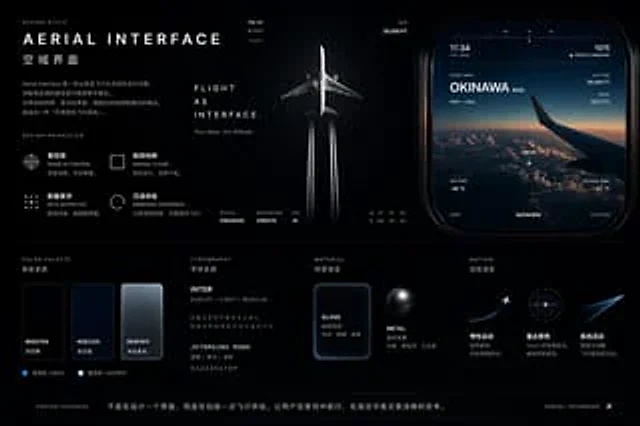
Aviation-Themed UI Design System Board
GPT Image 2en

{ "type": "UI/UX Design System Concept Project", "theme": "Aviation and Flight Interface", "overall_style": "Dark mode, stylish, modern, technological, futuristic, glass-like.", "layout": { "top_left": { "section": "Design Style", "title": "{argument name=