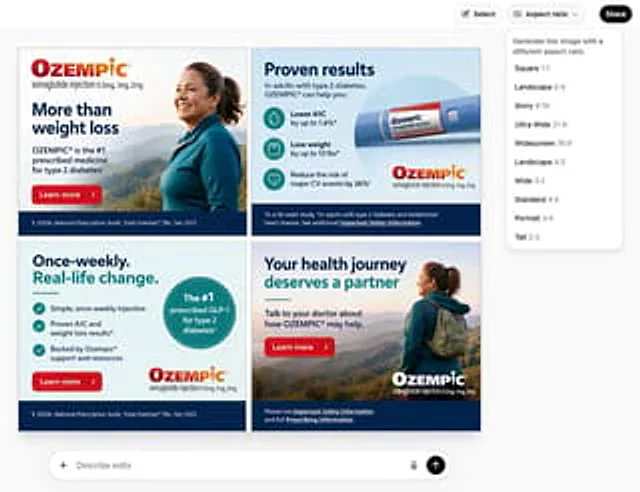
Multi-Frame Banner Advertisement

Multi-Frame Banner Advertisement

Original document

GPT Image 2 · en

Create a containing{argument name="layout" default="Four frames"} of{argument name="dimensions" default="300x250"} Banner advertisement image, product is{argument name="product" default="Ozempic"}

How to use

  1. Copy the complete original prompt, including any parameters.
  2. Replace the subject, text and composition with your own requirements.
  3. Use a compatible external tool; check its current access conditions and review the result.

Before you start

  • Check whether a reference image is required. A compatible model label does not mean this example was generated with that model.
  • Keep names, figures and visible text accurate; results can vary between model versions.
More like this

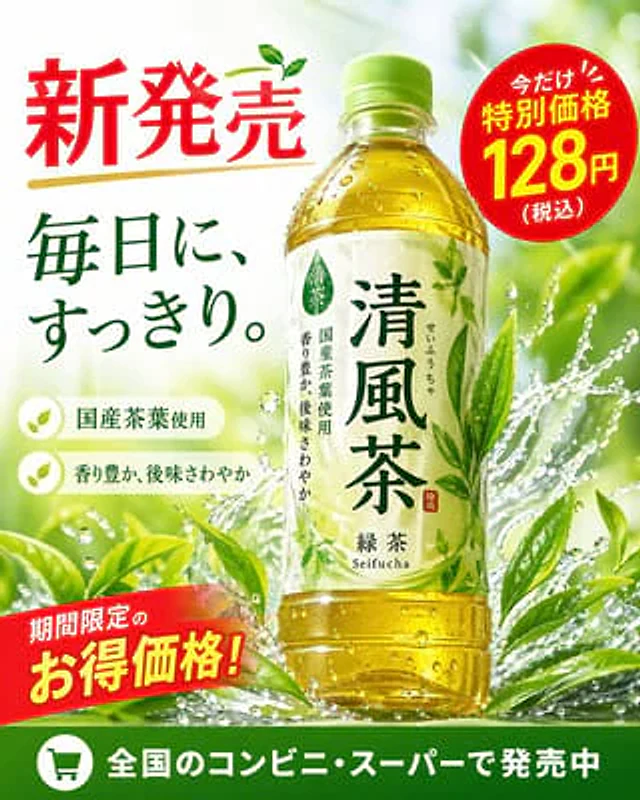
Green Tea Bottle Advertisement Poster
GPT Image 2en

{ "type": "Bottled green tea beverage promotional poster", "product": { "type": "Transparent PET plastic bottle containing yellow-green tea", "label": "A white label with green lettering containing the product name.{argument name=\"product name\" default=\"Seifu Tea\"

4-Panel Japanese Advertising Banner Grid
GPT Image 2en

{ "type": "2x2 Banner Grid", "layout": "Four different quadrants, each containing commercials of different styles.", "quadrants": [ { "position": "Top left", "industry": "Skincare and Makeup", "visuals": "A close-up portrait of a young Asian woman with

4-Panel Japanese Ad Banner Grid
GPT Image 2en

{ "type": "2x2 grid of Japanese web banner advertisements", "layout": "4 equal square panels", "panels": [ { "position": "top-left", "industry": "beverage", "product": "clear can of non-alcoholic drink named 'CLEAR ZERO'", "visuals": "splashing w