
Original document
GPT Image 2 · en
Scene:
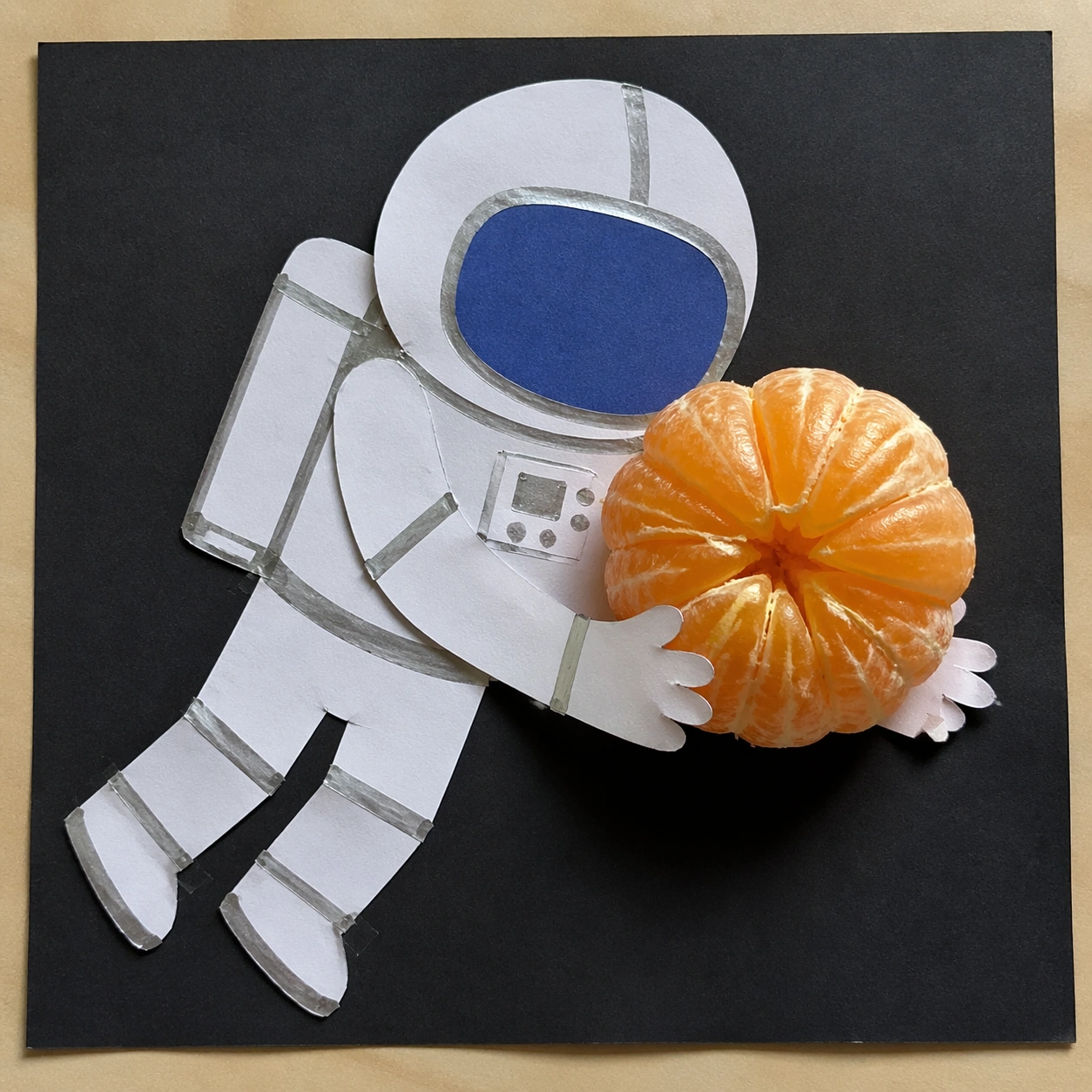
A square overhead photograph of a handmade paper collage on a neutral studio table. The lighting is bright but soft, coming from the upper left, so paper edges, torn fibers, and one real object shadow are easy to read. The composition should feel like a school craft project suddenly sharing space with a high-resolution photographed object.

Subject:
A flat paper-cut astronaut floats diagonally across the page. The astronaut is built from simple white construction paper shapes, silver marker outlines, blue paper visor, taped seams, and visible scissor imperfections. It remains completely two-dimensional, like a collage glued to the page. In front of the astronaut's flat hands is a photoreal peeled orange segment cluster, glossy with juice sacs, tiny pith threads, translucent pulp, and a rounded mound shape.

Important details:
The orange must be the only real 3D object. It should cast a warm shadow onto the paper astronaut's suit and cover part of the flat hands, while its wet surface catches small highlights that do not appear on the paper collage. The astronaut should not become a realistic 3D figure or spacesuit. The challenge is precise layer separation: table surface, glued paper collage, real citrus above it, believable shadow and contact. Keep the scene playful but physically credible.

Use case:
2D and 3D Medium Collision single study 7/8, testing collage flatness against photoreal organic translucency and sticky material detail.

Constraints:
No readable text, no watermark, no logos, preserve exact 1:1 aspect ratio, no space background, no real astronaut body, no package branding, no extra fruit, no cartoon orange, no floating shadowless object.
How to use
- Copy the complete original prompt, including any parameters.
- Replace the subject, text and composition with your own requirements.
- Use a compatible external tool; check its current access conditions and review the result.
Before you start
- Check whether a reference image is required. A compatible model label does not mean this example was generated with that model.
- Keep names, figures and visible text accurate; results can vary between model versions.