Original document
GPT Image 2 · en
Scene:
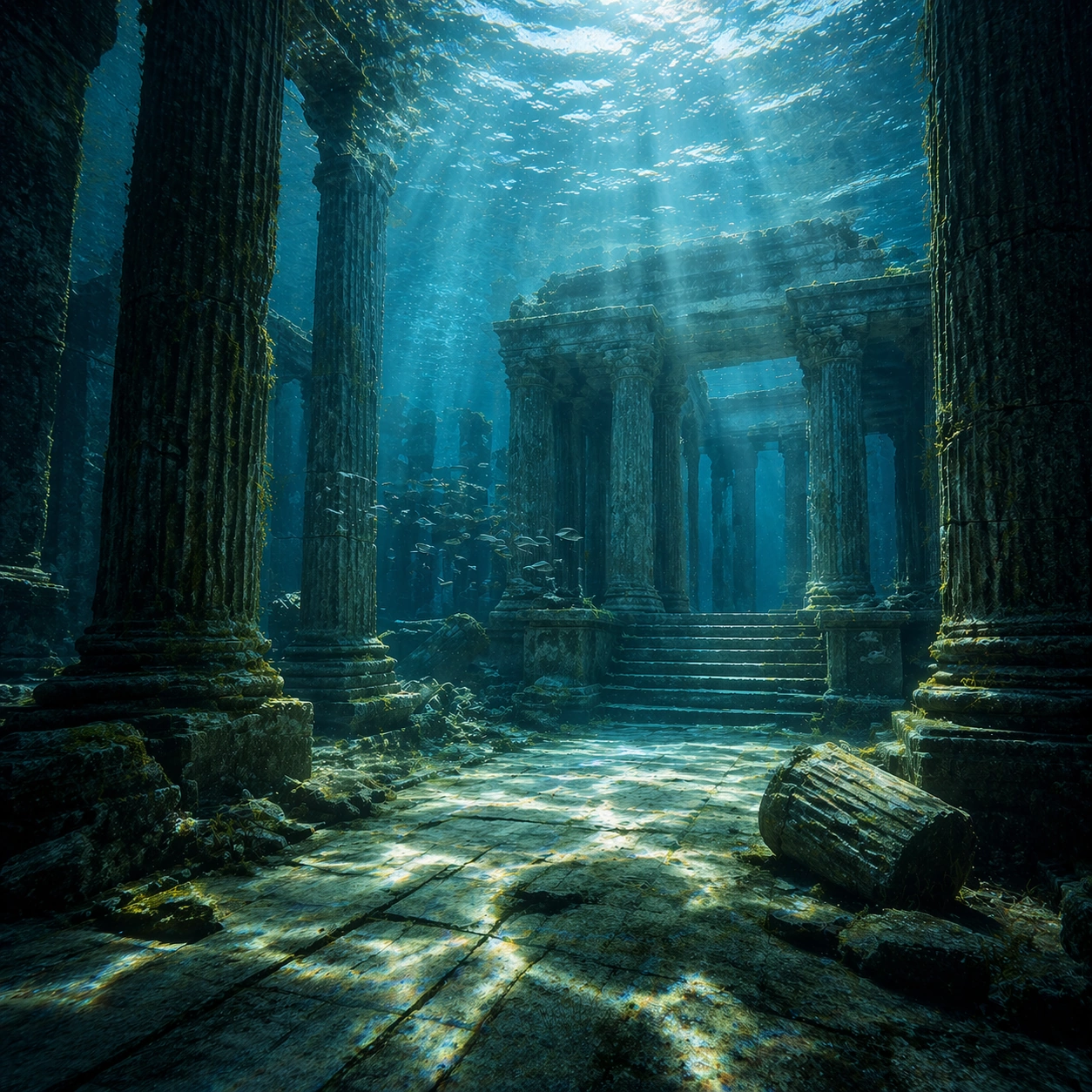
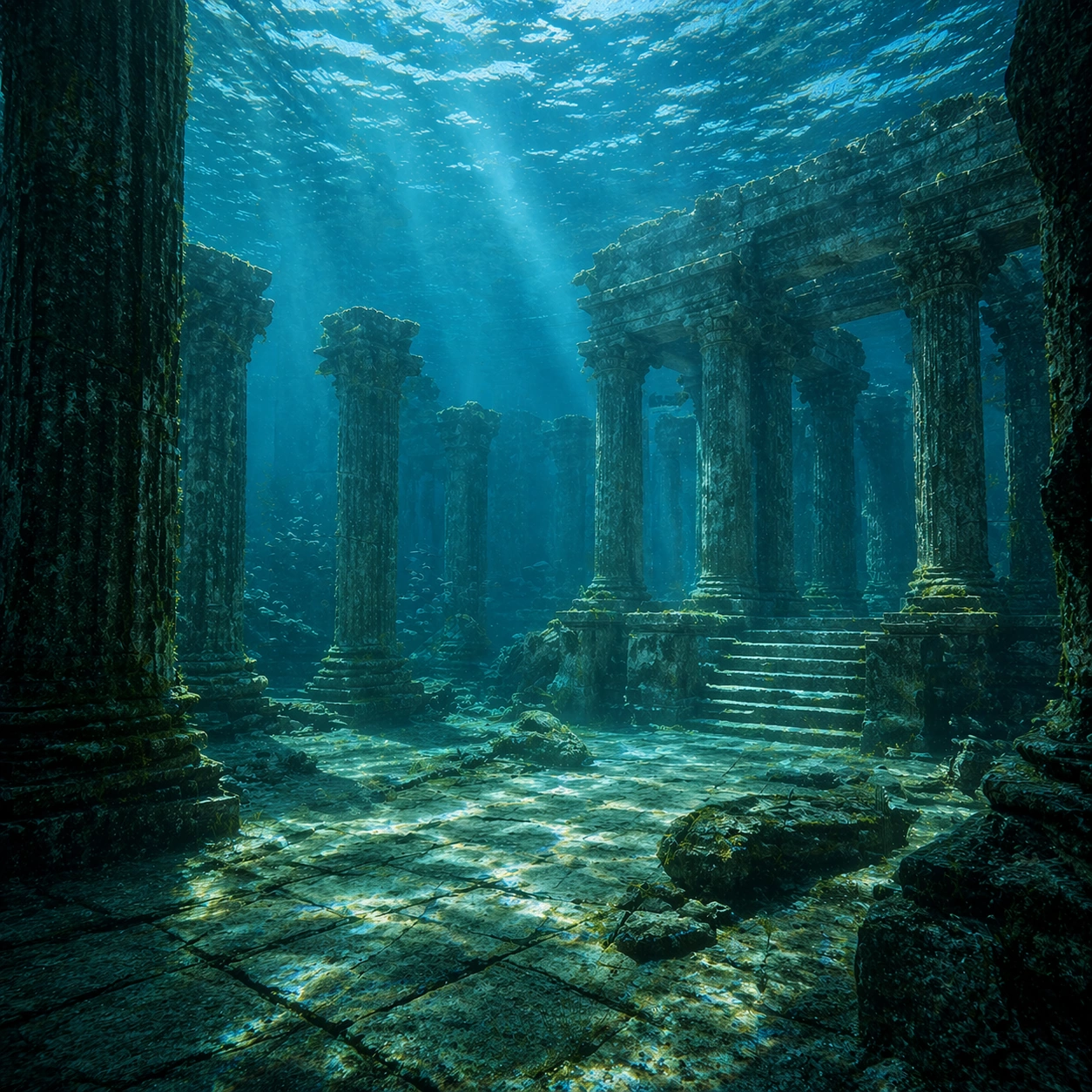
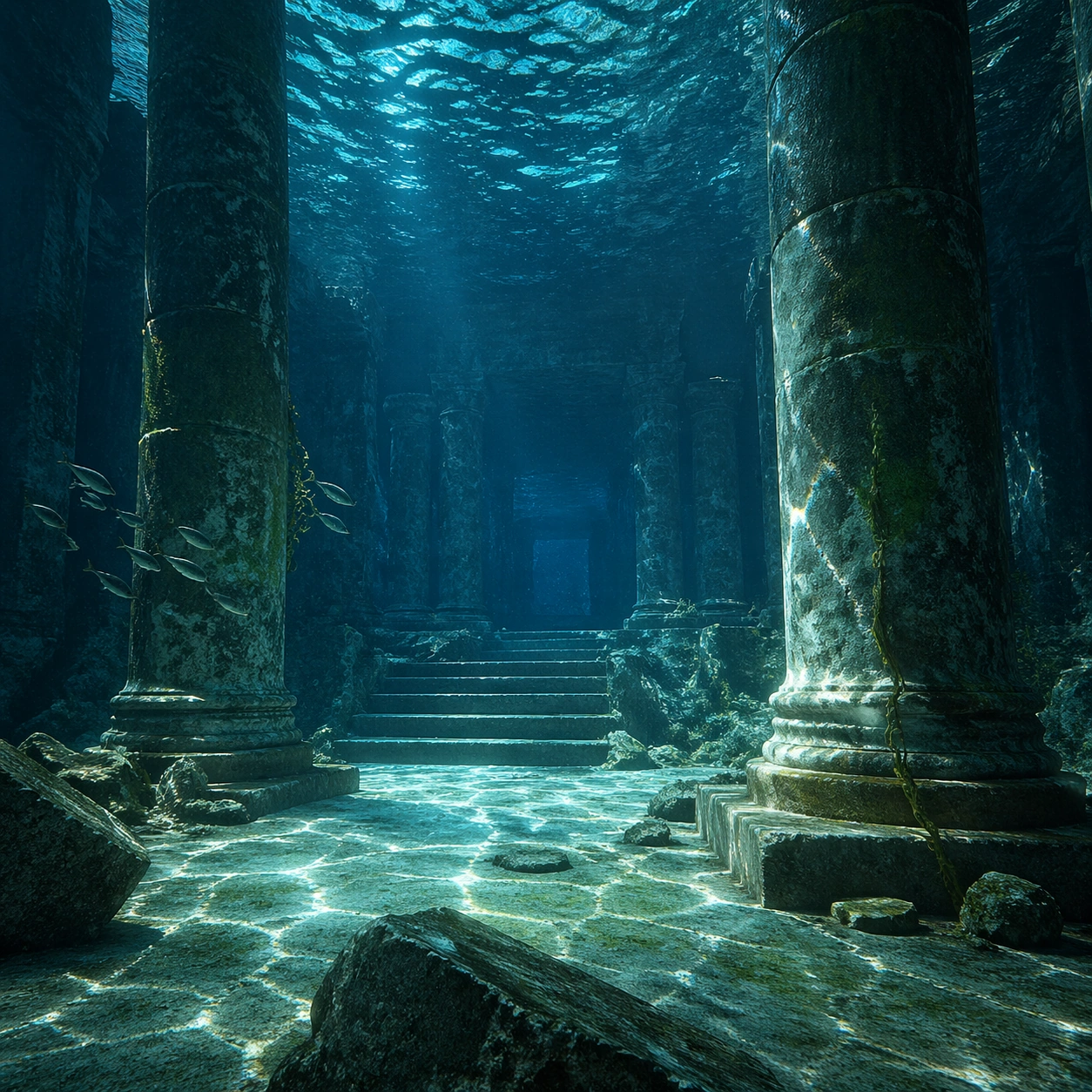
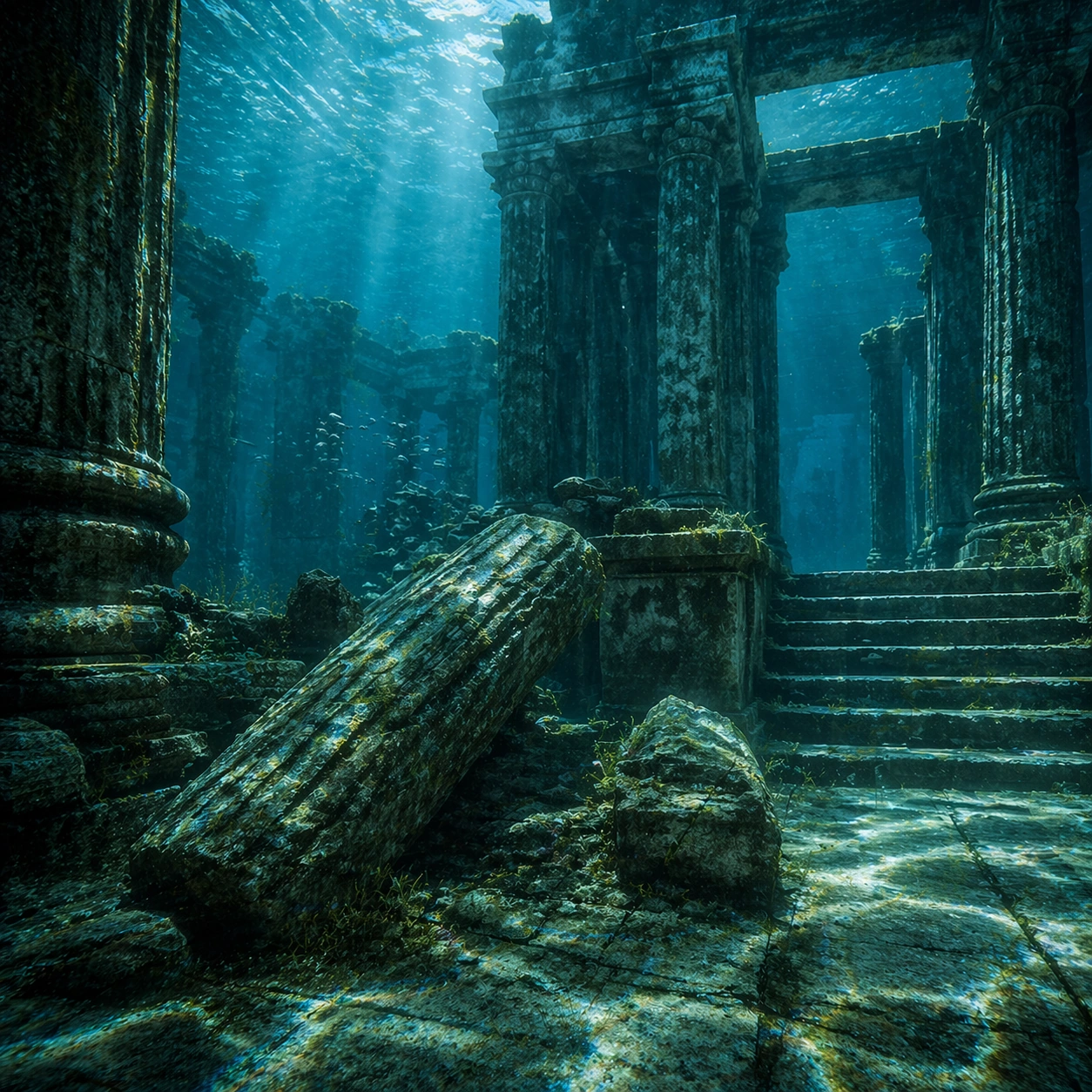
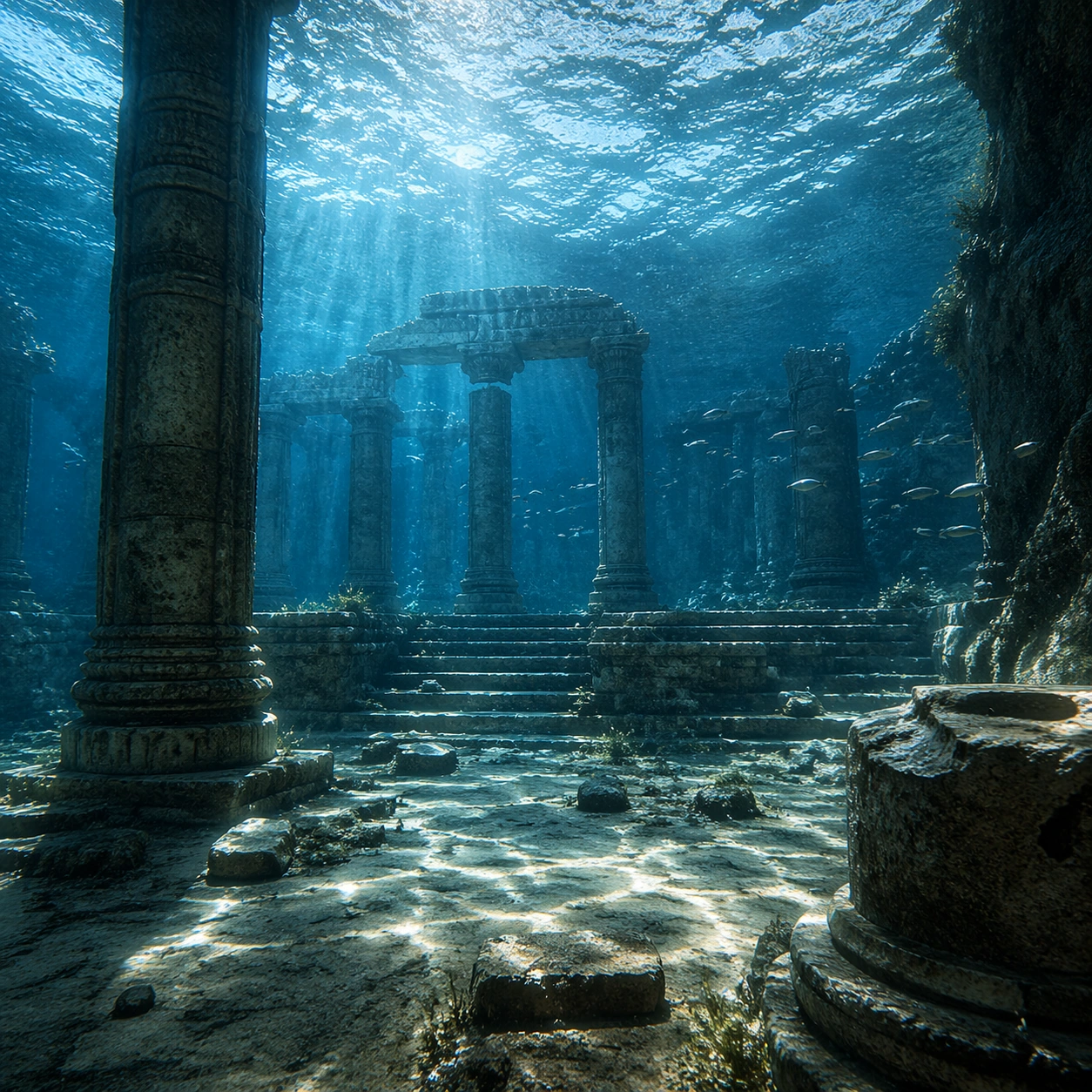
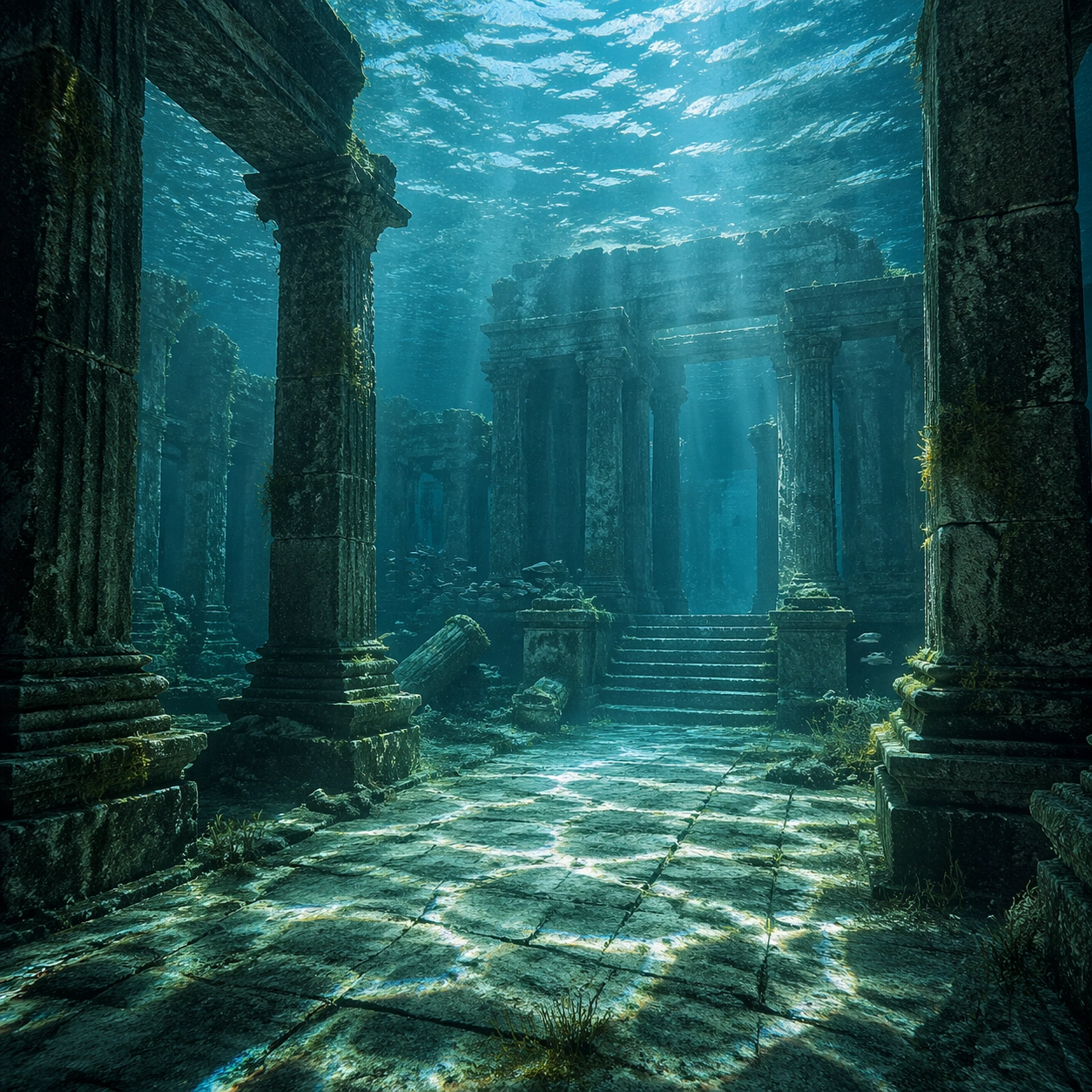
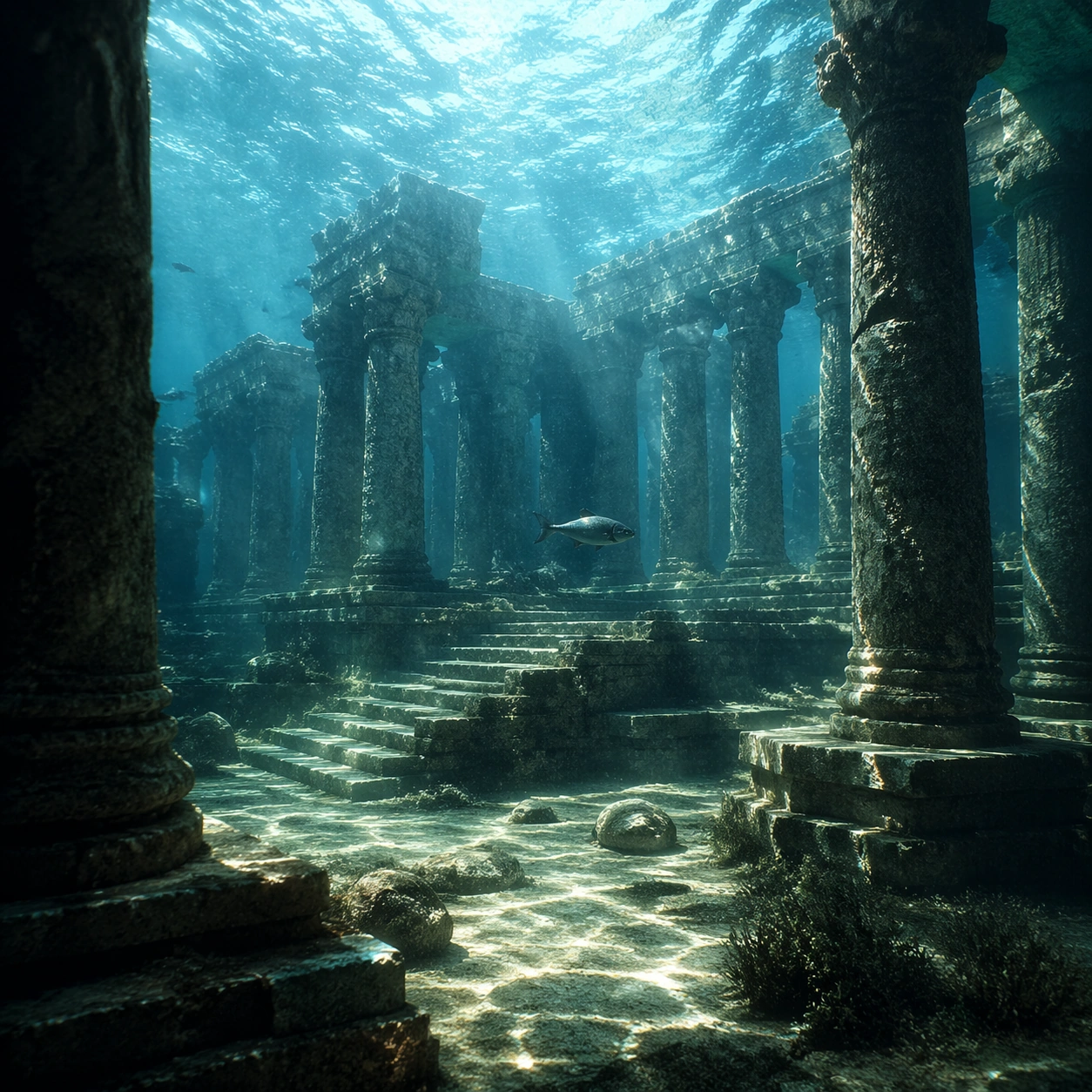
Create a square cinematic still for Underwater Caustics Temple. Use production-grade photoreal lighting, disciplined lens behavior, and a composition that feels like a finished key frame from an original film rather than a casual snapshot. A flooded ancient temple hall sits under clear seawater, where refracted sunlight ripples across columns, steps, and the stone floor in moving caustic bands, while the water body above remains bright and softly turbulent. Compose an independent frame where one human, animal, or object silhouette negotiates with the atmospheric light event in a clean, readable way.

Subject:
Build a coherent original scene whose emotional center comes from atmosphere, light physics, and spatial clarity. Avoid relying on celebrity likeness, franchise iconography, or stylized illustration shortcuts. Weathered pillars, broken carvings, drifting silt, threadlike algae, and a single calm fish or small school gliding through the chamber should provide scale and life without turning the frame into an aquarium fantasy. The silhouette should supply scale and emotional orientation, but the environment still needs to carry most of the storytelling weight.

Important details:
Preserve a believable physical world with strong depth layering, careful color separation, and premium image discipline. Make the caustics physically convincing on hard stone surfaces, with believable attenuation, soft blue-green depth, particulate haze, and refraction logic that sells the image as a real submerged space rather than a digital backdrop. Keep the silhouette simple and believable, avoiding poster-like graphic flattening while preserving strong contrast.

Use case:
Caustics Temple single study 6/9.

Constraints:
No readable text, no watermark, no logos, preserve exact 1:1 aspect ratio, no divers, no submarines, no treasure-chest cliches, no readable inscriptions, no cartoon coral overload.
How to use
- Copy the complete original prompt, including any parameters.
- Replace the subject, text and composition with your own requirements.
- Use a compatible external tool; check its current access conditions and review the result.
Before you start
- Check whether a reference image is required. A compatible model label does not mean this example was generated with that model.
- Keep names, figures and visible text accurate; results can vary between model versions.