Original document
GPT Image 2 · en
Scene:
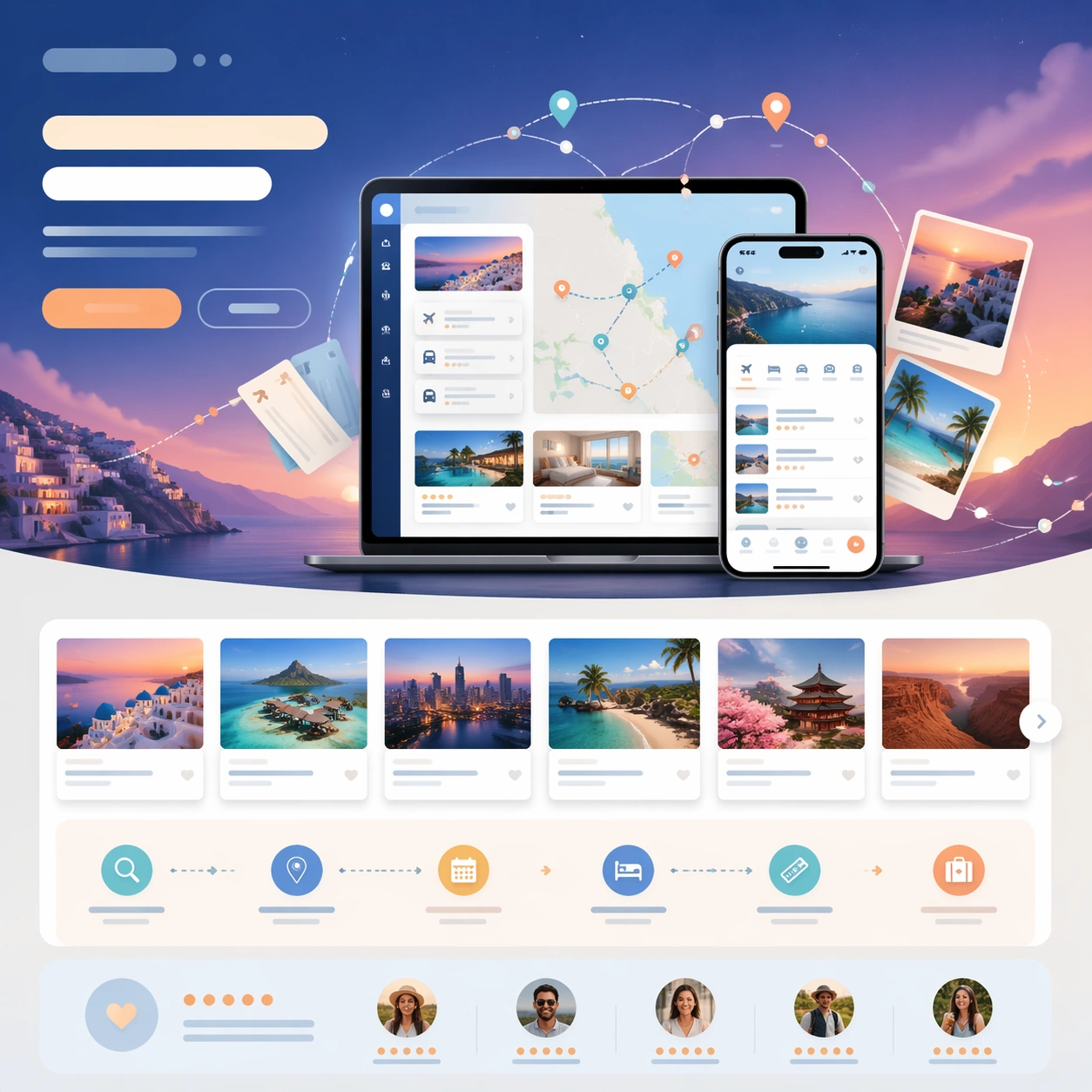
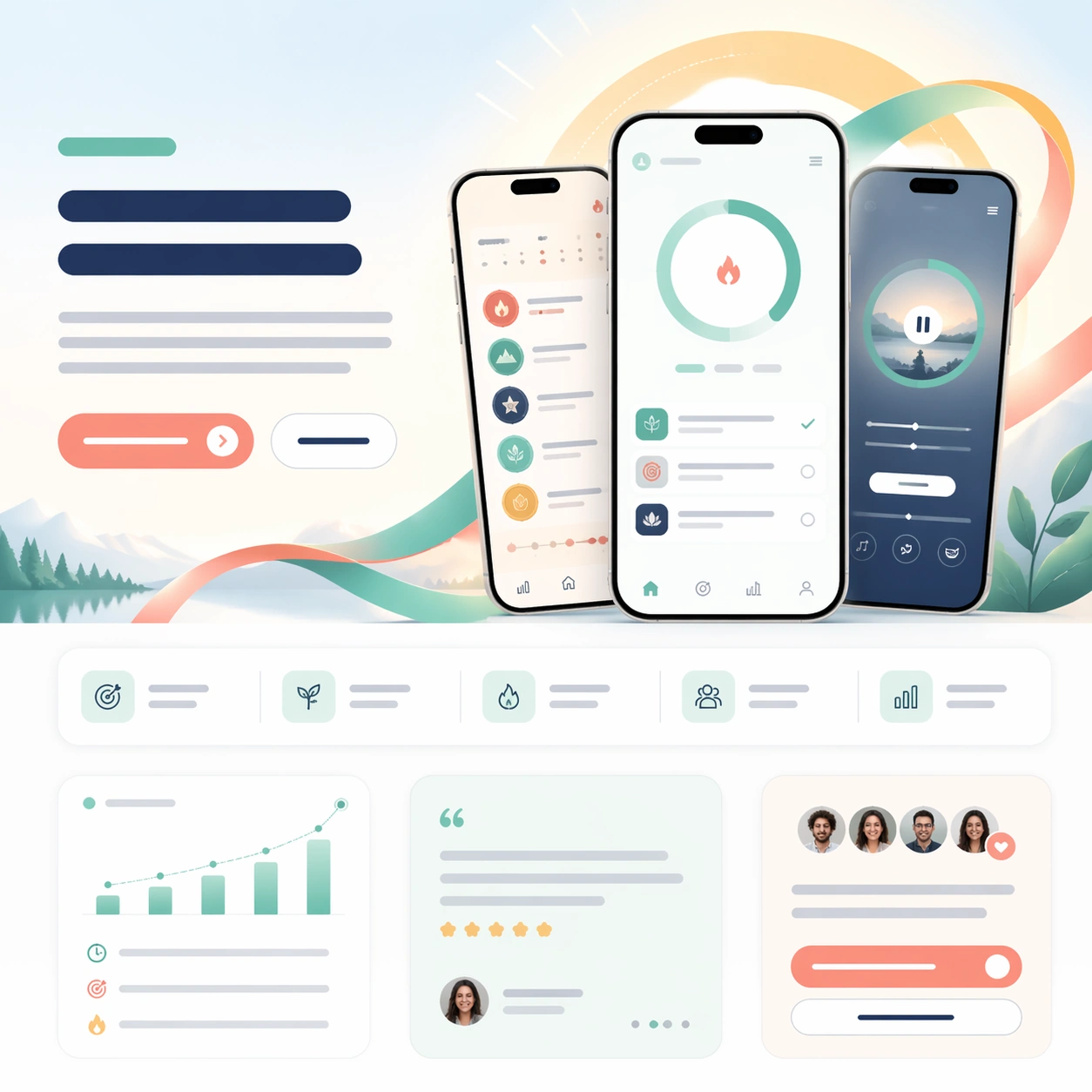
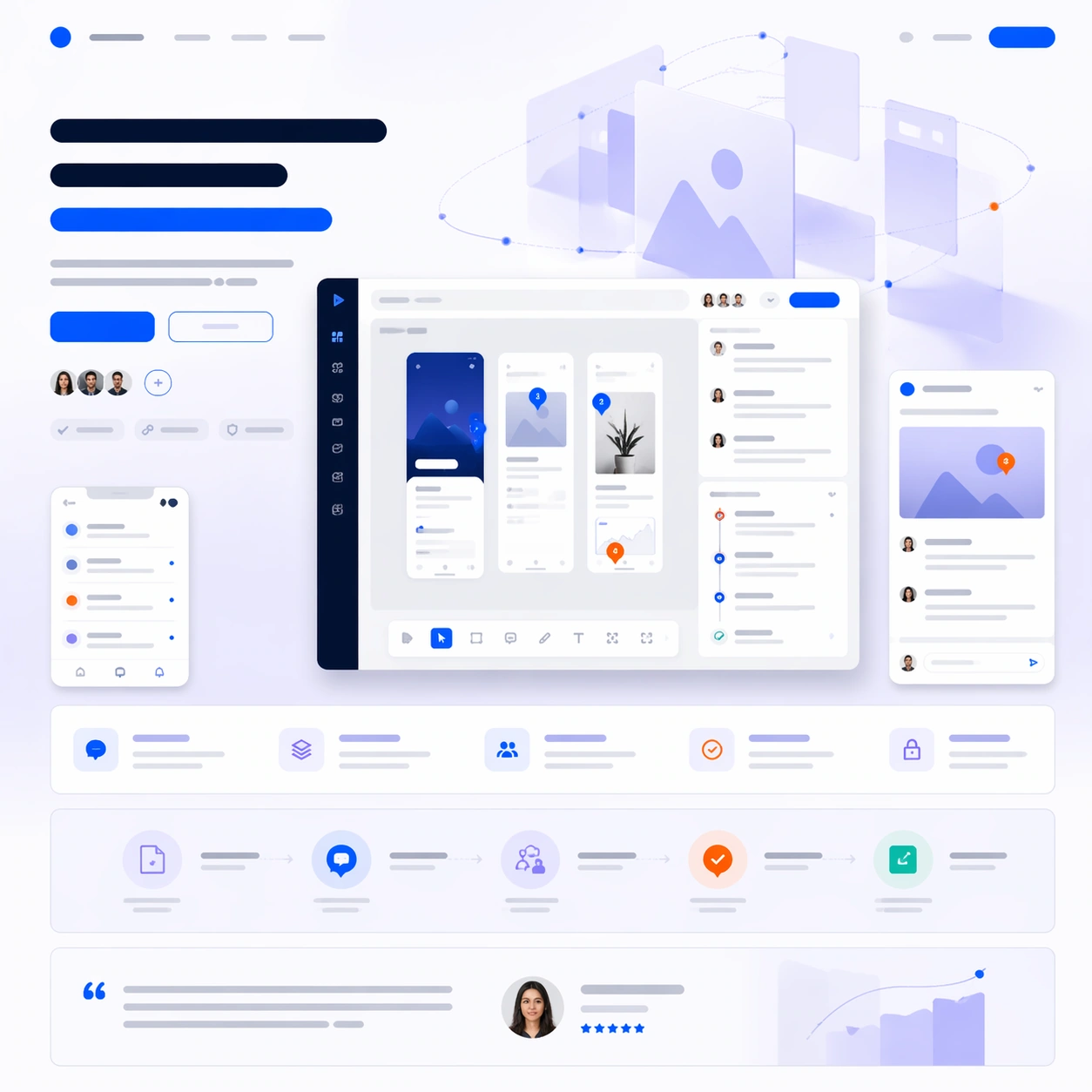
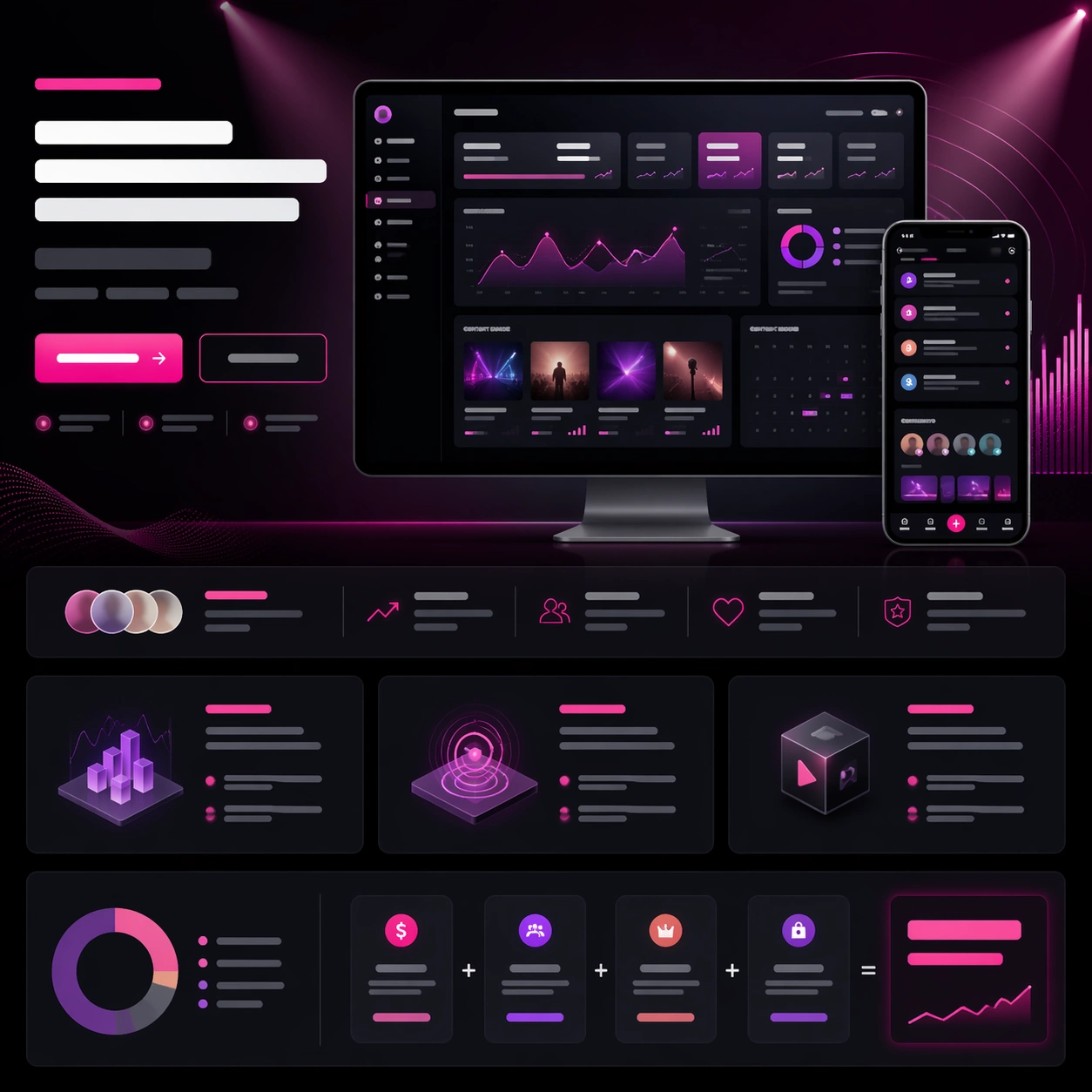
A square mobile-first app launch-page still with bright cobalt, cream, lemon, and coral accents, styled like a confident consumer-product website with strong onboarding energy. The composition should feel lively but controlled, with a centered phone hero, playful modular cards below, and a subtle illustrated backdrop that suggests momentum and travel. Keep the layout polished enough to feel like a real launch asset from a mature language-learning company.

Subject:
Show a tall phone mockup for a language-learning sprint app at the center, with screens implying short lesson cards, pronunciation waves, conversation bubbles, and progress ladders. Flank it with two smaller device crops showing a vocabulary challenge and a weekly streak calendar. Build a launch-page frame around the devices using an abstract headline zone, CTA buttons, small trust badges, a benefits grid, and a testimonial row with circular portraits. Add a hero motif of colorful map arcs and speech-sound rings drifting behind the phone stack.

Important details:
The image must sell a full launch page, not just a pretty app UI. Maintain a believable story flow from aspirational hero to feature proof to social proof to conversion. Use strong spacing and consistent mobile UI language across every screen. All copy must remain unreadable, appearing only as bars, dots, and stylized blocks. Avoid toy-like clutter; the page should feel globally marketable, premium, and modular enough to be repurposed into app-store visuals or social campaign crops.

Use case:
App Launch Hero System single study 5/9, testing whether a consumer language app can combine cheerful brand motion, mobile proof, and launch-page structure in one image.

Constraints:
No readable text, no watermark, no logos, preserve exact 1:1 aspect ratio, no browser chrome, no national flags dominating the frame, no cartoon owl mascot, no overloaded sticker clutter, no fake app-store text, no bent phone geometry.
How to use
- Copy the complete original prompt, including any parameters.
- Replace the subject, text and composition with your own requirements.
- Use a compatible external tool; check its current access conditions and review the result.
Before you start
- Check whether a reference image is required. A compatible model label does not mean this example was generated with that model.
- Keep names, figures and visible text accurate; results can vary between model versions.