Original document
GPT Image 2 · en
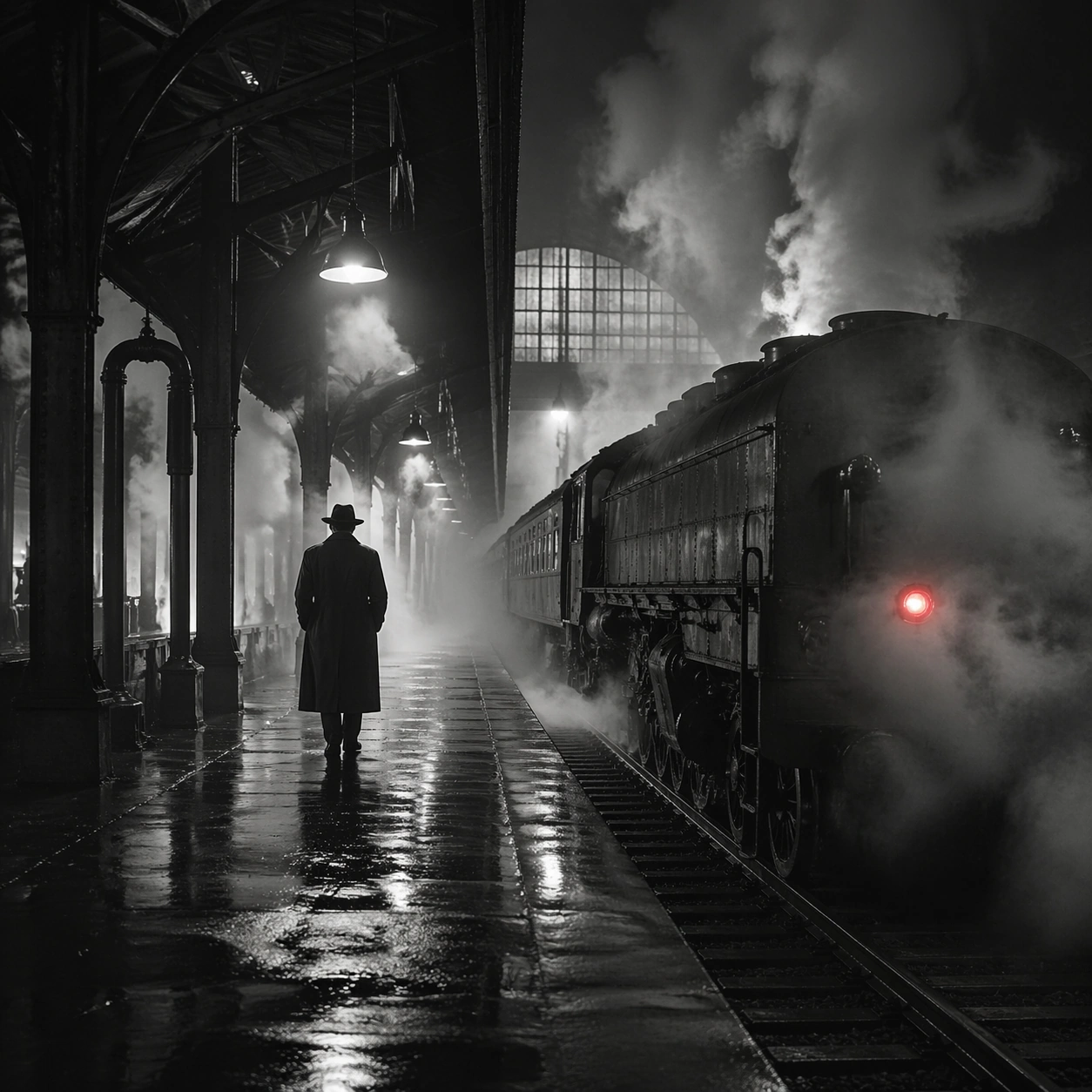
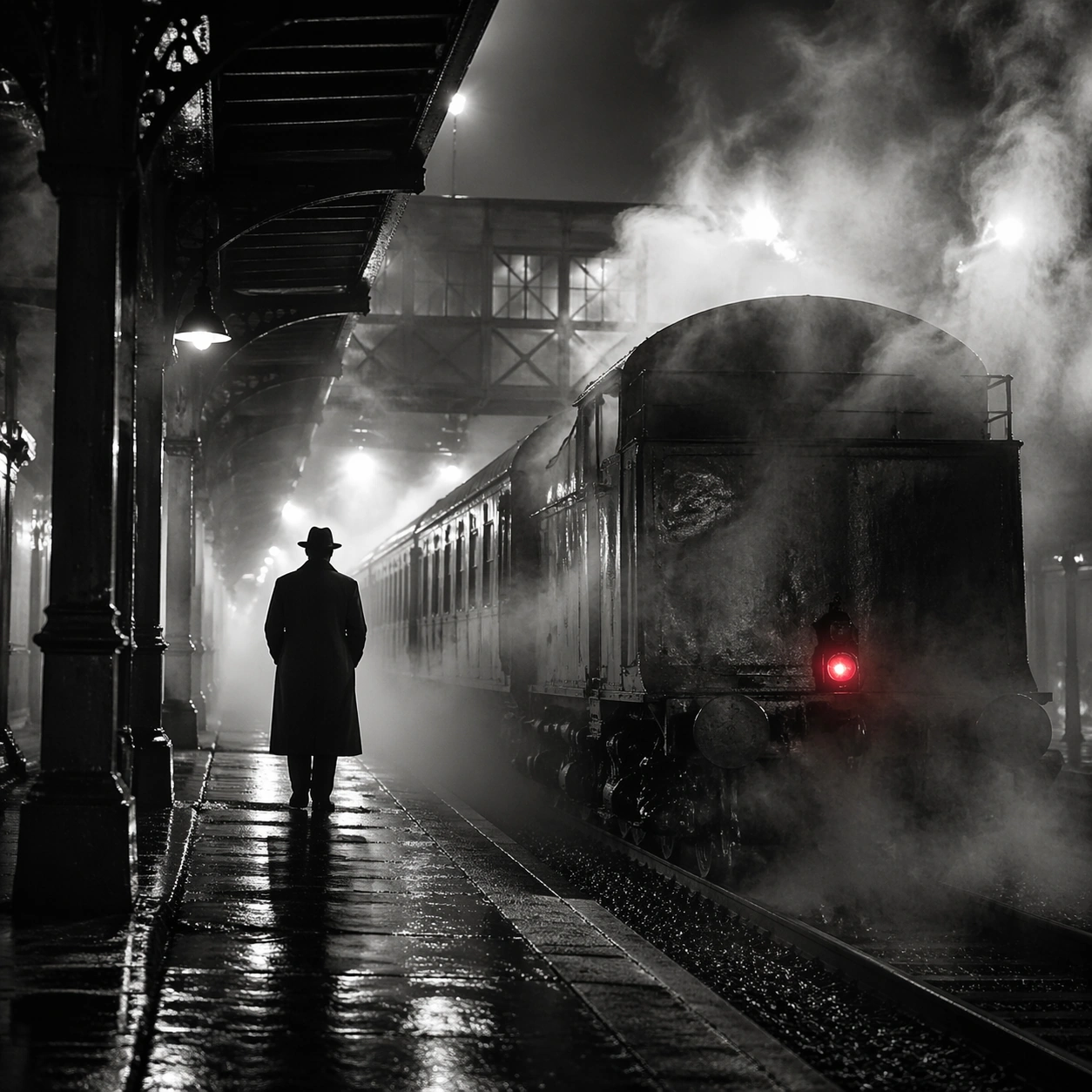
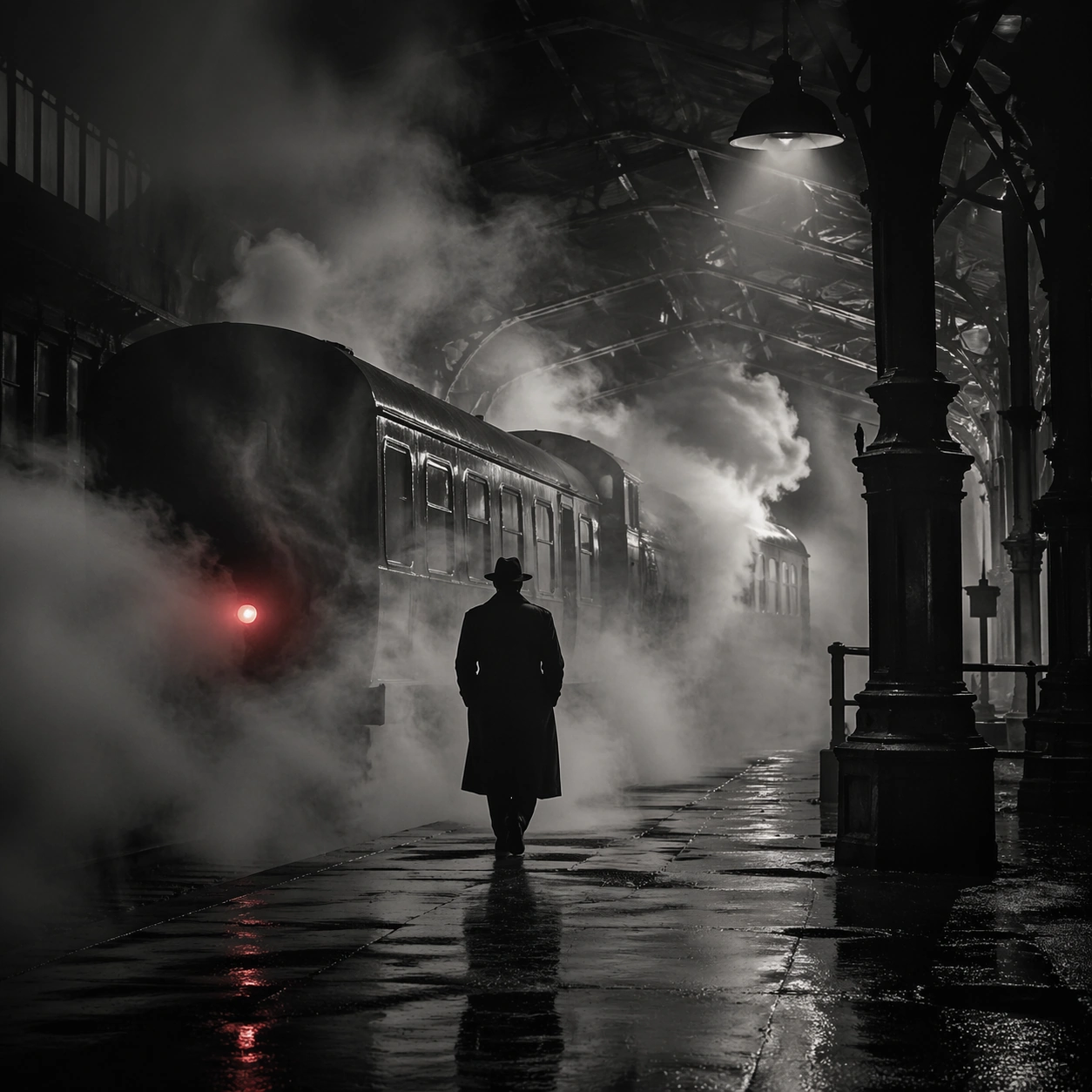
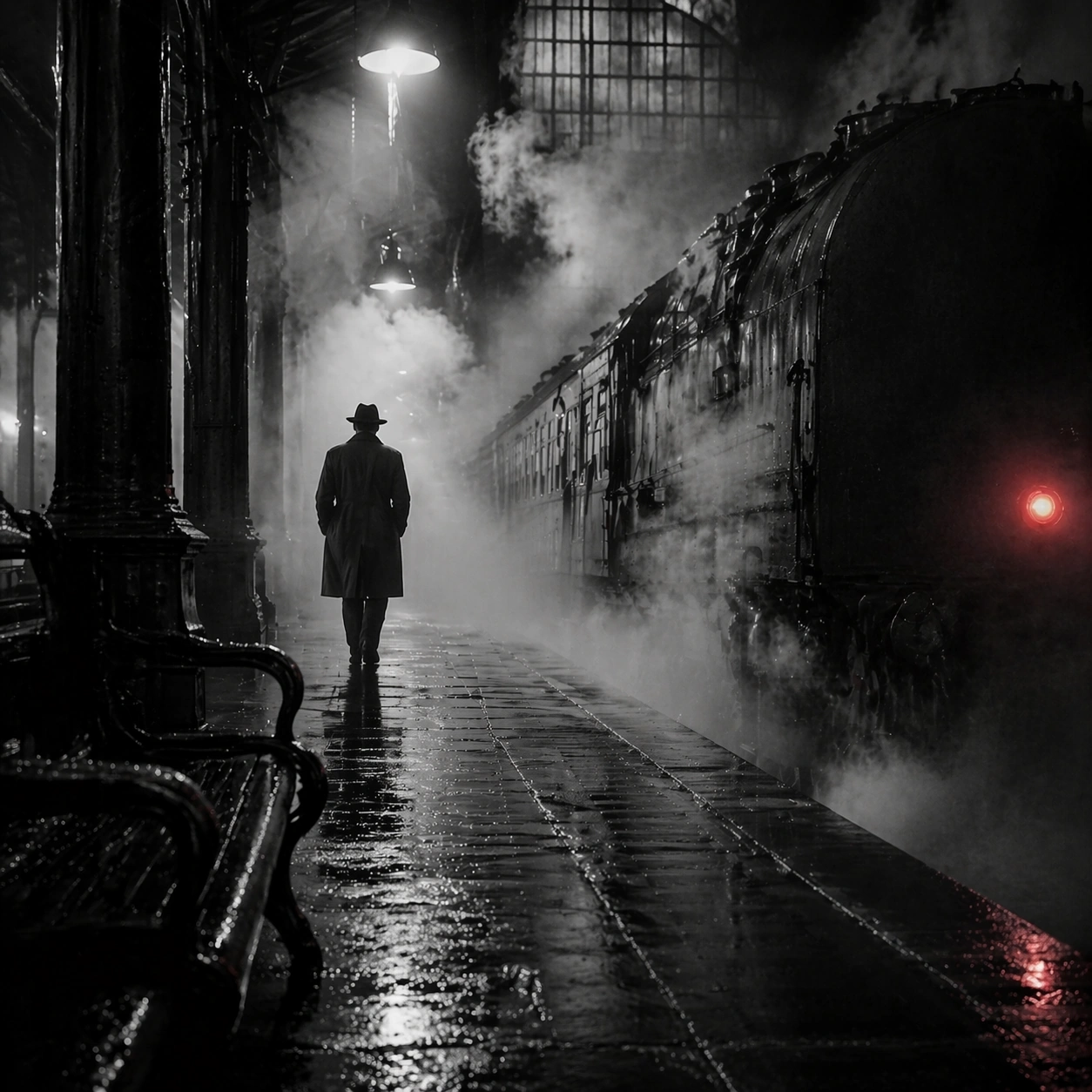
Scene:
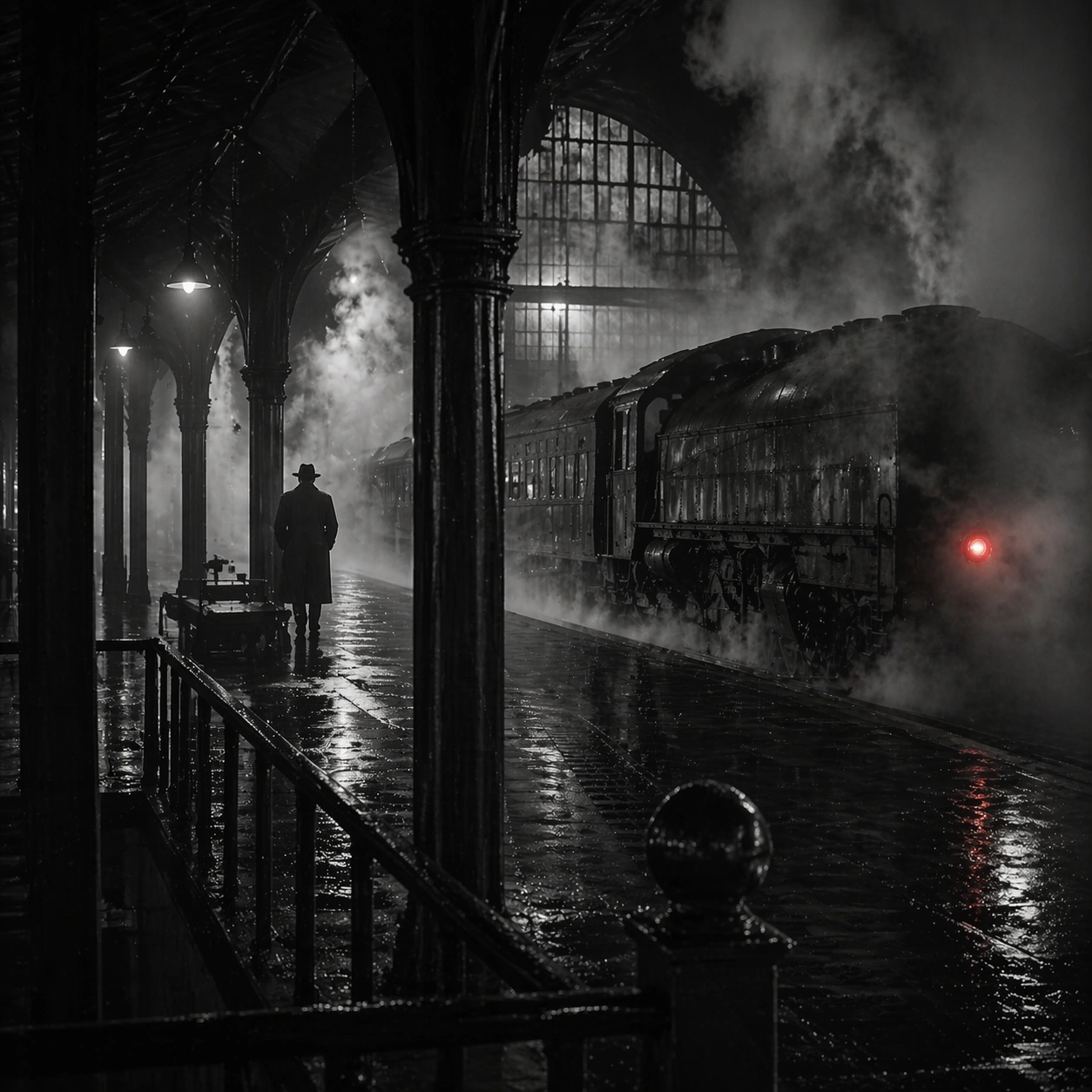
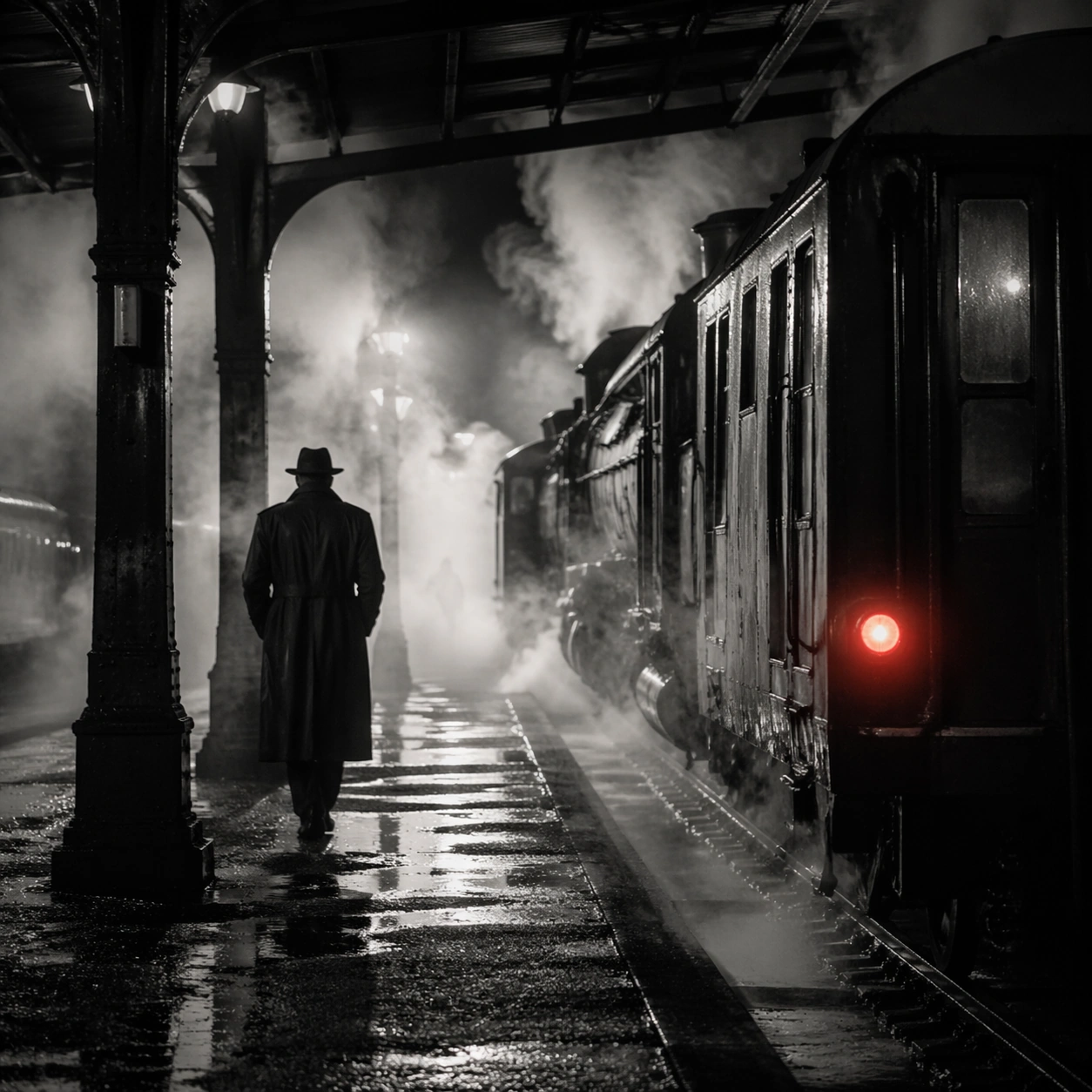
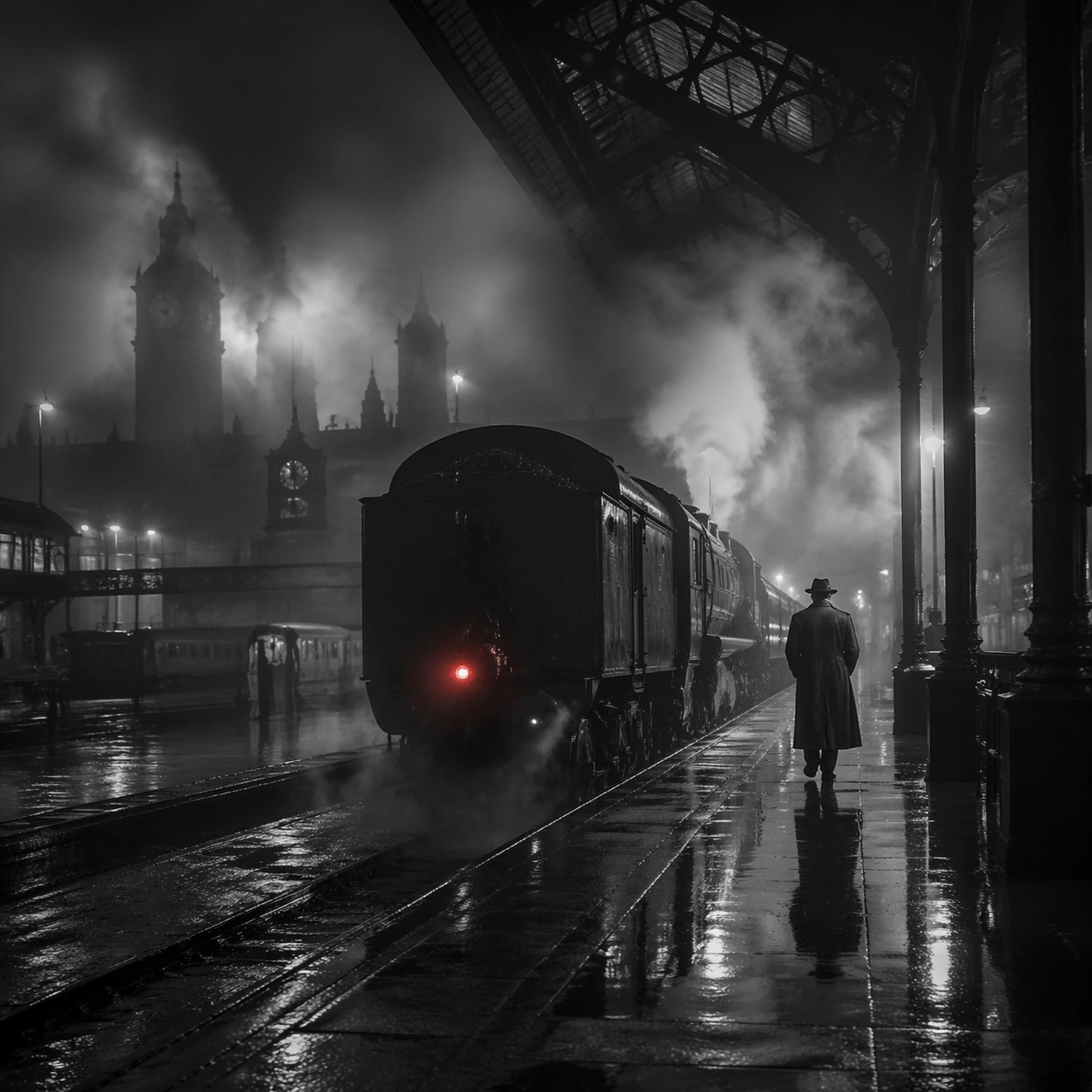
Create a square cinematic still for Steam Engine Station Noir. Use production-grade photoreal lighting, disciplined lens behavior, and a composition that feels like a finished key frame from an original film rather than a casual snapshot. A mid-century rail platform is buried in rolling steam and hard-edged station light, with mostly monochrome tonality, wet pavement, iron structure, and one restrained red tail lamp or signal glowing through the vapor. Pull back enough to explain the broader geography or architectural envelope while keeping the square crop intentional and balanced.

Subject:
Build a coherent original scene whose emotional center comes from atmosphere, light physics, and spatial clarity. Avoid relying on celebrity likeness, franchise iconography, or stylized illustration shortcuts. A lone figure in a trench coat, the locomotive mass, steel beams, and layered steam curtains should build the scene, but the person remains anonymous and secondary to the environment and the light-cutting fog. The wider frame should reveal how the main light or weather phenomenon organizes the surrounding world and not just the immediate subject.

Important details:
Preserve a believable physical world with strong depth layering, careful color separation, and premium image discipline. Prioritize steam density layering, wet-surface sheen, noir contrast, and restrained color use, so the image feels like a lost still from a serious black-and-white crime film rather than a cosplay set. Make scale legible through spacing, horizon control, and foreground-to-background separation rather than through extra props.

Use case:
Steam Station single study 8/9.

Constraints:
No readable text, no watermark, no logos, preserve exact 1:1 aspect ratio, no readable station boards, no crowded commuters, no exaggerated detective props, no pristine modern train design, no bright advertising.
How to use
- Copy the complete original prompt, including any parameters.
- Replace the subject, text and composition with your own requirements.
- Use a compatible external tool; check its current access conditions and review the result.
Before you start
- Check whether a reference image is required. A compatible model label does not mean this example was generated with that model.
- Keep names, figures and visible text accurate; results can vary between model versions.