
Original document
GPT Image 2 · en
Scene:
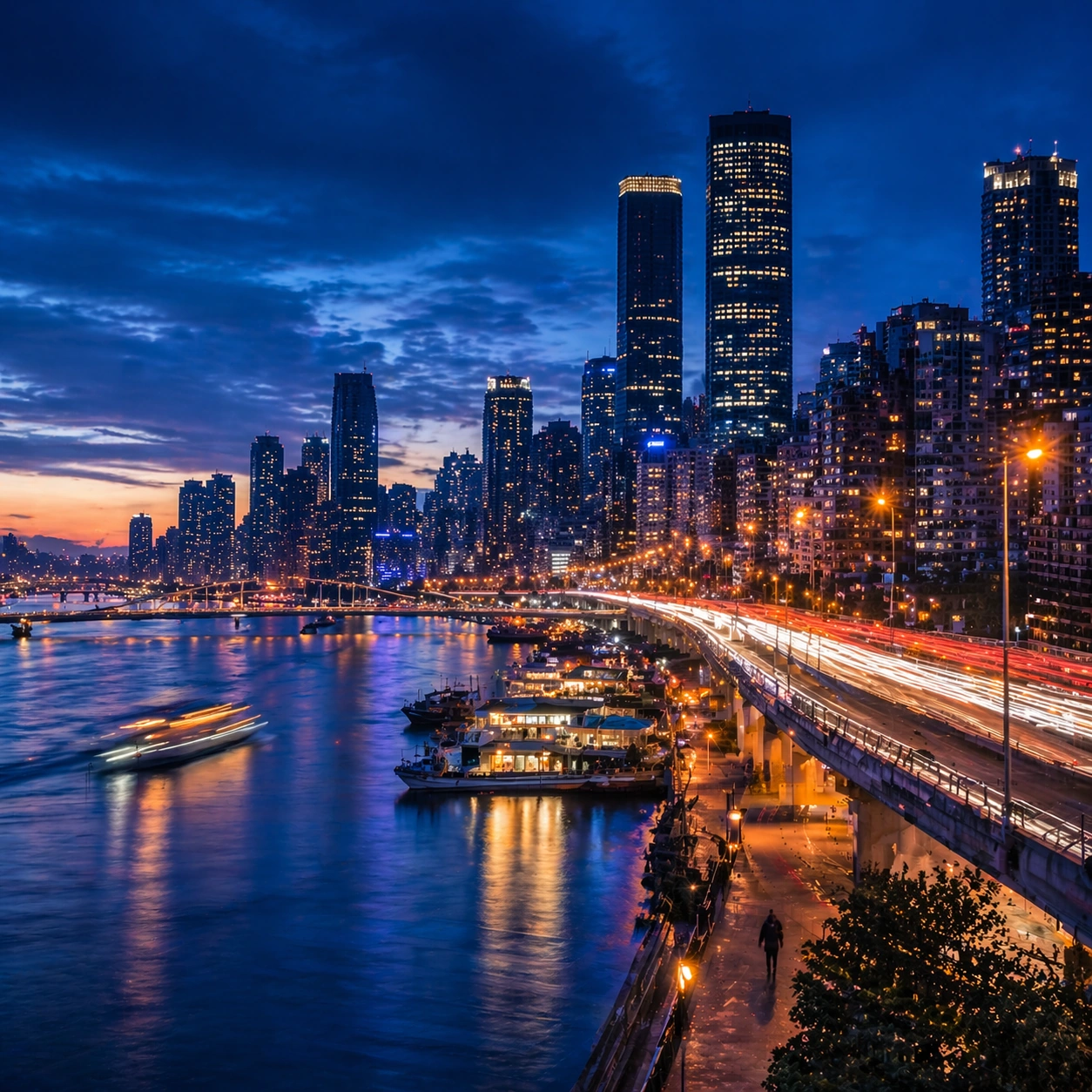
Create a square cinematic still for Blue Hour Metropolis Long Exposure. Use production-grade photoreal lighting, disciplined lens behavior, and a composition that feels like a finished key frame from an original film rather than a casual snapshot. A dense riverside metropolis is captured at the exact transition of blue hour, where the sky holds deep cobalt, windows begin to glow warm gold, traffic turns into elegant light trails, and water reflects both cool atmosphere and neon accents. Move the camera closer or lower so the viewer feels more embedded inside the atmosphere while the same light direction and environment remain intact.

Subject:
Build a coherent original scene whose emotional center comes from atmosphere, light physics, and spatial clarity. Avoid relying on celebrity likeness, franchise iconography, or stylized illustration shortcuts. Skyscrapers, bridges, riverbanks, layered roads, and a few boats or ferries should form a coherent urban rhythm, with architecture believable and anonymous rather than tied to any one landmark identity. Preserve the same world logic from the reference and let one human-scale or material-scale element become more prominent without stealing focus from the atmosphere.

Important details:
Preserve a believable physical world with strong depth layering, careful color separation, and premium image discipline. Control color temperature precisely, keeping the cool ambient sky separate from warm occupancy lights, with long-exposure motion on roads and water that feels polished, metropolitan, and technically disciplined. Keep the palette family, structural read, and light behavior from image 01 while increasing immediacy and tactile presence.

Use case:
Blue Hour City series study 2/9.

Constraints:
No readable text, no watermark, no logos, preserve exact 1:1 aspect ratio, no readable billboards, no famous landmark mimicry, no fireworks, no science-fiction holograms, no empty skyline.
How to use
- Copy the complete original prompt, including any parameters.
- Replace the subject, text and composition with your own requirements.
- Use a compatible external tool; check its current access conditions and review the result.
Before you start
- Check whether a reference image is required. A compatible model label does not mean this example was generated with that model.
- Keep names, figures and visible text accurate; results can vary between model versions.