Original document
GPT Image 2 · en
Scene:
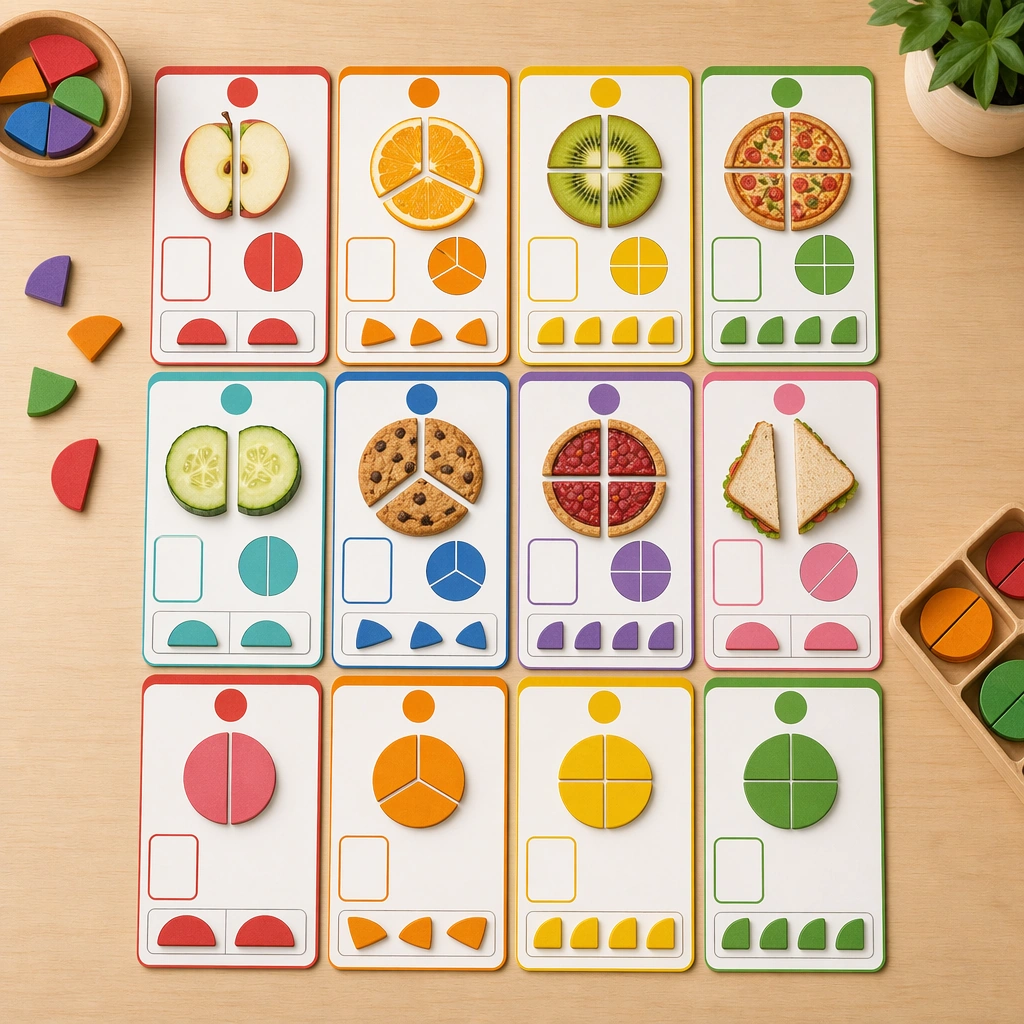
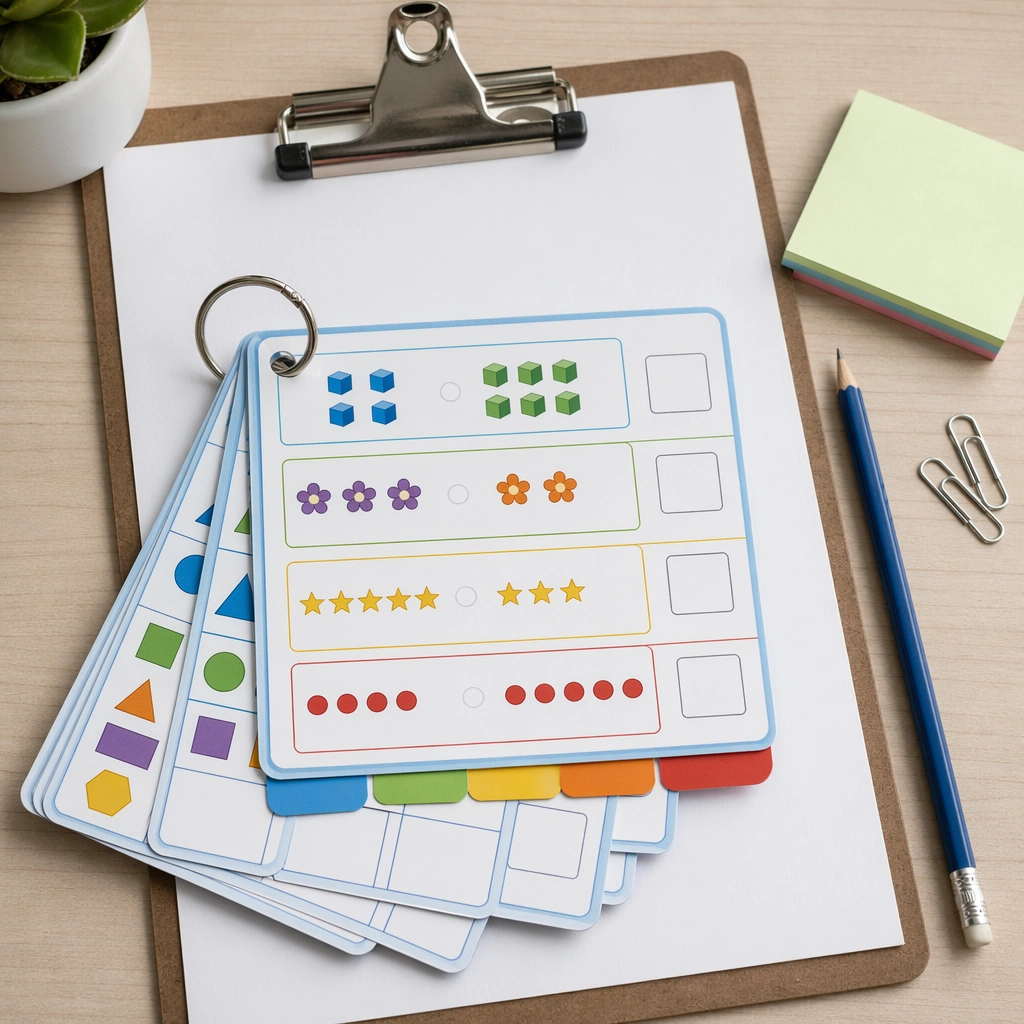
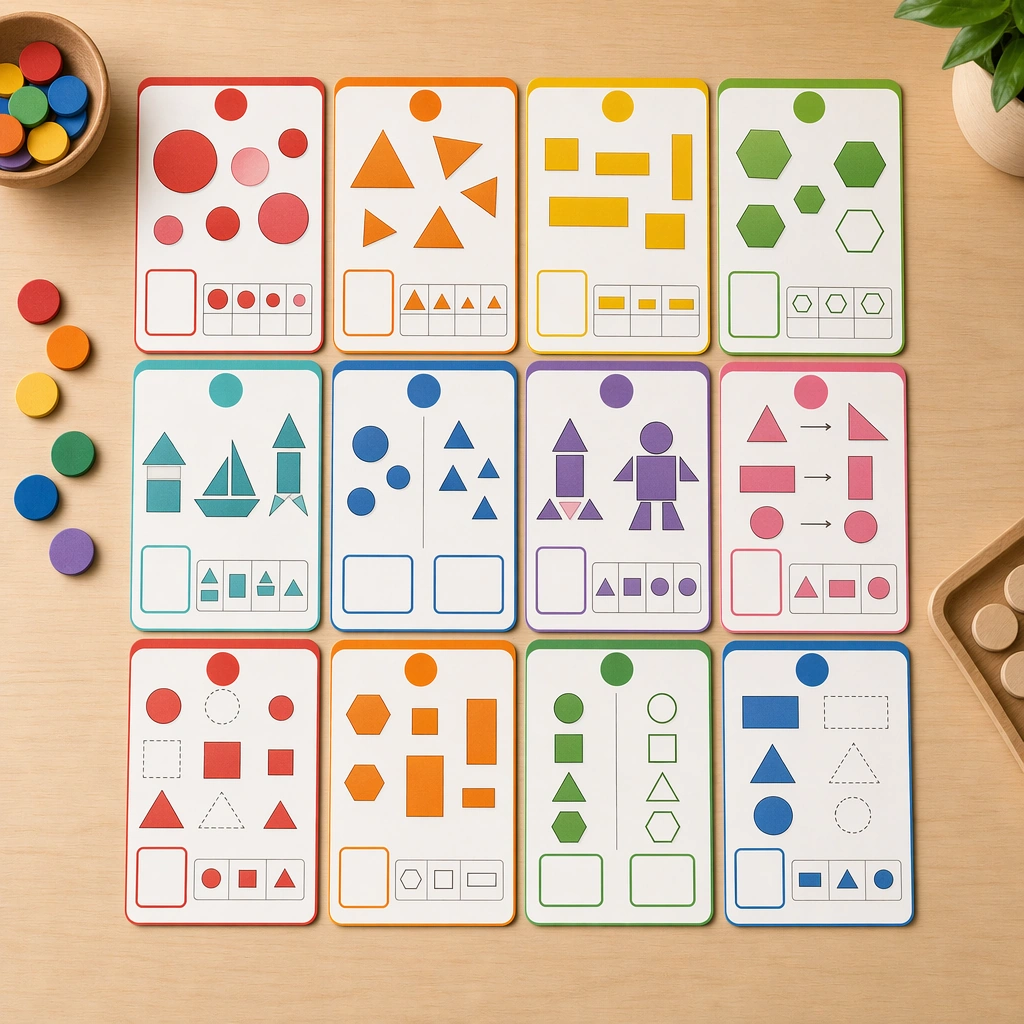
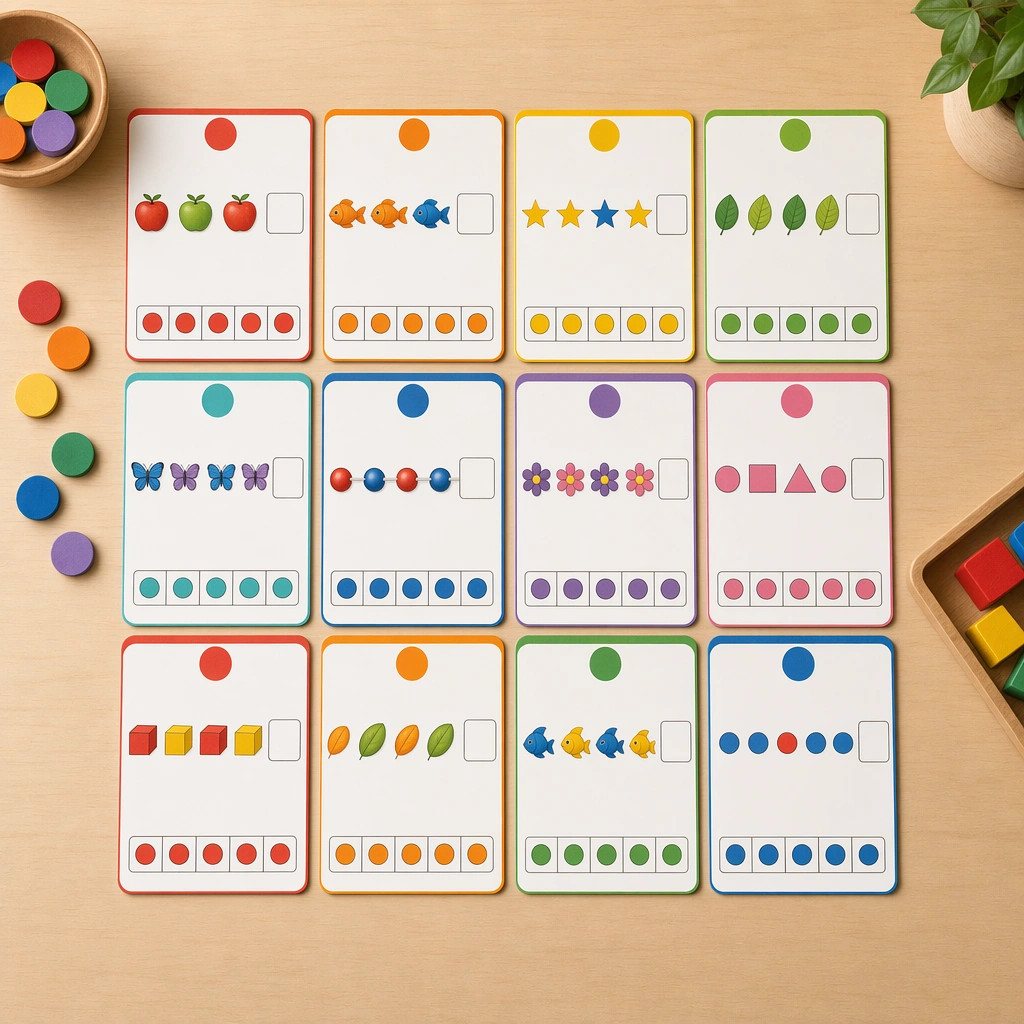
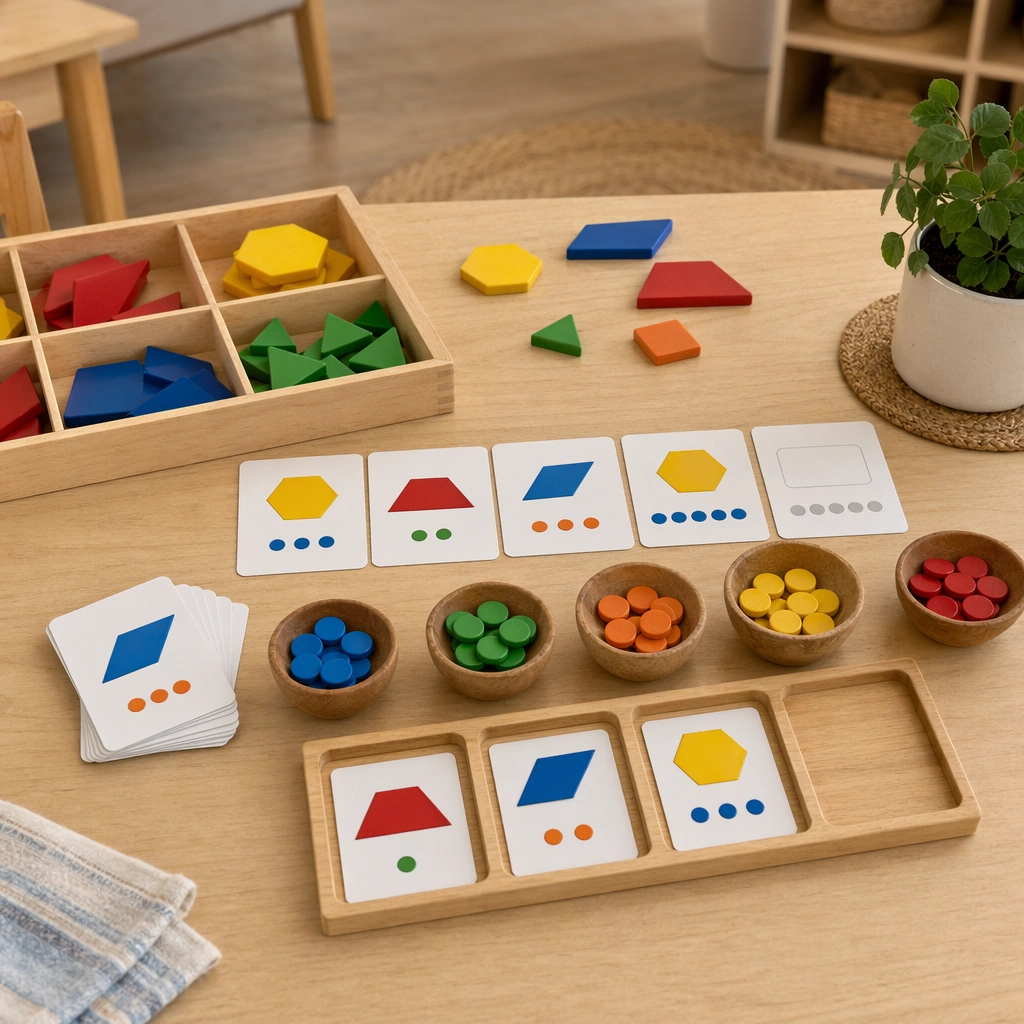
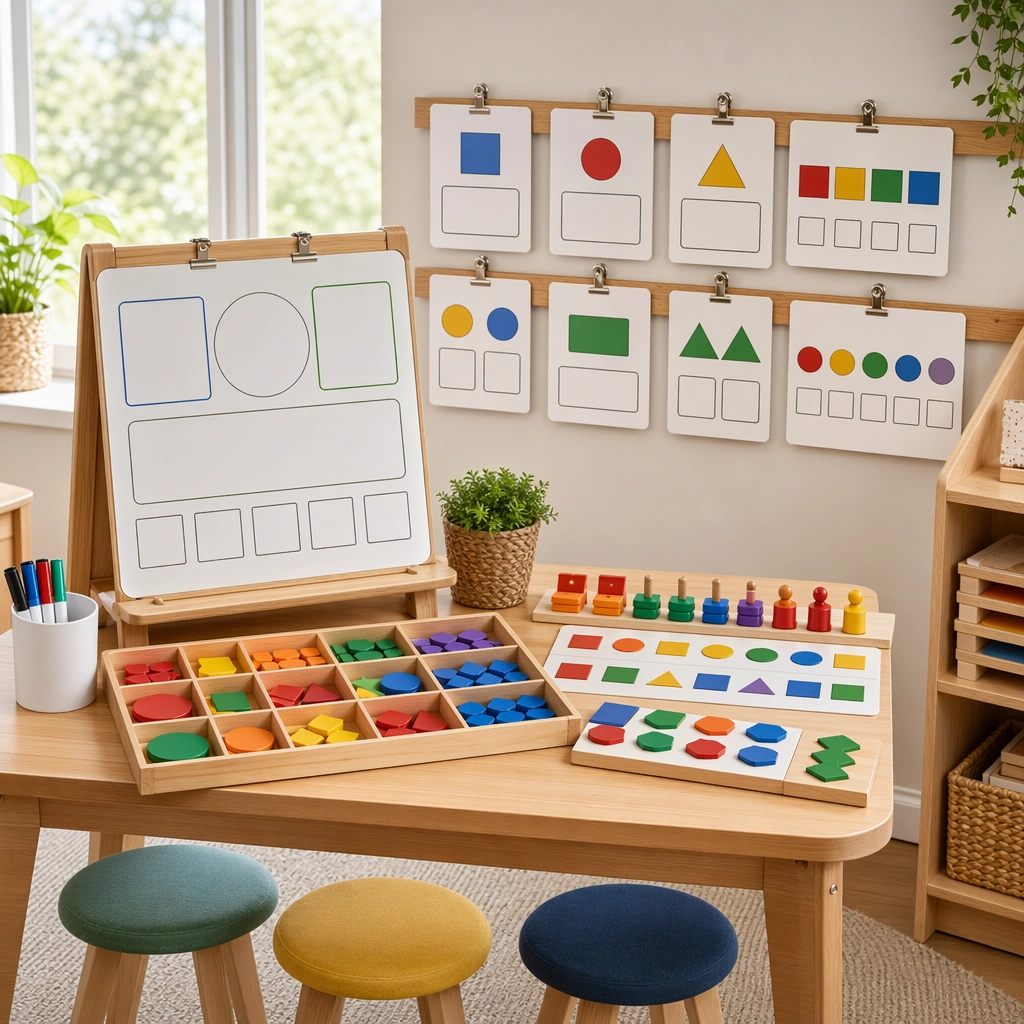
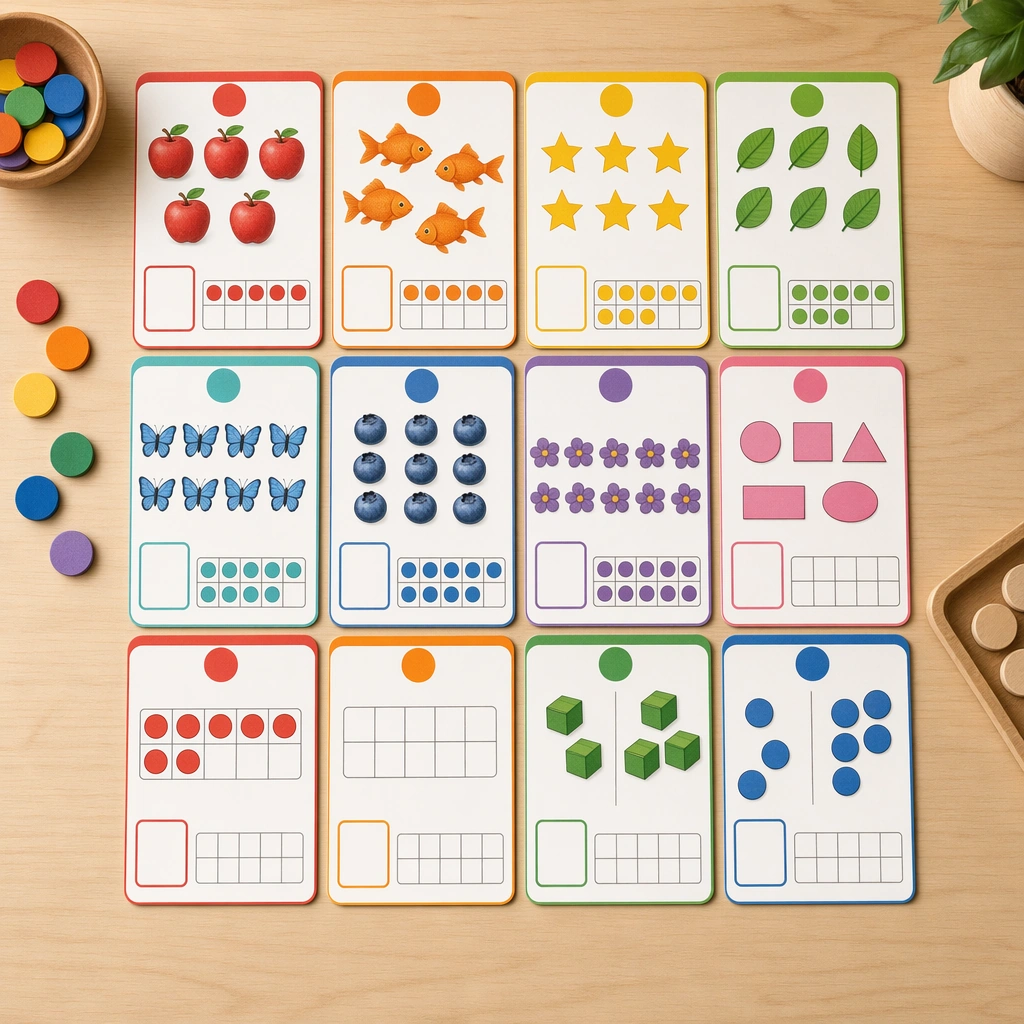
Create a square overhead board of math-learning cards on a neutral classroom table, lit evenly like a professional teacher-supply catalog photograph. The cards should feel tactile and precise, with matte lamination, rounded corners, and small wooden counters nearby to reinforce hands-on learning. Keep the square frame balanced, calm, and production-ready so the asset can serve gallery review, research comparison, and real educational delivery at the same time.

Subject:
Center the system on counting cards that pair groups of simple shapes and objects with blank answer areas, ten-frame hints, and color-coded quantity markers. The visuals should make mathematical relationships feel concrete and approachable for young learners without showing any actual numbers. The subject matter should feel intentionally selected for a coherent curriculum family rather than like a random decorative assortment.

Important details:
Use a strong teaching structure: one idea per card, high contrast between object groups, consistent spacing, and a palette that helps sorting and comparison. The image should feel both warm and rigorous, proving the deck can support real pedagogy instead of generic cute illustration. Preserve the same card format, diagram density, block spacing, icon size, and color-coding hierarchy from the reference math board. Use variation only in the teaching content, supporting props, and scene-specific mood while preserving the core visual system exactly.

Use case:
Math Concept Visual Card Set series study 1/4, reference counting cards.

Constraints:
No readable text, no watermark, no logos, preserve exact 1:1 aspect ratio, no readable equations, no numerals, no logos, no abstract adult infographic styling, no clutter, no warped cards.
How to use
- Copy the complete original prompt, including any parameters.
- Replace the subject, text and composition with your own requirements.
- Use a compatible external tool; check its current access conditions and review the result.
Before you start
- Check whether a reference image is required. A compatible model label does not mean this example was generated with that model.
- Keep names, figures and visible text accurate; results can vary between model versions.