Cyberpunk Cinematic Photo Edit

Cyberpunk Cinematic Photo Edit

Original document

GPT Image 2 · en

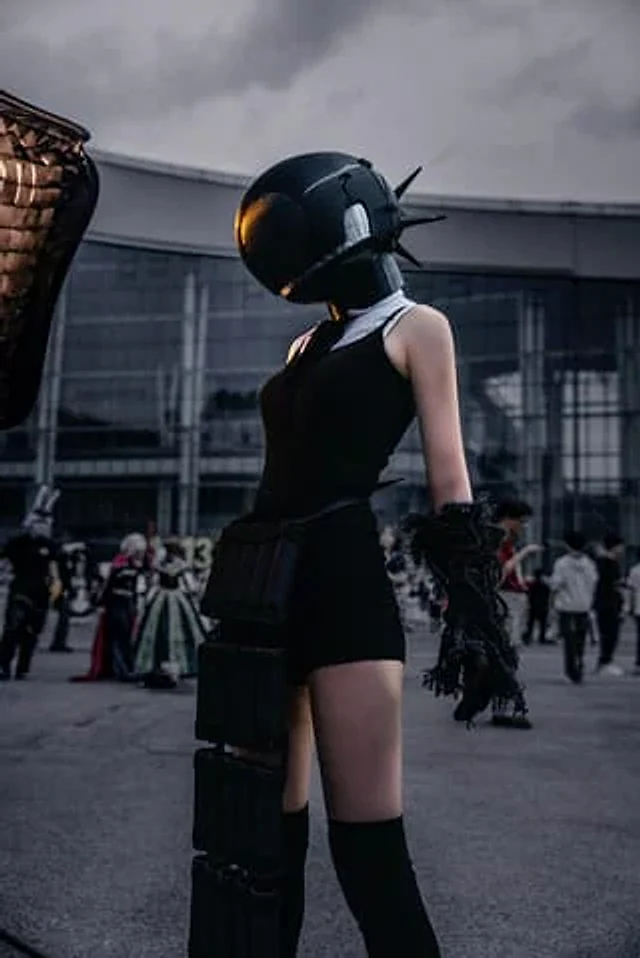
Using the provided reference image, transform the ordinary phone snapshot into a cinematic cyberpunk movie-poster style edit. Keep the same subject, pose, outfit, helmet, foreground composition, and convention-center setting intact, but dramatically relight and color grade the scene with a dark, moody {argument name="cinematic style" default="Blade Runner-inspired cyberpunk"} atmosphere. Make the background darker and slightly defocused, deepen shadows, add high contrast, cool blue-gray tones, subtle vignette, and a soft filmic texture. Add a small warm amber reflection/glow on the helmet visor area as if from neon or sunset light, while preserving realistic skin texture and photographic detail. Do not change the character design or add text; make it look like a professionally retouched cinematic poster frame rather than a casual outdoor snapshot.

How to use

  1. Copy the complete original prompt, including any parameters.
  2. Replace the subject, text and composition with your own requirements.
  3. Use a compatible external tool; check its current access conditions and review the result.

Before you start

  • Check whether a reference image is required. A compatible model label does not mean this example was generated with that model.
  • Keep names, figures and visible text accurate; results can vary between model versions.

More like this

Chinese Livestream Rocket Gala Edit
GPT Image 2en

Using the provided reference photo, transform the character into a cool screenshot of a Chinese live stream, while maintaining the head position, cropping proportions, hairstyle, and overall features. Replace the outdoor parasol and street background with a nighttime city skyline

Local Edit: Mascot Robot Replacement
GPT Image 2en

Use the provided reference image for partial editing. Replace the robot character next to the woman with a cute green and white mascot robot version, maintaining the same pose, position, scarf, lighting, and comfortable watercolor anime style, while keeping the rest of the scene

Local Edit: Rotate Laptop and Add Logo
GPT Image 2en

Make some minor edits using the provided reference image: Rotate the laptop in the lower left corner so that the back of its screen faces the viewer instead of the keyboard, and add a cute robot mascot logo to the center of the back. Keep the rest of the illustration unchanged, i

Chibi Mini Versions Photo Edit
GPT Image 2en

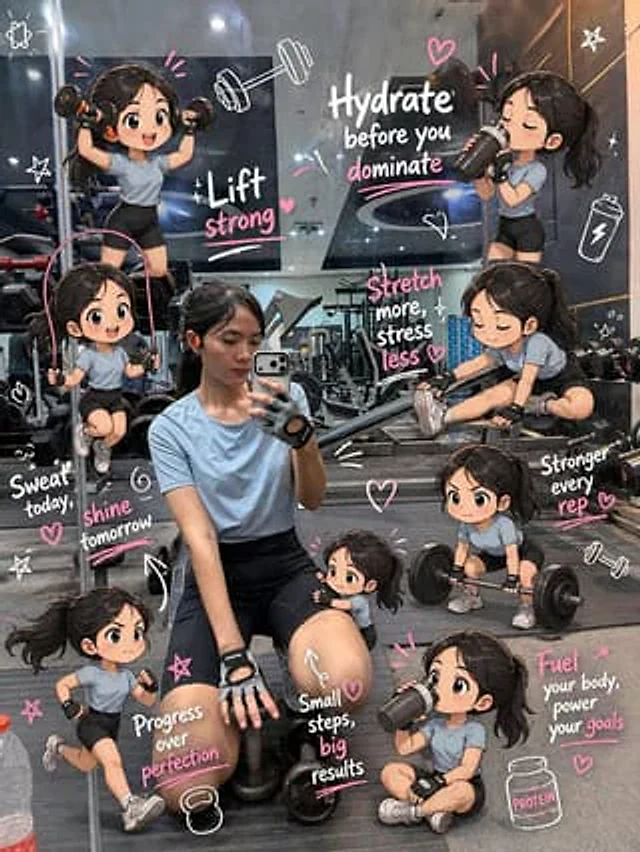
Edit the image while keeping the original photo completely unchanged — including the person, face, body, pose, lighting, and gym background. Add multiple small, cute chibi-style “mini versions” of her around the image. Each mini character should have a big head, expressive facia