Original document
GPT Image 2 · en
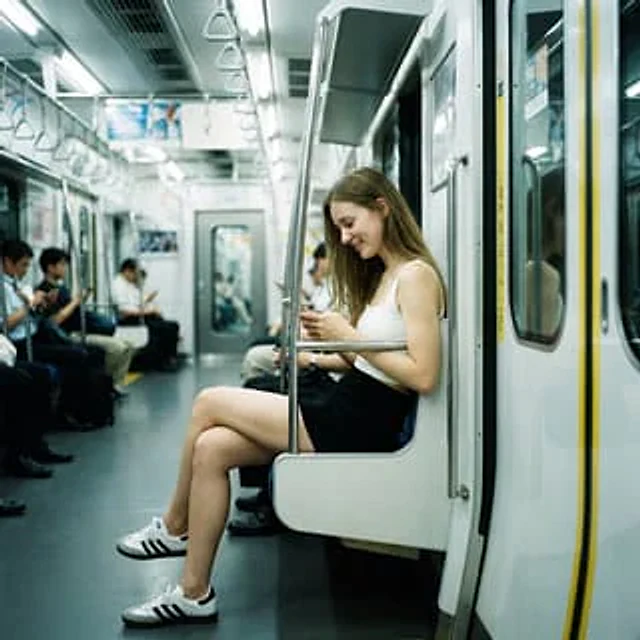
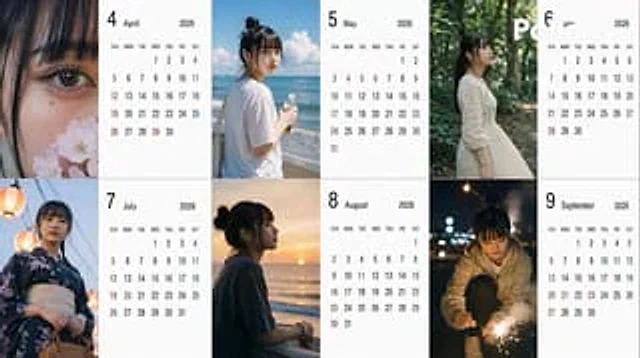
[Subject] Create a{argument name="year" default="2026"} Year{argument name="period" default="April to September"} (common{argument name="number of months" default="6"} A Japanese-style calendar (monthly), using the person in the reference image as a model. [Calendar] The background of the calendar section should be white to ensure clarity and readability. [Image] The images are themed around the seasons of each month, simulating amateur photos taken with an iPhone. [Location] Automatically determined by AI based on the season. [Distance] Randomly selected each month: extreme_close, close, bust, mid, far, candid. [Angle] Randomly selected each month: eye, low, high, side, back. [Exposure/Tone] Randomly selected each month: overexp, natural, warm, cool, dark. [Hairstyle] Randomly selected each month: ponytail, bun, down, half-up, messy, wet, short, bob, braid, twin. [Clothing] Automatically determined by AI based on the season. [Noise] Randomly selected each month: low, mid, high, film. [Blur/Focus] Randomly selected each month: sharp, slight, motion blur, soft. [Pose] Randomly selected each month: natural_stand, sitting, walking, phone, wall_lean, crouch, look_back. [Items] One item will be randomly selected each month: none, smartphone, bottled water, coffee, umbrella, bag, towel, script. [Time Period] One item will be randomly selected each month: early_morning, morning, noon, afternoon, evening, night, late_night.How to use
- Copy the complete original prompt, including any parameters.
- Replace the subject, text and composition with your own requirements.
- Use a compatible external tool; check its current access conditions and review the result.
Before you start
- Check whether a reference image is required. A compatible model label does not mean this example was generated with that model.
- Keep names, figures and visible text accurate; results can vary between model versions.