
Original document
GPT Image 2 · en
Scene:
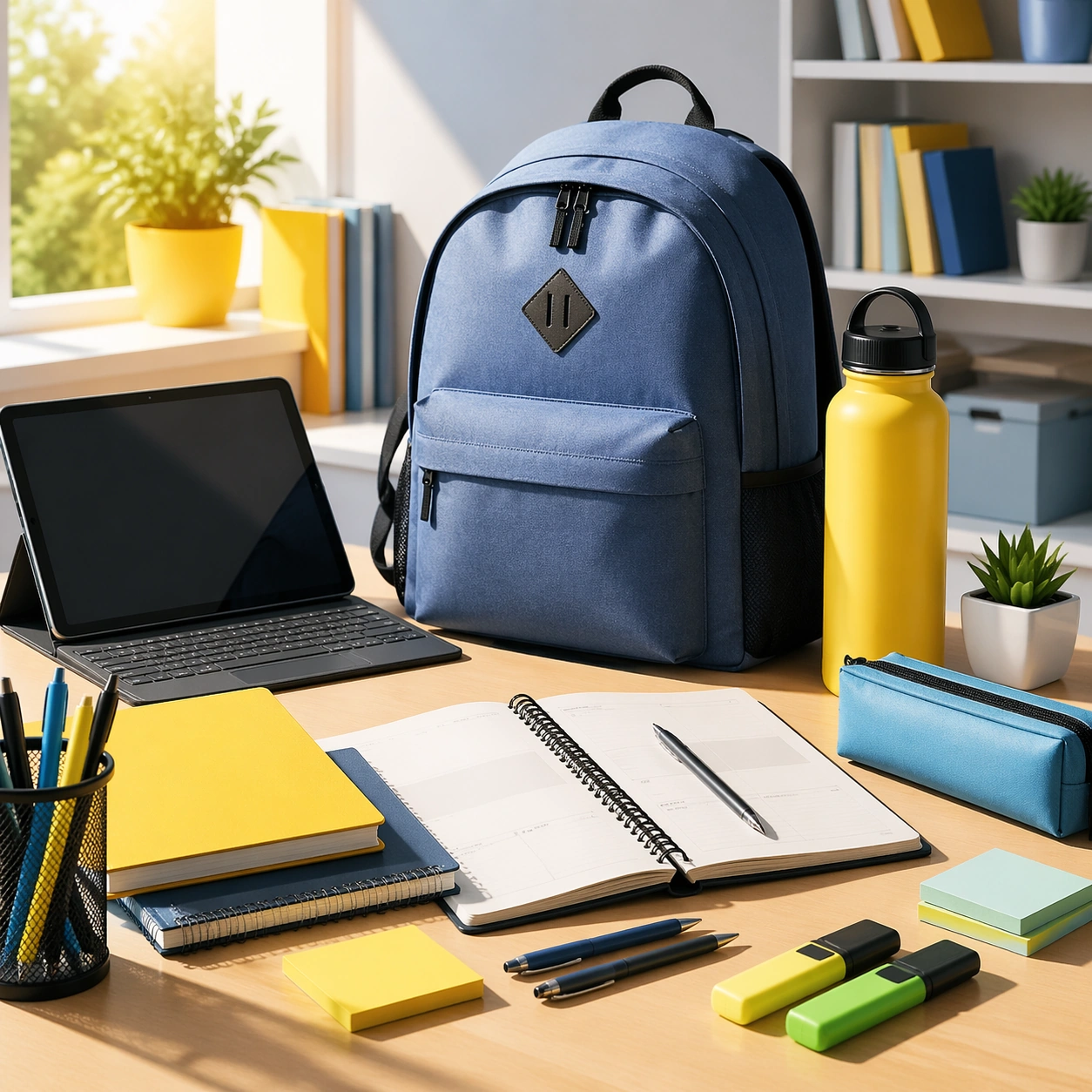
Create a square premium back-to-school campaign image with bright morning classroom-like light, crisp shadows, clean desk surfaces, and a palette of notebook neutrals, muted blue, warm yellow, and fresh green accents. The environment should feel energetic and organized, suitable for both education enrollment and retail campaign use. Build the scene as a polished academic reset world, not a generic stock classroom.

Subject:
Center an organized desk or campus-ready setup with stationery, backpack or bag, device-like object, planner forms without readable text, and one or two educational or family-retail cues integrated into a clear hierarchy. The subject should communicate readiness, momentum, and practical optimism. Keep it broad enough to support schools, electronics, stationery, or parent-facing retail campaigns under one coherent visual system.

Important details:
Lock the school-reset grammar here: crisp organization, bright functional light, clean product grouping, campus energy, and a balance between youthful optimism and practical structure. The anchor should feel reusable across enrollment, retail, and orientation materials while remaining clearly back-to-school and commercially useful.

Use case:
Back to School series study 1/9.

Constraints:
No readable text, no watermark, no logos, preserve exact 1:1 aspect ratio, no readable notebook text, no school logos, no visible grades or report cards, no mascot imagery, no chaotic messy desk, no brand device marks, no classroom chalkboard writing, no graduation cues.
How to use
- Copy the complete original prompt, including any parameters.
- Replace the subject, text and composition with your own requirements.
- Use a compatible external tool; check its current access conditions and review the result.
Before you start
- Check whether a reference image is required. A compatible model label does not mean this example was generated with that model.
- Keep names, figures and visible text accurate; results can vary between model versions.