Original document
GPT Image 2.5 · en
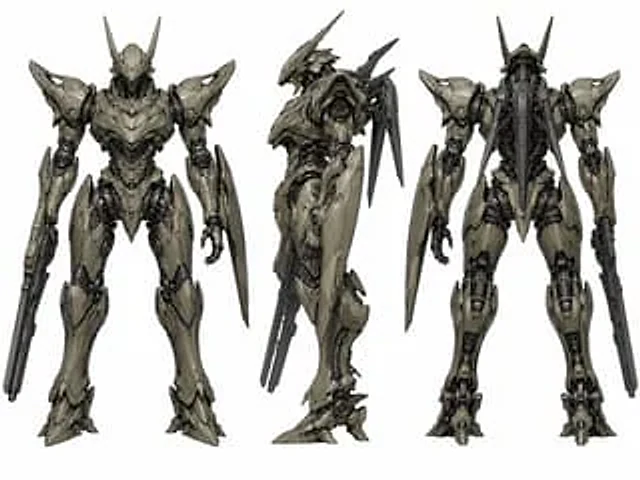
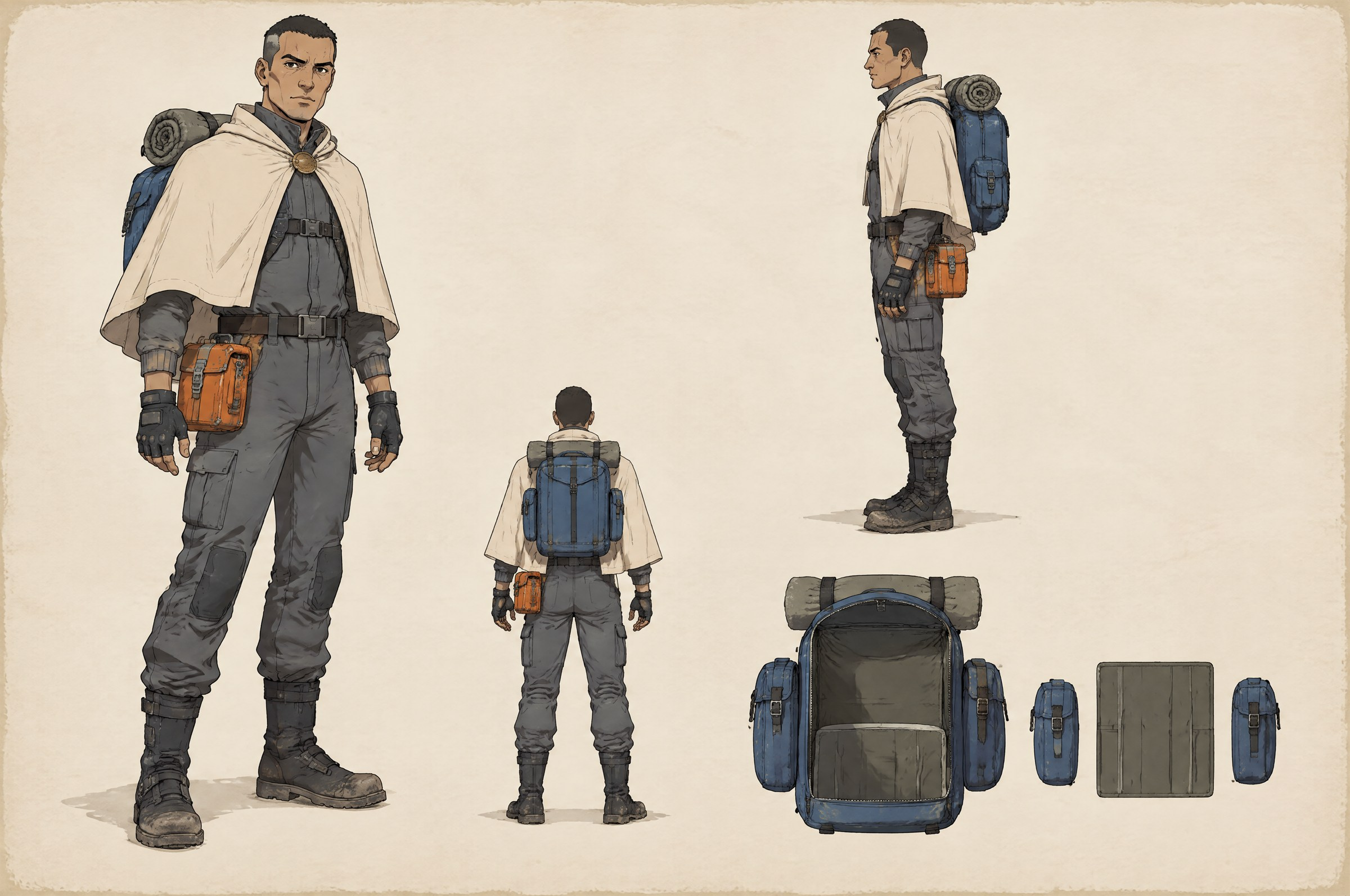
A character design sheet for a lunar courier, drawn on a 3:2 landscape sheet of warm off-white design paper at a
slightly larger scale than a technical reference: four zones, each with a clear border of empty space, hand-drawn
production-art quality, flat cel shading with a single light source from the upper left.

THE CHARACTER — reproduce identically in every view
A courier of about thirty, wiry build, medium height, close-cropped dark hair, a narrow face with a strong
jawline and a thin scar through the left eyebrow. Wearing a cream short cape that stops at the hip with a
scuffed brass clasp at the throat, a slate-grey flight suit with a high collar and ribbed cuffs, worn carbon
boots scuffed at the toe, and fingerless gloves.

Equipment: a hard-shell backpack in cobalt blue with a visible seam, two side pockets and a rolled blanket
strapped on top, and — the asymmetric detail — a single orange tool box clipped to the character's RIGHT hip.
Nothing is worn on the left hip.

THE HIP SIDE — read this before drawing any view
The orange tool box is on the character's OWN RIGHT hip. A figure facing the viewer is mirrored, so the two
views must show it on opposite sides of the sheet:
- FRONT or three-quarter-front view: the box appears on the **LEFT** side of the sheet.
- BACK view: the box appears on the **RIGHT** side of the sheet.
- SIDE view: the character faces the **viewer's right**, so that the right hip is the near side and the box is
  visible in profile at the front of the hip.
Never draw the box on the same side of the sheet in the front view and the back view. Getting this wrong is the
single failure that ruins the sheet.

ZONE 1 — main three-quarter front view, upper LEFT of the sheet, the largest figure
Full body, standing, weight on the left leg, turned about thirty degrees, head facing the viewer, arms relaxed.
The orange tool box reads on the left side of the sheet. Both hands are empty and open.

ZONE 2 — side view, upper RIGHT of the sheet
Full body, facing the viewer's right, standing straight, arms at the sides. The backpack's profile is visible:
its depth, the two side pockets, the rolled blanket on top. The orange tool box is visible on the near hip.

ZONE 3 — back view, lower centre-left of the sheet, roughly a third smaller than Zone 1
Full body, seen from directly behind. The cape falls open at the back, the backpack covers the upper back with
its straps crossing at the chest, and the rolled blanket sits on top of it. The orange tool box appears on the
RIGHT side of the sheet.

ZONE 4 — equipment detail, lower right of the sheet, no figure
The backpack shown on its own, opened: the main compartment, the two side pockets, and the internal divider
laid out flat. Drawn at about half the size of the backpack in Zone 2 and consistent with it in every
proportion, seam position and colour. Nothing else is drawn in this zone.

SHEET PRESENTATION
Drawn figures and equipment only, on flat design paper. No grid lines, no measurement rulers, no dimension
arrows, no callouts, no leader lines. Line work is confident and slightly varied in weight; shadows are a single
flat tone per material, not rendered gradients. The paper has a faint tooth and a soft uneven edge where the
sheet meets the background.

CONSTRAINTS
No text anywhere: no labels, no names, no view captions, no colour swatches with codes, no watermark, no
signature. The character's face, hair, cape, suit, boots and both pieces of equipment must be identical across
Zones 1 to 3 — same proportions, same colours, same seam positions. The backpack in Zone 4 must match the
backpack as worn in Zones 1 to 3. Do not mirror the orange tool box between the front and back views. Do not add
a second character, a pose sheet, a turnaround strip, a colour palette strip, or a background environment.
How to use
- Copy the complete original prompt, including any parameters.
- Replace the subject, text and composition with your own requirements.
- Use a compatible external tool; check its current access conditions and review the result.
Before you start
- Check whether a reference image is required. A compatible model label does not mean this example was generated with that model.
- Keep names, figures and visible text accurate; results can vary between model versions.