Original document
GPT Image 2 · en
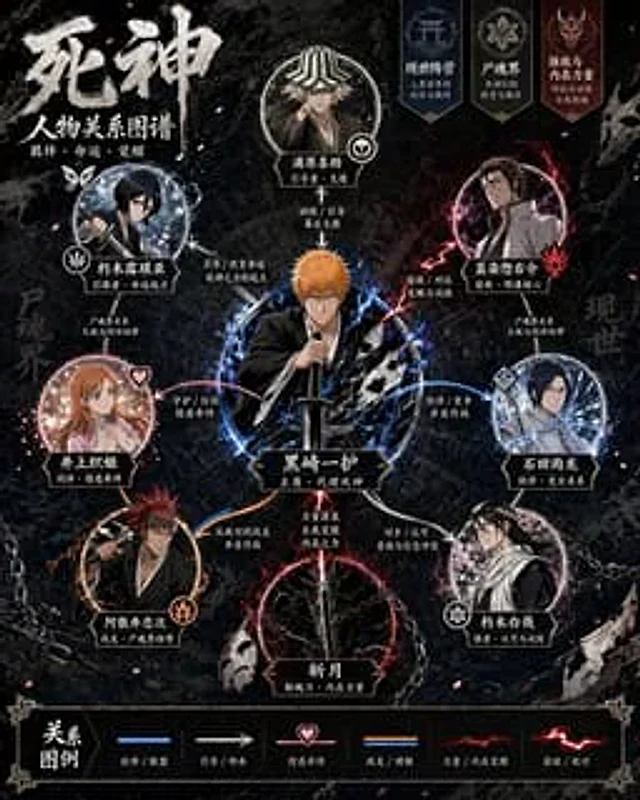
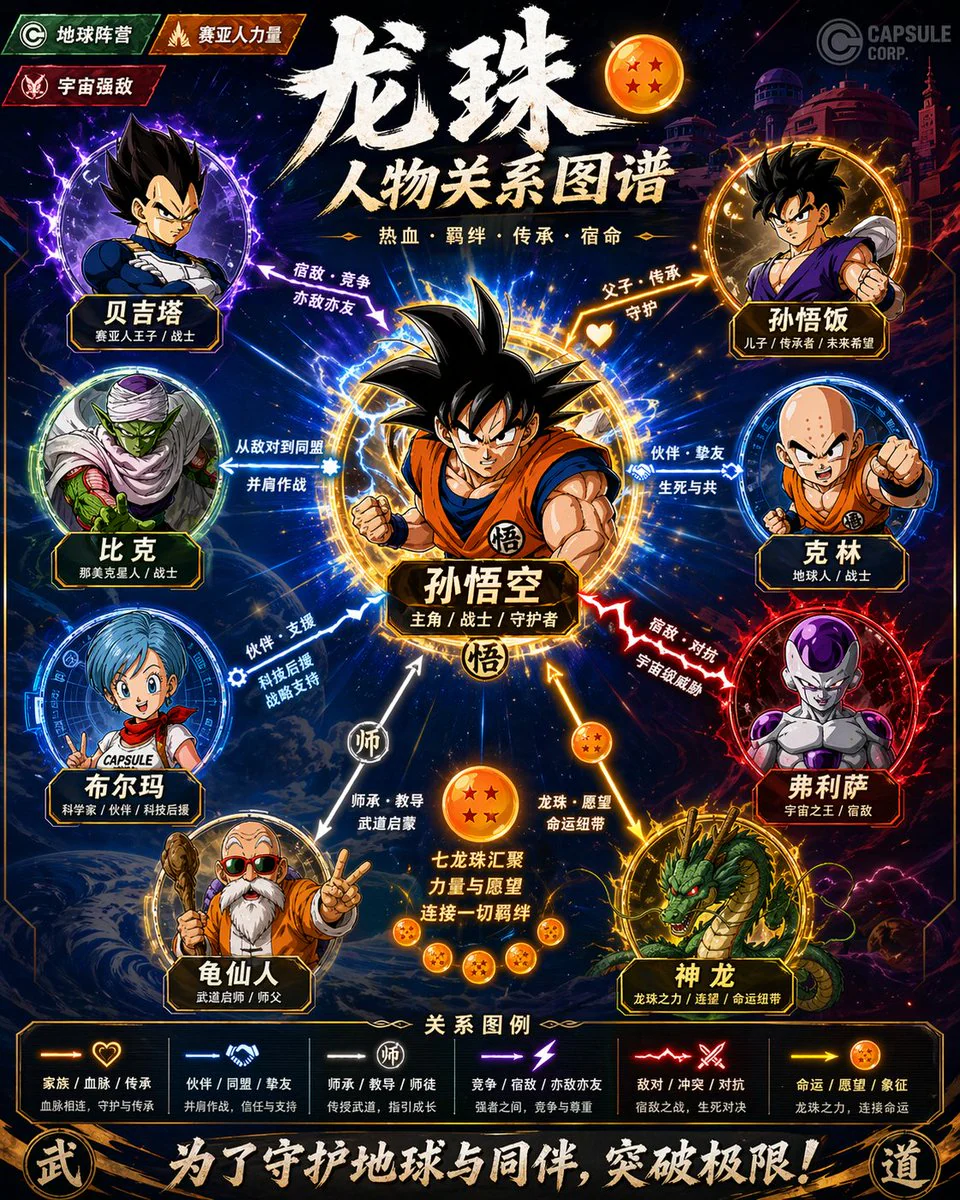
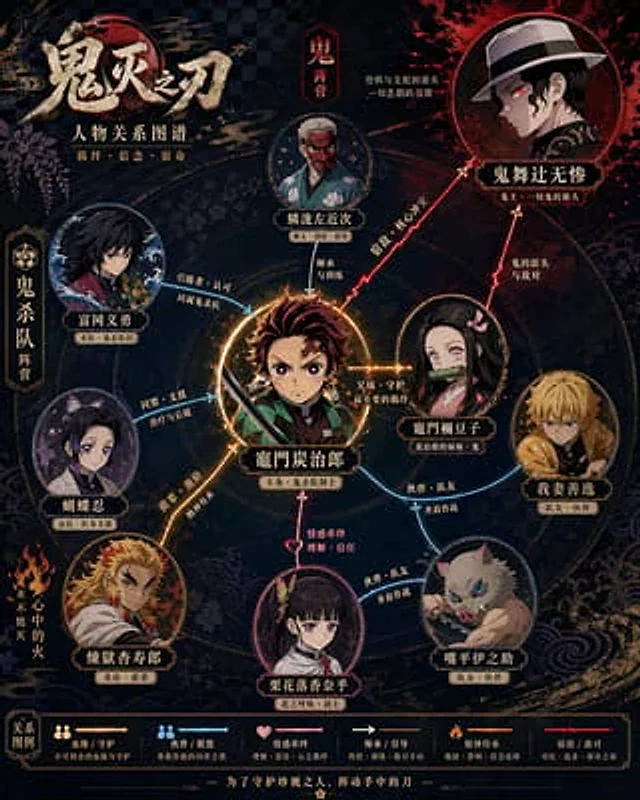
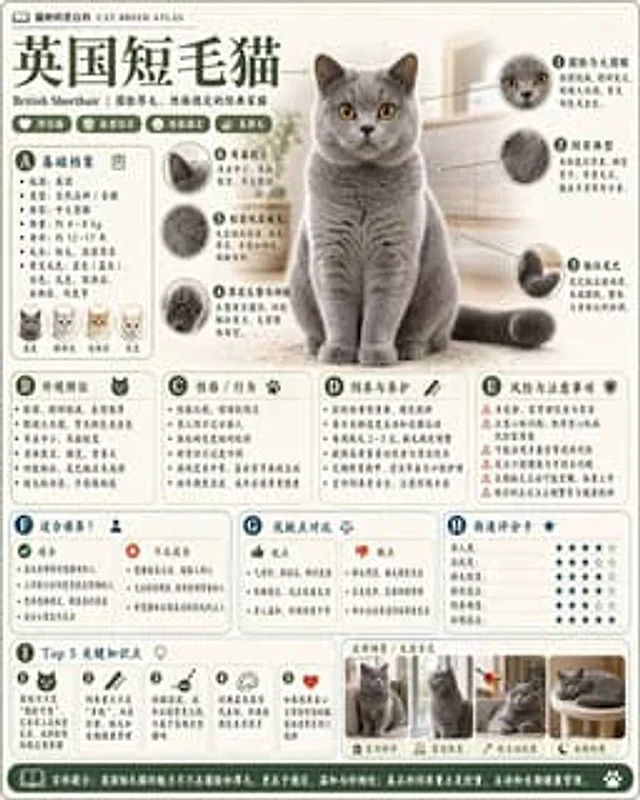
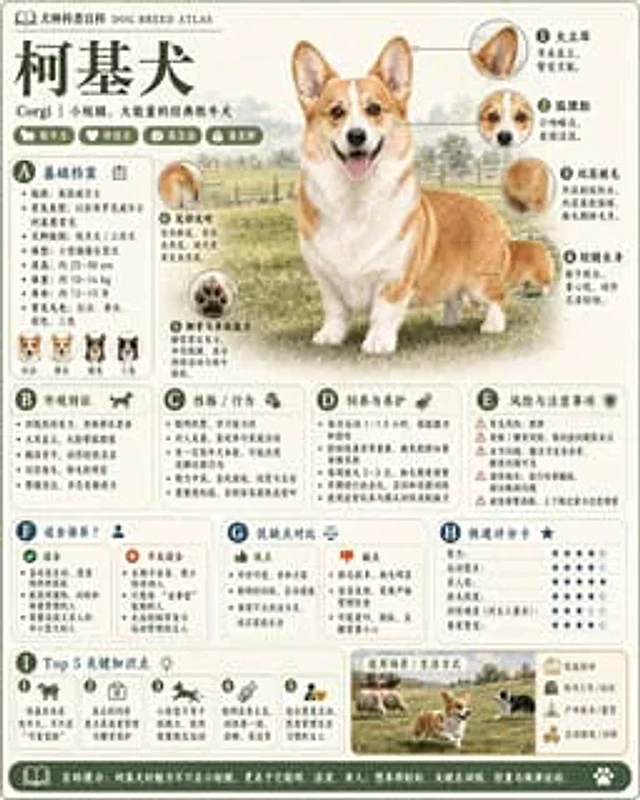
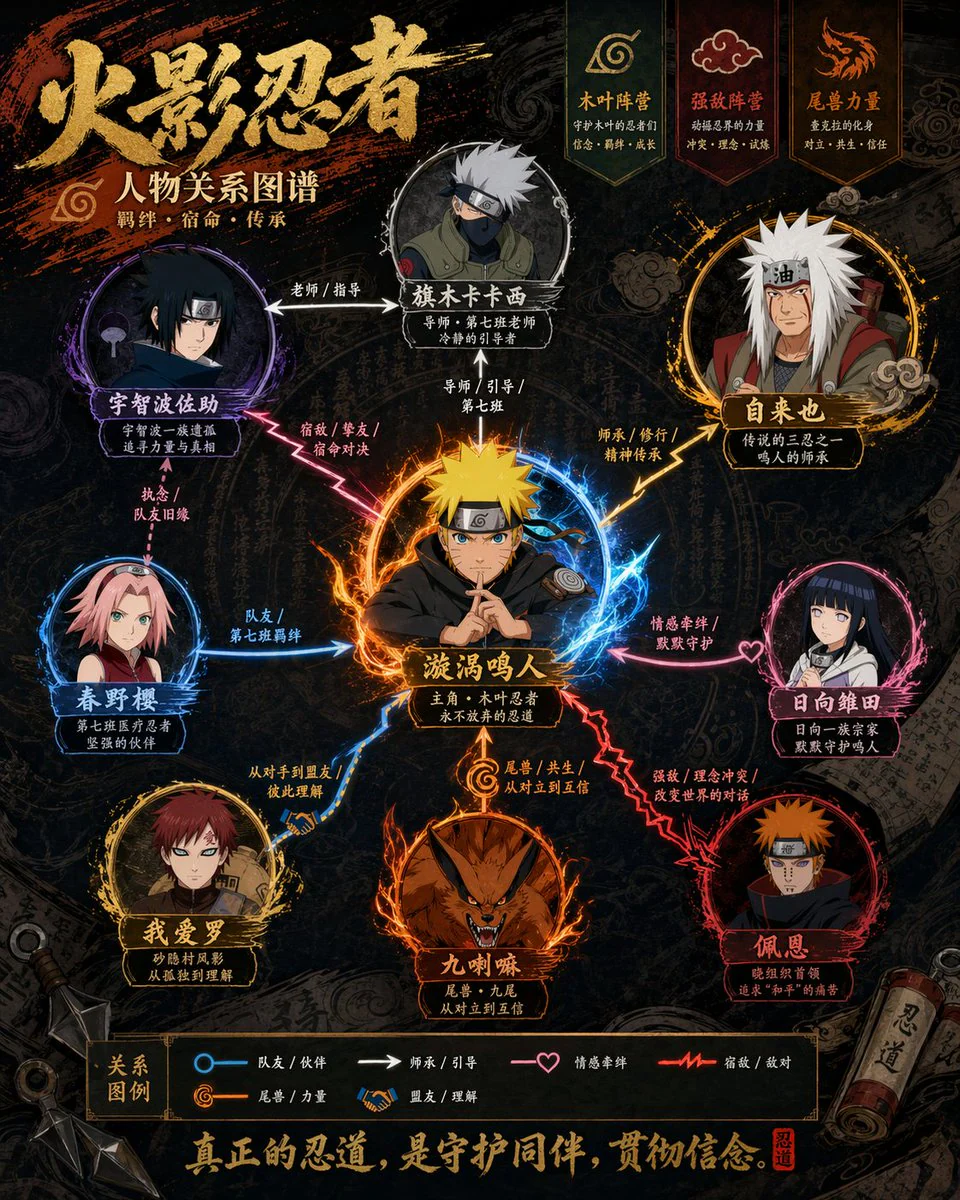
Please generate a high-design character relationship map poster based on {argument name="theme" default="Demon Slayer"}. This image should not be a simple illustration, but a character relationship map that combines information visualization, narrative structure, poster design sense, and stylistic fidelity.

Please automatically complete the following:
- Identify the work and core settings corresponding to the theme
- Extract the most representative 6–12 key characters, not exceeding 15 if necessary
- Identify and display key character relationships, including blood ties, romance, friendship, alliances, hostility, master-disciple, etc.
- Automatically choose a composition method based on the work's characteristics, such as protagonist-centered, dual-core confrontation, faction-based, family tree, or chronological evolution
- Automatically refine the work's style DNA, including color, worldview symbols, textures, mood, typography, and representative elements
- Transform these stylistic elements into an overall visual design for the relationship map, rather than simply copying an official poster
- Use different colors, line types, and arrows to distinguish different relationships, ensuring clear lines and layers without clutter
- Make core characters most prominent, followed by important characters, and subordinate characters weakened to form a clear visual hierarchy
- Ensure every character name is legible, with identity or faction labels if necessary

The final product should satisfy:
- Immediate understanding of character hierarchy and key relationships
- Obvious alignment with the original work's temperament and setting
- Combines the clarity of an infographic with the premium design of a poster
- Unified, exquisite, complete, and suitable for social media sharing or poster display
- Avoids a cheap flowchart feel, messy piling, and information overload.
How to use
- Copy the complete original prompt, including any parameters.
- Replace the subject, text and composition with your own requirements.
- Use a compatible external tool; check its current access conditions and review the result.
Before you start
- Check whether a reference image is required. A compatible model label does not mean this example was generated with that model.
- Keep names, figures and visible text accurate; results can vary between model versions.