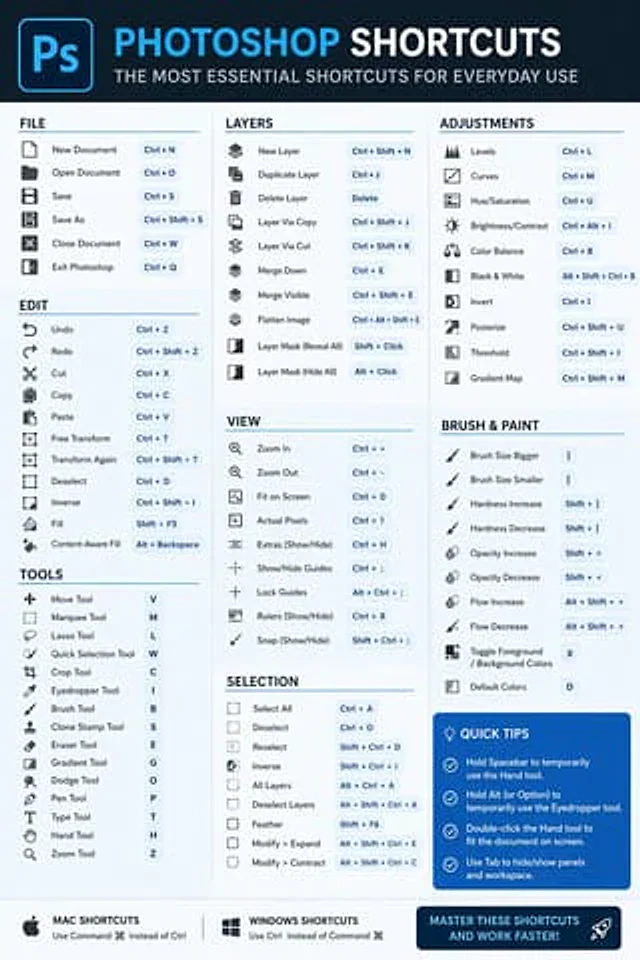
Software Shortcut Infographic

Software Shortcut Infographic

Original document

GPT Image 2 · en

Create a simple and modern infographic to showcase{argument name="software" default="Photoshop"} The most essential keyboard shortcuts are clearly and easily readable.

How to use

  1. Copy the complete original prompt, including any parameters.
  2. Replace the subject, text and composition with your own requirements.
  3. Use a compatible external tool; check its current access conditions and review the result.

Before you start

  • Check whether a reference image is required. A compatible model label does not mean this example was generated with that model.
  • Keep names, figures and visible text accurate; results can vary between model versions.
More like this

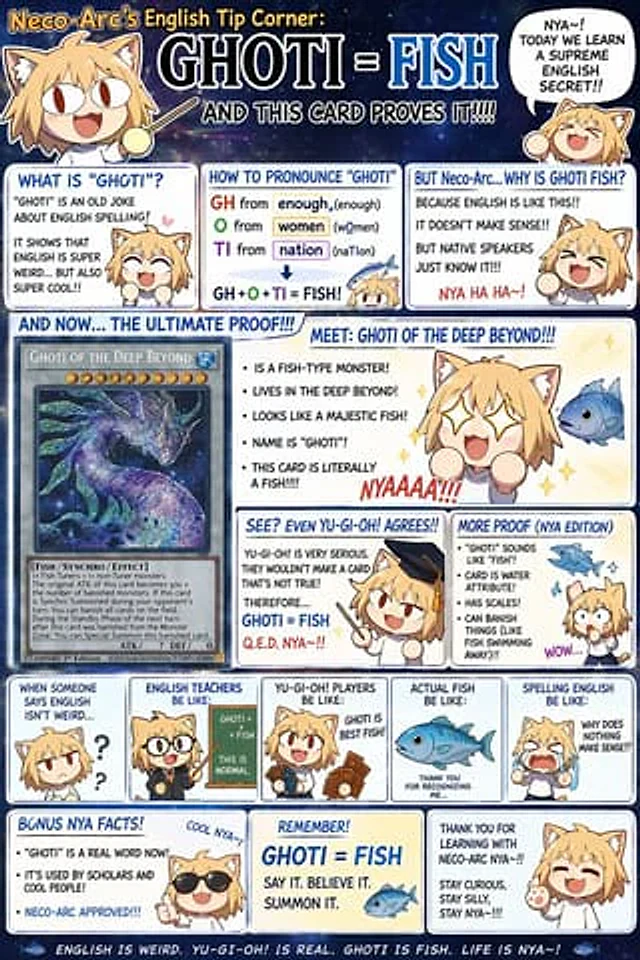
Chibi Anime Educational Infographic
GPT Image 2en

{ "type": "Anime-style educational meme infographic", "character": { "name": "{argument name=\"character name\" default=\"Neco-Arc\"}", "appearance": "A chibi-style anime catgirl with blonde hair, cat ears, big eyes, and simple cartoon features.", "total_illustrat

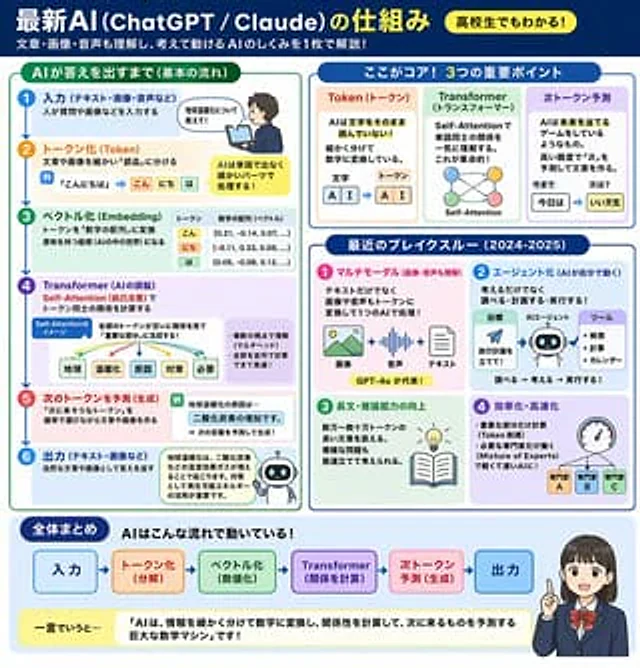
AI Mechanism Infographic
GPT Image 2en

{ "type": "Educational Infographic", "header": { "title": "{argument name=\"main title\" default=\"The operating mechanism of the latest AI (ChatGPT / Claude)\"}", "badge": "{argument name=\"target audience badge\" default=\"Even high school students can understand it

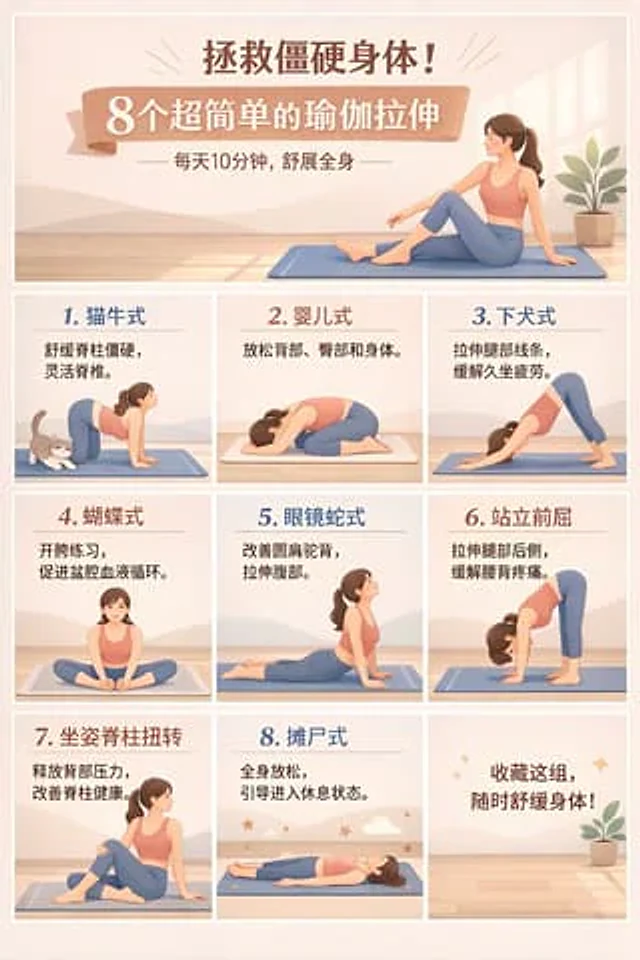
9-Panel Yoga Infographic Poster
GPT Image 2en

{ "type": "9-grid infographic poster", "style": "Flat vector illustration with simple layout.{argument name=\"color palette\" default=\"Morandi color palette: soft peach, warm beige, tranquil blue.\"}", "subject": "{argument name=\"subject description\" default=\"A woman we

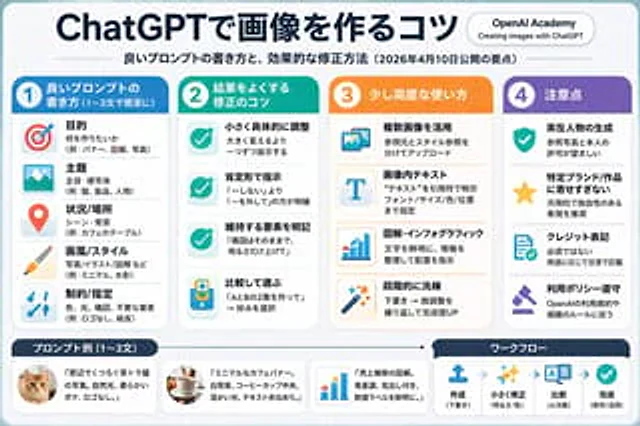
4-Column AI Image Generation Infographic
GPT Image 2en

{ "type": "Infographic Quick Reference", "style": "Simple, modern, flat design, corporate style, Japanese text", "header": { "main_title": "{argument name=\"main title\" default=\"ChatGPT Image Generation Techniques\"}", "subtitle": "{argument name=\"subtitle\" defa

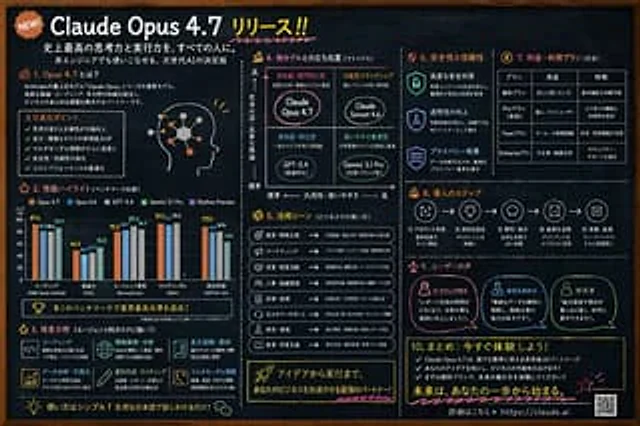
Chalkboard AI Product Infographic
GPT Image 2en

{ "type": "Blackboard-style infographic", "style": "Dark slate background, white text, hand-drawn style decorations, simple layout.", "colors": { "background": "Deep slate limestone", "text": "White", "accents": [ "{argument name=\"accent color 1\" default

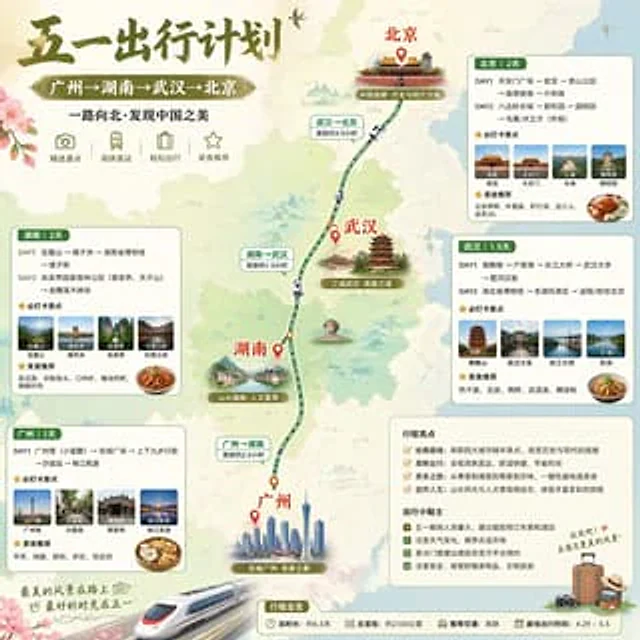
China May Day Rail Travel Infographic
GPT Image 2en

Create an exquisite Little Red Book-style infographic poster of a Chinese travel destination, employing soft watercolor map aesthetics and a square format to showcase a five-day high-speed rail travel route through China. The top left corner features a striking calligraphy title: