Original document
Nano Banana 2.1 · en
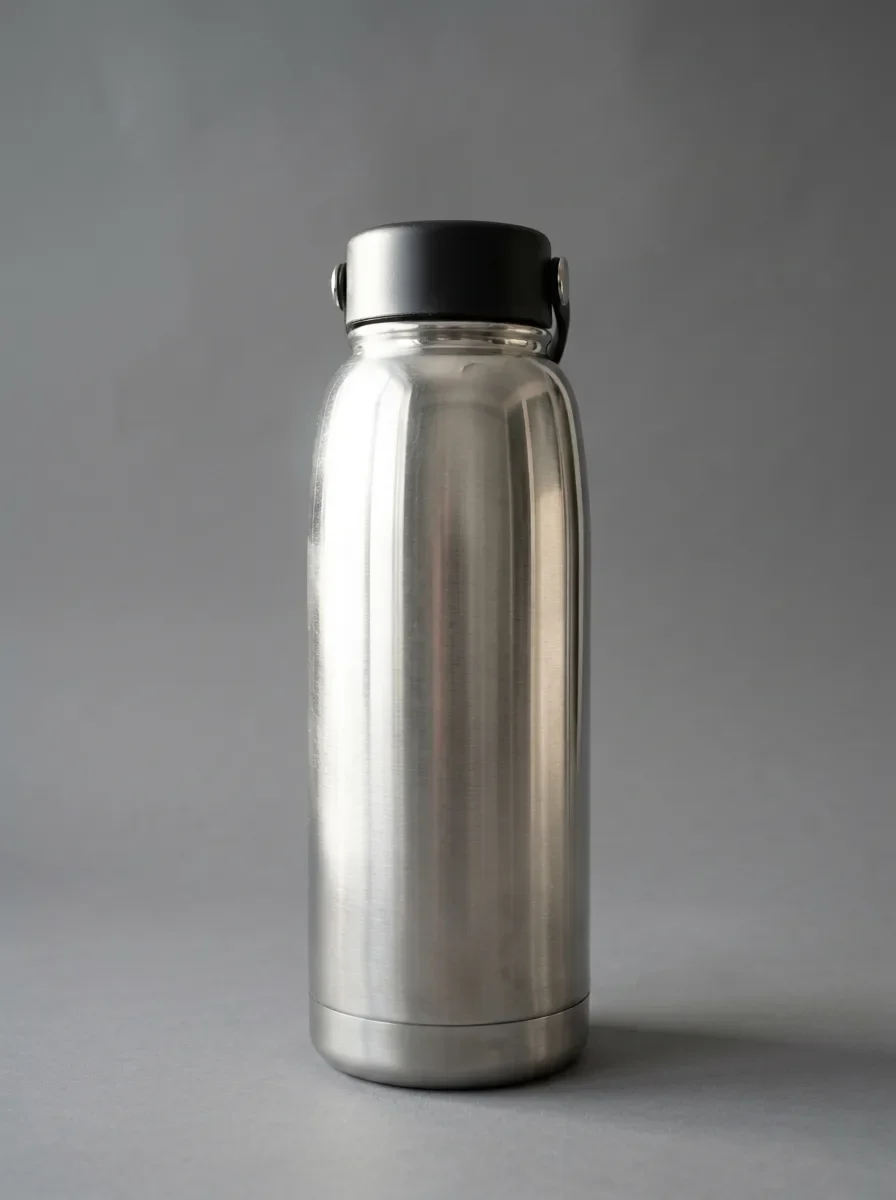
Remove the glare, window reflections and camera reflection in the marked area of the shiny surface. Replace them with a smooth, even highlight that follows the surface's curvature, so it blends seamlessly with the rest of the product. Keep everything outside the marked area unchanged.

Apply the edit only inside the white region of the following mask.
How to use
- Copy the complete original prompt, including any parameters.
- Replace the subject, text and composition with your own requirements.
- Use a compatible external tool; check its current access conditions and review the result.
Before you start
- Check whether a reference image is required. A compatible model label does not mean this example was generated with that model.
- Keep names, figures and visible text accurate; results can vary between model versions.