Original document
GPT Image 2 · en
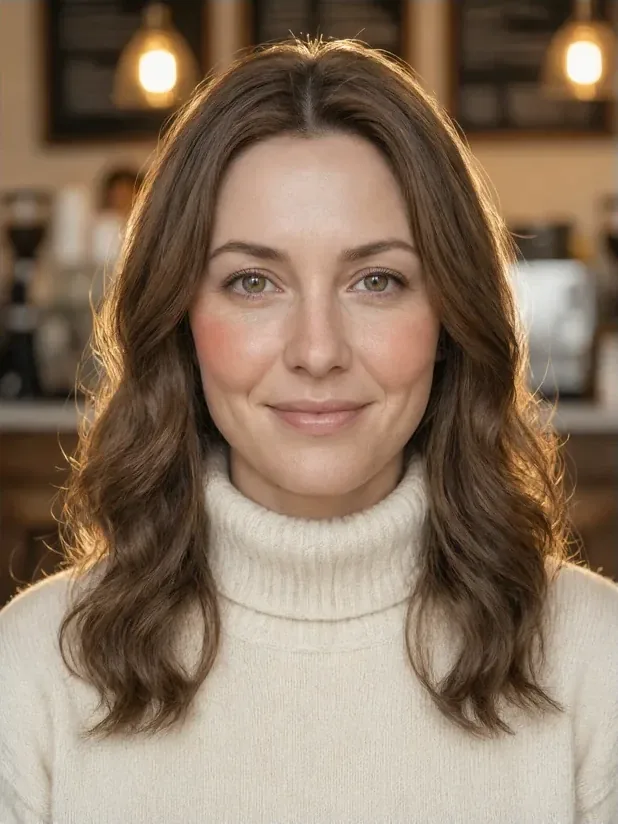
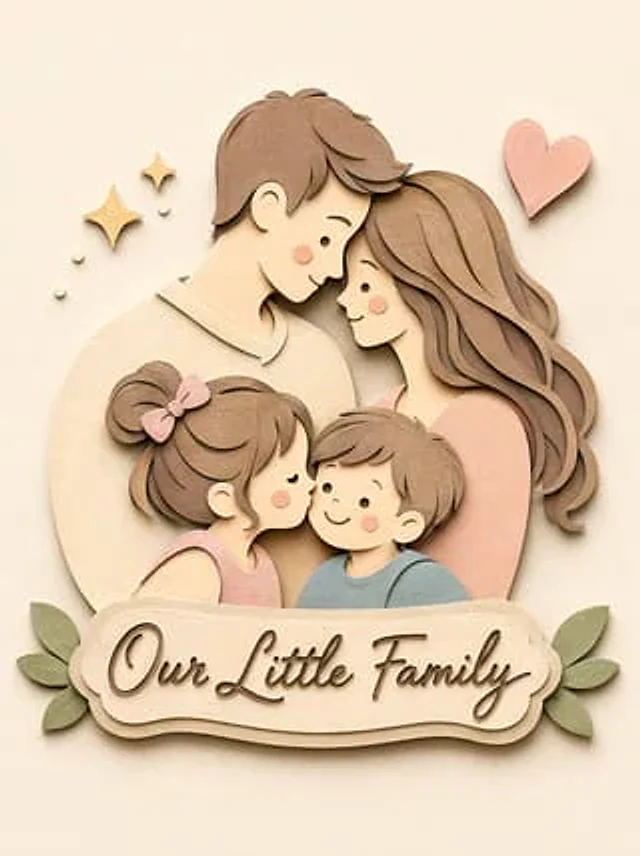
Convert this image into a {argument name="style" default="soft, handcrafted paper-cut layered illustration style"}, inspired by papercraft diorama aesthetics. Use smooth rounded shapes, simplified cute character proportions, and {argument name="facial details" default="minimal facial details (dot eyes, blush cheeks)"} to create a warm, charming look. Apply stacked paper layers with visible depth, subtle shadows between layers, and clean cut edges that resemble {argument name="material" default="laser-cut cardstock"}.How to use
- Copy the complete original prompt, including any parameters.
- Replace the subject, text and composition with your own requirements.
- Use a compatible external tool; check its current access conditions and review the result.
Before you start
- Check whether a reference image is required. A compatible model label does not mean this example was generated with that model.
- Keep names, figures and visible text accurate; results can vary between model versions.