Original document
GPT Image 2 · en
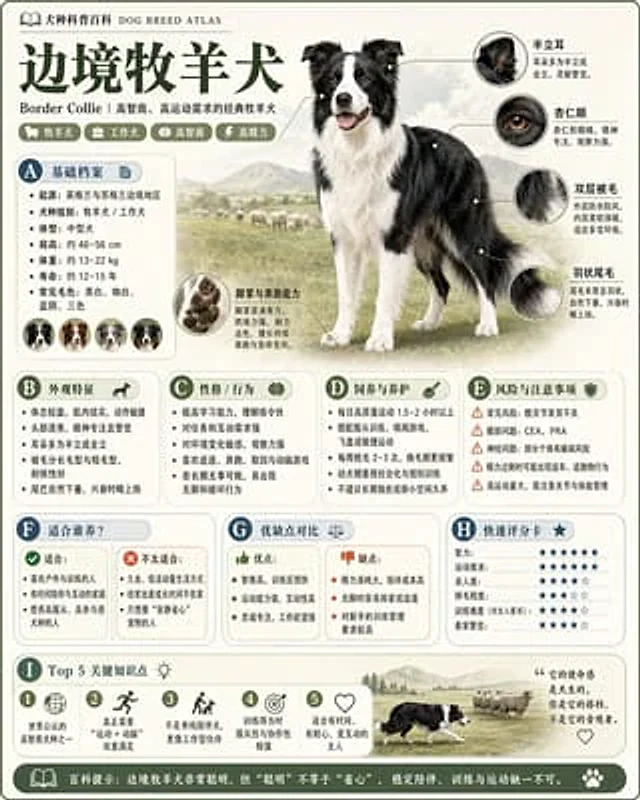
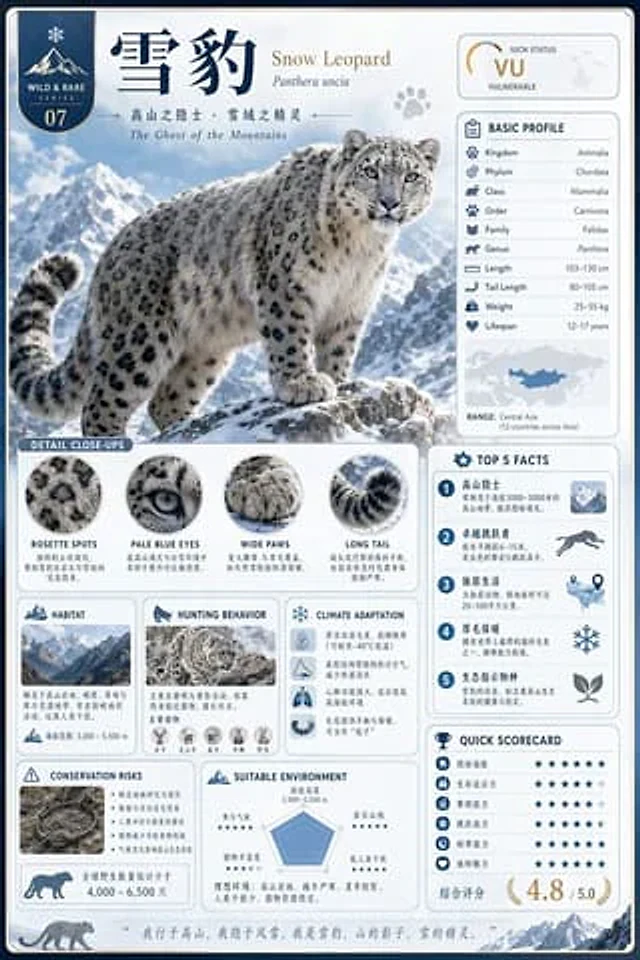
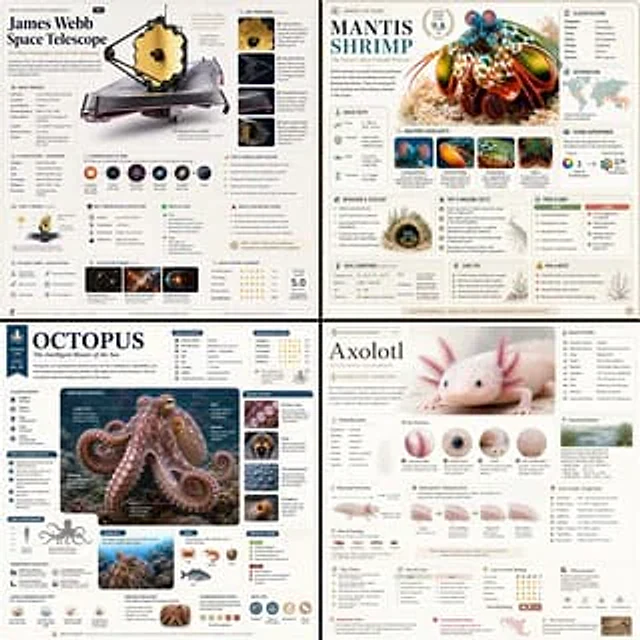
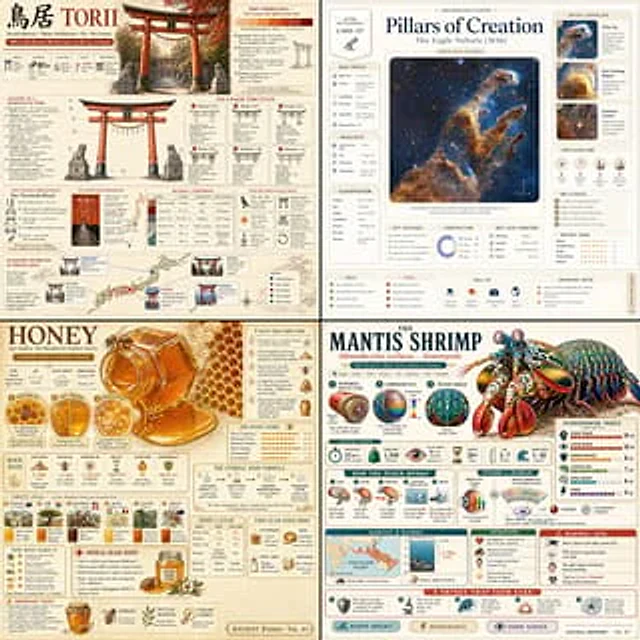
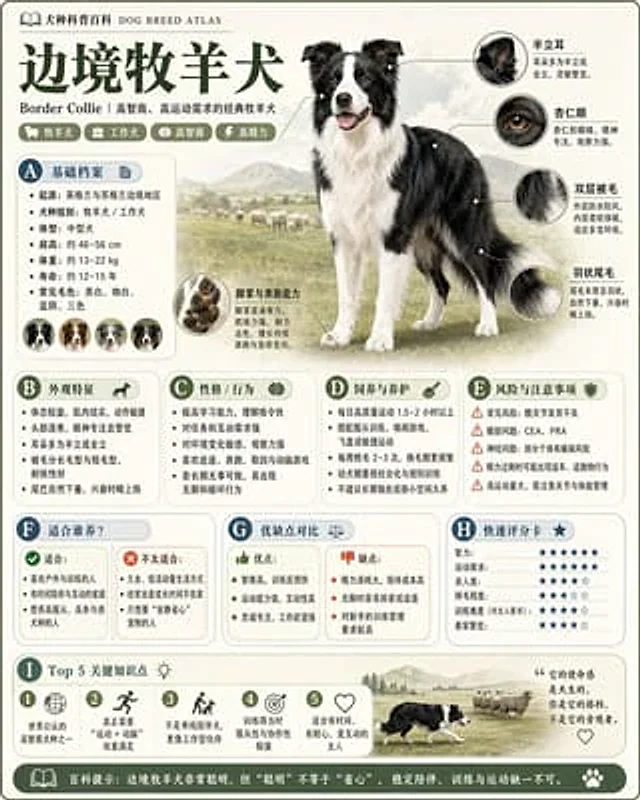
Please refer to{argument name="theme" default="animals"} Generate a high-quality, vertical "science encyclopedia image." This image is not a typical poster or simple illustration, but a modular science infographic with a "picture book feel, encyclopedia feel, structured information, and collectible value." The overall style should be a combination of high-end natural history illustrations, modern encyclopedia pages, everyday knowledge cards, and infographics that are easy to share on social media. The image should include: - A clear and aesthetically pleasing main visual image - Enlarged details of several local features - Multiple rounded-corner modular information areas - Clear heading hierarchy and key tags - Concise yet rich content descriptions - Visual ratings, key point summaries, or Top 5 module content sections should automatically adapt to the theme, prioritizing the following: basic overview, classification information, appearance characteristics, habits/ecology, formation mechanism/structure, growth or usage conditions, care or maintenance suggestions, risks and precautions, applicable audience or scenarios, advantages and disadvantages comparison, and quick rating cards. Visual Requirements: Light, clean background; soft color scheme; subtle shadows; delicate icons; rounded corner information boxes; clean layout; high information density without being cluttered; and a good reading experience. The final result must resemble a real science encyclopedia card, suitable for publishing, reading, collecting, and serialization, not an advertisement. Please do not create it as a typical commercial promotional poster. Emphasize the characteristics of "knowledge organization + modular information + illustration-style presentation".How to use
- Copy the complete original prompt, including any parameters.
- Replace the subject, text and composition with your own requirements.
- Use a compatible external tool; check its current access conditions and review the result.
Before you start
- Check whether a reference image is required. A compatible model label does not mean this example was generated with that model.
- Keep names, figures and visible text accurate; results can vary between model versions.