Original document
GPT Image 2 · en
{
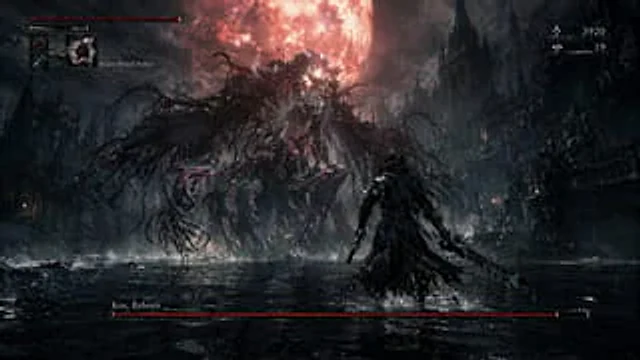
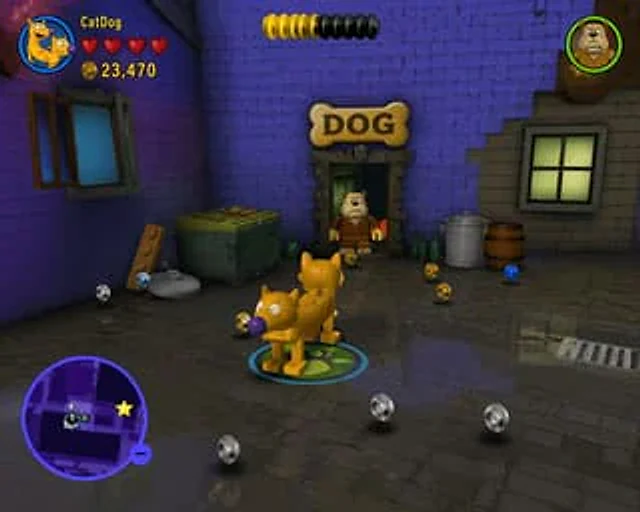
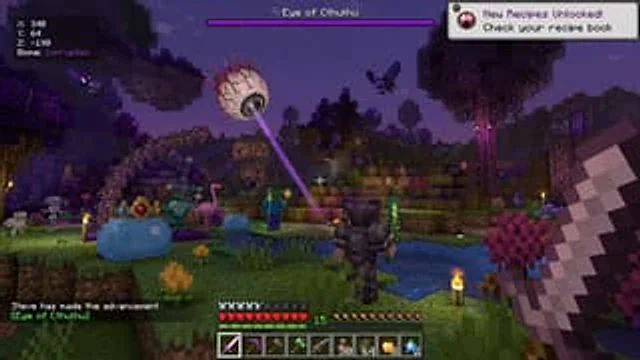
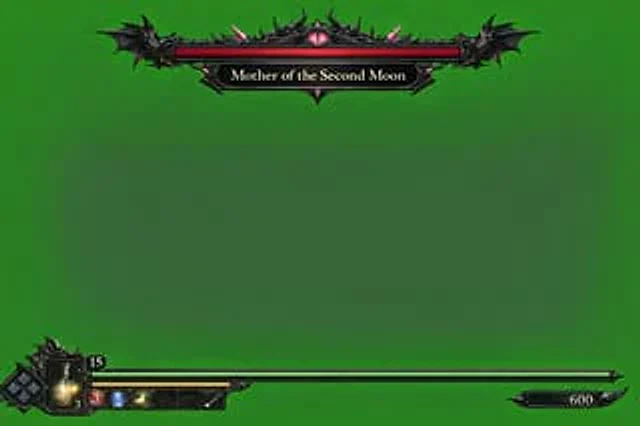
  "type": "Video game HUD overlay",
  "background": "{argument name=\"background color\" default=\"Pure color chromaticity key green\"}",
  "theme": "{argument name=\"UI theme\" default=\"Dark fantasy gothic style\"}",
  "layout": {
    "top_center": {
      "component": "Boss health bar",
      "design": "A gorgeous black metallic frame with bat wing-like edges and a glowing pink eye at the top center.",
      "bar_color": "{argument name=\"boss health bar color\" default=\"red\"}",
      "label": "{argument name=\"boss name\" default=\"Mother of the Second Month\"}"
    },
    "bottom_left": {
      "component": "Player Status HUD",
      "design": "Intricate dark metal frame",
      "elements": [
        "Diamond-shaped D-pad directional indicator",
        "A glowing yellow medicine bottle with the number '3' on it",
        "The number '15' inside the top small border",
        "A long strip extending to the right{argument name=\"player health bar color\" default=\"green\"} Health bar",
        "The shorter yellow bar below the green health bar",
        "Five square quick-select items in the inventory (Square 1: Red circle with '3'; Square 2: Blue icon; Square 3: Yellow icon; Square 4: Empty; Square 5: White diagonal line)"
      ]
    },
    "bottom_right": {
      "component": "Score or currency indicator",
      "design": "Small black decorative plaque with the number '600'"
    }
  }
}
How to use
- Copy the complete original prompt, including any parameters.
- Replace the subject, text and composition with your own requirements.
- Use a compatible external tool; check its current access conditions and review the result.
Before you start
- Check whether a reference image is required. A compatible model label does not mean this example was generated with that model.
- Keep names, figures and visible text accurate; results can vary between model versions.