Original document
GPT Image 2 · en
Scene:
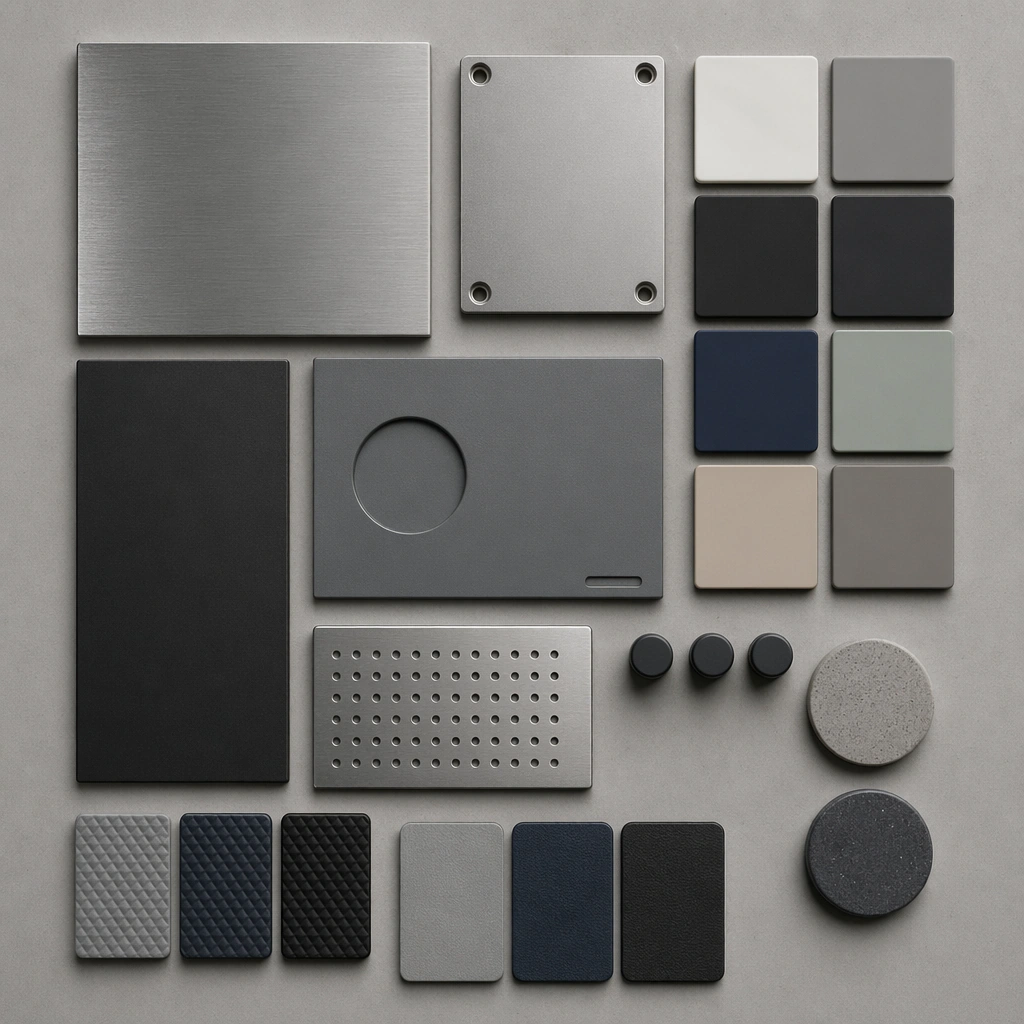
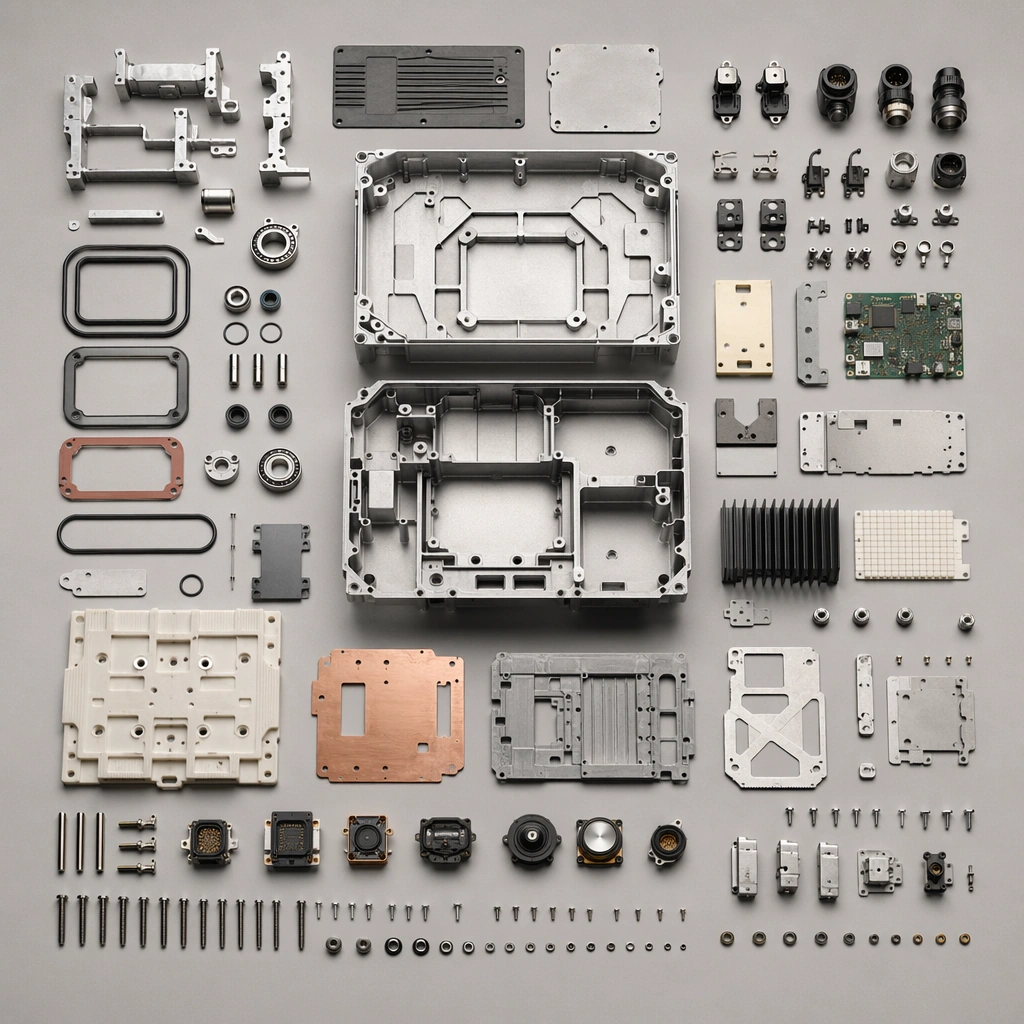
A square top-down workbench board with neutral ground, soft precision light, and crisp part spacing. Compose the frame as a square key visual with disciplined camera placement, premium lighting control, and believable real-world scale. The tonal range should feel polished and intentional, with enough atmosphere to create depth without obscuring form. Keep contrast calibrated for launch, catalog, or research presentation use rather than casual snapshot aesthetics.

Subject:
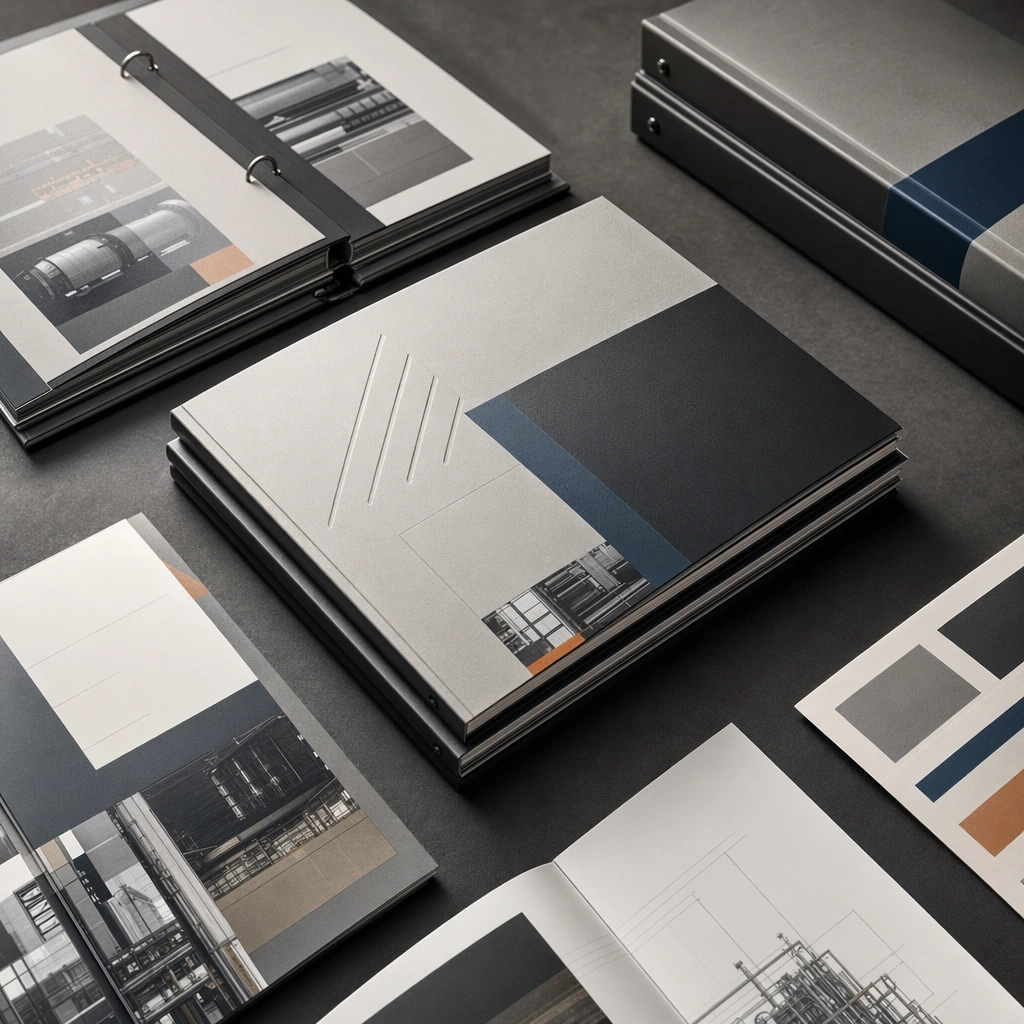
Center original industrial-device components grouped by system, material, and size with highly controlled organization. Make the subject feel original, production-aware, and clearly grounded in Industrial Product Exploded View Suite. Treat this as an independent study that must feel complete and coherent without relying on any external reference image. The focal hierarchy should be immediate: primary form first, then material behavior, then supporting environmental cues that clarify use context and difficulty.

Important details:
Use clean spacing and believable engineering categories without readable part numbers. The board should feel fit for catalog or teardown communication. The visual language should still feel native to Industrial Product Exploded View Suite, using disciplined industrial or campaign composition instead of generic stock photography. Use believable materials, engineering logic, and professional composition discipline. Reflections, shadows, edge breaks, texture scale, interface density, and small physical joints must all support realism. Avoid filler props, vague mood-board clutter, or any element that weakens the sense of a purpose-built industrial or automotive image.

Use case:
Exploded Views single study 5/9 for Industrial Product Exploded View Suite, built as image support-one.

Constraints:
No readable text, no watermark, no logos, preserve exact 1:1 aspect ratio, no readable labels, no logos, no fantasy glowing cores, no chaotic wire nests, no meaningless arrows, no decorative clutter.
How to use
- Copy the complete original prompt, including any parameters.
- Replace the subject, text and composition with your own requirements.
- Use a compatible external tool; check its current access conditions and review the result.
Before you start
- Check whether a reference image is required. A compatible model label does not mean this example was generated with that model.
- Keep names, figures and visible text accurate; results can vary between model versions.