Original document
GPT Image 2 · en
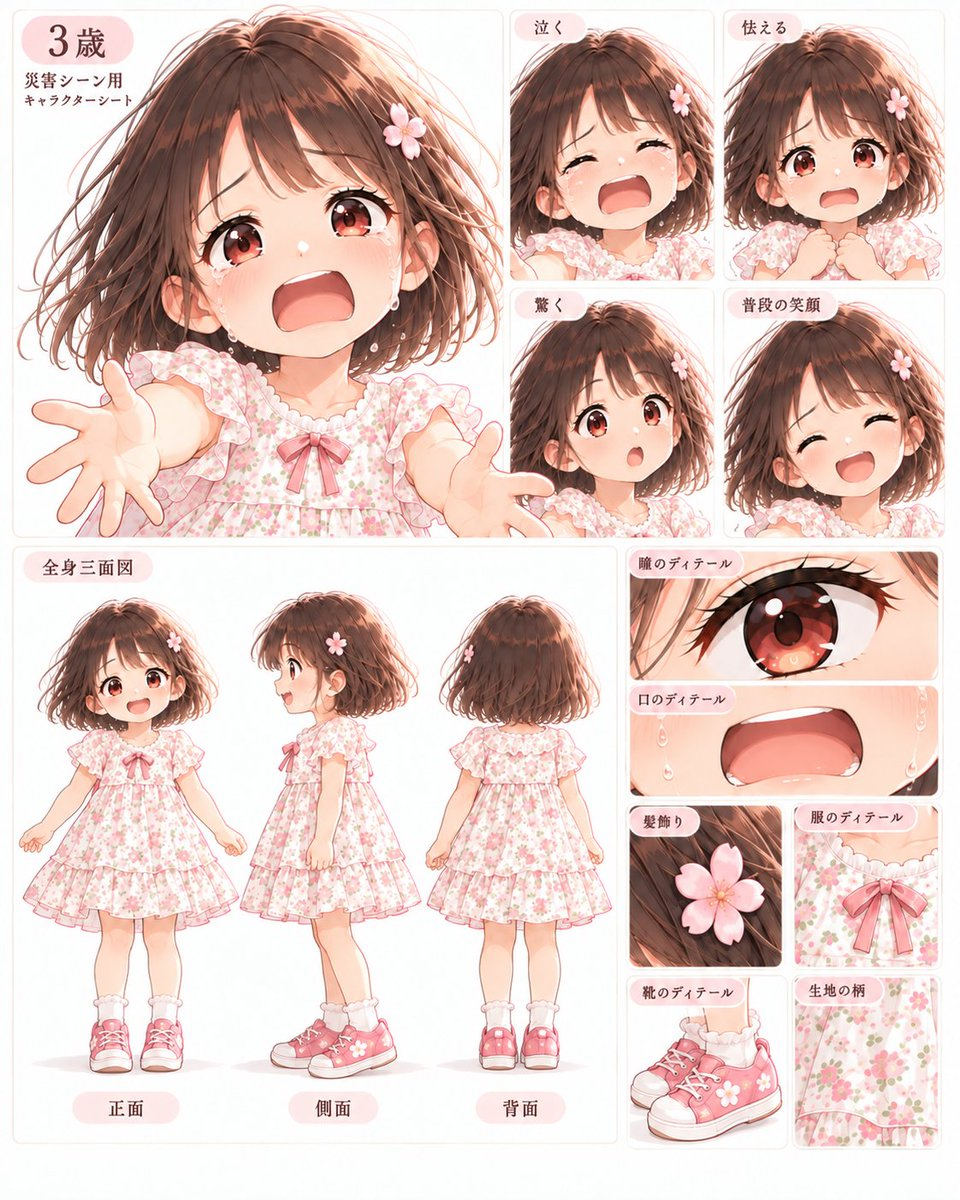
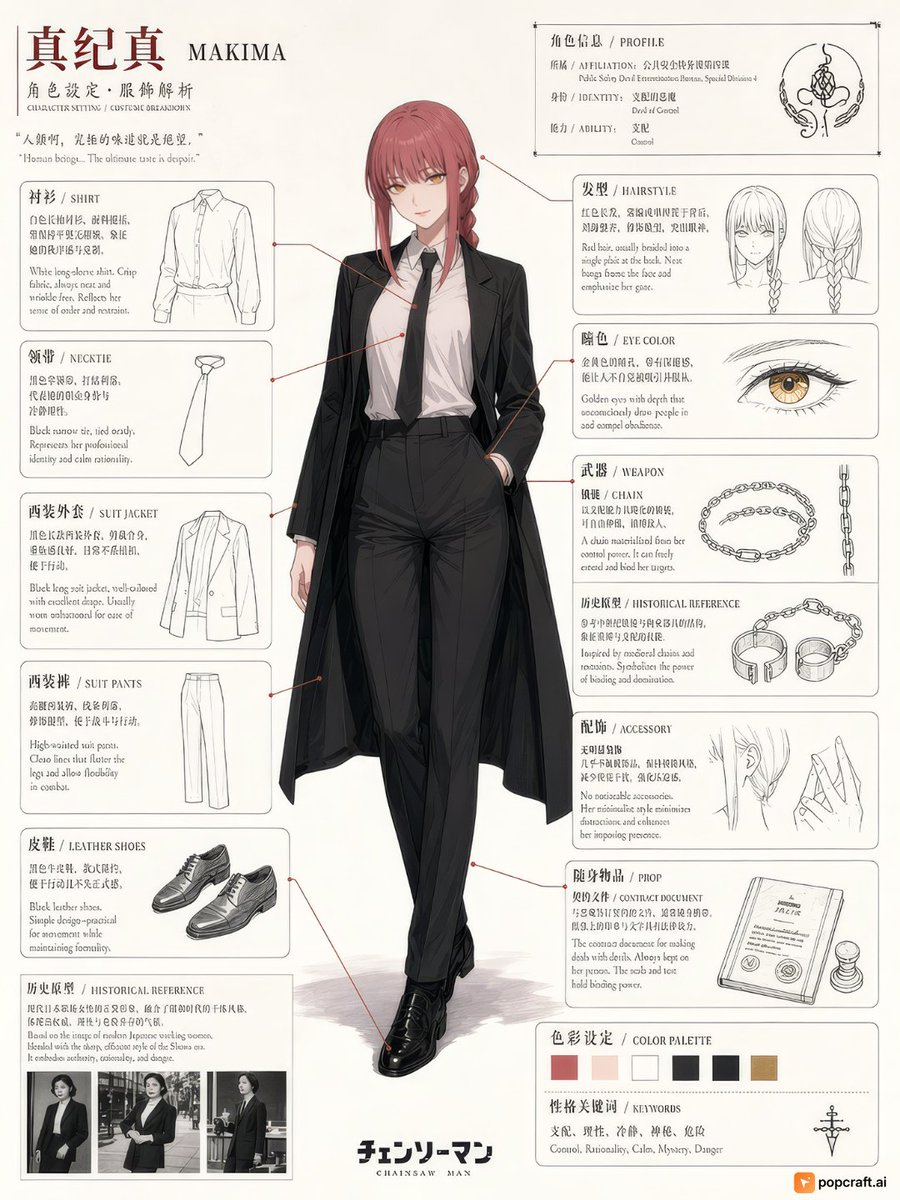
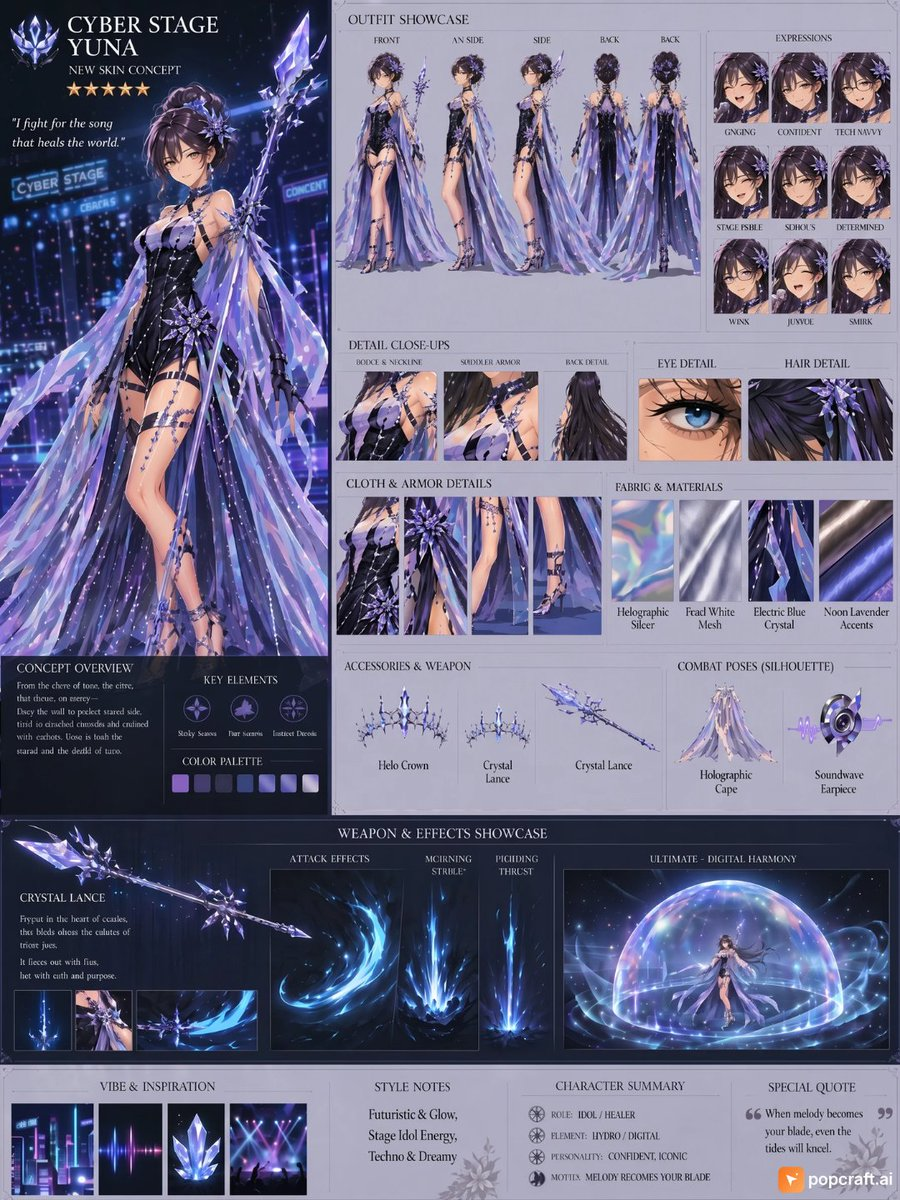
Create a comprehensive character concept sheet for {argument name="character name" default="Cyber Stage Yuna"}, featuring a futuristic idol warrior design. The layout should include:

1. **Main Portrait**: A full-body illustration of the character in an elaborate cyberpunk stage outfit with holographic elements, crystal accessories, and flowing fabric accents.
2. **Outfit Showcase**: Multiple views (front, side, back) showing different angles of the costume design.
3. **Expression Sheet**: Nine facial expressions including grinning, confident, tech-savvy, stage trouble, serious, determined, wink, joyous, and smirk.
4. **Detail Close-ups**: Sections highlighting boots & neckline, shoulder armor, back detail, eye detail, and hair detail.
5. **Materials & Textures**: Swatches showing holographic silver, pearl white mesh, electric blue crystal, and neon lavender accents.
6. **Accessories & Weapons**: Display of halo crown, crystal lance variations, holographic cape, and soundwave earpiece.
7. **Combat Poses**: Silhouette illustrations showing dynamic action stances.
8. **Weapon Effects**: Attack animations including morning strike, piercing thrust, and ultimate digital harmony effects.
9. **Concept Overview**: Key elements section with color palette swatches and thematic icons.
10. **Style Notes**: Description emphasizing futuristic glow, stage idol energy, techno & dreamy aesthetics.
11. **Character Summary**: Role as idol/healer, element as hydro/digital, personality as confident/iconic.
12. **Special Quote**: "When melody becomes your blade, even the tides will kneel."

The overall aesthetic should blend cyberpunk technology with ethereal fantasy elements, using a color scheme dominated by deep blues, purples, silvers, and glowing accents. Include a five-star rating indicator and maintain professional game art documentation standards throughout.
How to use
- Copy the complete original prompt, including any parameters.
- Replace the subject, text and composition with your own requirements.
- Use a compatible external tool; check its current access conditions and review the result.
Before you start
- Check whether a reference image is required. A compatible model label does not mean this example was generated with that model.
- Keep names, figures and visible text accurate; results can vary between model versions.