Original document
GPT Image 2 · en
Scene:
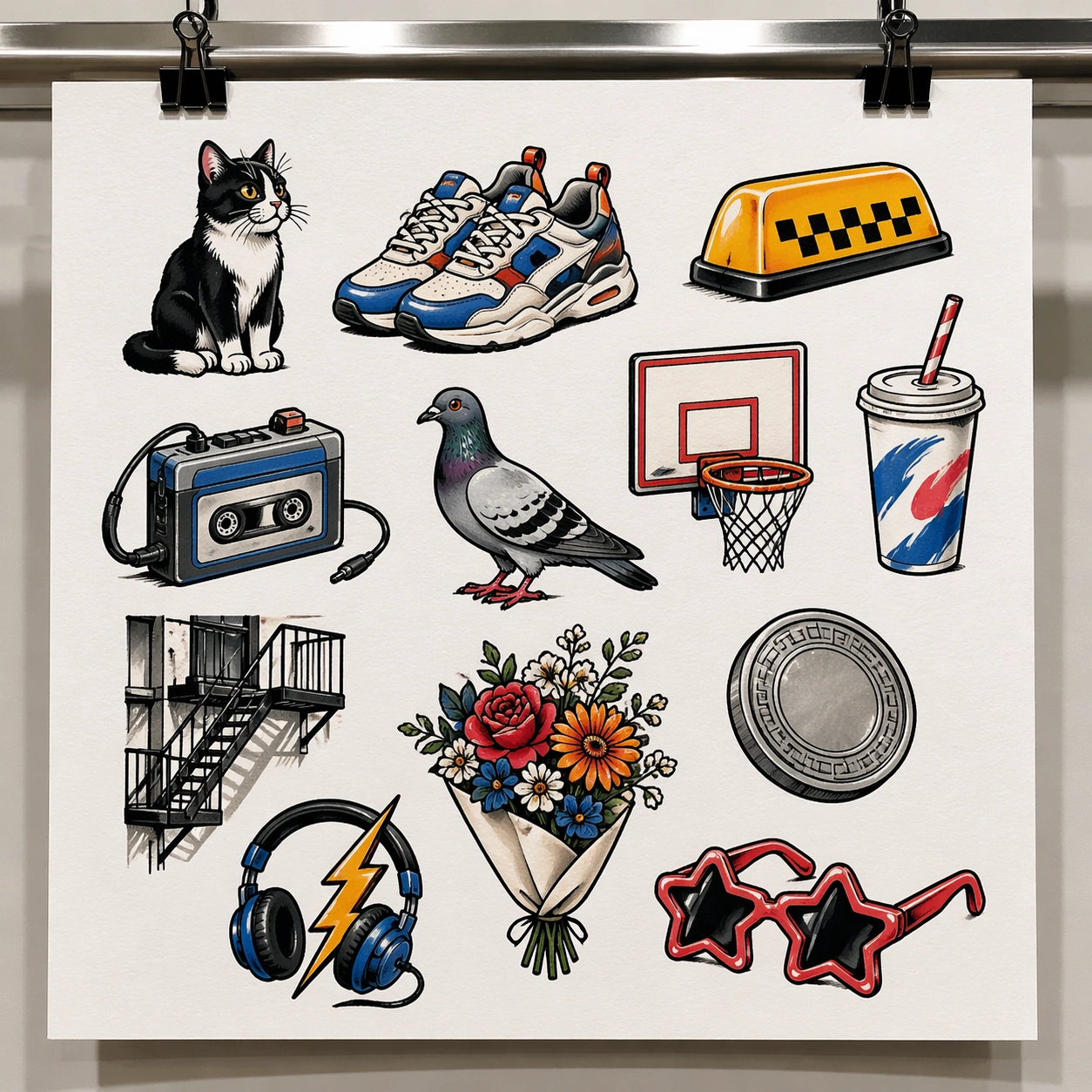
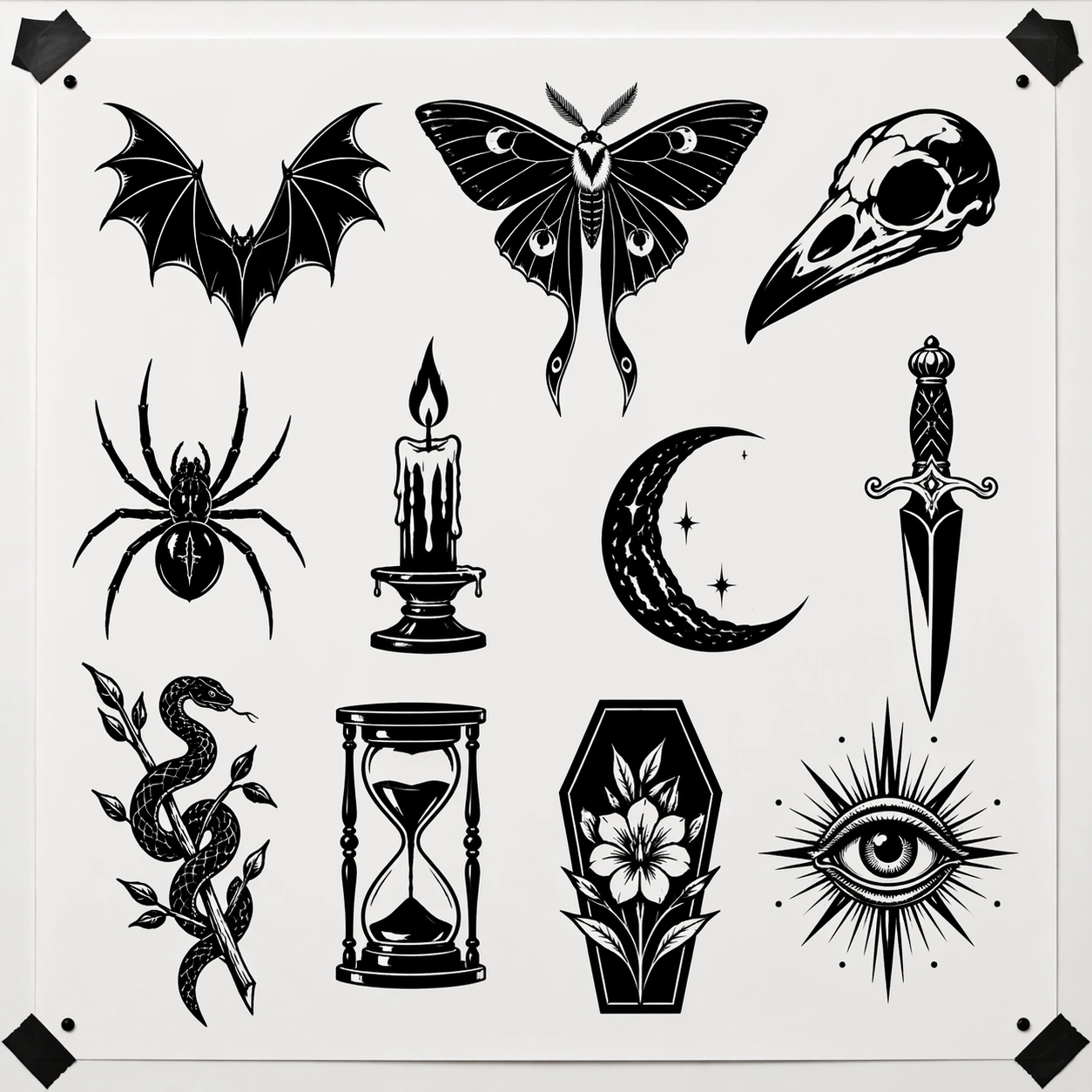
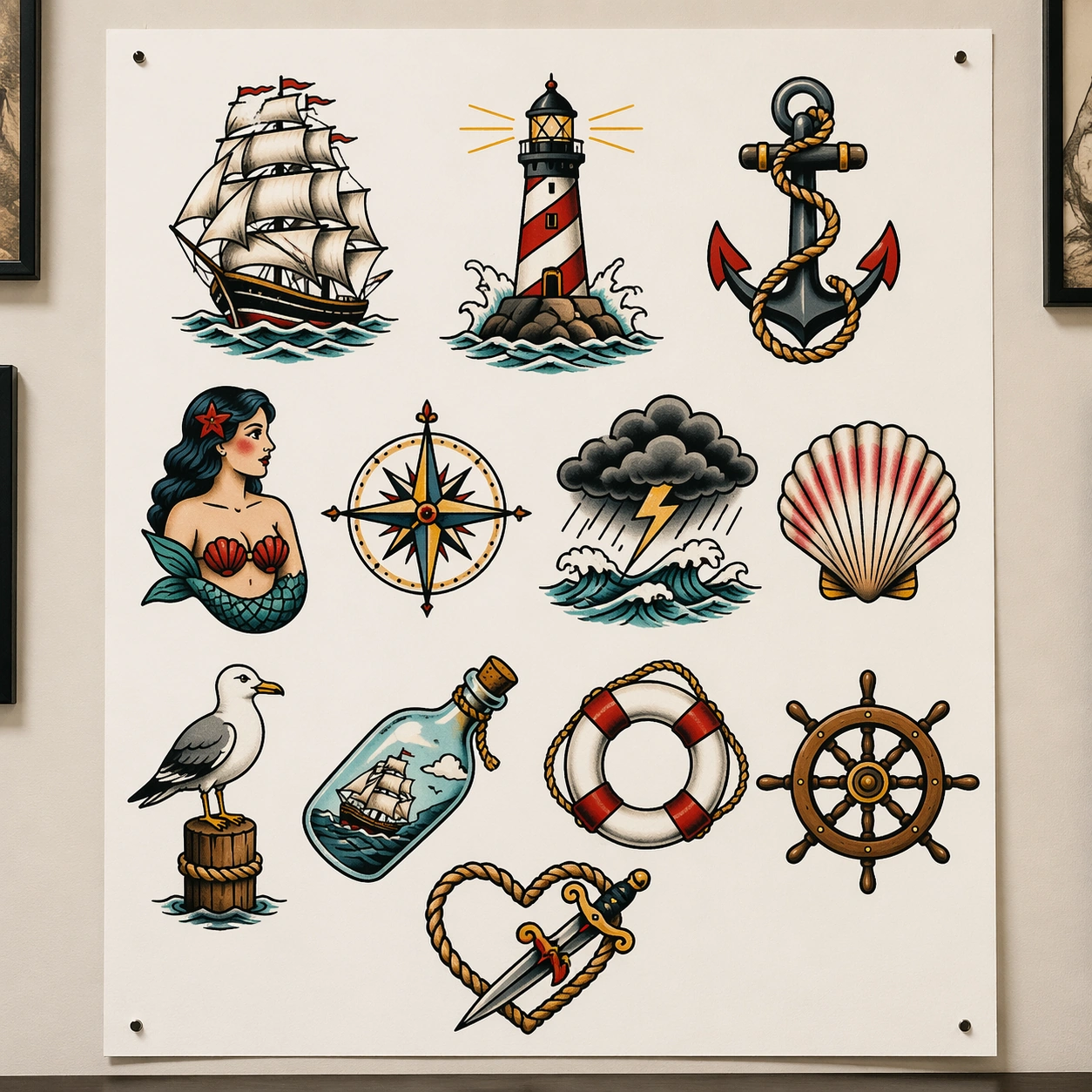
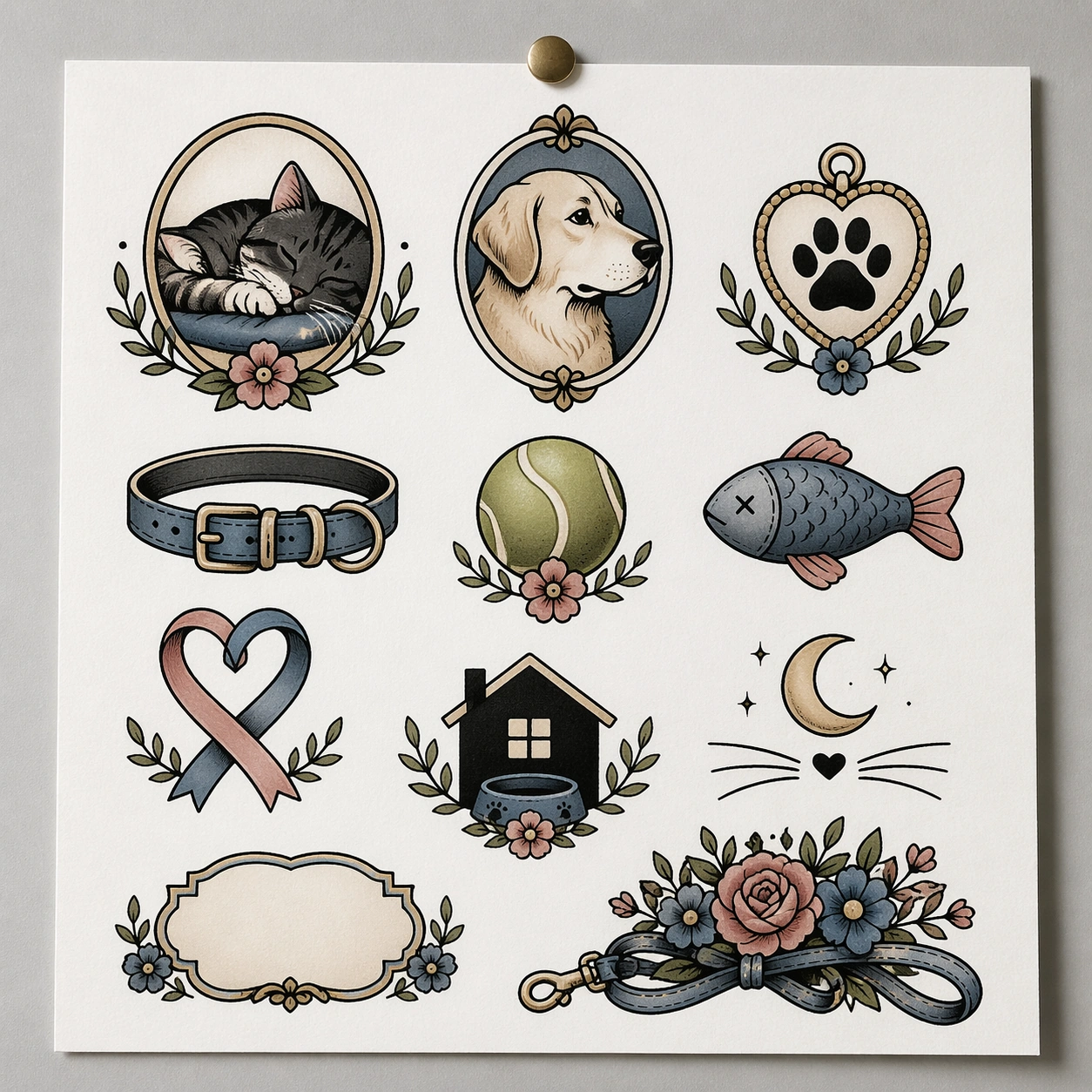
A square straight-on photograph of a single bright white flash sheet pinned to a neutral tattoo studio wall, lit by soft overhead shop lighting with very slight paper curl at the corners and faint shadows from the pins. The sheet should fill most of the frame and read like a clean commercial presentation surface, with balanced margins and enough empty white space for each design to breathe.

Subject:
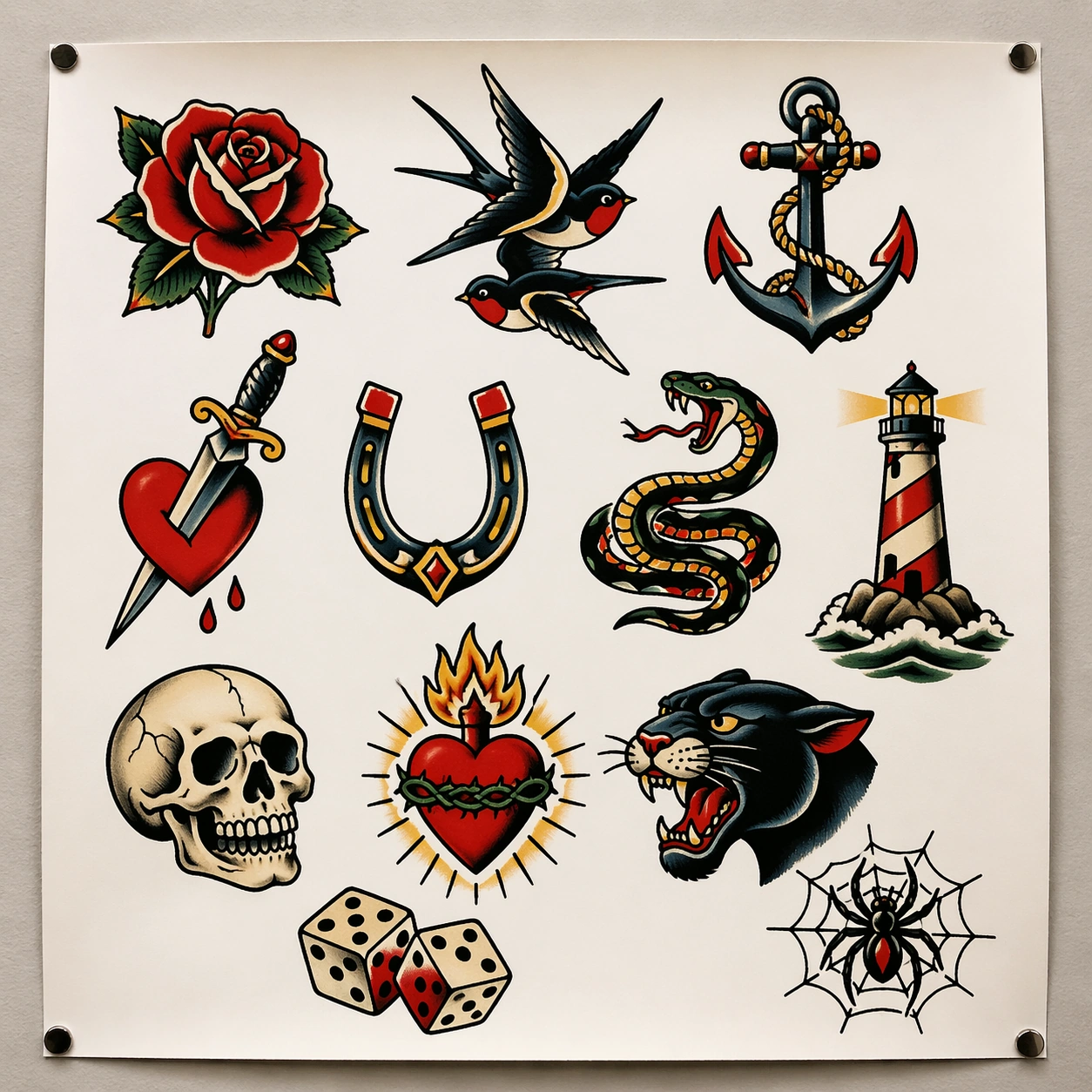
Create a classic American traditional tattoo flash sheet containing around twelve isolated motifs arranged in a disciplined gridless salon layout. Include a red rose, swallow pair, ship anchor, dagger through heart, horseshoe, snake coil, lighthouse, skull, sacred heart, panther head, lucky dice, and webbed spider. Every motif should be fully self-contained, outlined in bold black, and colored with the restrained old-school palette of red, yellow, green, navy, cream, and black. The drawings must look ready for customers to choose from, not like decorative poster art or scrapbook stickers.

Important details:
The core visual rule is tattoo-parlor usability. Each design must have strong silhouette separation, even line weight, controlled fill areas, and consistent shading logic. Preserve generous white paper between motifs, small crop-safe margins, and a believable studio-wall presentation. The image should feel commercial and contemporary, even while the motifs come from traditional flash language. Avoid painterly rendering, background scenery, and extra props that distract from the sheet itself.

Use case:
Tattoo Flash Sheet single study 1/8, establishing a clean parlor-ready old-school flash board with many independent selectable motifs.

Constraints:
No readable text, no watermark, no logos, preserve exact 1:1 aspect ratio, no skin, no tattooed human body, no illegible scribble labels, no poster frame, no collage overlap, no glossy 3D render finish.
How to use
- Copy the complete original prompt, including any parameters.
- Replace the subject, text and composition with your own requirements.
- Use a compatible external tool; check its current access conditions and review the result.
Before you start
- Check whether a reference image is required. A compatible model label does not mean this example was generated with that model.
- Keep names, figures and visible text accurate; results can vary between model versions.