Original document
GPT Image 2 · en
Scene:
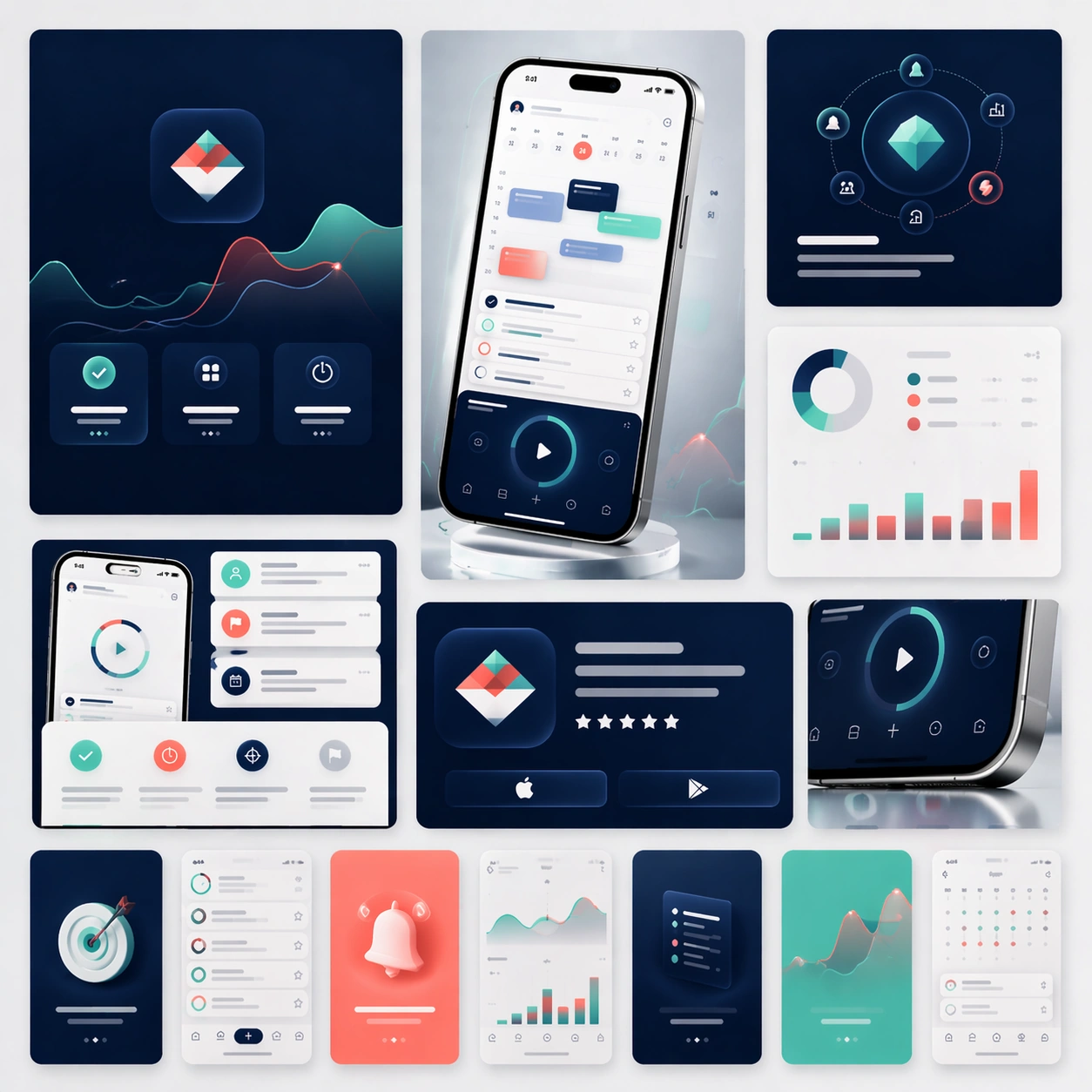
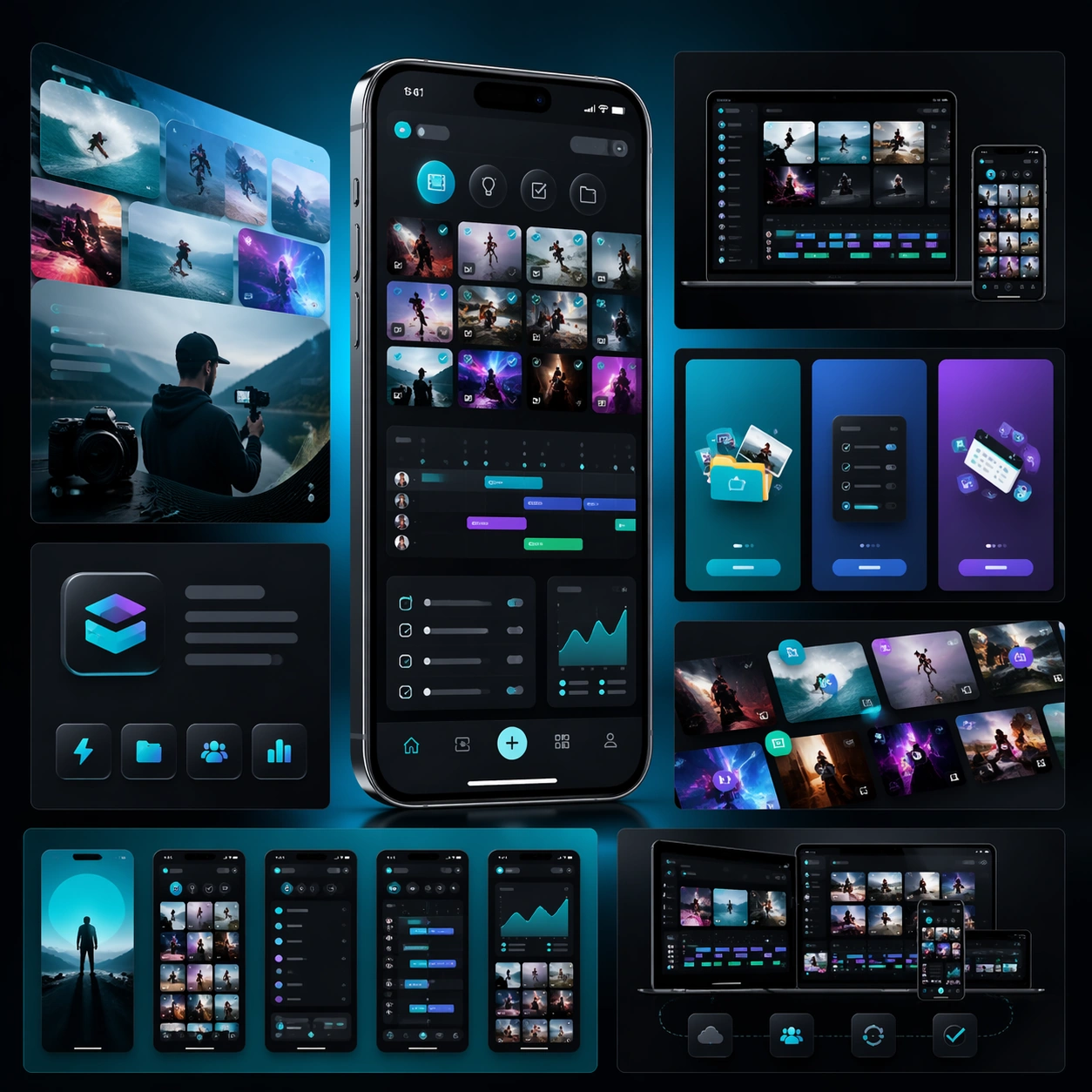
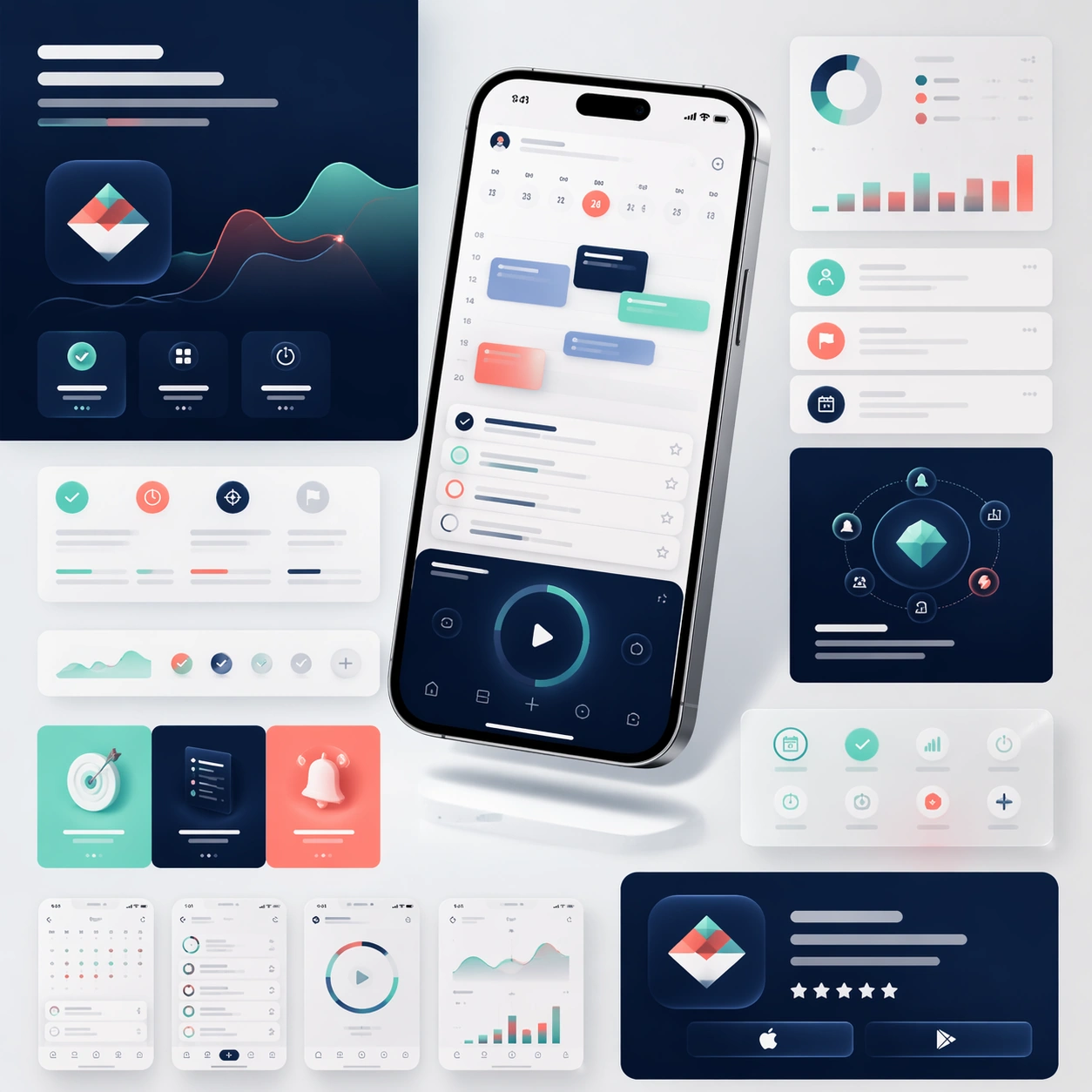
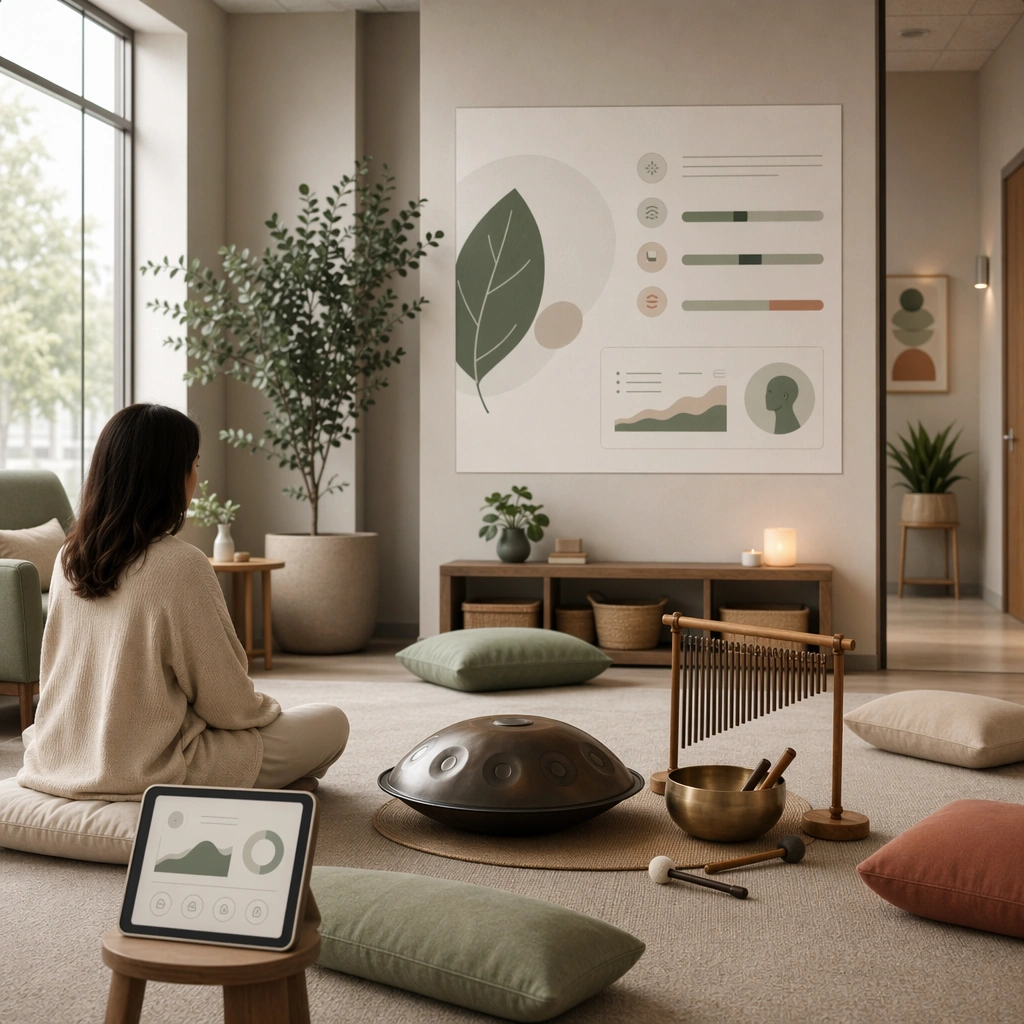
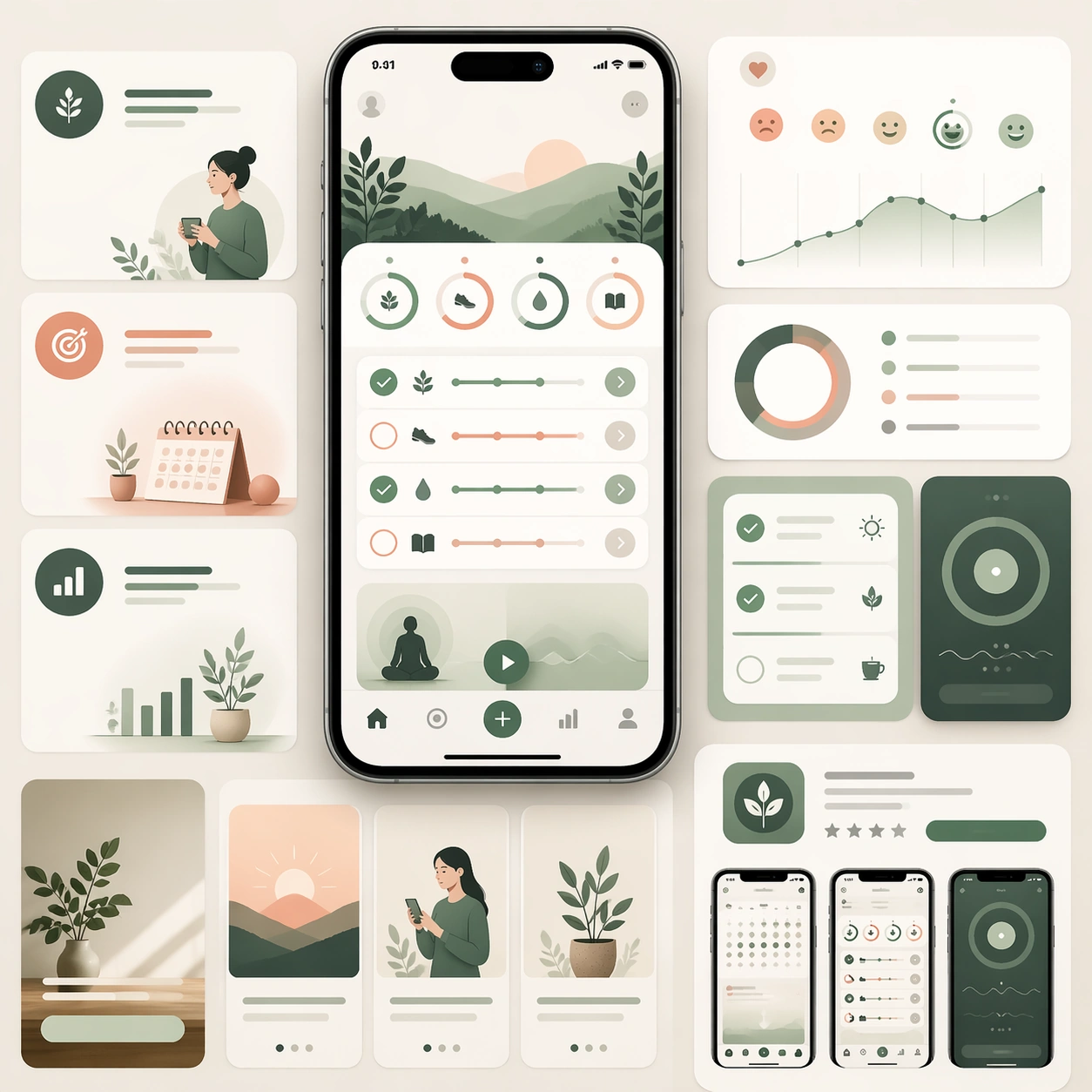
A square product-launch board for a wellness and habit-building app, with a serene but still commercial visual language. Use a palette of warm cream, eucalyptus green, dusty peach, and muted graphite. Compose one central smartphone render, a few softly layered dashboard crops, and several landing-page modules arranged like a premium product presentation under diffused studio light.

Subject:
Create a believable app launch kit focused on daily habits, routines, mood check-ins, and gentle progress tracking. The mobile interface should show habit rings, calm checklist cards, breathing or reflection modules, and simple trend graphs. Around the phone, include supporting sections that suggest onboarding, benefit storytelling, and store-ready promotional cards. The whole composition should feel trustworthy, contemporary, and conversion-aware without becoming medical or sterile. It should communicate that this is a complete launch system for a consumer wellness app rather than a single isolated mockup.

Important details:
Keep the hierarchy calm, the device materials realistic, and the interface language consistent. Let soft color, spacing, and rounded forms communicate reassurance while the overall board still reads as a disciplined marketing page. Avoid generic spa imagery; the emphasis should remain on product clarity, believable app UX, and polished campaign presentation that can extend to landing pages and app-store assets.

Use case:
App Launch Marketing Page Kit single study 5/5, testing a wellness and habit-building launch direction.

Constraints:
No readable text, no watermark, no logos, preserve exact 1:1 aspect ratio, no medical claims, no yoga-stock-photo collage, no cluttered health graphs, no distorted hardware, no childish sticker treatment, no unrealistic glass effects.
How to use
- Copy the complete original prompt, including any parameters.
- Replace the subject, text and composition with your own requirements.
- Use a compatible external tool; check its current access conditions and review the result.
Before you start
- Check whether a reference image is required. A compatible model label does not mean this example was generated with that model.
- Keep names, figures and visible text accurate; results can vary between model versions.