Original document
GPT Image 2 · en
Scene:
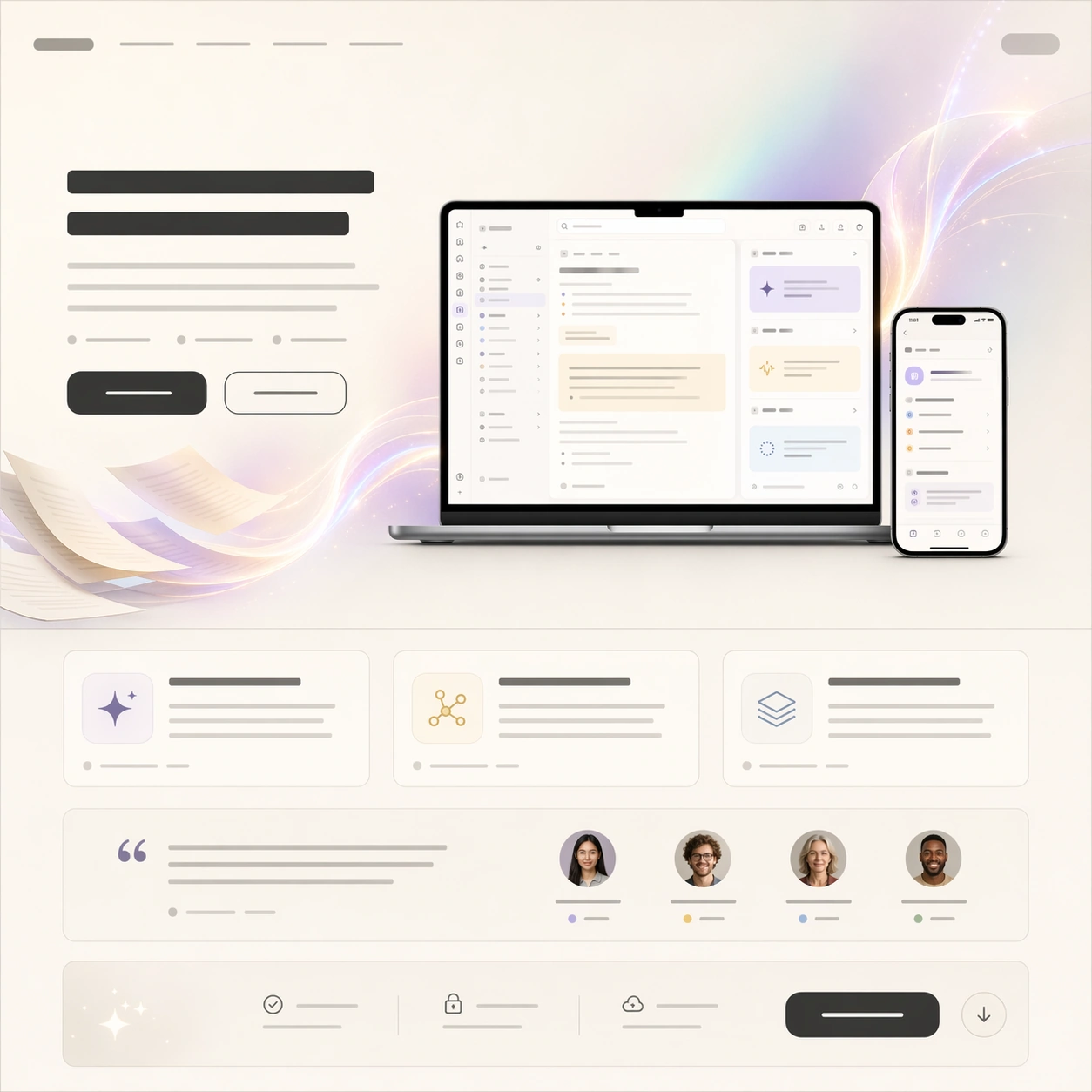
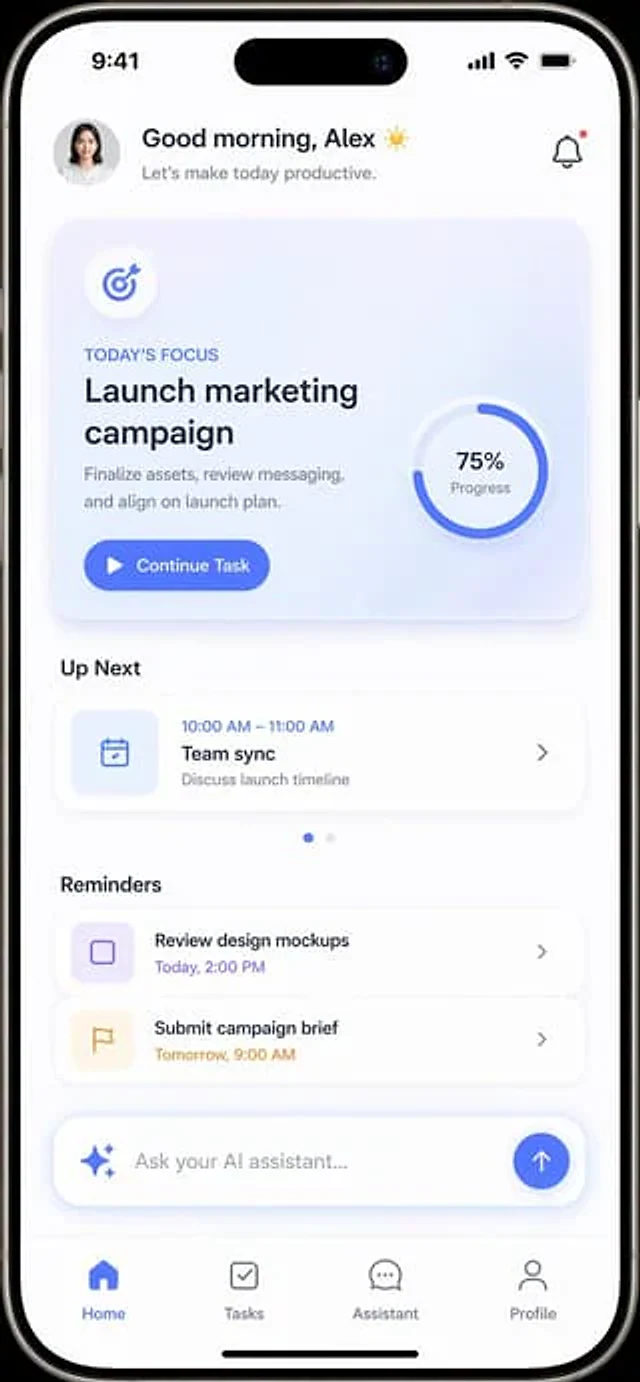
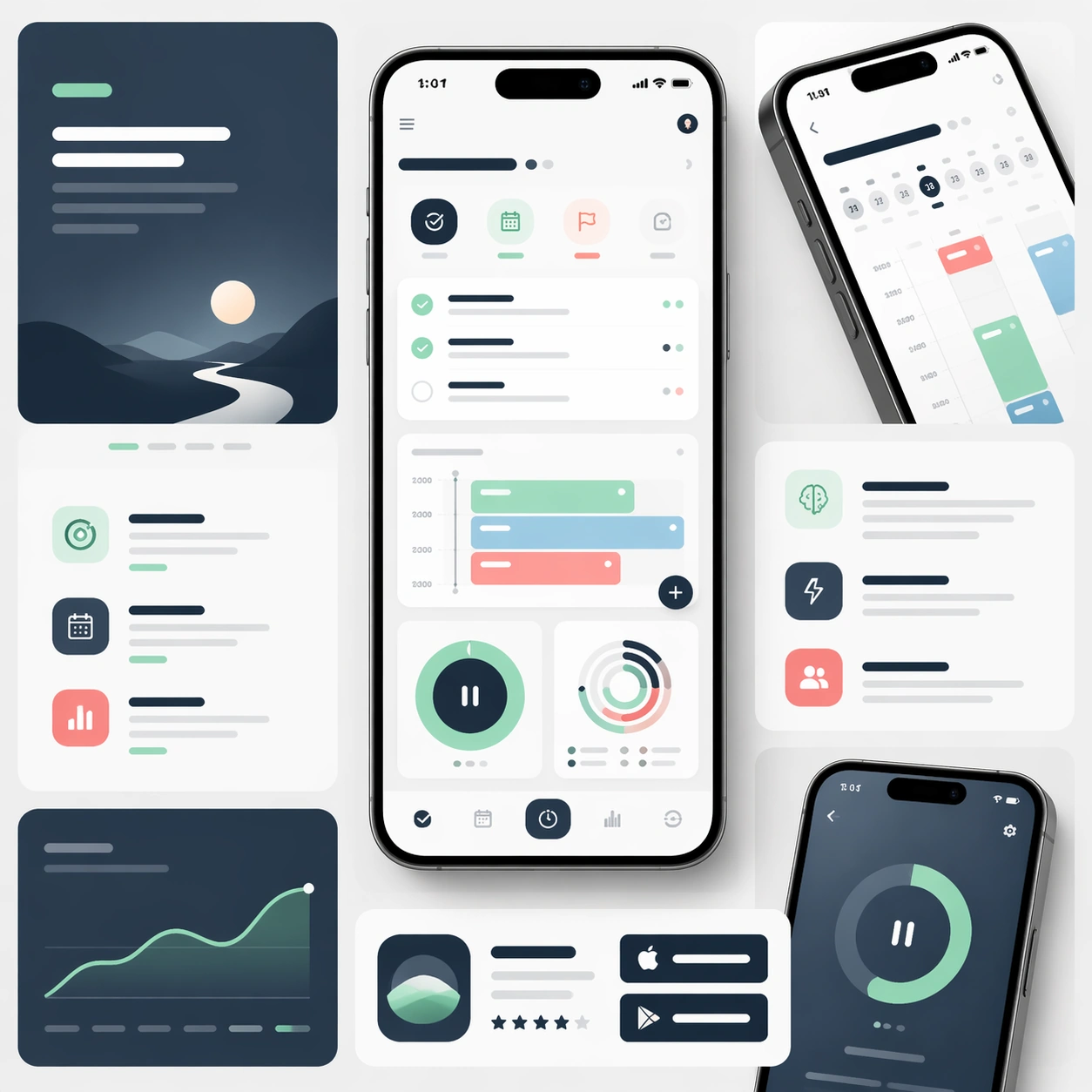
A square launch-page board for a consumer productivity app, composed as a premium design presentation with one central phone render, two secondary screen crops, and surrounding modular landing-page sections. Use bright daylight studio lighting, soft white surfaces, deep slate blue accents, muted mint highlights, and a few disciplined coral signals. The view is front-facing with slight depth from shadows and layered cards, giving the board a polished commercial realism.

Subject:
Design a believable focus-and-planning app marketing page kit. The main phone should show a quiet dashboard with task stacks, scheduling blocks, a concentration timer, and progress rings. Around it, show supporting modules for feature explanation, screenshot detail, and store-promo extension, all using the same rounded UI language and careful spacing. The composition should feel ready for a real launch campaign, with enough device realism to look trustworthy and enough layout structure to read as a formal marketing page rather than a random mockup. Any copy areas must be represented as elegant abstract bars instead of readable words.

Important details:
Keep the device materials realistic, the interface crisp, and the module hierarchy easy to scan. Make the selling points feel calm, capable, and mature rather than flashy. The board should balance product storytelling, screenshot credibility, and premium restraint. Every section should look intentionally designed for conversion, App Store extension, and editorial product marketing.

Use case:
App Launch Marketing Page Kit single study 1/5, testing a premium productivity launch angle.

Constraints:
No readable text, no watermark, no logos, preserve exact 1:1 aspect ratio, no exaggerated fantasy effects, no crowded widget chaos, no warped phone geometry, no duplicate inconsistent interfaces, no lifestyle hands.
How to use
- Copy the complete original prompt, including any parameters.
- Replace the subject, text and composition with your own requirements.
- Use a compatible external tool; check its current access conditions and review the result.
Before you start
- Check whether a reference image is required. A compatible model label does not mean this example was generated with that model.
- Keep names, figures and visible text accurate; results can vary between model versions.