
Original document
GPT Image 2 · en
Scene:
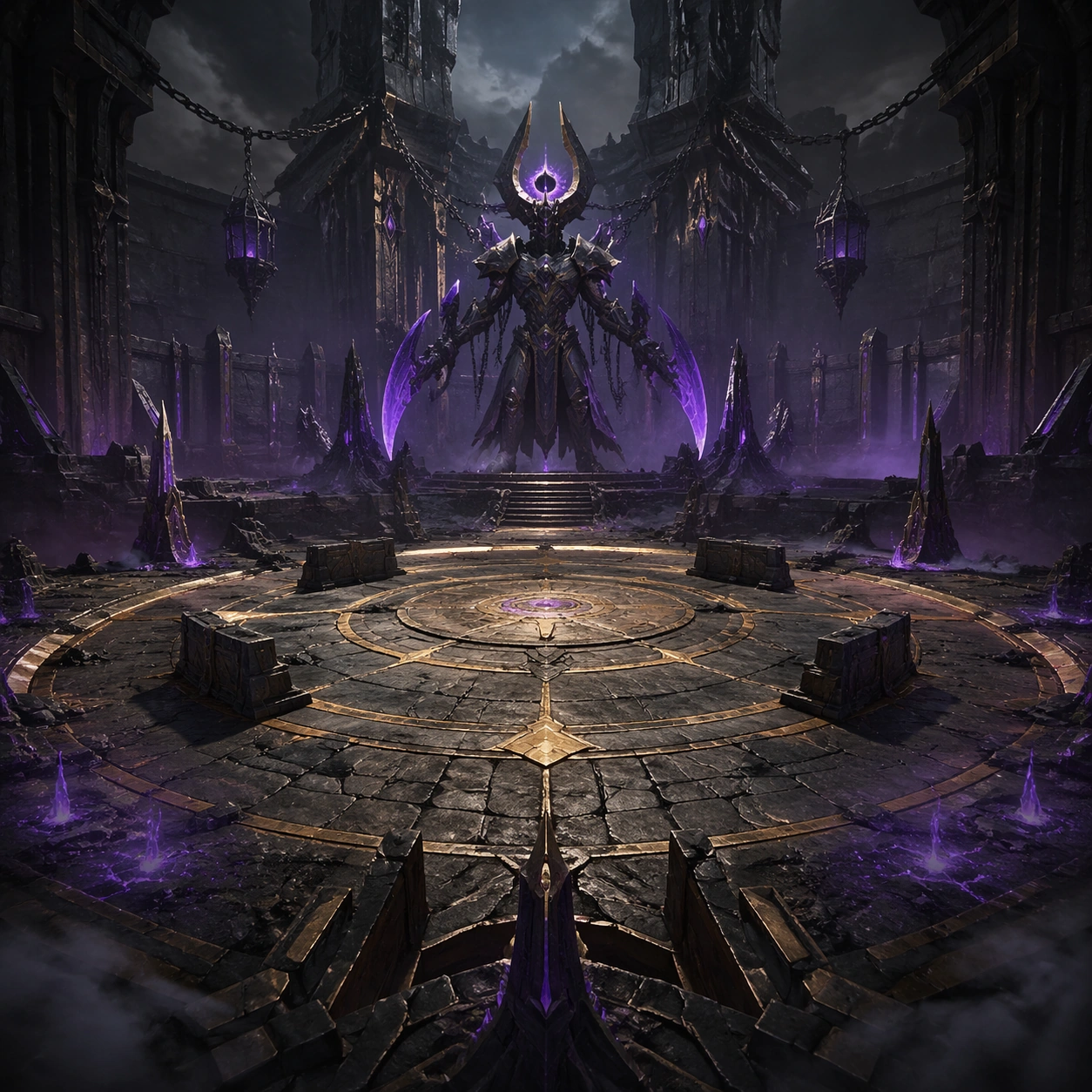
A square premium key-art frame built for a reference-dependent production series. Stage a dramatic intro-phase arena keyframe that introduces the boss and readable combat space with controlled lighting, clear silhouette separation, and a camera setup that feels deliberate enough for campaign reuse. The composition should carry strong focal hierarchy, believable depth, and polished surface behavior while still staying stable enough to support downstream dependent variations.

Subject:
Center the image on a dramatic intro-phase arena keyframe that introduces the boss and readable combat space. The result should feel like a concrete, shippable asset for Boss Arena Phase Keyframes, not a generic fantasy render. Build the subject with layered materials, stable anatomy or engineering logic, and enough specificity that later images can inherit the same underlying identity. This image is the root reference that defines continuity for the rest of the series. The viewer should immediately understand what is being preserved across the sequence and what is changing in this particular beat.

Important details:
establish floor plan, cover rhythm, hazard zones, and the boss silhouette that later phases must preserve. Make continuity explicit through repeatable shape language, proportion control, and a coherent palette system. Changes in pose, angle, mood, rarity, weather, or layout should still feel downstream of one stable source. Avoid clutter that would confuse reference use. Any interface-like blocks or graphic surfaces must remain abstract and unreadable. Keep the image polished, original, and suitable for both gallery display and production review.

Use case:
Boss Arena Phase Keyframes series study 1/4, focused on reference intro phase.

Constraints:
No readable text, no watermark, no logos, preserve exact 1:1 aspect ratio, no UI overlay, no unreadable explosions, no broken continuity, no off-model redesign, no accidental franchise resemblance.
How to use
- Copy the complete original prompt, including any parameters.
- Replace the subject, text and composition with your own requirements.
- Use a compatible external tool; check its current access conditions and review the result.
Before you start
- Check whether a reference image is required. A compatible model label does not mean this example was generated with that model.
- Keep names, figures and visible text accurate; results can vary between model versions.