Multi-page Brand Kit Generator

Multi-page Brand Kit Generator

Original document

GPT Image 2 · en

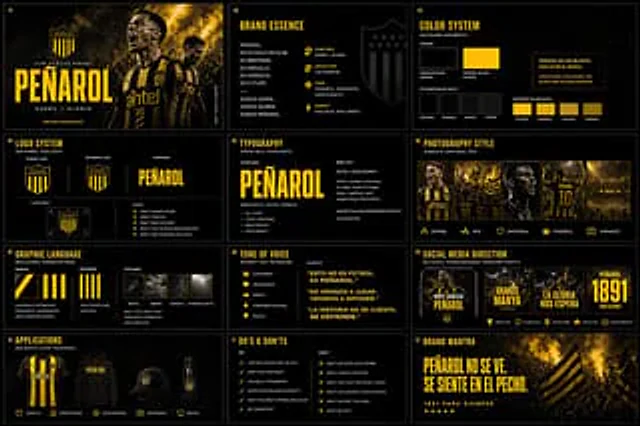
Create a polished multi-page (multiple images) brand kit for {argument name="brand name" default="___________"}

How to use

  1. Copy the complete original prompt, including any parameters.
  2. Replace the subject, text and composition with your own requirements.
  3. Use a compatible external tool; check its current access conditions and review the result.

Before you start

  • Check whether a reference image is required. A compatible model label does not mean this example was generated with that model.
  • Keep names, figures and visible text accurate; results can vary between model versions.
More like this

Brand Kit Design Prompt
GPT Image 2en

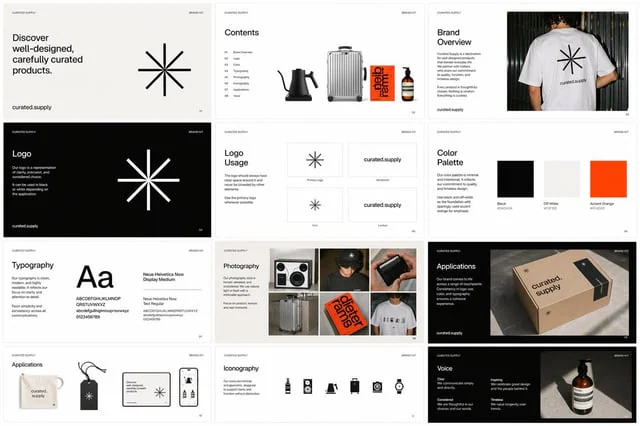
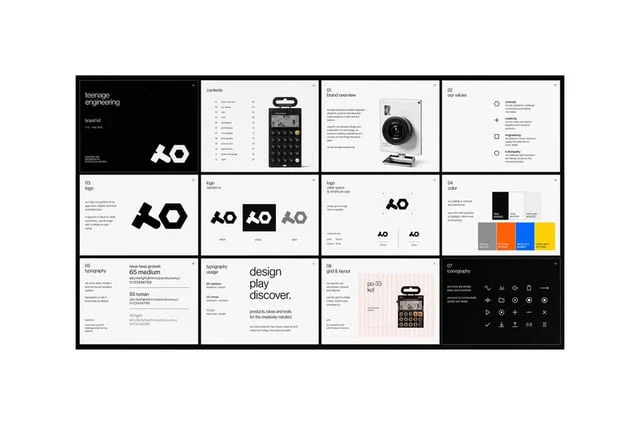
Create a multi-page, multi-image {argument name="brand asset" default="brand kit"} for {argument name="company name" default="Curated Supply"}. Make sure to include guidelines and use attached images as reference.

Brand Kit Design Prompt
GPT Image 2en

for{argument name="company name" default="Curated Supply"} Create a multi-page, multi-image {argument name="brand asset" default="Branded Kits"} Please be sure to include design guidelines and use the accompanying images as references.

Monochrome Infra Brand Kit Board
GPT Image 2zh

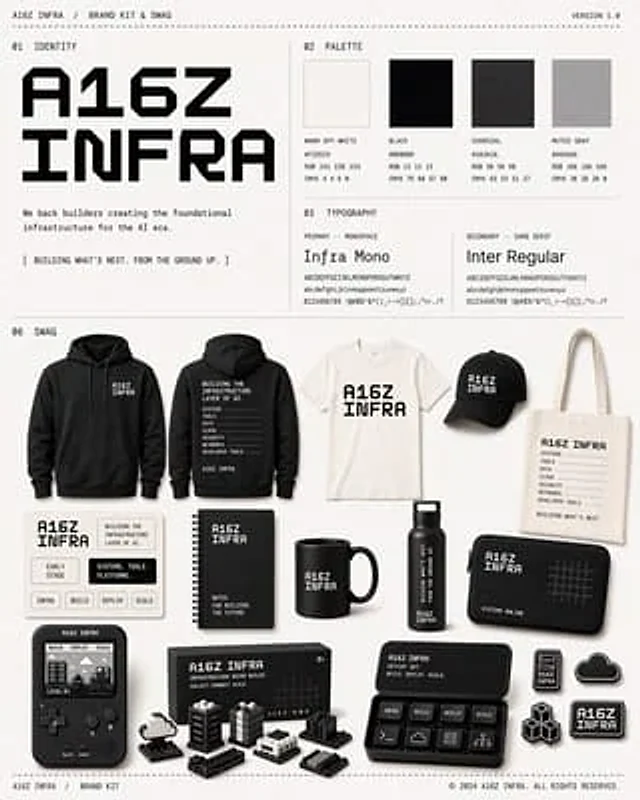
{ "type": "Monochrome brand toolkits and related merchandise display projects", "brand": { "name": "{argument name=\"brand name\" default=\"A16Z INFRA\"}", "tagline": "We support builders in creating infrastructure for the AI ​​era.", "campaign_line": "[Build the

Minimal Skincare Brand Kit Board
GPT Image 2en

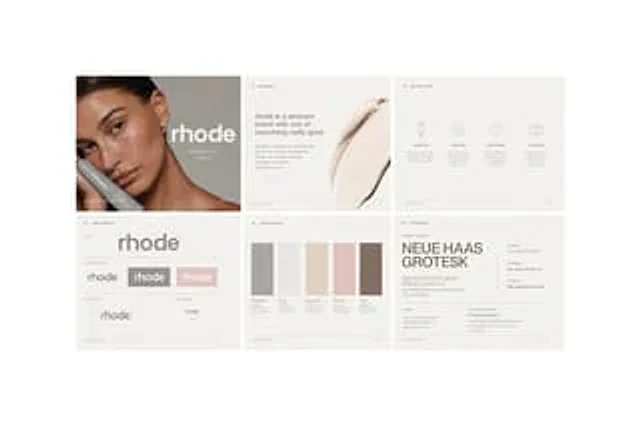
{ "type": "Minimalist skincare brand manual layout", "brand": { "name": "{argument name=\"brand name\" default=\"rhode\"}", "industry": "skincare", "style": "Quiet luxury style, clean, editorial feel, minimalism, soft neutral tones" }, "canvas": { "backgro