Original document
GPT Image 2 · en
Scene:
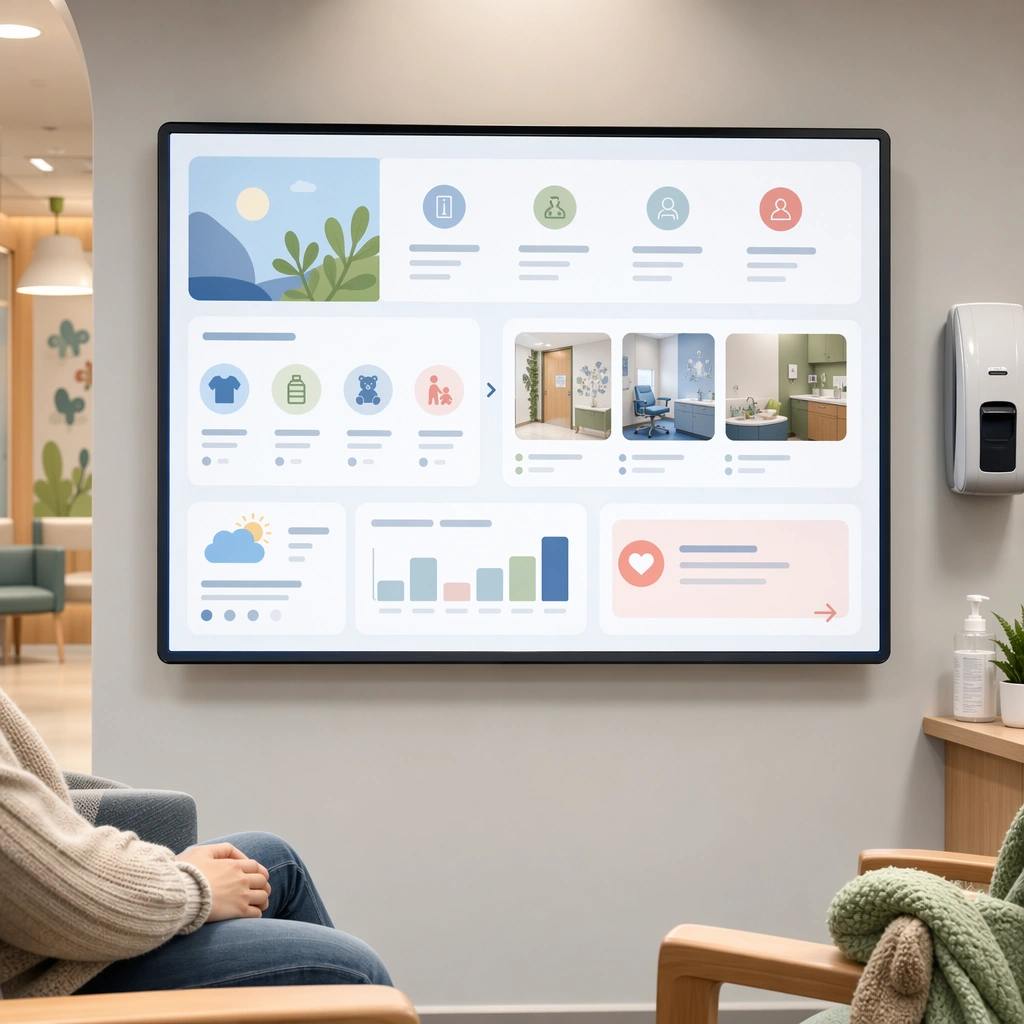
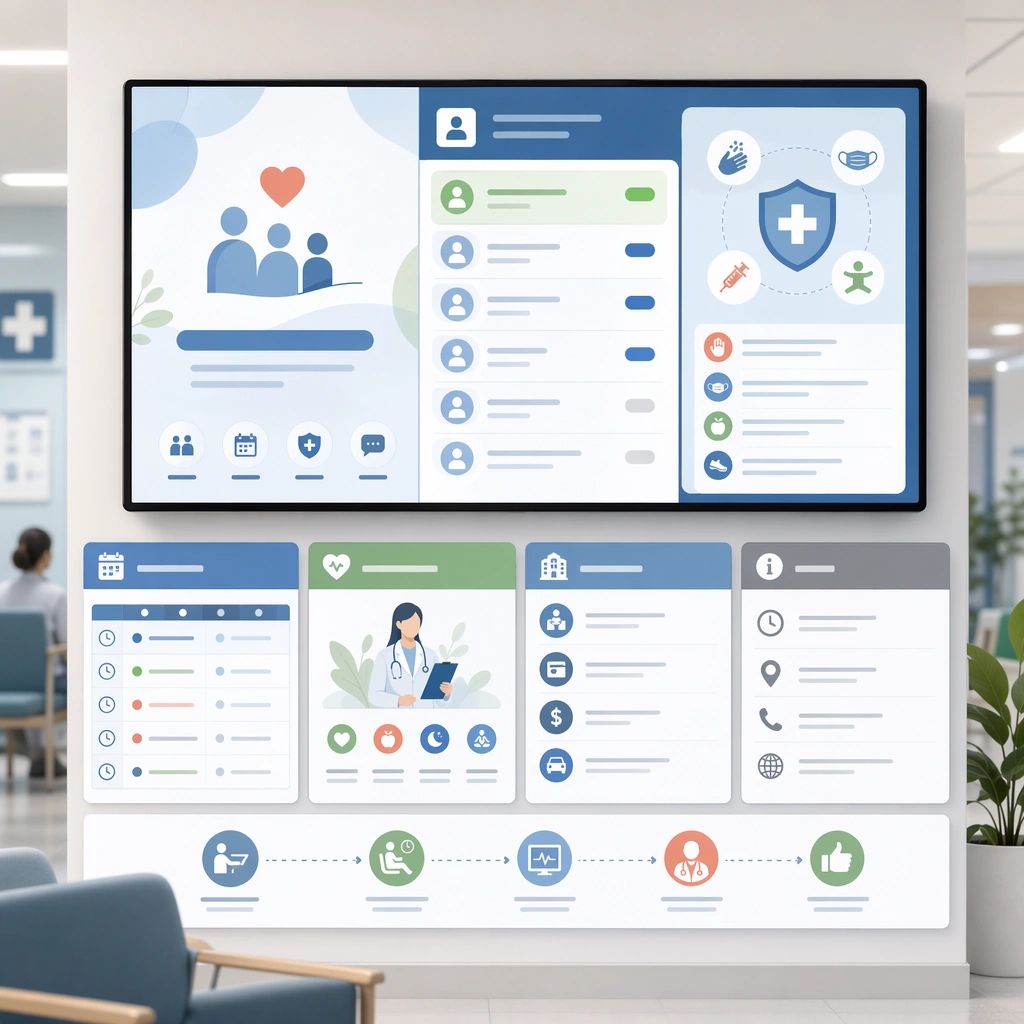
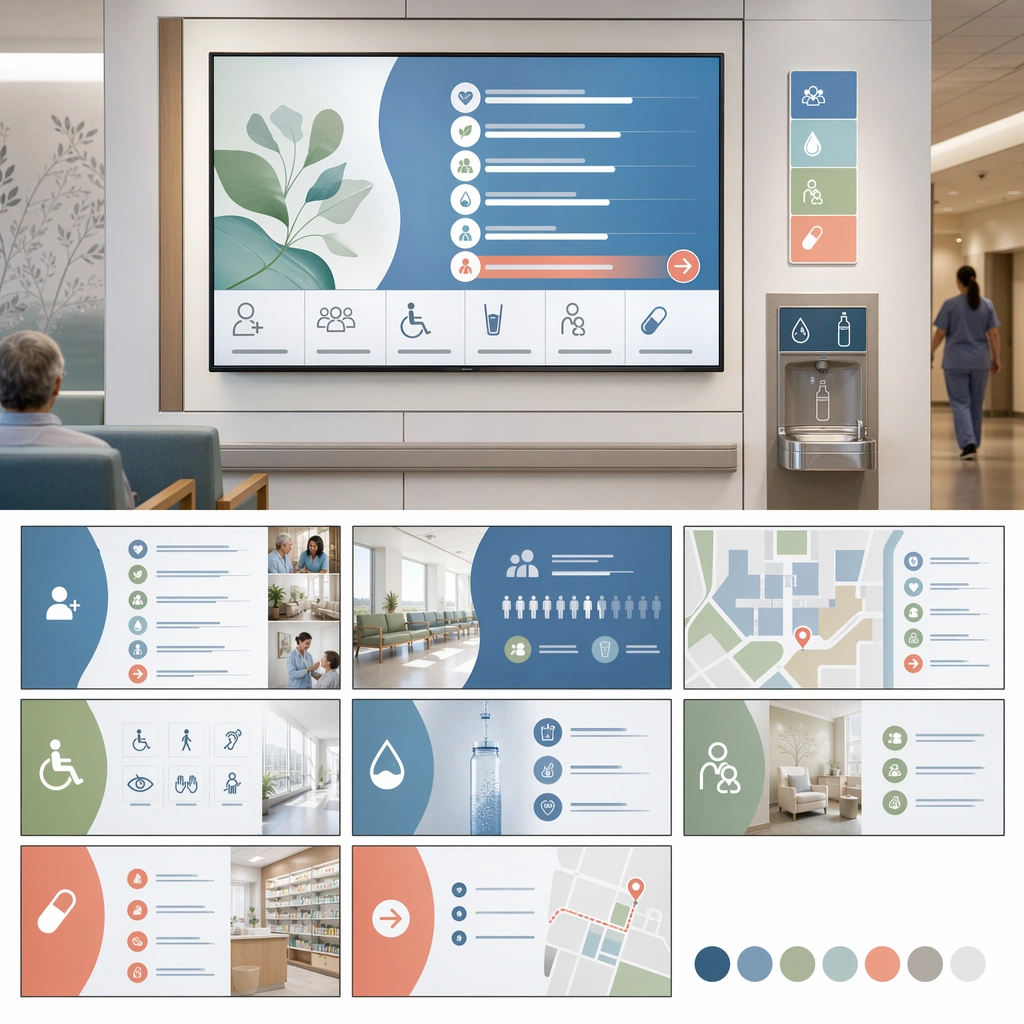
A square facility services loop board for Waiting Room Screen and Patient Info Loop. Compose it as a square presentation showing multiple slides or loop frames within one branded system. Use a palette of cool white, muted blue, soft green, warm gray, and occasional coral guidance accents, bright public-space lighting with clean screen glow, and a mood of useful, calm, and brand-consistent. The frame should feel like a real healthcare communication asset art-directed for professional delivery, not a stock photo, speculative concept render, or generic corporate template. Keep the camera distance, negative space, and depth cues disciplined so the image reads immediately even at thumbnail size.

Subject:
Center on a waiting-room display family for facilities, amenities, accessibility, hydration stations, family rooms, and pharmacy directions. Show enough surrounding context that the viewer understands the intended service surface, user situation, and institutional setting. Every object, person, diagram, device crop, or spatial cue should support clarity, trust, and practical use. If people appear, keep them anonymous, natural, privacy-safe, and grounded in believable body language rather than promotional posing.

Important details:
Maintain waiting-room communication built from screen-safe hierarchy, ambient public display design, and reassuring information architecture that works from a distance. The system should show that ambient information can support comfort and navigation without overpowering the room. Use abstract icon shapes, color blocks, chart bars, interface modules, or non-legible placeholder microcopy whenever information structure is needed, but never readable text. Materials, spacing, lighting, and hierarchy should feel production-ready and healthcare-specific. Avoid generic lifestyle filler, decorative noise, or design gestures that do not reinforce the communication goal.

Use case:
Waiting Room Loop single study 8/9 for a facility services screen loop.

Constraints:
No readable text, no watermark, no logos, preserve exact 1:1 aspect ratio, no TV-news chaos, no overbright advertising palette, no crowded ticker aesthetics, no unreadable micro-detail, no shopping-mall digital signage style, no brand-advertisement confusion.
How to use
- Copy the complete original prompt, including any parameters.
- Replace the subject, text and composition with your own requirements.
- Use a compatible external tool; check its current access conditions and review the result.
Before you start
- Check whether a reference image is required. A compatible model label does not mean this example was generated with that model.
- Keep names, figures and visible text accurate; results can vary between model versions.