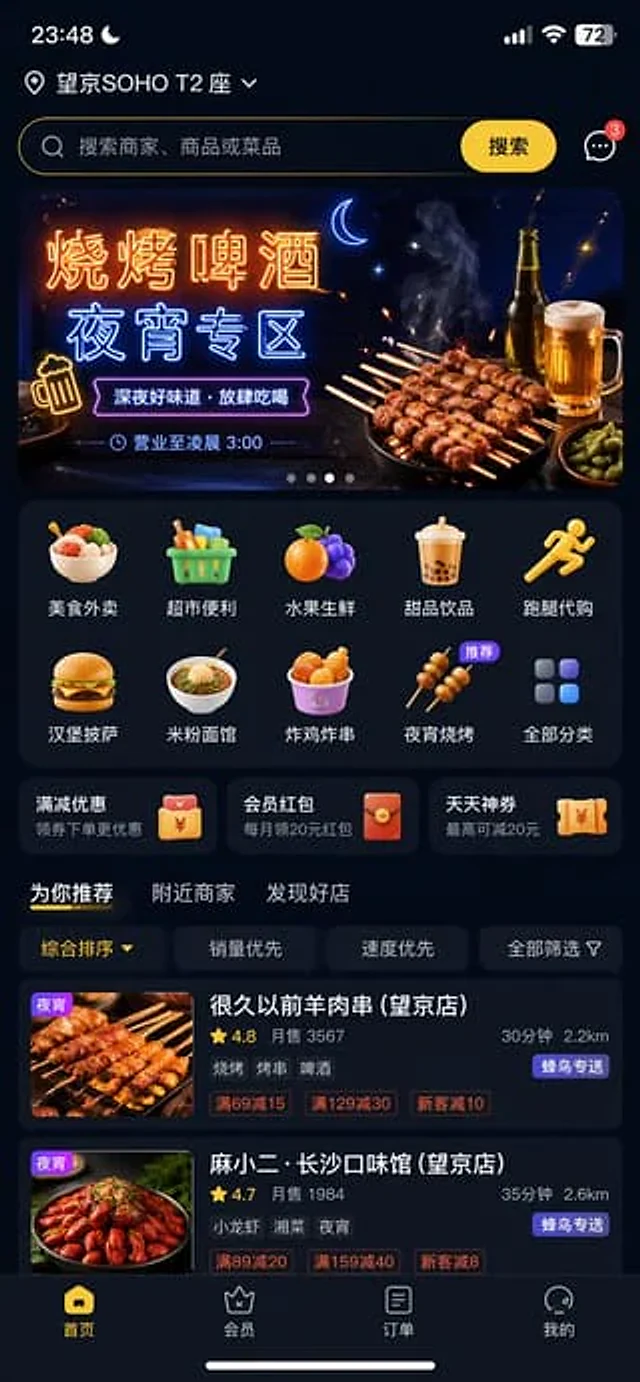
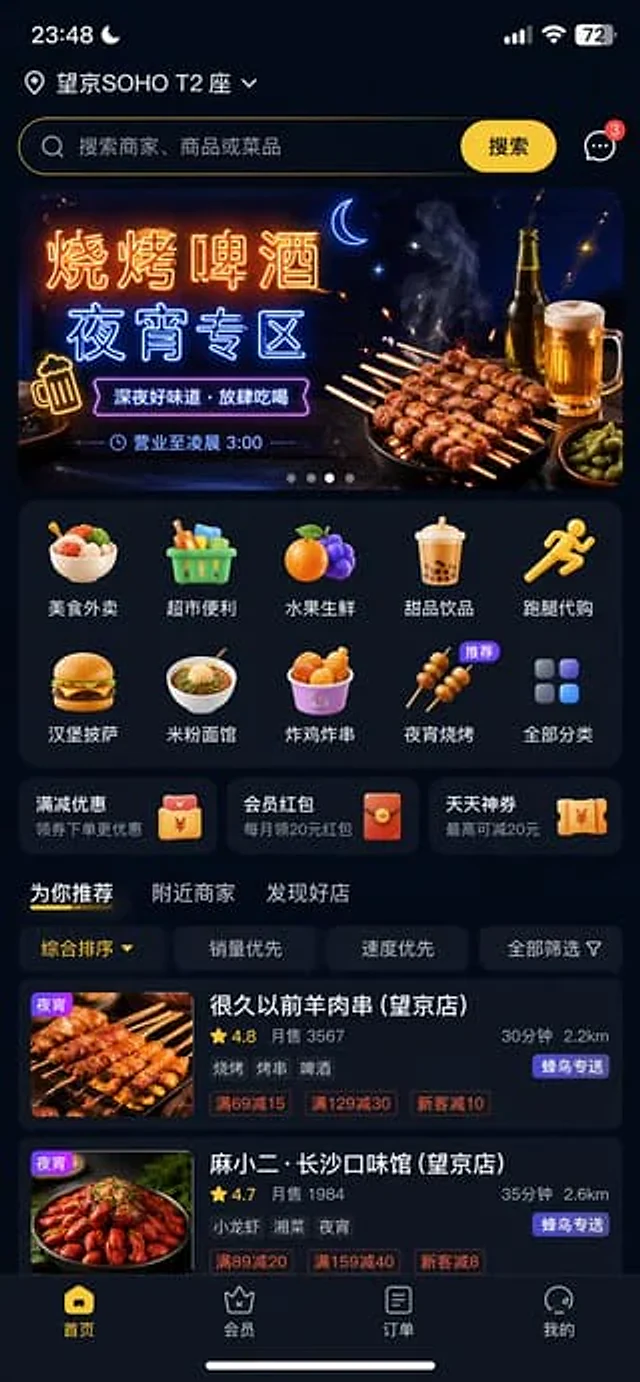
Food Delivery App UI Prompt

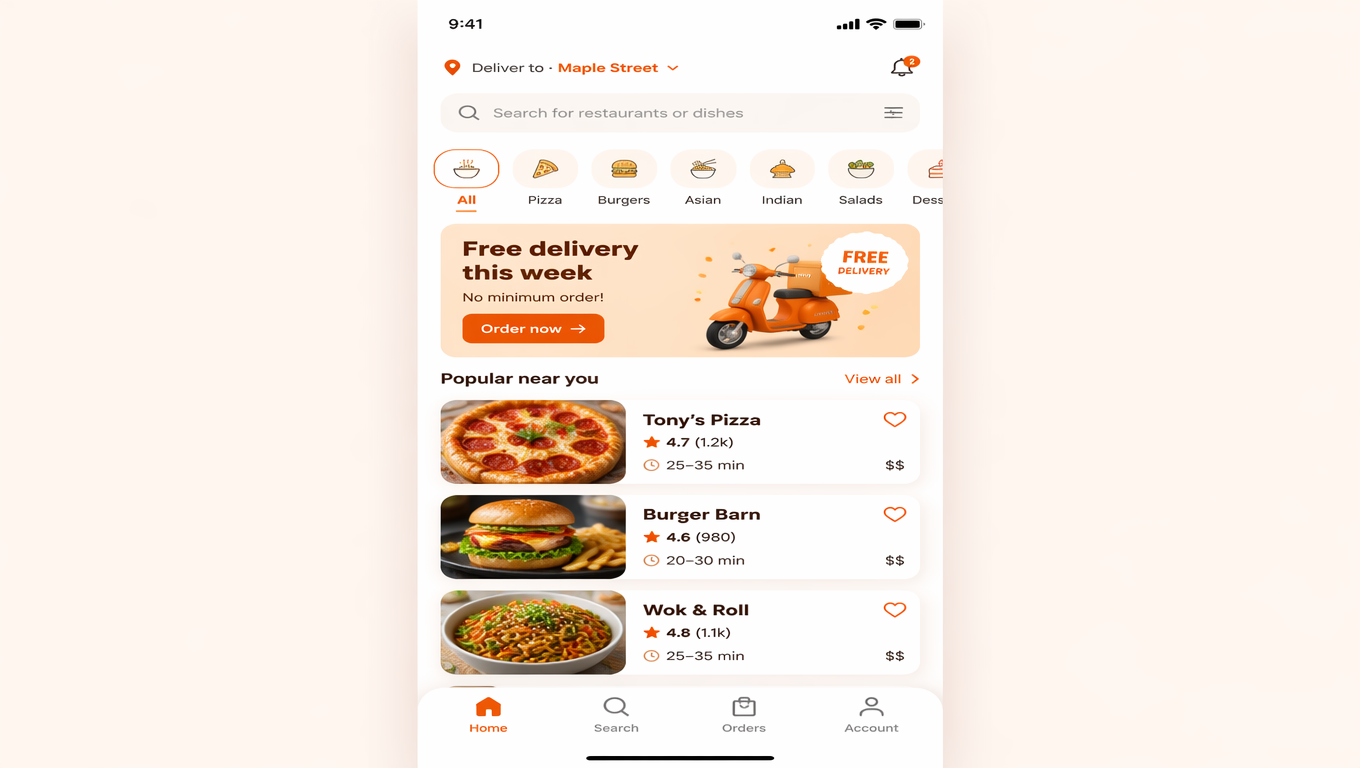
Food Delivery App UI Prompt

Original document

GPT Image 2 · en

Dark mode is recommended for the homepage of food delivery apps.{argument name="recommendation zone" default="Barbecue, beer and late-night snack area"} "

How to use

  1. Copy the complete original prompt, including any parameters.
  2. Replace the subject, text and composition with your own requirements.
  3. Use a compatible external tool; check its current access conditions and review the result.

Before you start

  • Check whether a reference image is required. A compatible model label does not mean this example was generated with that model.
  • Keep names, figures and visible text accurate; results can vary between model versions.
More like this

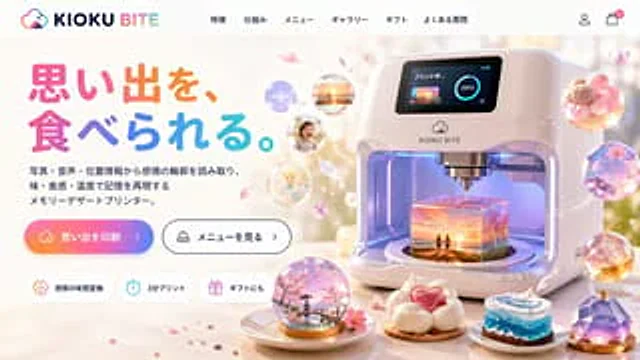
Futuristic 3D Food Printer Landing Page
GPT Image 2en

{ "type": "Website landing page model", "theme": "Futuristic Memory-to-Food 3D Printer", "header": { "logo": "{argument name=\"brand name\" default=\"KIOKU BITE\"} It features cloud and bite mark icons.", "navigation_links": { "count": 6, "labels": [

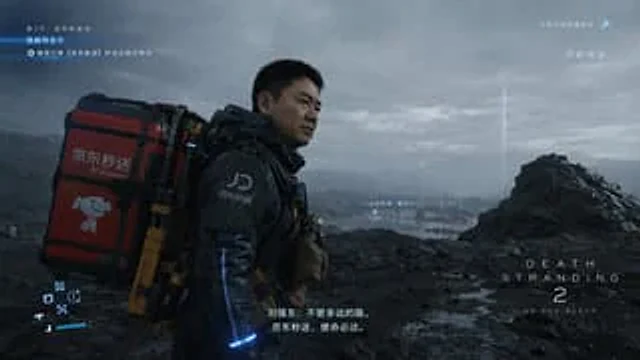
Cinematic Sci-Fi Delivery Game Screenshot
GPT Image 2en

{ "type": "Video game screenshots", "style": "Realistic, cinematic, post-apocalyptic sci-fi style", "scene": { "character": "One{argument name=\"character face\" default=\"A middle-aged Asian man who looks remarkably like Liu Qiangdong\"} He wore a futuristic black tact

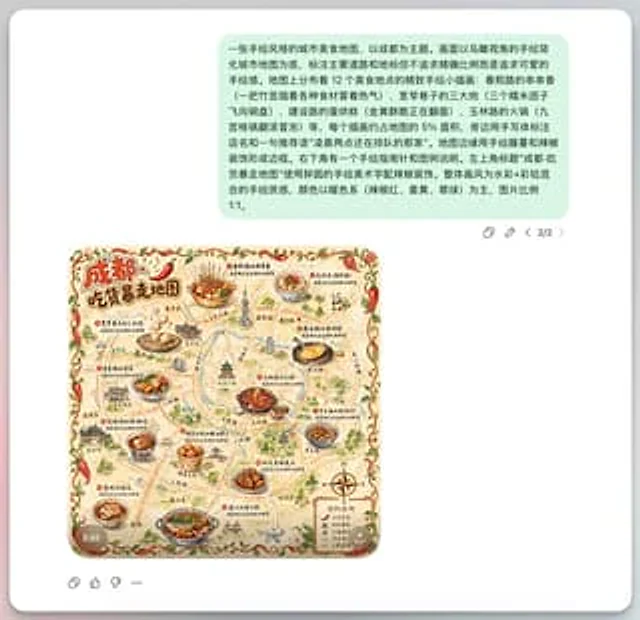
Chengdu Hand-Drawn Food Map UI
GPT Image 2en

This is a screenshot-style AI-generated chat interface composition. The background is a light gray application interface, with a rounded white panel with a soft shadow in the center. Near the top is a large, light mint green chat bubble containing a black sans-serif Chinese strin