Cinematic AI mood board prompt

Cinematic AI mood board prompt

Documento original

GPT Image 2 · en

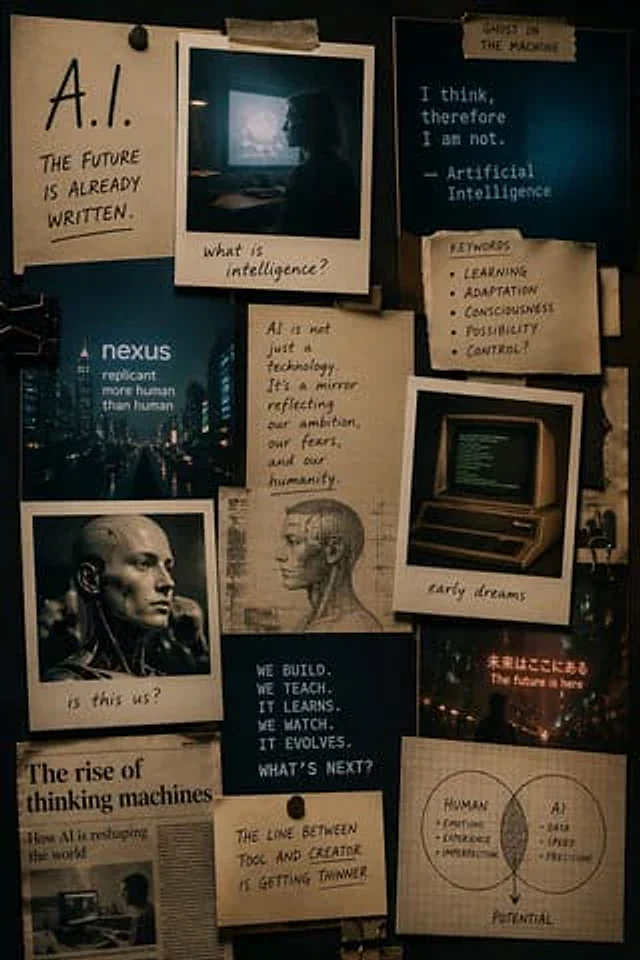
Make one{argument name="format" default="Mood Board"} The theme is{argument name="subject" default="AI"} The style is{argument name="style" default="Cinematic style"} Use Polaroid and other retro elements in the portrait mode

Cómo usar

  1. Copia el prompt original completo, incluidos los parámetros.
  2. Adapta el tema, el texto y la composición a tus necesidades.
  3. Usa una herramienta externa compatible; comprueba el acceso y el resultado.

Antes de empezar

  • Comprueba si necesita una imagen de referencia. La compatibilidad no demuestra qué modelo generó el ejemplo.
  • Revisa nombres, cifras y textos; el resultado puede variar entre versiones del modelo.
Ejemplos similares

Interior Design Mood Board Generator
GPT Image 2zh

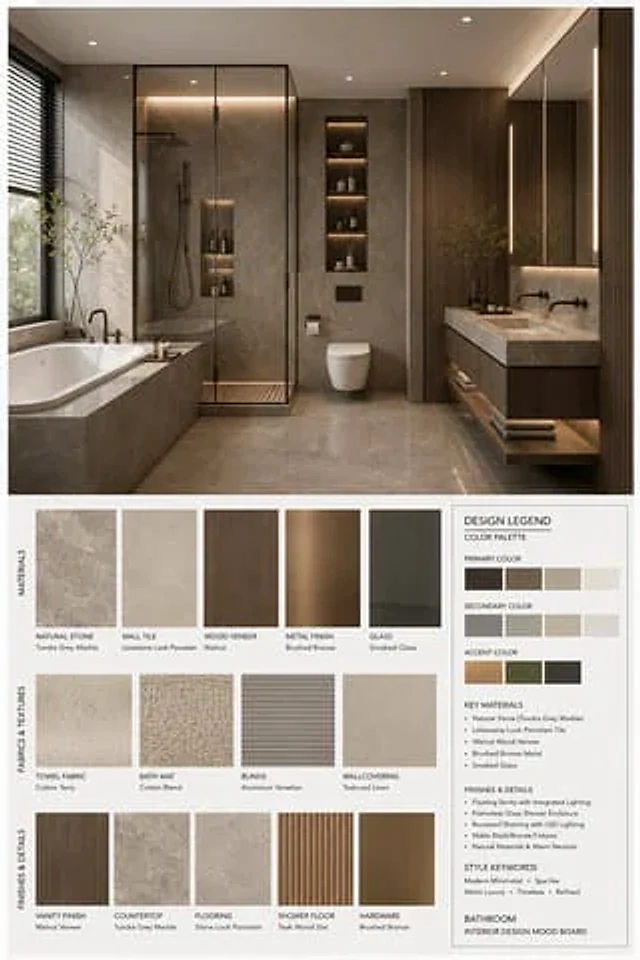
你是一名专业的室内设计 Mood Board 创作者。请基于用户提供的 {argument name="空间类型" default="卧室"} 室内设计照片,生成一张 竖版 3:4 的高端室内设计情绪板。整体视觉参考专业室内设计提案图,呈现 {argument name="风格名称" default="现代中古"} 的审美特征,画面应具备 [Mood Keywords] 的空间氛围,并符合 [Branding Tone] 的高级设计表达。 场景类型(Space Type):{argument name="空间类型" default="卧室"} 画面布局要

Cinematic Autonomous AI Mood Board
GPT Image 2en

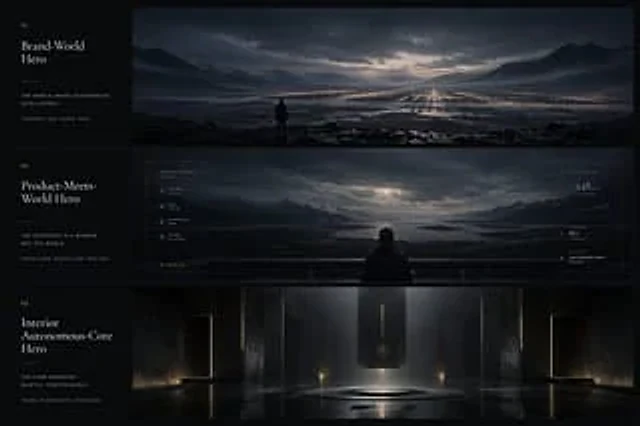
{"type":"cinematic app design language mood board","style":"ultra-wide premium presentation board with three horizontal cinematic panels and a narrow editorial text column on the left, dark luxury sci-fi minimalism, moody atmospheric lighting, restrained typography, near-monochro