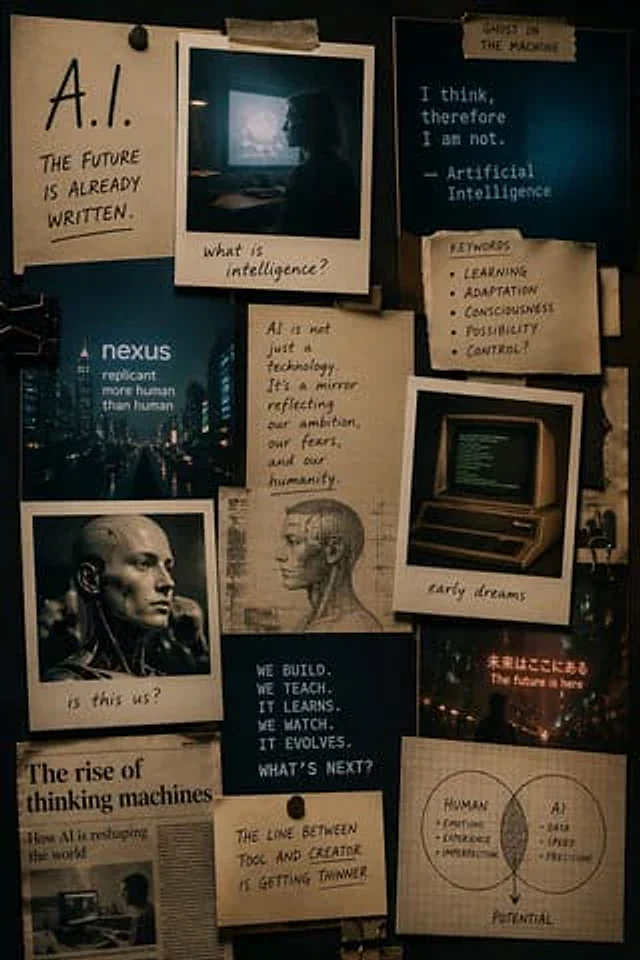
Cinematic AI mood board prompt

Cinematic AI mood board prompt

原始文档

GPT Image 2 · en

Make one{argument name="format" default="Mood Board"} The theme is{argument name="subject" default="AI"} The style is{argument name="style" default="Cinematic style"} Use Polaroid and other retro elements in the portrait mode

使用方法

  1. 复制完整原始提示词,并保留其中的参数。
  2. 按需求替换主体、文字和构图要求。
  3. 在兼容的外部工具中使用,核对当前使用条件并检查结果。

开始前需了解

  • 先确认是否需要参考图。标注兼容模型,不代表该示例由这个模型生成。
  • 核对名称、数字与画面文字;不同模型版本的结果可能不同。

相似案例

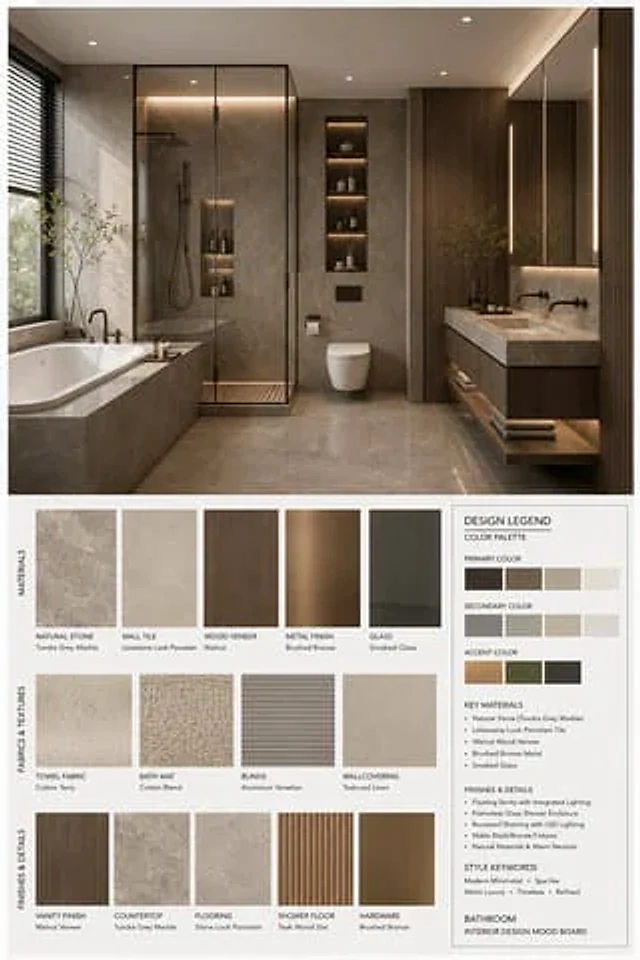
Interior Design Mood Board Generator
GPT Image 2zh

你是一名专业的室内设计 Mood Board 创作者。请基于用户提供的 {argument name="空间类型" default="卧室"} 室内设计照片,生成一张 竖版 3:4 的高端室内设计情绪板。整体视觉参考专业室内设计提案图,呈现 {argument name="风格名称" default="现代中古"} 的审美特征,画面应具备 [Mood Keywords] 的空间氛围,并符合 [Branding Tone] 的高级设计表达。 场景类型(Space Type):{argument name="空间类型" default="卧室"} 画面布局要

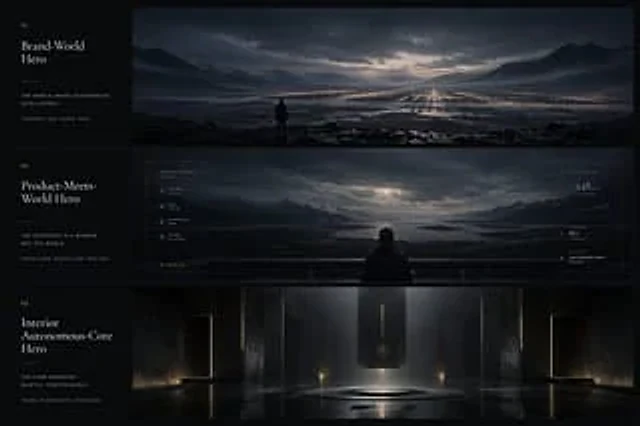
Cinematic Autonomous AI Mood Board
GPT Image 2en

{"type":"cinematic app design language mood board","style":"ultra-wide premium presentation board with three horizontal cinematic panels and a narrow editorial text column on the left, dark luxury sci-fi minimalism, moody atmospheric lighting, restrained typography, near-monochro