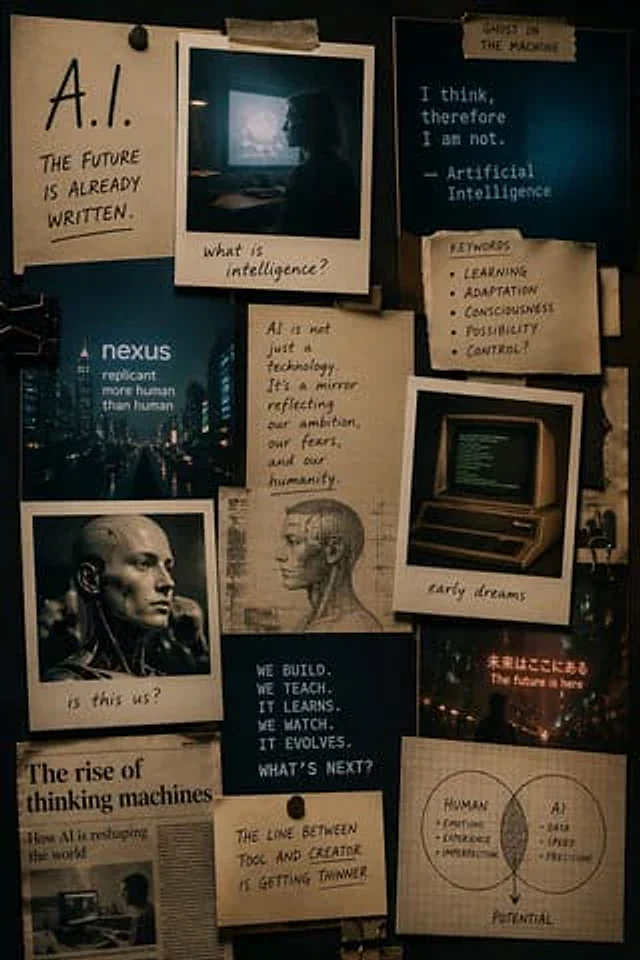
Cinematic AI mood board prompt

Cinematic AI mood board prompt

Original document

GPT Image 2 · en

Make one{argument name="format" default="Mood Board"} The theme is{argument name="subject" default="AI"} The style is{argument name="style" default="Cinematic style"} Use Polaroid and other retro elements in the portrait mode

How to use

  1. Copy the complete original prompt, including any parameters.
  2. Replace the subject, text and composition with your own requirements.
  3. Use a compatible external tool; check its current access conditions and review the result.

Before you start

  • Check whether a reference image is required. A compatible model label does not mean this example was generated with that model.
  • Keep names, figures and visible text accurate; results can vary between model versions.
More like this

Interior Design Mood Board Generator
GPT Image 2zh

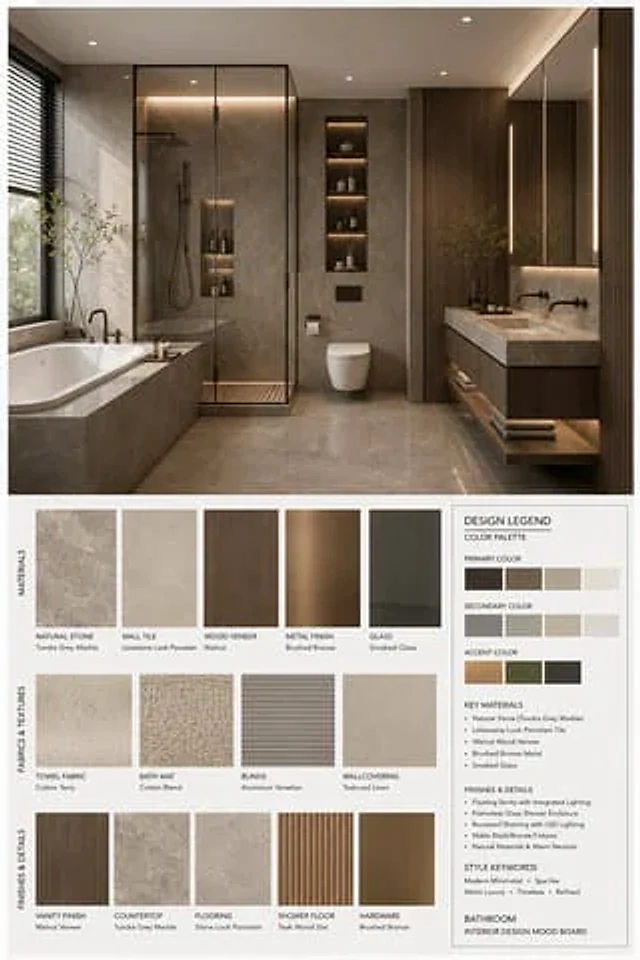
你是一名专业的室内设计 Mood Board 创作者。请基于用户提供的 {argument name="空间类型" default="卧室"} 室内设计照片,生成一张 竖版 3:4 的高端室内设计情绪板。整体视觉参考专业室内设计提案图,呈现 {argument name="风格名称" default="现代中古"} 的审美特征,画面应具备 [Mood Keywords] 的空间氛围,并符合 [Branding Tone] 的高级设计表达。 场景类型(Space Type):{argument name="空间类型" default="卧室"} 画面布局要

Cinematic Autonomous AI Mood Board
GPT Image 2en

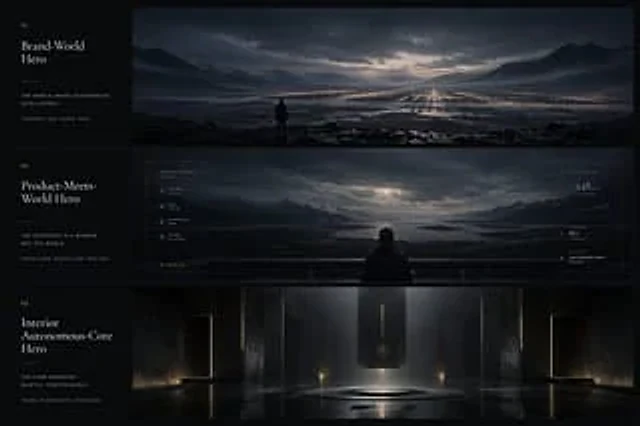
{"type":"cinematic app design language mood board","style":"ultra-wide premium presentation board with three horizontal cinematic panels and a narrow editorial text column on the left, dark luxury sci-fi minimalism, moody atmospheric lighting, restrained typography, near-monochro