Document original
GPT Image 2 · en
Scene:
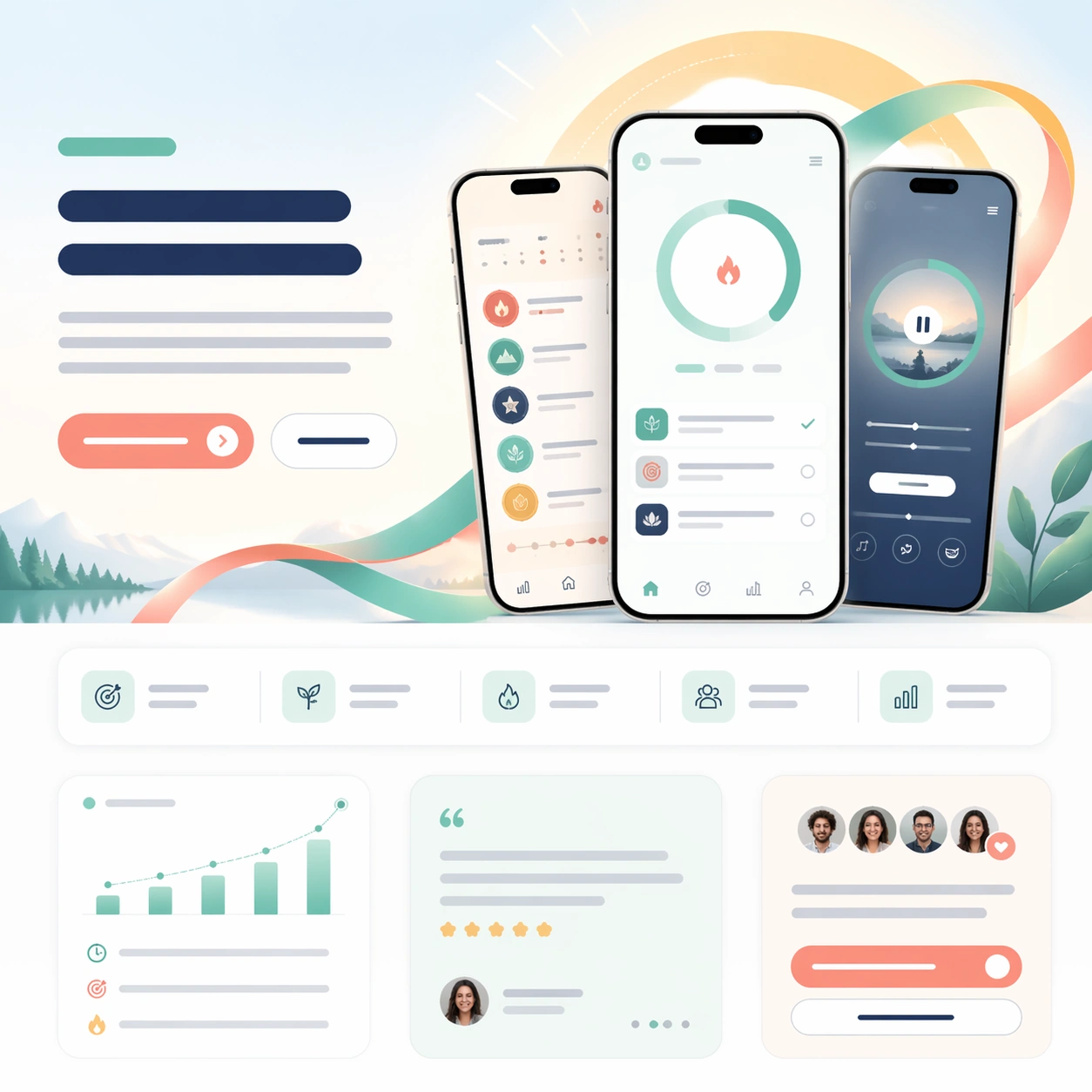
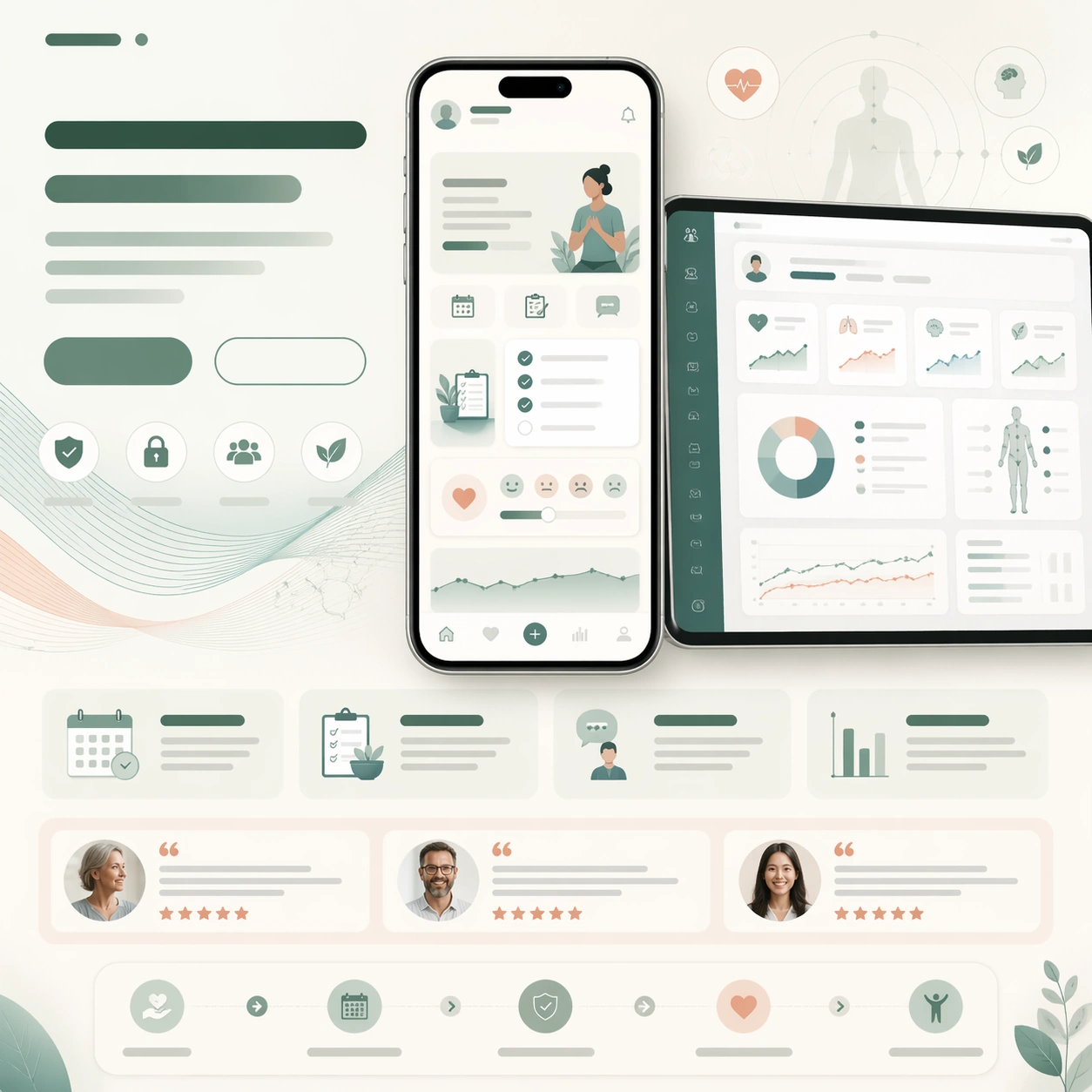
A square health-tech launch-page still with warm white, sage, sea-glass, and muted coral tones, designed like a trusted care-platform website. The layout should be soft and reassuring but still commercial and precise, with a centered phone hero, supporting information cards, and a clear CTA area. Use subtle gradients and rounded modules so the page feels humane rather than sterile.

Subject:
Show a phone-centered launch page for a clinic wellness companion app, with a main screen implying appointment prep, recovery checklist cards, and calm symptom journaling. Add a secondary tablet or desktop crop with clinician-side summaries and progress charts. Compose the page around these screenshots using abstract headline blocks, a CTA pair, feature cards, a patient-story testimonial row, and a gentle care pathway strip. Behind the devices, add a translucent wave motif resembling breathing curves and soft medical diagrams without any readable notation.

Important details:
The image should look like a real health-product launch page built to earn trust. Product screenshots must be believable and calm, while the surrounding layout clearly expresses reassurance, capability, and next-step action. Keep the UI simple, medically credible, and uncluttered. All copy zones stay unreadable, appearing as bars, card stubs, and icon patterns only. The finished still should feel adaptable for a homepage hero, app-store feature graphic, and waiting-room presentation without losing coherence.

Use case:
App Launch Hero System single study 7/9, testing whether a health-tech launch page can combine empathy, clinical clarity, and strong signup structure in one frame.

Constraints:
No readable text, no watermark, no logos, preserve exact 1:1 aspect ratio, no hospital photo backgrounds, no red emergency drama, no browser chrome, no fake prescription text, no unrealistic anatomy diagrams, no distorted device bezels.
Mode d’emploi
- Copiez le prompt original complet, paramètres compris.
- Adaptez le sujet, le texte et la composition à vos besoins.
- Utilisez un outil externe compatible ; vérifiez l’accès et le résultat.
Avant de commencer
- Vérifiez si une image de référence est nécessaire. La compatibilité ne prouve pas le modèle utilisé pour cet exemple.
- Vérifiez noms, chiffres et textes ; les versions du modèle peuvent produire des résultats différents.