Document original
GPT Image 2 · en
Scene:
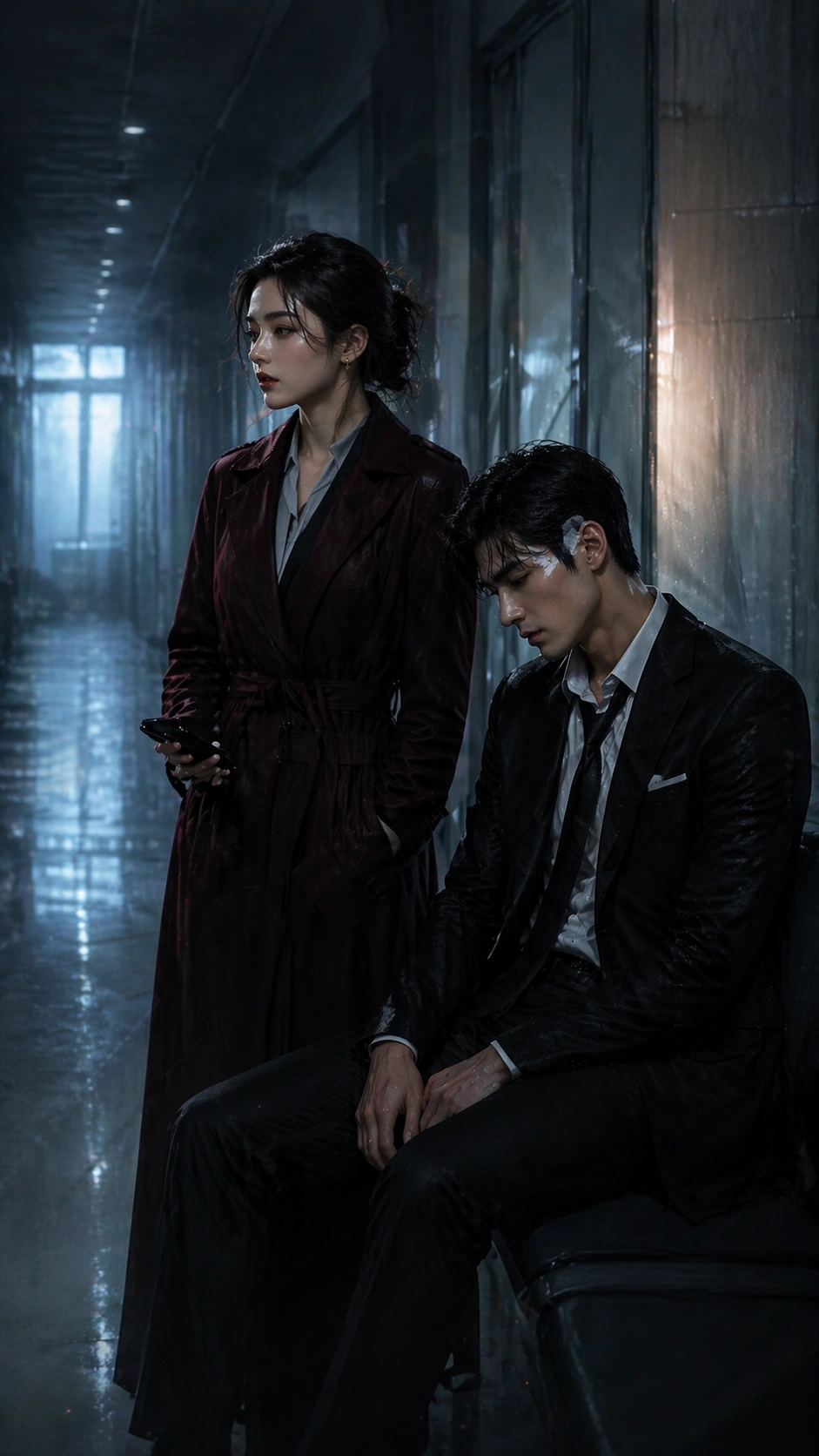
A tall 9:16 episode poster in a private hospital corridor before dawn, with sterile overhead lighting softened by blue morning haze, frosted glass panels, muted reflections on pale floor tiles, and one thin warm bedside glow leaking from an unseen room. The layout should feel engineered for mobile conversion: clear headroom for a hook image, central emotional scene, and a lower band quiet enough for future platform badges or titles that remain unreadable here.

Subject:
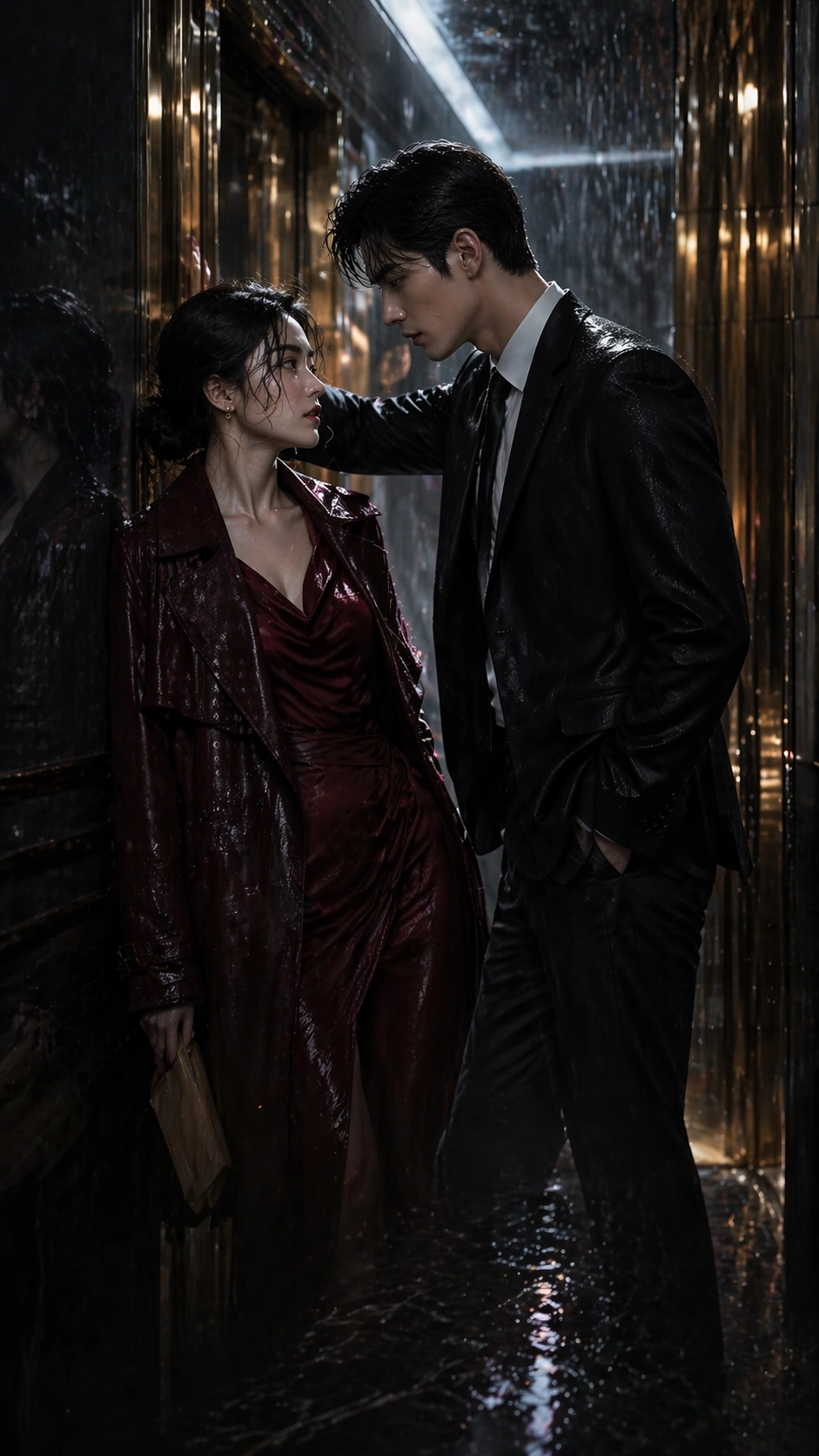
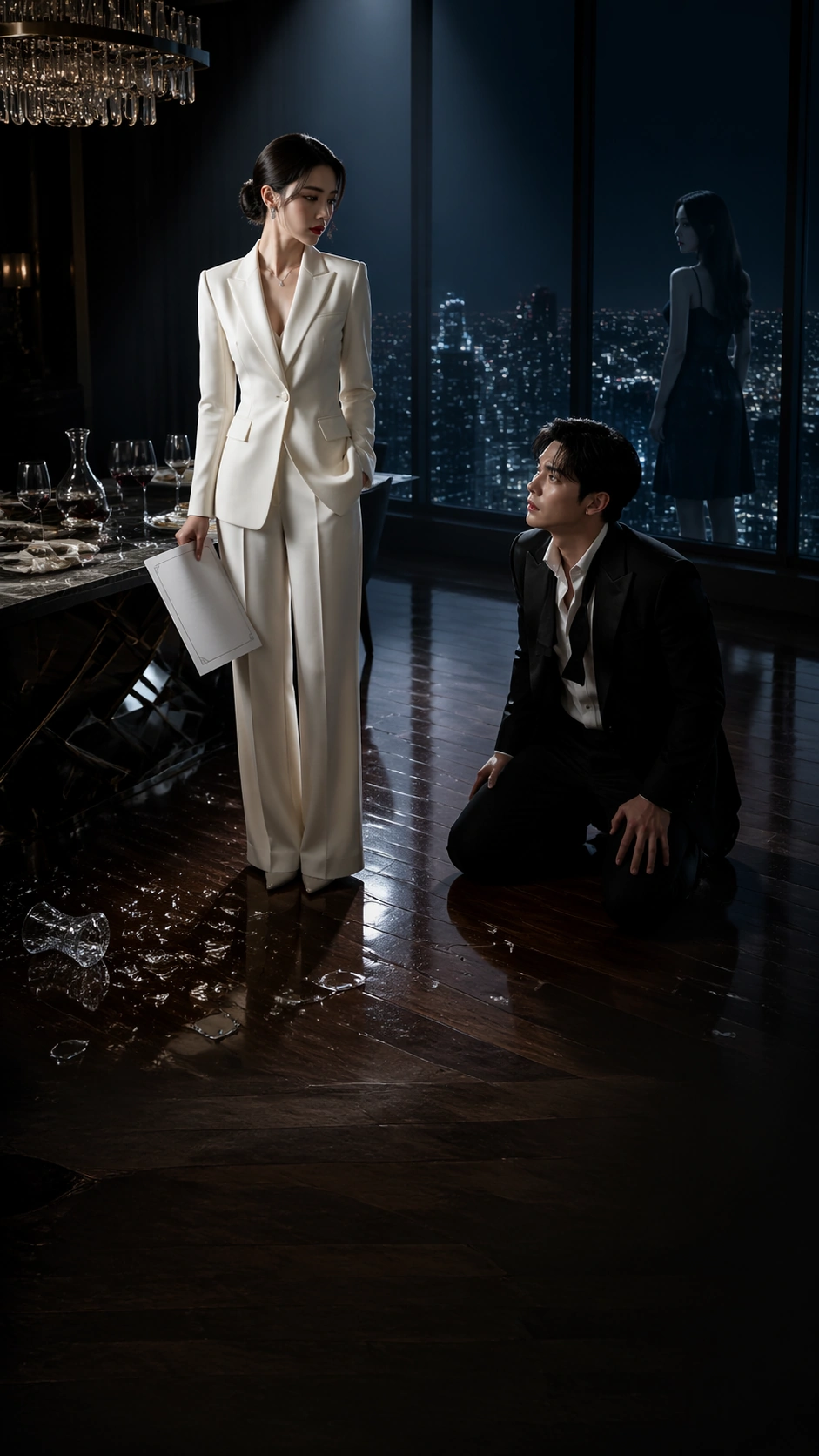
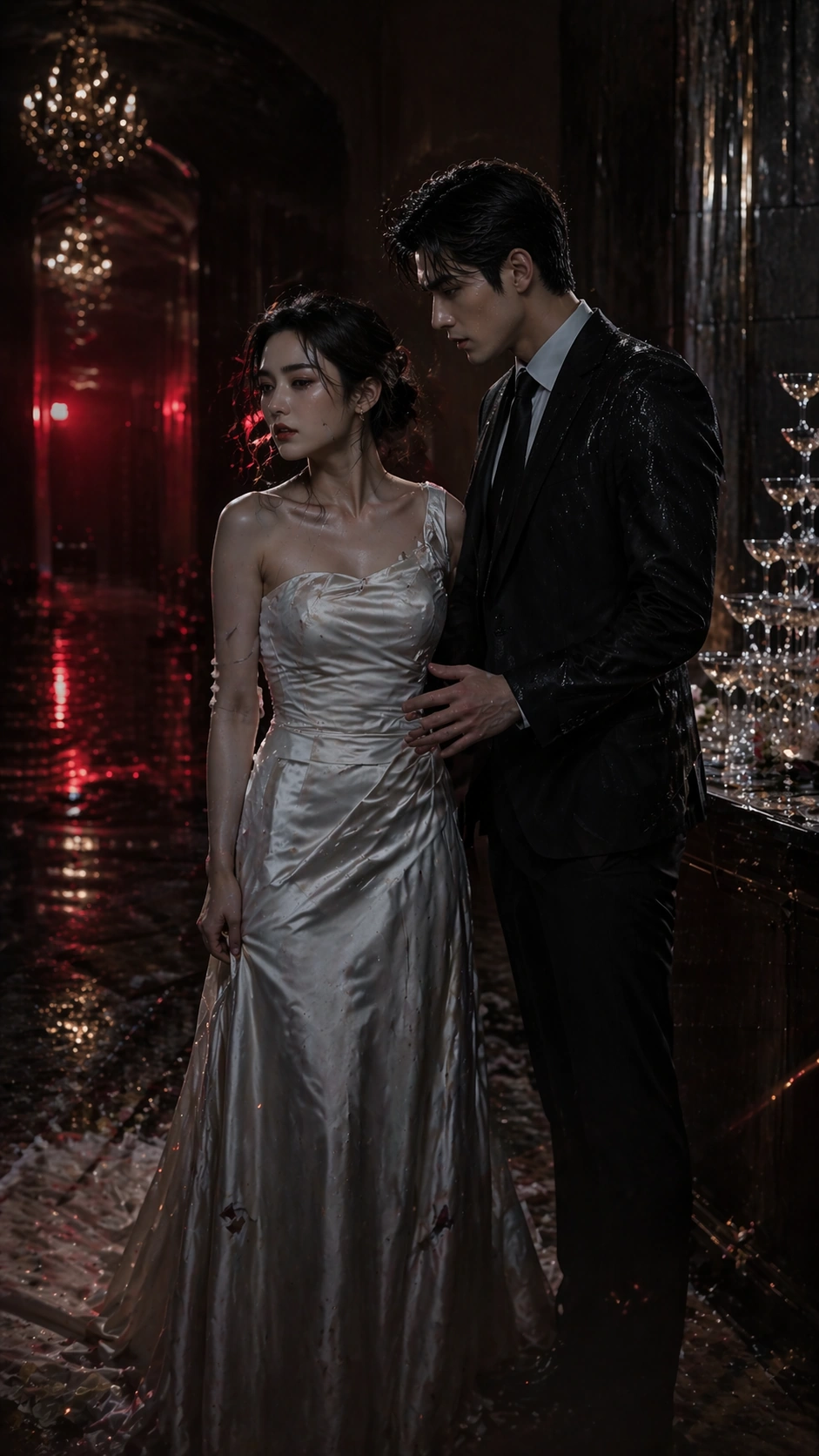
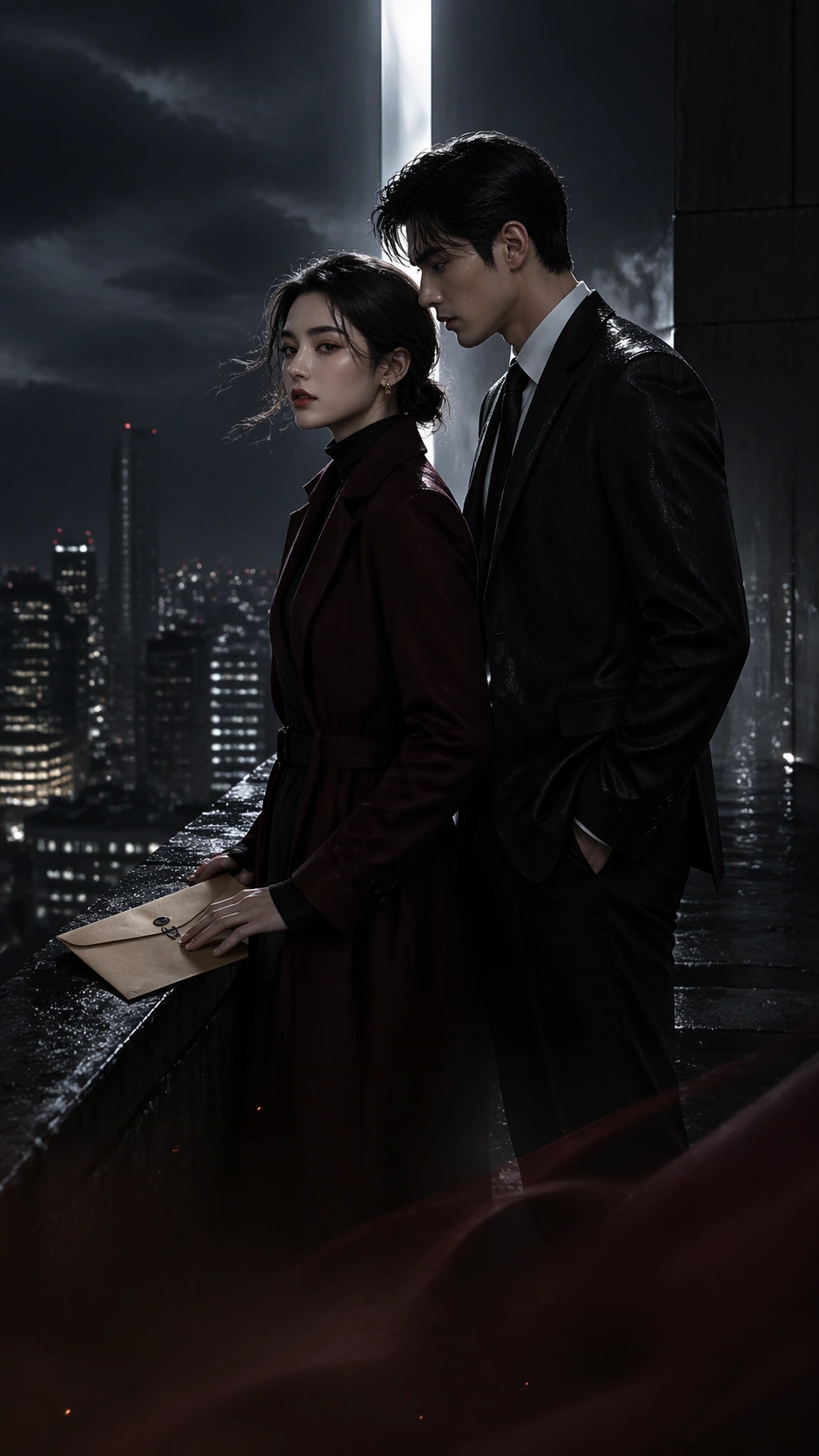
Using the referenced pair as the continuity source, preserve the same heiress and bodyguard from image 01, now worn down by accumulated conflict. The bodyguard sits injured on a hallway bench with shirt collar loosened and bandage at the temple; the heiress stands beside him in a severe coat over hospital visitor clothes, holding his phone but looking away to hide concern. Their poses should suggest a temporary truce and emotional turning point. Keep their faces, height relationship, hair shapes, and key costume language consistent with the reference poster.

Important details:
This image should prove that serial consistency can survive a quieter chapter. The vertical poster must remain clean, dramatic, and app-cover legible even though the action is minimal. Use corridor depth, glass reflections, bandage detail, and subdued body language instead of noisy plot props. The result should feel like an episode-cover cliffhanger that invites taps while still resembling polished commercial key art.

Use case:
Vertical Drama Poster System series study 4/9, testing a softer hospital-truce chapter while preserving the same reference couple and narrow-screen poster logic.

Constraints:
No readable text, no watermark, no logos, preserve exact 9:16 aspect ratio, no medical-drama clutter, no extra nurses, no comedy warmth, no giant medical monitors, no hand-holding cliché, no washed-out blank corridor, no visible app UI chrome.
Mode d’emploi
- Copiez le prompt original complet, paramètres compris.
- Adaptez le sujet, le texte et la composition à vos besoins.
- Utilisez un outil externe compatible ; vérifiez l’accès et le résultat.
Avant de commencer
- Vérifiez si une image de référence est nécessaire. La compatibilité ne prouve pas le modèle utilisé pour cet exemple.
- Vérifiez noms, chiffres et textes ; les versions du modèle peuvent produire des résultats différents.