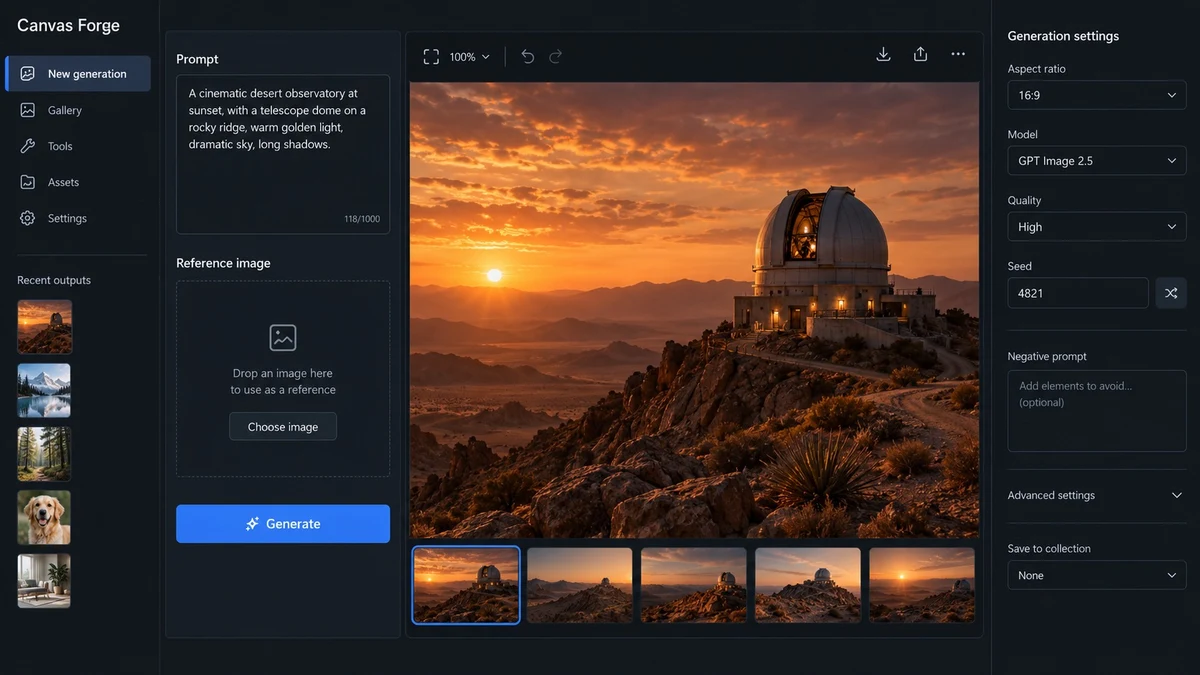
Canvas Forge UI Screenshot

Canvas Forge UI Screenshot

Documento originale

GPT Image 2.5 · en

Create one high-fidelity desktop web app screenshot for a fictional AI image-generation workbench called Canvas Forge. This is a single polished 16:9 product UI screen, not a collage or presentation.
Dark editorial interface with a left navigation rail, a central 3-column image-generation workspace, and a right inspector panel.
Exact readable text: Canvas Forge, New generation, Prompt, Reference image, Generate, Aspect ratio, 16:9, Model, GPT Image 2.5, Quality, High, Seed, 4821, Recent outputs.
Show one large generated image preview of a warm cinematic desert observatory at sunset in the center.
Use concise realistic labels, consistent spacing, clear hierarchy, accessible contrast, subtle borders, no gradients, no fake logos, no gibberish, no extra windows.
The screenshot should feel like a mature production creative tool with believable controls and useful empty states. Render every specified label exactly and keep all UI text short and legible.

Come usare

  1. Copia tutto il prompt originale, inclusi i parametri.
  2. Adatta soggetto, testo e composizione alle tue esigenze.
  3. Usa uno strumento esterno compatibile; verifica accesso e risultato.

Prima di iniziare

  • Controlla se serve un’immagine di riferimento. La compatibilità non prova il modello usato per l’esempio.
  • Verifica nomi, numeri e testi; i risultati cambiano con le versioni del modello.
Esempi simili

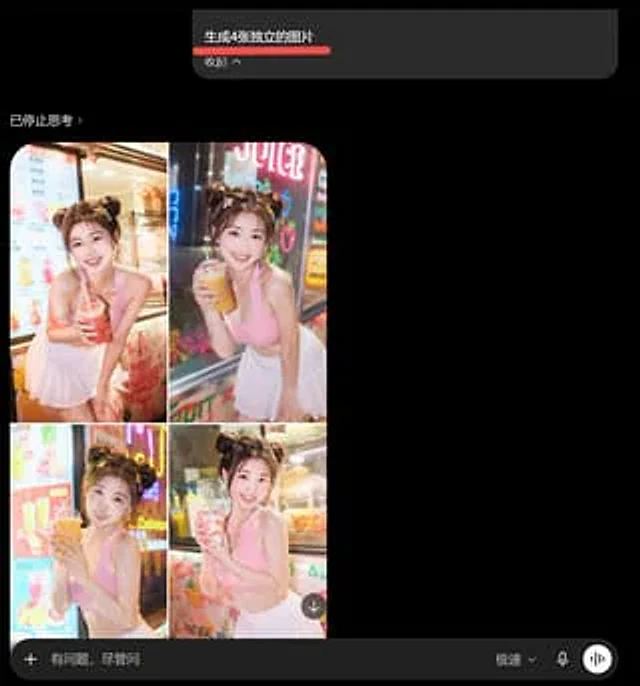
AI Image Generator Collage Failure Screenshot
GPT Image 2en

Goal: Create a dark-mode mobile chat screenshot showing an AI image generator response that incorrectly combines four requested images into one 2x2 collage. Canvas: Square screenshot, approximately 768×768 px, black background, cropped like a smartphone app interface in dark mod

Fake Douyin Lao Gan Ma Livestream Screenshot
GPT Image 2en

A realistic mobile screenshot model of a Chinese short video live-streaming e-commerce interface in dark mode, with a charcoal black background. In the upper right corner of the canvas, a rounded dark chat bubble containing Chinese text is placed.{argument name="request text" def

Mystic Ruins Platformer Screenshot
GPT Image 2en

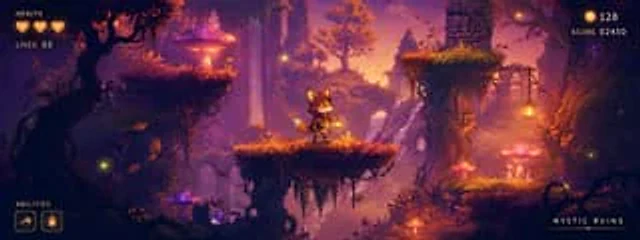
Goal: Create a polished 2D side-scrolling platformer concept screenshot for a fantasy game level called {argument name="level title" default="MYSTIC RUINS"}, showing a playable prototype scene with HUD elements overlaid. Canvas: Wide cinematic 24:9 game screenshot, approximately

GTA-Style Beach Club Gameplay Screenshot
GPT Image 2en

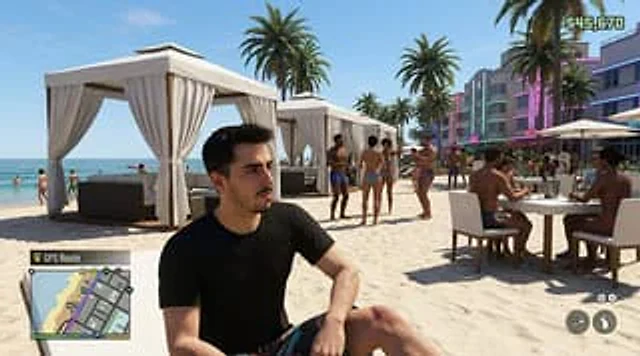
Create a hyper-realistic screenshot of an open-world crime video game, inspired by a modern Miami beach club scene, set in a bright afternoon sun with a clear blue sky. Use a third-person perspective composition, with a seated figure in the foreground.{argument name="character de

Beach Club Open-World Game Screenshot
GPT Image 2en

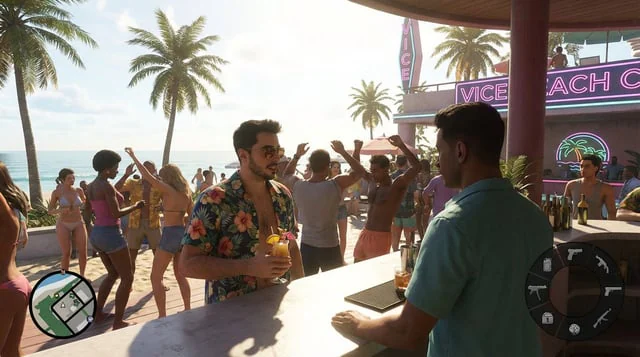
Create a hyper-realistic open-world crime-game gameplay screenshot inspired by a modern Miami-style beach city, showing {argument name="character description" default="a stylish young man with short dark hair, trimmed beard, aviator sunglasses, and an open navy Hawaiian shirt wit

ChatGPT App Screenshot With Generated Portrait
GPT Image 2zh

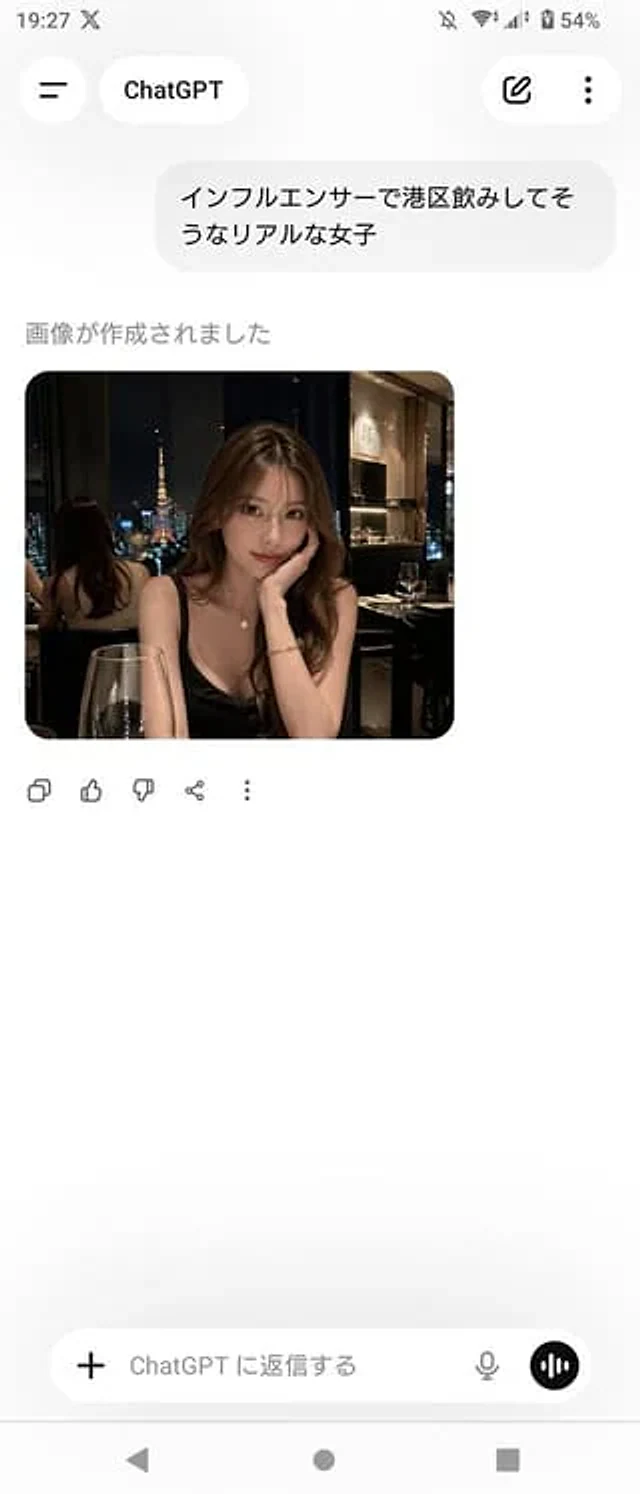
A realistic screenshot of the ChatGPT mobile app (Japanese version) on an Android device, displayed in portrait full-screen mode with a clean, light-colored theme. The top status bar shows the time 19:27, network and battery icons, and the battery level at 54%. The header has a b