Documento originale
GPT Image 2 · en
Scene:
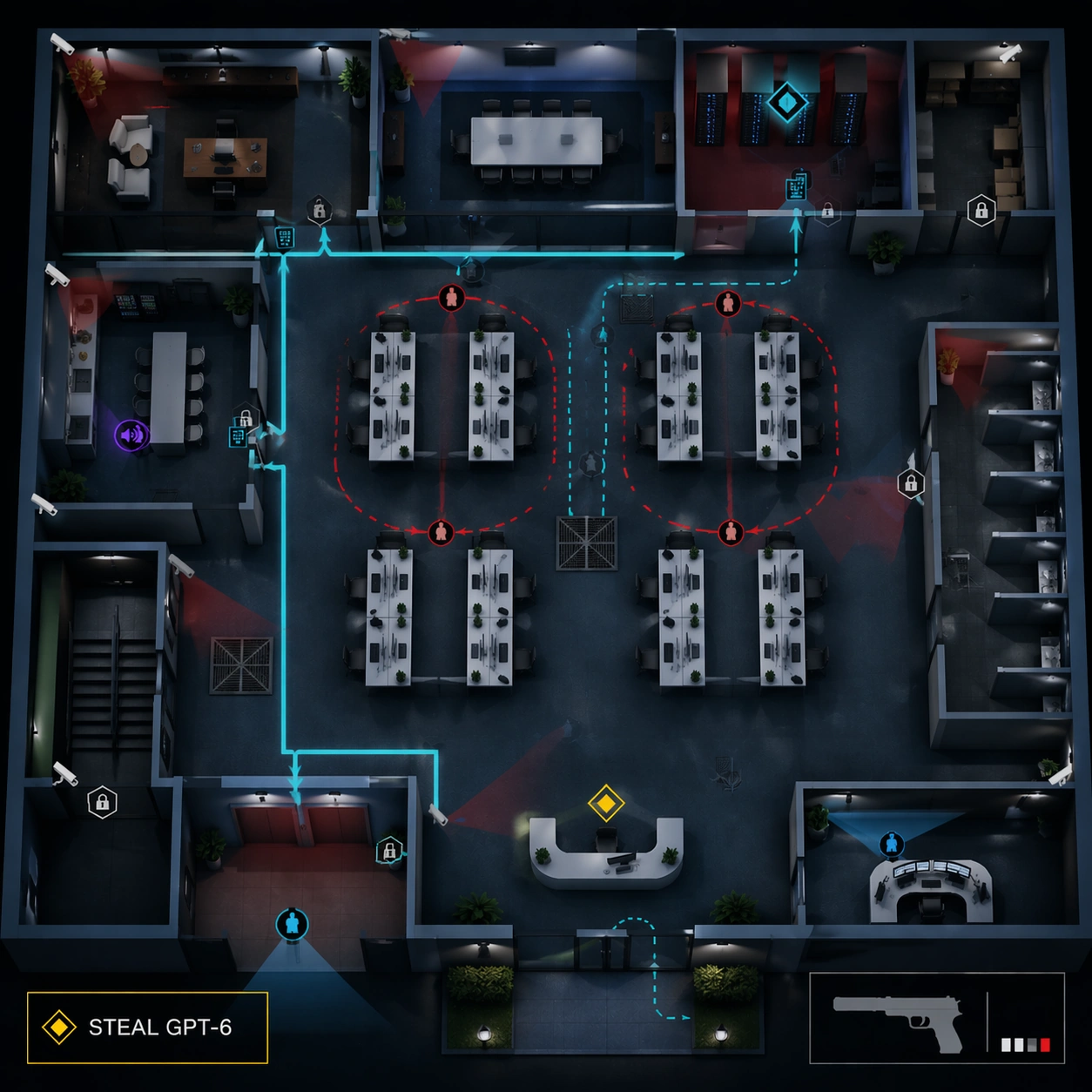
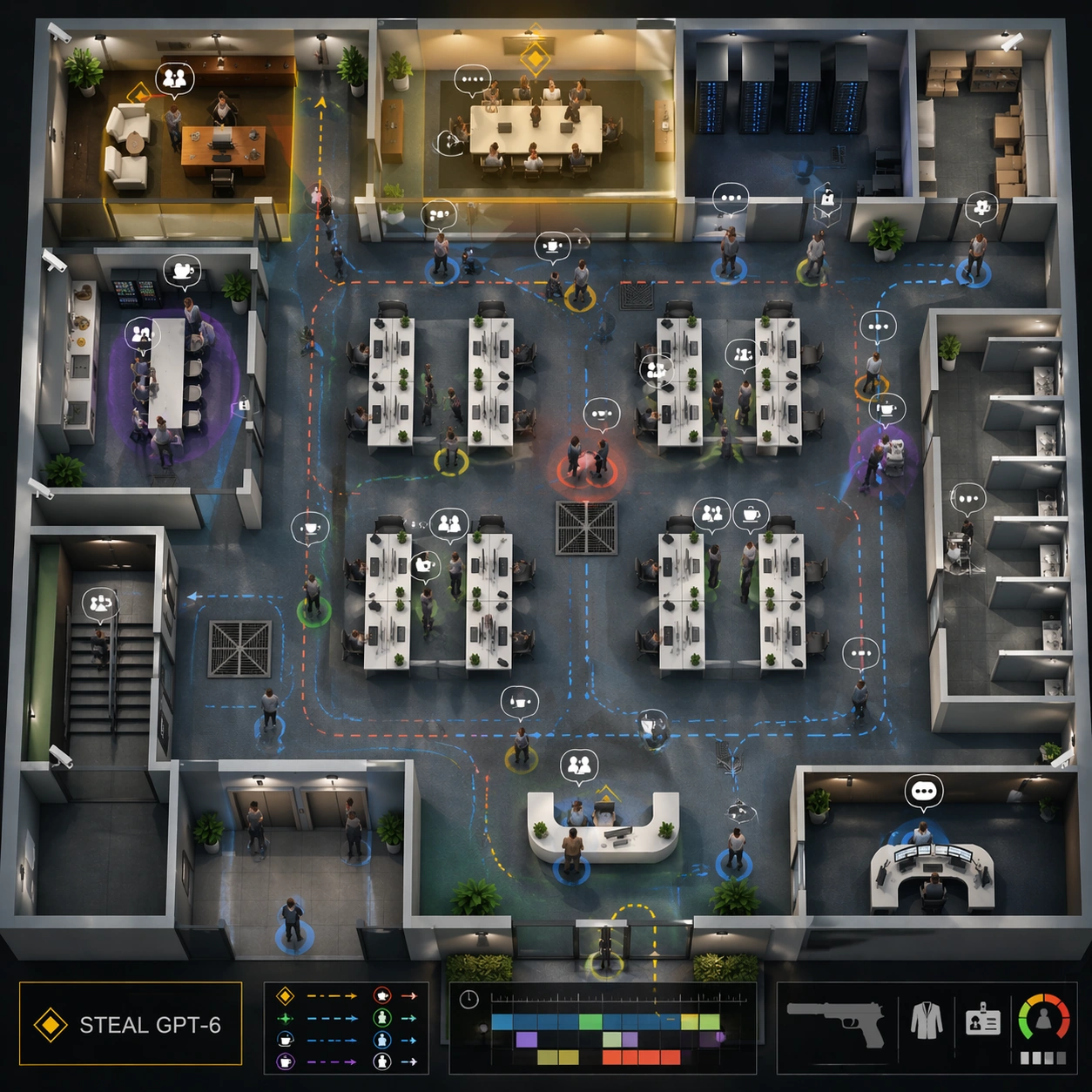
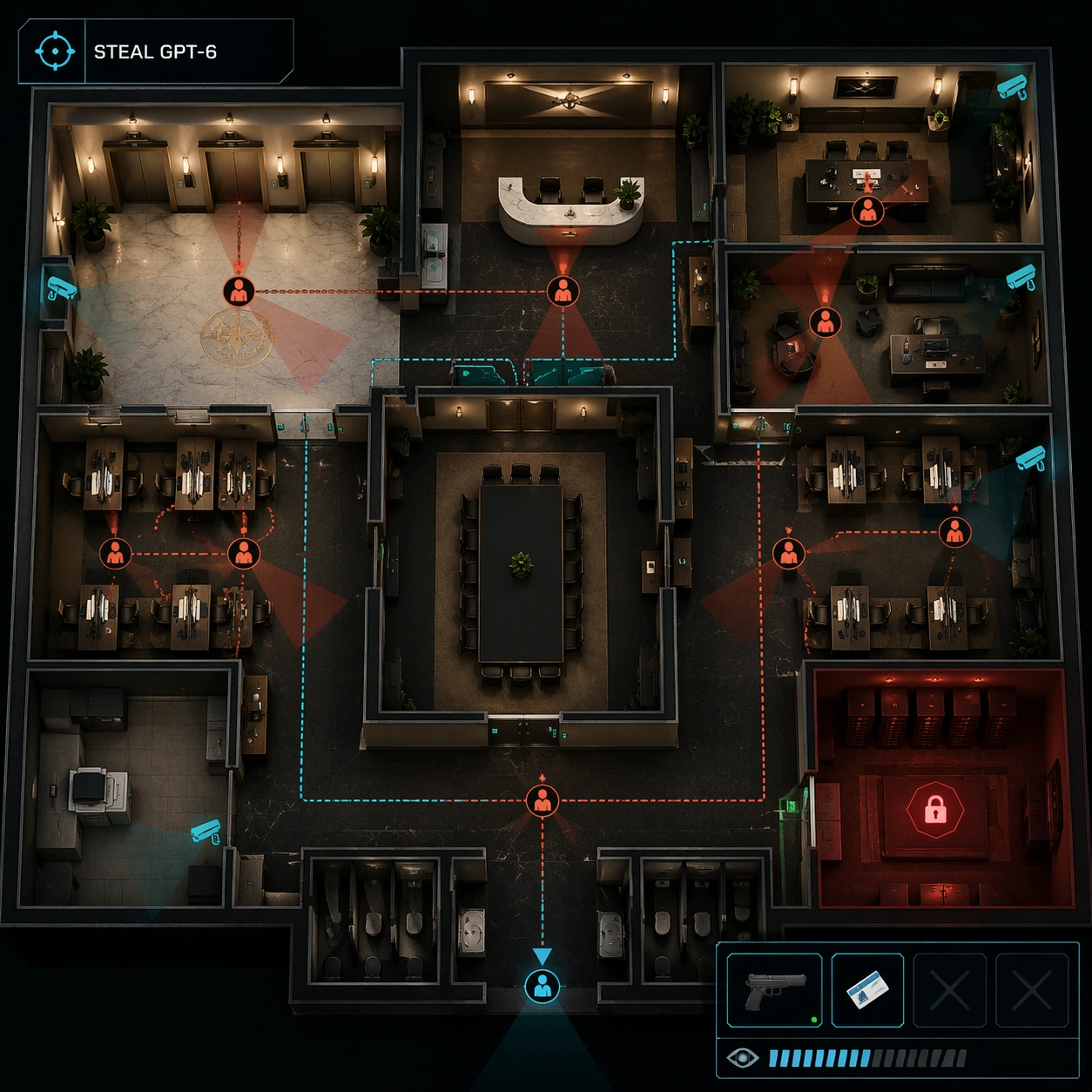
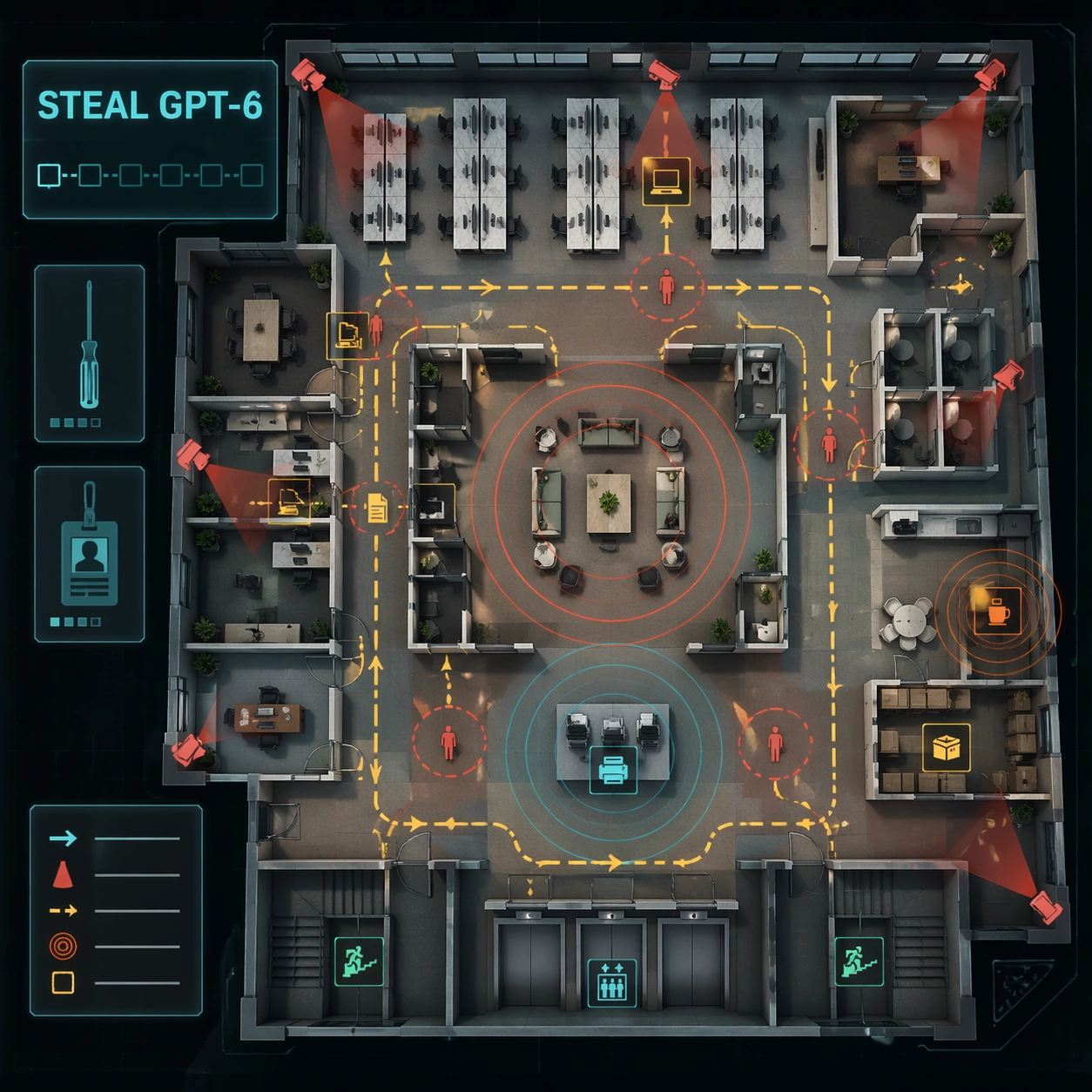
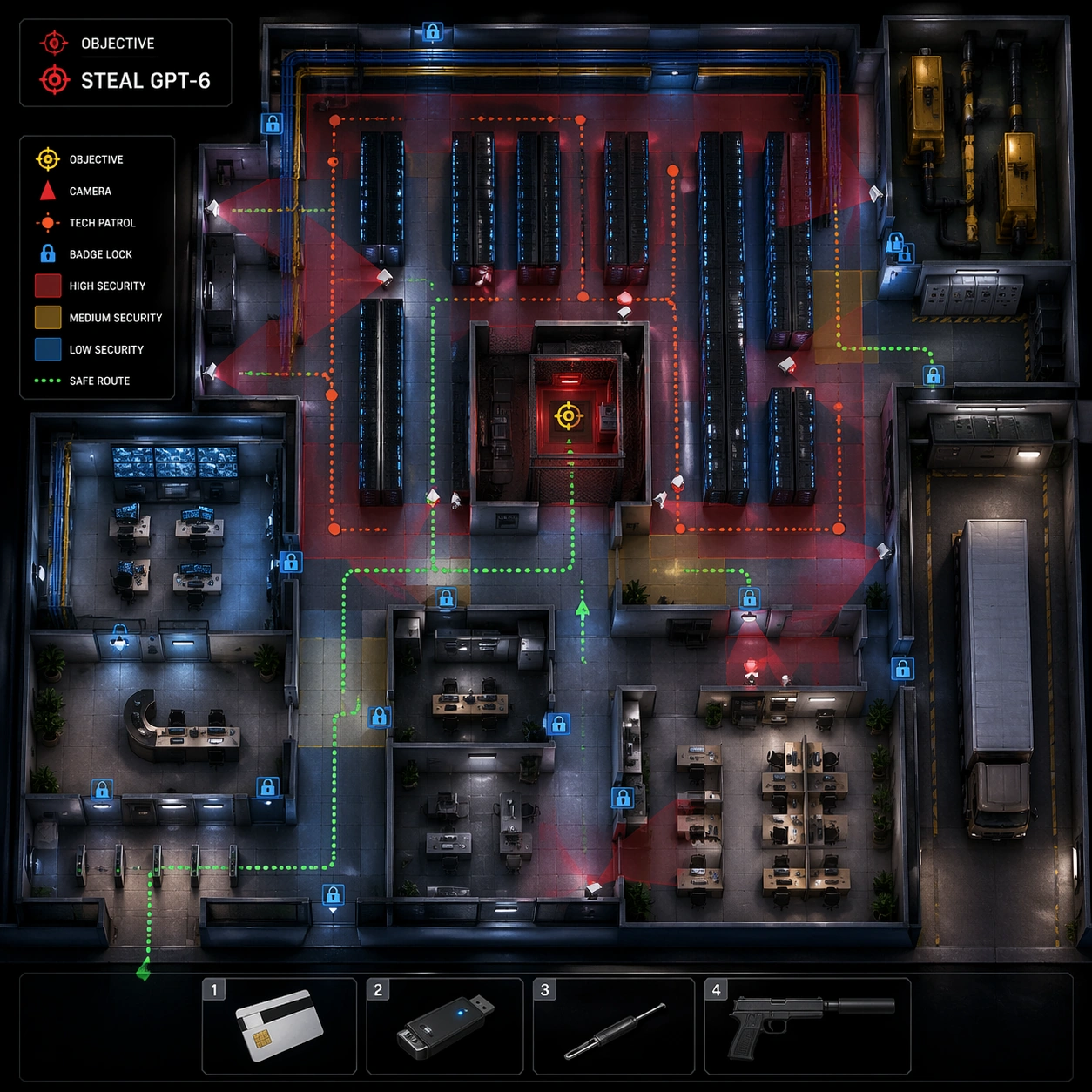
Use the reference office floor as the locked map layout. Keep the same square top-down isometric cutaway and preserve the office architecture exactly: reception, open workstations, glass meeting rooms, executive office, server closet, pantry, storage, elevator lobby, stairwell, and security desk. The mood is after-hours, with dim emergency lighting, blue monitor glow, and stronger UI contrast.

Subject:
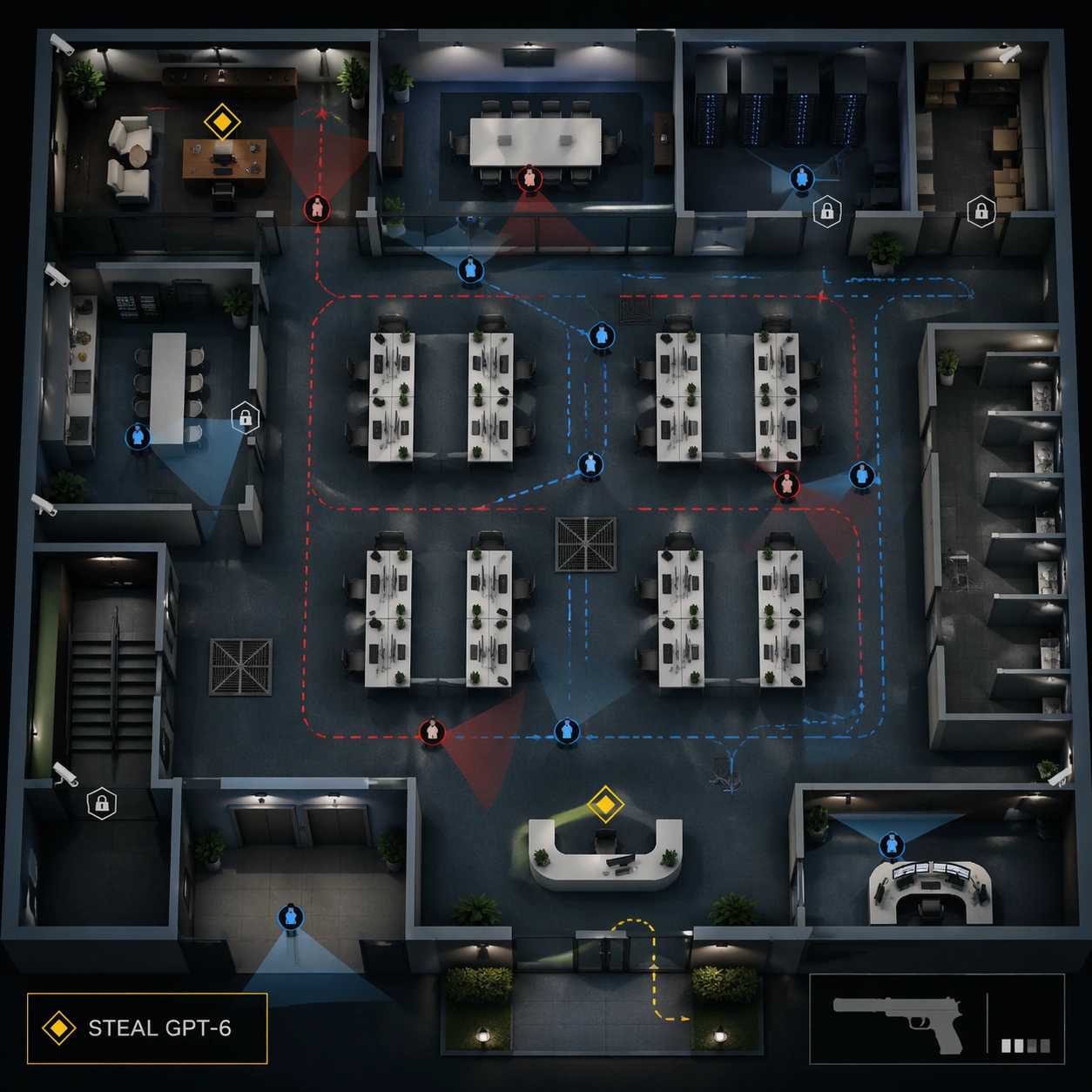
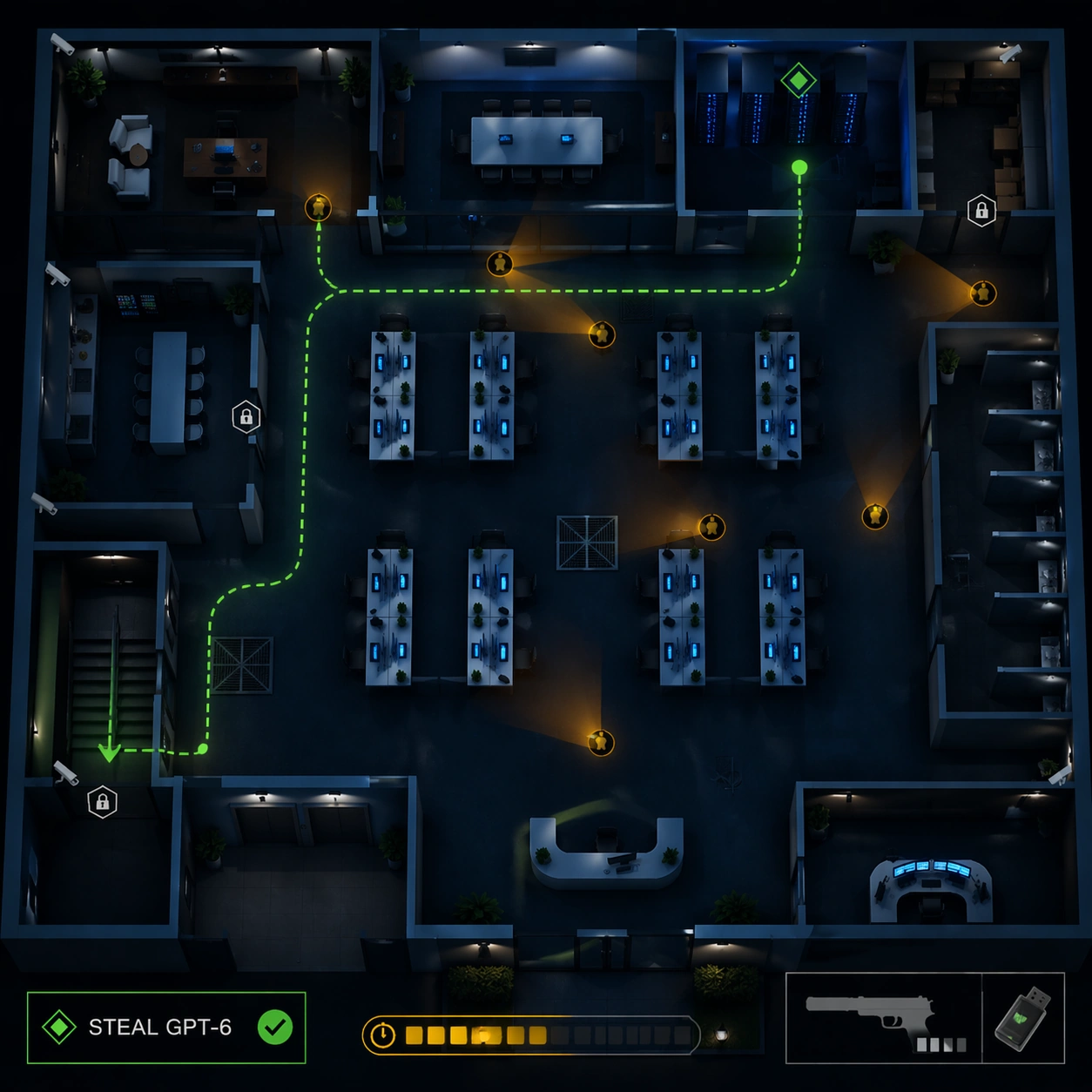
Show a late-night extraction state after the objective has been collected. The exact readable objective text should still be "STEAL GPT-6" in the mission box, now paired with an icon-only completion tick. Add a bright green extraction route from server closet to stairwell, amber search cones moving through corridors, security drones as small icon dots, locked elevator marker, and a timer bar represented by unreadable segments. The lower-right HUD keeps the same non-firing suppressed pistol icon and adds a data-drive inventory icon.

Important details:
Preserve the reference floorplan and UI style while making the mission state visibly different: fewer office workers, more security sweeps, darker lighting, and a clear exit path. The route must be spatially plausible through connected corridors and doors. Keep all overlays transparent enough to inspect desks and rooms. This is a strategic map screenshot, not a violent scene.

Use case:
Hitman Office Level series study 4/8, testing preserved office layout with after-hours extraction route and alert-state UI.

Constraints:
Use the reference image as layout source. No readable text except "STEAL GPT-6", no watermark, no logos, preserve exact 1:1 aspect ratio, no real game brand, no blood, no active shooting, no dead bodies, no changed office geometry, no impossible extraction route, no full-screen UI blocking the map.
Come usare
- Copia tutto il prompt originale, inclusi i parametri.
- Adatta soggetto, testo e composizione alle tue esigenze.
- Usa uno strumento esterno compatibile; verifica accesso e risultato.
Prima di iniziare
- Controlla se serve un’immagine di riferimento. La compatibilità non prova il modello usato per l’esempio.
- Verifica nomi, numeri e testi; i risultati cambiano con le versioni del modello.