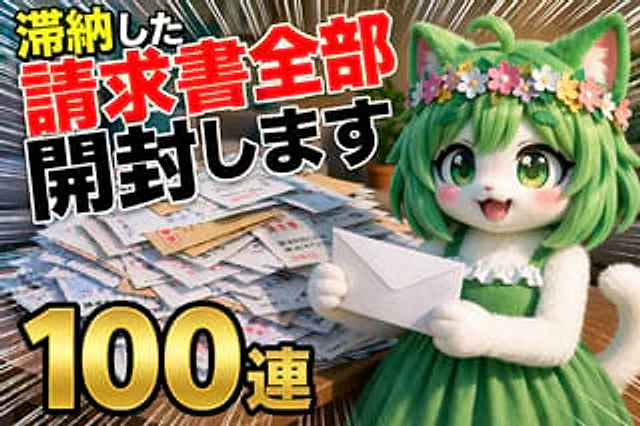
YouTube Unboxing Thumbnail Prompt

YouTube Unboxing Thumbnail Prompt

Documento originale

GPT Image 2 · en

Thumbnail of a YouTube unboxing video; the video's theme is {argument name="topic" default="Open all overdue bills"} ,{argument name="quantity" default="100 consecutive copies"}

Come usare

  1. Copia tutto il prompt originale, inclusi i parametri.
  2. Adatta soggetto, testo e composizione alle tue esigenze.
  3. Usa uno strumento esterno compatibile; verifica accesso e risultato.

Prima di iniziare

  • Controlla se serve un’immagine di riferimento. La compatibilità non prova il modello usato per l’esempio.
  • Verifica nomi, numeri e testi; i risultati cambiano con le versioni del modello.
Esempi simili

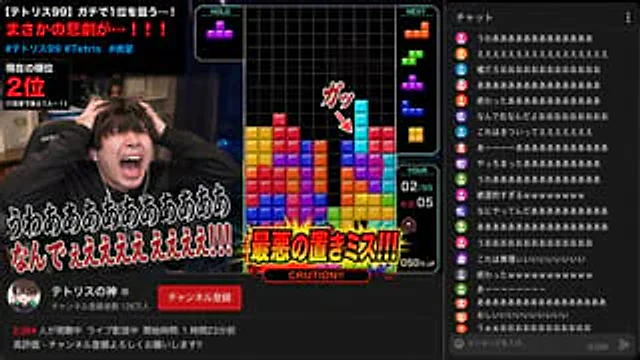
YouTube Gaming Stream Despair Scene
GPT Image 2en

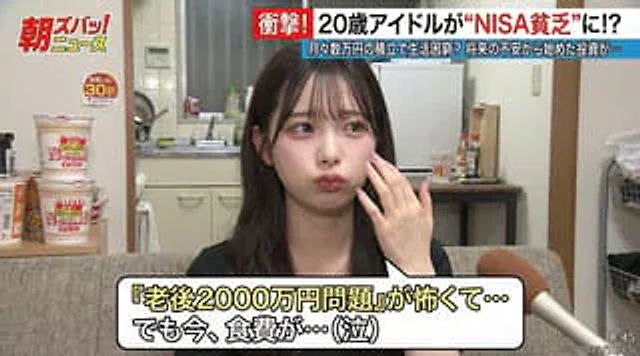
A popular Japanese YouTuber{argument name="content" default="Game streaming"} Scene. In{argument name="game name" default="Tetris"} In the video, the long bar seemed poised to eliminate all the blocks, but its placement was slightly off. The streamer screamed in despair, his face

YouTube Livestream Interface Mockup
GPT Image 2en

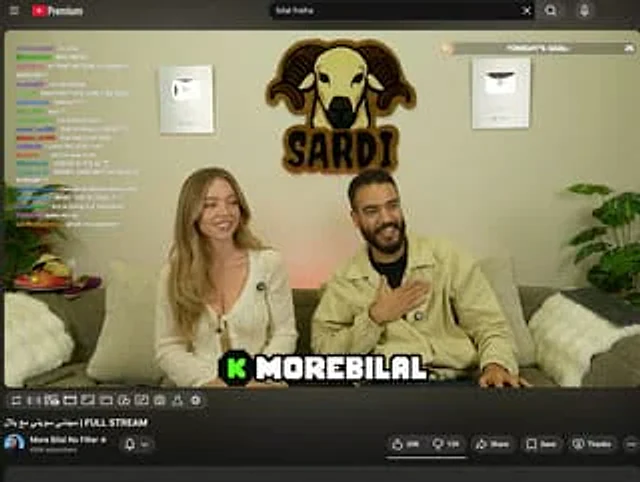
{ "type": "YouTube Live UI", "top_nav": { "logo": "YouTube Premium", "search": "{argument name=\"search query\" default=\"bilal fraiha\"}", "icons": 3 }, "player": { "subjects": [ "{argument name=\"female guest\" default=\"Sydney Sweeney\"} Wearing a

YouTube Live Stream Announcement Mockup
GPT Image 2en

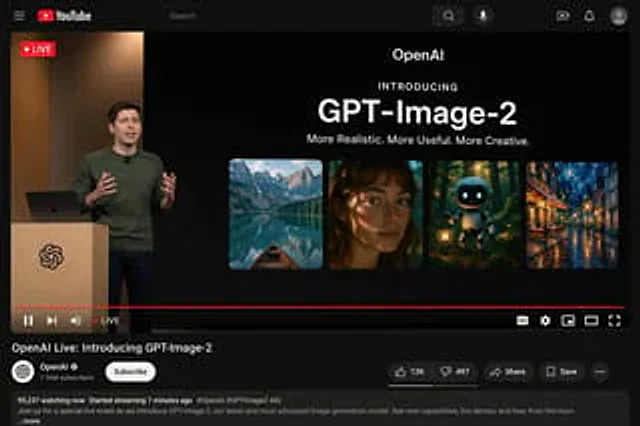
{"type": "YouTube Live Stream UI mockup", "theme": "dark mode", "layout": {"top_bar": {"components": ["hamburger menu", "YouTube logo", "search bar", "microphone icon", "create icon", "notifications icon", "profile avatar"]}, "video_player": {"status": "LIVE badge in top left", "

YouTube Live Presentation UI Mockup
GPT Image 2en

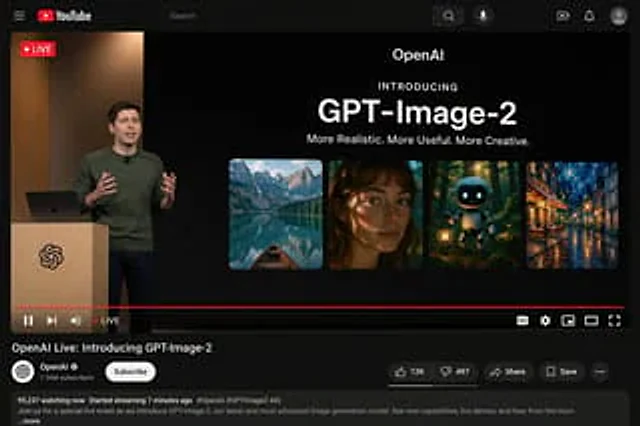
{ "type": "YouTube desktop dark mode UI mockup", "header": { "logo": "YouTube", "search_bar": "search", "icons_count": 5, "icons": [ "search", "microphone", "create", "notify", "Personal information" ] }, "video_player": {