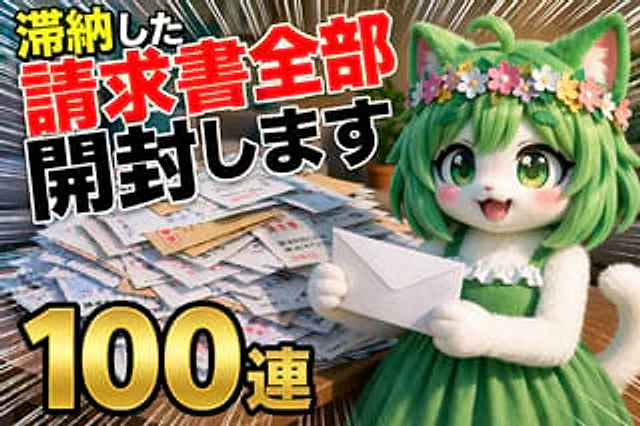
YouTube Unboxing Thumbnail Prompt

YouTube Unboxing Thumbnail Prompt

원본 문서

GPT Image 2 · en

Thumbnail of a YouTube unboxing video; the video's theme is {argument name="topic" default="Open all overdue bills"} ,{argument name="quantity" default="100 consecutive copies"}

사용 방법

  1. 매개변수를 포함한 전체 원본 프롬프트를 복사하세요.
  2. 주제, 문구, 구도를 자신의 요구에 맞게 바꾸세요.
  3. 호환되는 외부 도구에서 사용하고 이용 조건과 결과를 확인하세요.

시작 전 확인

  • 참조 이미지가 필요한지 확인하세요. 호환 표시는 해당 모델로 이 예시를 생성했다는 뜻이 아닙니다.
  • 이름, 수치, 이미지 속 문구를 확인하세요. 모델 버전에 따라 결과가 다를 수 있습니다.
비슷한 예시

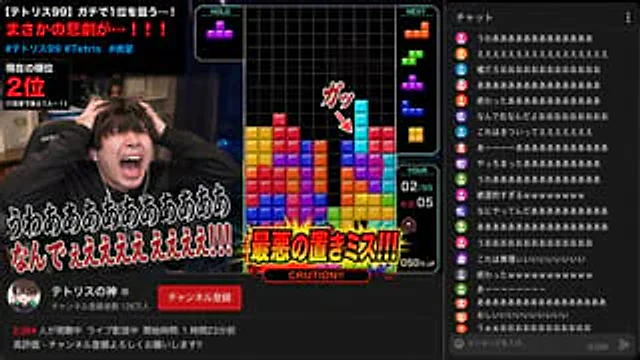
YouTube Gaming Stream Despair Scene
GPT Image 2en

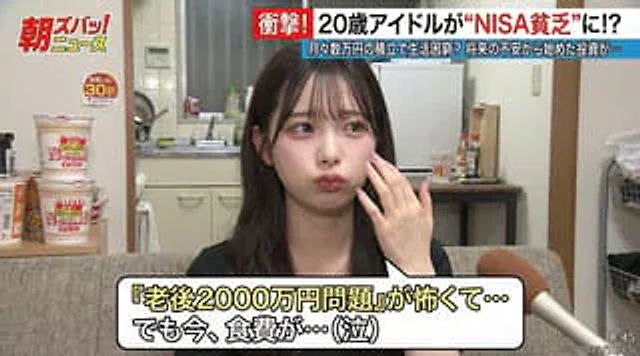
A popular Japanese YouTuber{argument name="content" default="Game streaming"} Scene. In{argument name="game name" default="Tetris"} In the video, the long bar seemed poised to eliminate all the blocks, but its placement was slightly off. The streamer screamed in despair, his face

YouTube Livestream Interface Mockup
GPT Image 2en

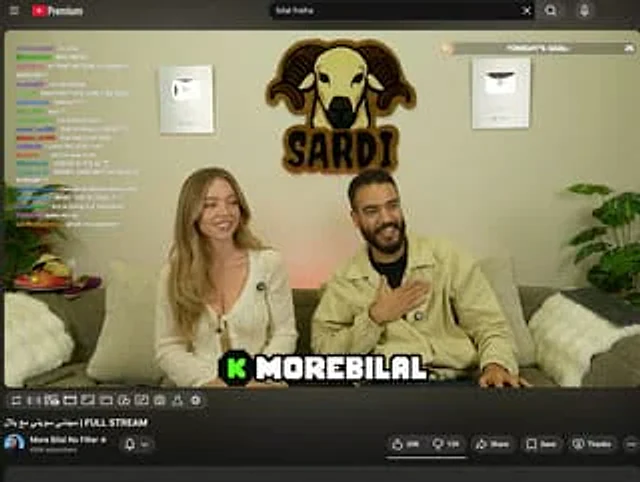
{ "type": "YouTube Live UI", "top_nav": { "logo": "YouTube Premium", "search": "{argument name=\"search query\" default=\"bilal fraiha\"}", "icons": 3 }, "player": { "subjects": [ "{argument name=\"female guest\" default=\"Sydney Sweeney\"} Wearing a

YouTube Live Stream Announcement Mockup
GPT Image 2en

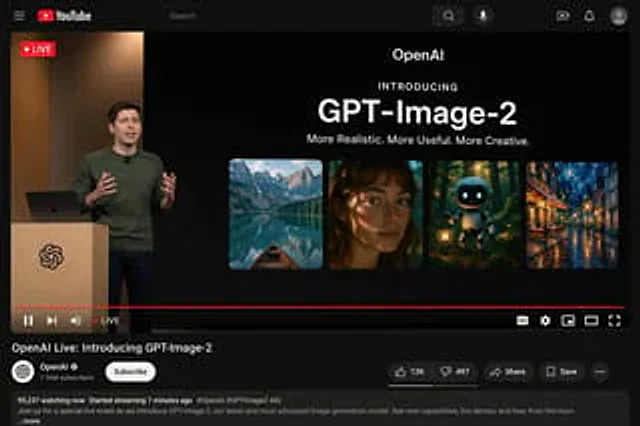
{"type": "YouTube Live Stream UI mockup", "theme": "dark mode", "layout": {"top_bar": {"components": ["hamburger menu", "YouTube logo", "search bar", "microphone icon", "create icon", "notifications icon", "profile avatar"]}, "video_player": {"status": "LIVE badge in top left", "

YouTube Live Presentation UI Mockup
GPT Image 2en

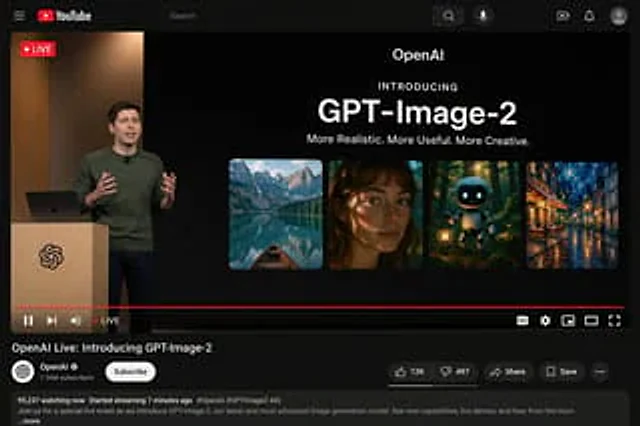
{ "type": "YouTube desktop dark mode UI mockup", "header": { "logo": "YouTube", "search_bar": "search", "icons_count": 5, "icons": [ "search", "microphone", "create", "notify", "Personal information" ] }, "video_player": {