Documento originale
GPT Image 2 · en
{
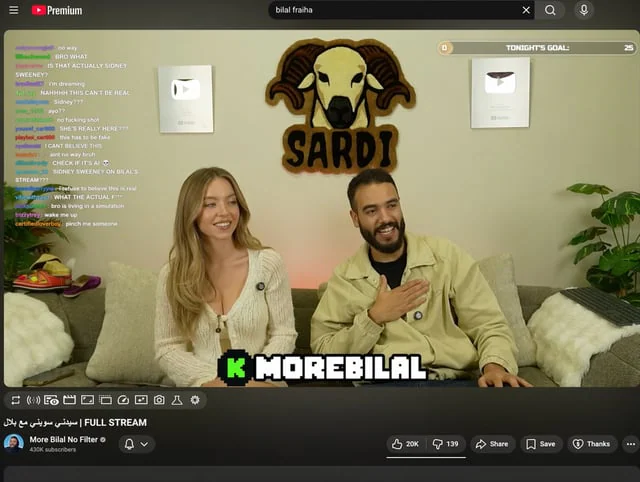
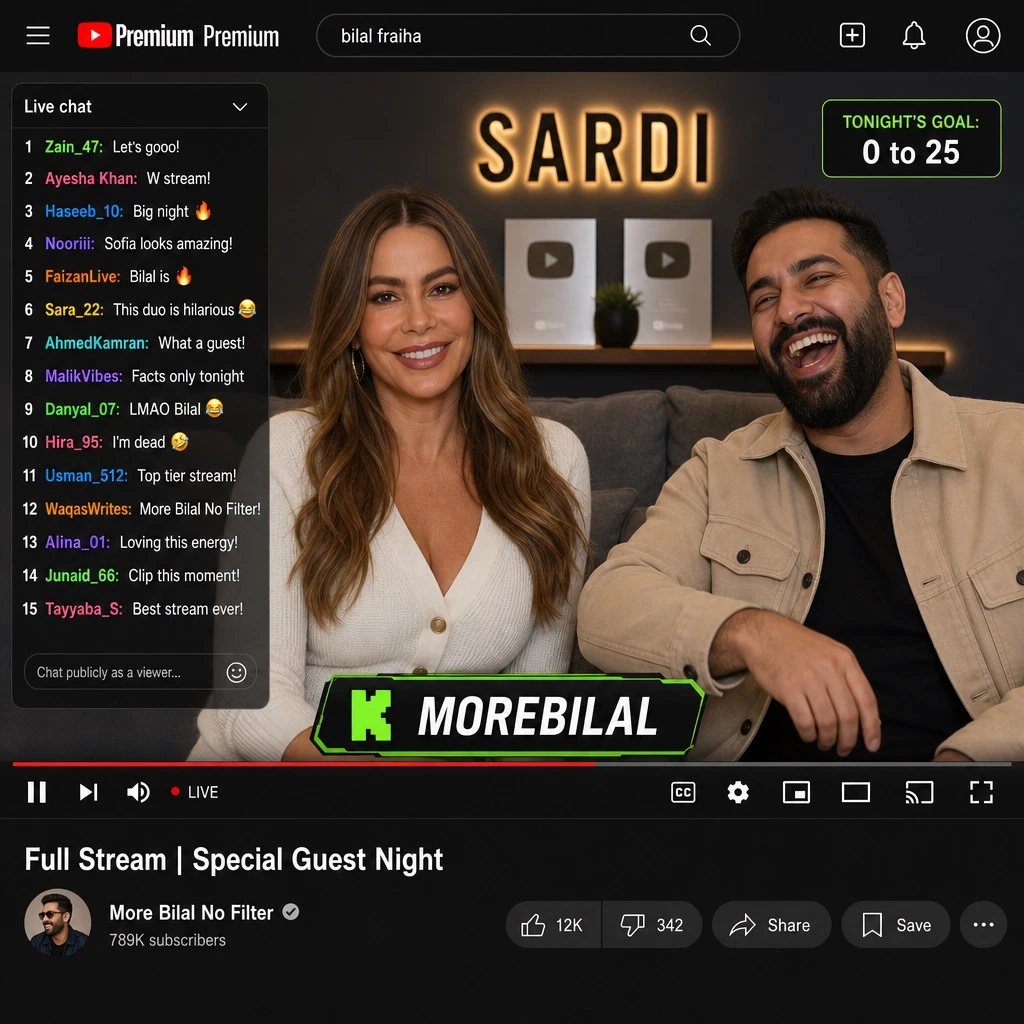
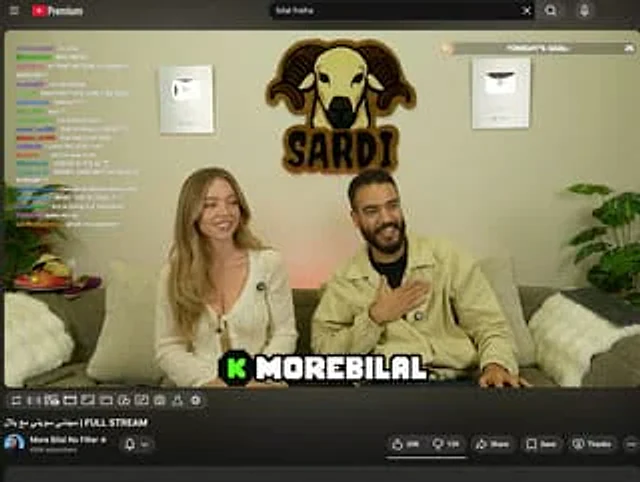
  "type": "YouTube Live UI",
  "top_nav": {
    "logo": "YouTube Premium",
    "search": "{argument name=\"search query\" default=\"bilal fraiha\"}",
    "icons": 3
  },
  "player": {
    "subjects": [
      "{argument name=\"female guest\" default=\"Sydney Sweeney\"} Wearing a white cardigan",
      "A bearded man wearing a beige jacket is laughing."
    ],
    "bg": "Sofa, two silver play buttons, and the 'SARDI' ram logo.",
    "overlays": {
      "chat": {
        "pos": "Left side",
        "count": 15,
        "desc": "Colored usernames, white text"
      },
      "goal": {
        "pos": "Top right corner",
        "text": "Tonight's goal: 0 to 25"
      },
      "banner": {
        "pos": "Bottom Center",
        "text": "K {argument name=\"streamer name\" default=\"MOREBILAL\"}"
      }
    },
    "controls": {
      "count": 10
    }
  },
  "details": {
    "title": "{argument name=\"video title\" default=\"FULL STREAM | سيدني سويني مع بلال\"}",
    "channel": "{argument name=\"channel name\" default=\"More Bilal No Filter\"}",
    "buttons": 5
  }
}
Come usare
- Copia tutto il prompt originale, inclusi i parametri.
- Adatta soggetto, testo e composizione alle tue esigenze.
- Usa uno strumento esterno compatibile; verifica accesso e risultato.
Prima di iniziare
- Controlla se serve un’immagine di riferimento. La compatibilità non prova il modello usato per l’esempio.
- Verifica nomi, numeri e testi; i risultati cambiano con le versioni del modello.