YouTube Livestream Interface Mockup

YouTube Livestream Interface Mockup

原始文档

GPT Image 2 · en

{
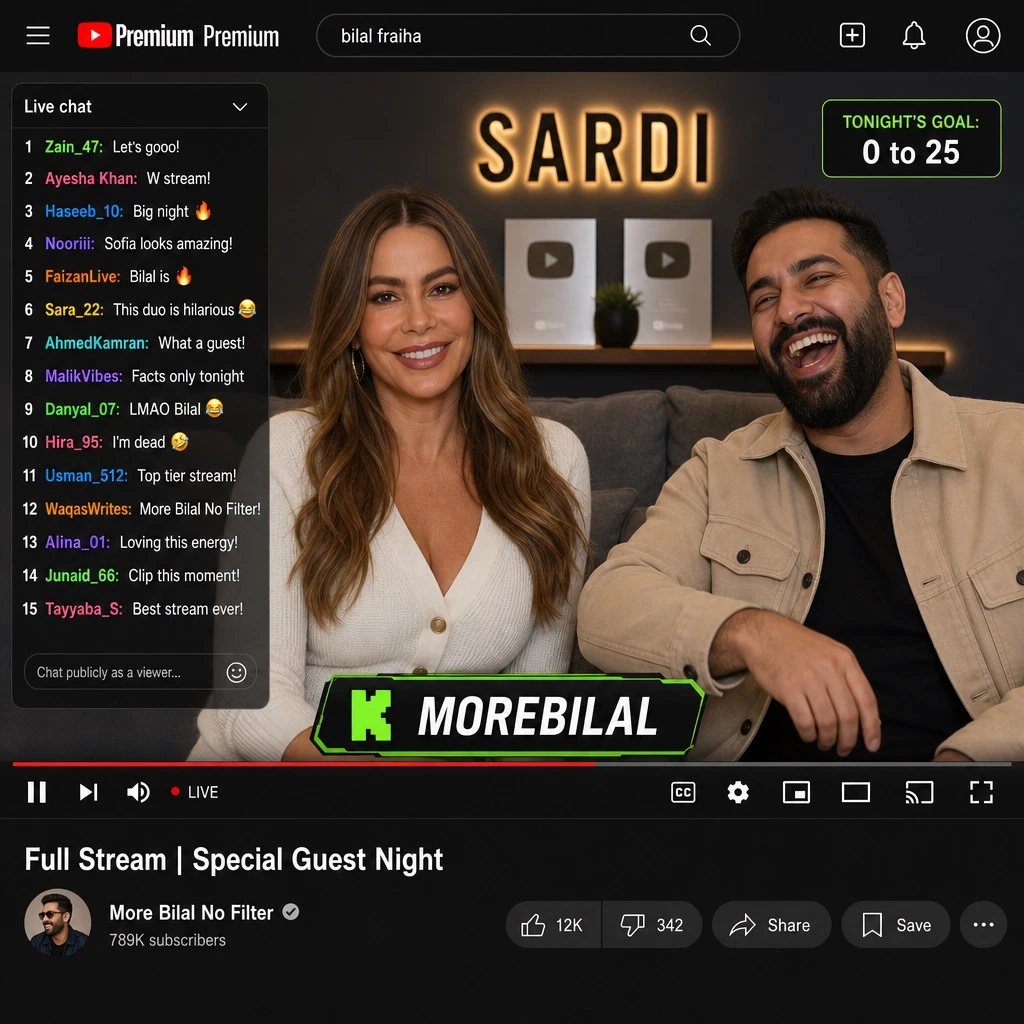
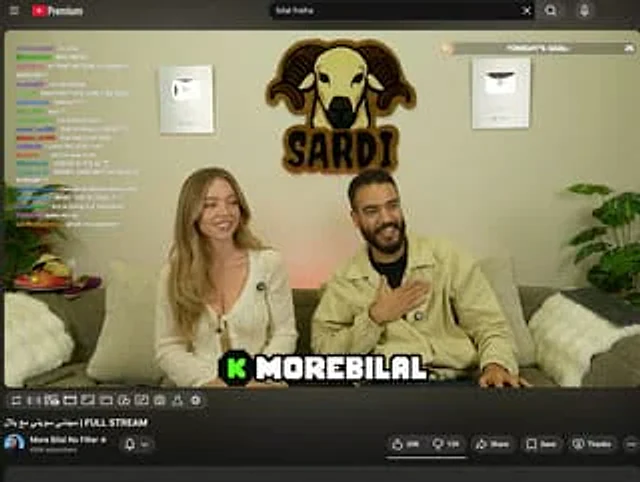
  "type": "YouTube Live UI",
  "top_nav": {
    "logo": "YouTube Premium",
    "search": "{argument name=\"search query\" default=\"bilal fraiha\"}",
    "icons": 3
  },
  "player": {
    "subjects": [
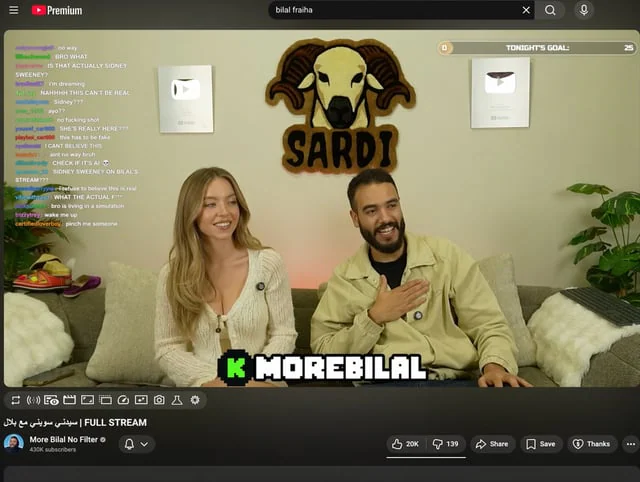
      "{argument name=\"female guest\" default=\"Sydney Sweeney\"} Wearing a white cardigan",
      "A bearded man wearing a beige jacket is laughing."
    ],
    "bg": "Sofa, two silver play buttons, and the 'SARDI' ram logo.",
    "overlays": {
      "chat": {
        "pos": "Left side",
        "count": 15,
        "desc": "Colored usernames, white text"
      },
      "goal": {
        "pos": "Top right corner",
        "text": "Tonight's goal: 0 to 25"
      },
      "banner": {
        "pos": "Bottom Center",
        "text": "K {argument name=\"streamer name\" default=\"MOREBILAL\"}"
      }
    },
    "controls": {
      "count": 10
    }
  },
  "details": {
    "title": "{argument name=\"video title\" default=\"FULL STREAM | سيدني سويني مع بلال\"}",
    "channel": "{argument name=\"channel name\" default=\"More Bilal No Filter\"}",
    "buttons": 5
  }
}

使用方法

  1. 复制完整原始提示词,并保留其中的参数。
  2. 按需求替换主体、文字和构图要求。
  3. 在兼容的外部工具中使用,核对当前使用条件并检查结果。

开始前需了解

  • 先确认是否需要参考图。标注兼容模型,不代表该示例由这个模型生成。
  • 核对名称、数字与画面文字;不同模型版本的结果可能不同。

相似案例

YouTube Livestream Interface Mockup
GPT Image 2en

{ "type": "YouTube livestream UI", "top_nav": { "logo": "YouTube Premium", "search": "{argument name=\"search query\" default=\"bilal fraiha\"}", "icons": 3 }, "player": { "subjects": [ "{argument name=\"female guest\" default=\"Sydney Sweeney\"} in

Livestream Interface Mockup
GPT Image 2en

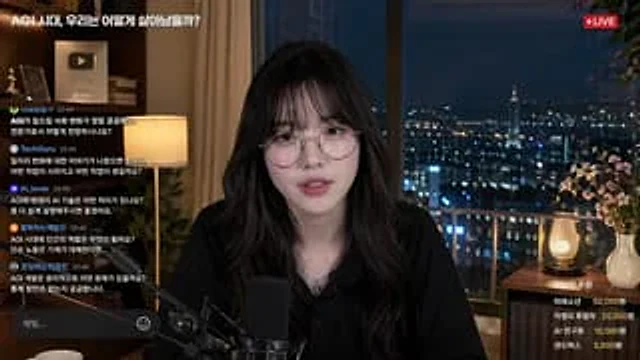
{ "type": "Live Streaming Interface Model", "subject": { "description": "{argument name=\"streamer description\" default=\"A young Asian woman with long, wavy hair and bangs, wearing round metal-framed glasses, a black shirt, and a silver necklace.\"}", "action": "Loo

YouTube Live Stream Announcement Mockup
GPT Image 2en

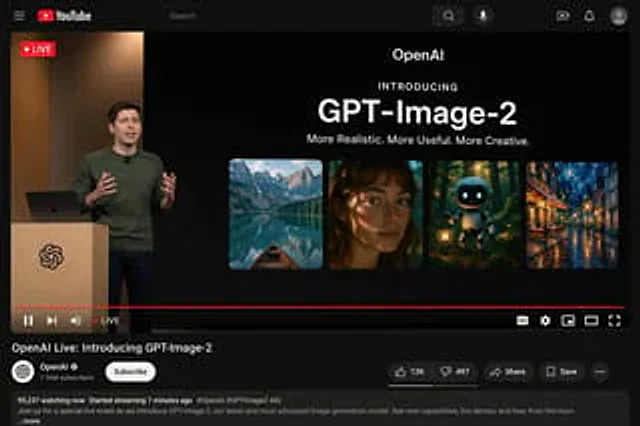
{"type": "YouTube Live Stream UI mockup", "theme": "dark mode", "layout": {"top_bar": {"components": ["hamburger menu", "YouTube logo", "search bar", "microphone icon", "create icon", "notifications icon", "profile avatar"]}, "video_player": {"status": "LIVE badge in top left", "

YouTube Live Presentation UI Mockup
GPT Image 2en

{ "type": "YouTube desktop dark mode UI mockup", "header": { "logo": "YouTube", "search_bar": "search", "icons_count": 5, "icons": [ "search", "microphone", "create", "notify", "Personal information" ] }, "video_player": {

YouTube Live Stream Announcement Mockup
GPT Image 2en

{ "type": "YouTube live streaming interface demo", "theme": "Dark mode", "layout": { "top_bar": { "components": [ "Hamburger menu", "YouTube logo", "Search bar", "microphone icon", "Create icon", "Notification icon",