원본 문서
GPT Image 2 · en
{
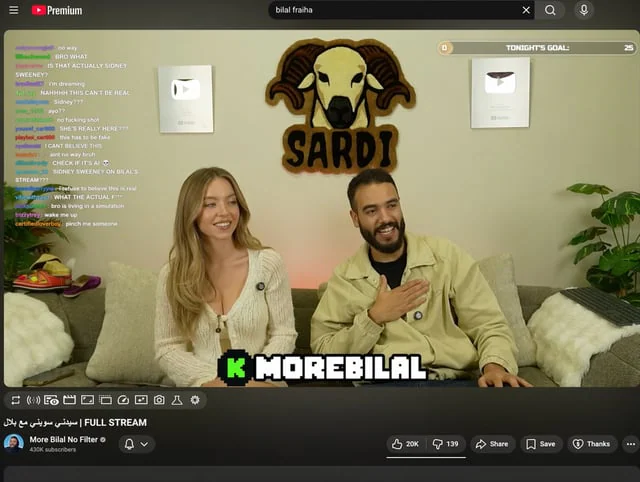
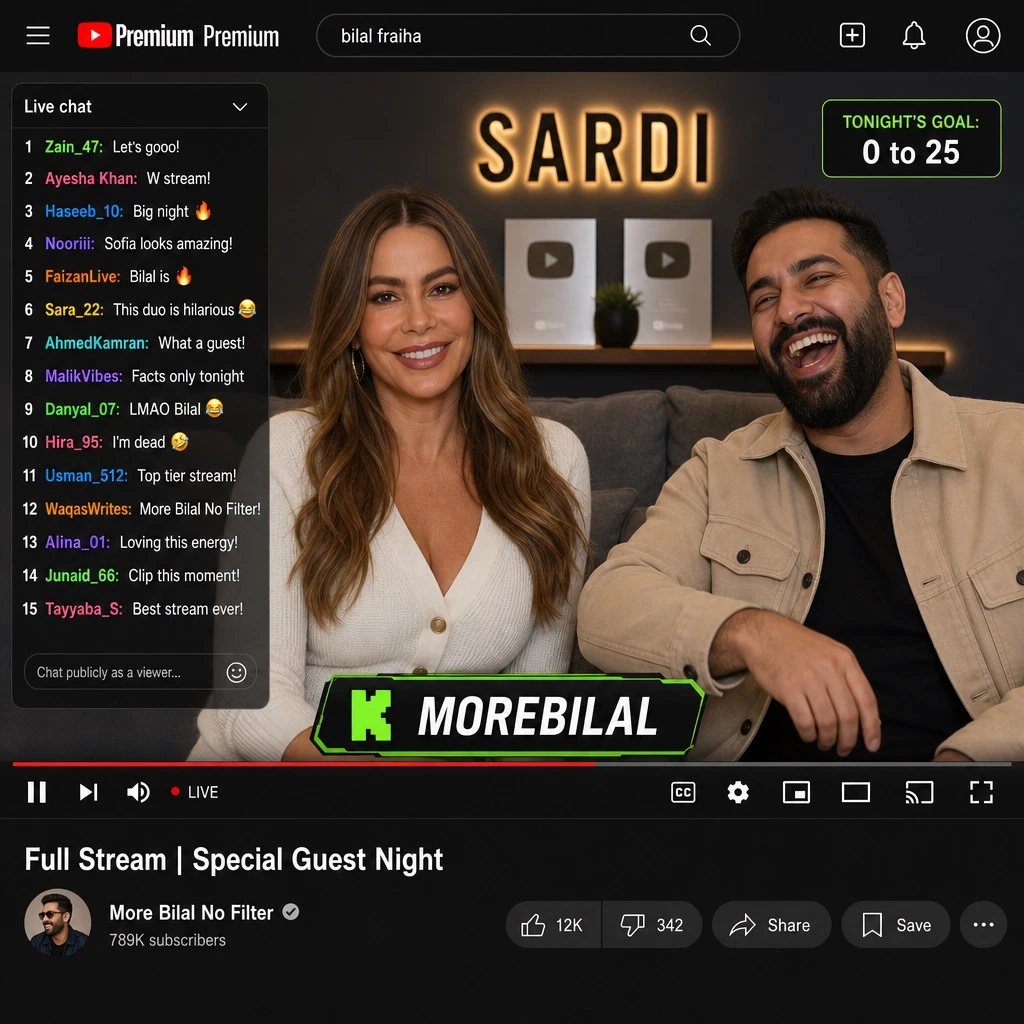
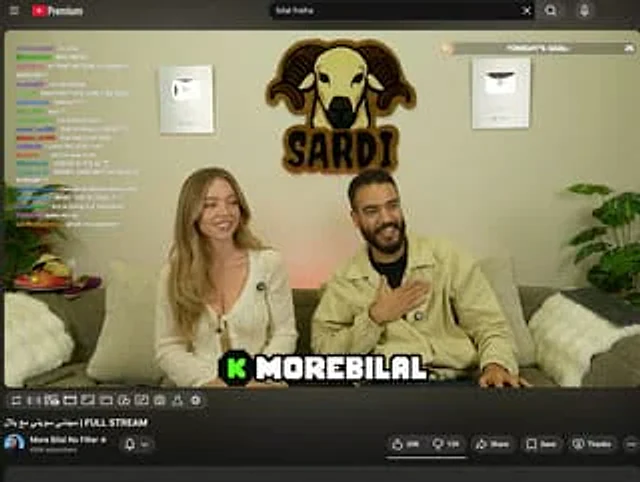
  "type": "YouTube Live UI",
  "top_nav": {
    "logo": "YouTube Premium",
    "search": "{argument name=\"search query\" default=\"bilal fraiha\"}",
    "icons": 3
  },
  "player": {
    "subjects": [
      "{argument name=\"female guest\" default=\"Sydney Sweeney\"} Wearing a white cardigan",
      "A bearded man wearing a beige jacket is laughing."
    ],
    "bg": "Sofa, two silver play buttons, and the 'SARDI' ram logo.",
    "overlays": {
      "chat": {
        "pos": "Left side",
        "count": 15,
        "desc": "Colored usernames, white text"
      },
      "goal": {
        "pos": "Top right corner",
        "text": "Tonight's goal: 0 to 25"
      },
      "banner": {
        "pos": "Bottom Center",
        "text": "K {argument name=\"streamer name\" default=\"MOREBILAL\"}"
      }
    },
    "controls": {
      "count": 10
    }
  },
  "details": {
    "title": "{argument name=\"video title\" default=\"FULL STREAM | سيدني سويني مع بلال\"}",
    "channel": "{argument name=\"channel name\" default=\"More Bilal No Filter\"}",
    "buttons": 5
  }
}
사용 방법
- 매개변수를 포함한 전체 원본 프롬프트를 복사하세요.
- 주제, 문구, 구도를 자신의 요구에 맞게 바꾸세요.
- 호환되는 외부 도구에서 사용하고 이용 조건과 결과를 확인하세요.
시작 전 확인
- 참조 이미지가 필요한지 확인하세요. 호환 표시는 해당 모델로 이 예시를 생성했다는 뜻이 아닙니다.
- 이름, 수치, 이미지 속 문구를 확인하세요. 모델 버전에 따라 결과가 다를 수 있습니다.