Restaurant POV Change Comparison

Restaurant POV Change Comparison

原文

GPT Image 2 · en

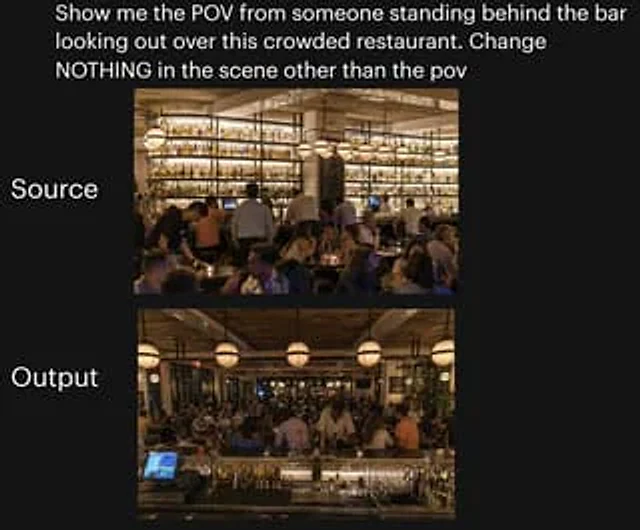
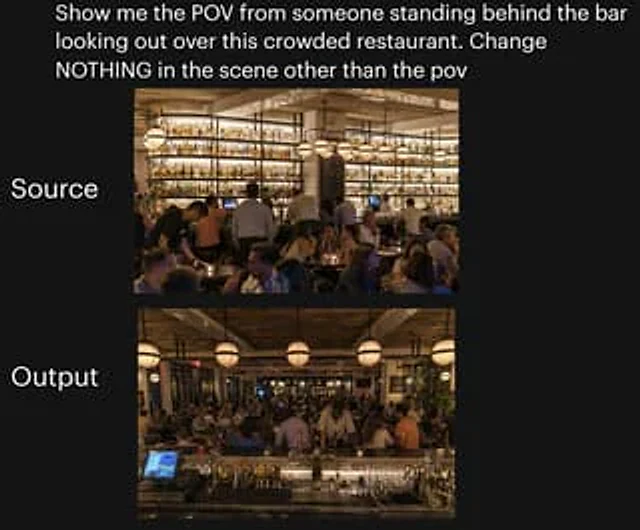
A side-by-side comparison image of social media posts against a dark background showcases a test of camera angle changes inside a busy restaurant. At the top is large white sans-serif text that reads:{argument name="headline text" default="Show me the view of this crowded restaurant from behind the bar. Don't change anything in the scene except the perspective."} Two rounded rectangular photos are stacked vertically in the center of the page. The upper image has the large white text "Source" on its left; the lower image has the large white text "Output" on its left. The upper image shows the original restaurant scene from the customer side, looking towards the bar at the back: a warm, upscale, and crowded restaurant at night, with a huge illuminated wall of bottles in the background, wooden ceiling beams, and hanging spherical chandeliers. Bartenders and servers are at work, and the foreground and midground are filled with customers. The lower image shows the same restaurant, maintaining the same lighting, decor, crowd density, bottle wall, chandeliers, and overall atmosphere, but with a changed perspective: the camera is now positioned behind the bar, looking out over the crowded restaurant. The foreground of the lower image includes the bar countertop, glassware, bottles, metal bar tools, and the illuminated POS touchscreen in the left front, reinforcing the "behind the bar" perspective. Both photos were designed to maintain photorealistic quality, warm amber lighting, and a vibrant nighttime atmosphere, ensuring the lower image appears to be the same scene as the upper one, only with a different camera angle. It features a clean social media posting style with ample margins and a neat layout, making it suitable for use as a tweet screenshot or AI image comparison sticker.

使い方

  1. パラメータを含む元のプロンプト全体をコピーします。
  2. 被写体、文字、構図を自分の要件に置き換えます。
  3. 対応する外部ツールで使用し、利用条件と結果を確認します。

開始前の確認

  • 参考画像の要否を確認してください。互換モデルの表示は、そのモデルでの生成実績を意味しません。
  • 名前、数値、画像内の文字を確認します。モデルの版で結果は変わります。
似た事例

Restaurant POV Change Comparison
GPT Image 2en

A side-by-side comparison image against a black background showcases the changing camera angles within the same restaurant scene. At the top, bold white sans-serif text reads: "Show me the perspective of someone standing behind the bar overlooking this crowded restaurant. Don't c

Anime Crowd Camera POV Comparison
GPT Image 2en

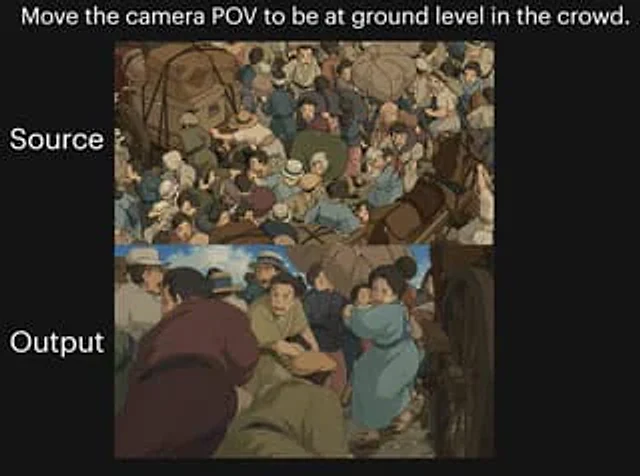
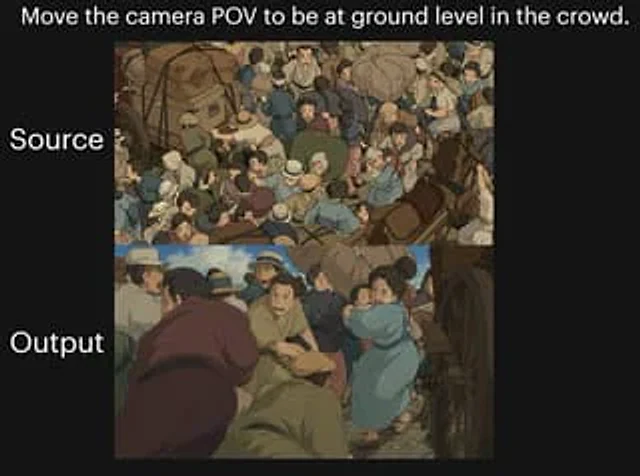
A two-image comparison against a black background showcases dramatic camera angle changes within a crowded, anime-style street scene. A striking white text line is placed at the top center:{argument name="headline text" default="Shift the camera's perspective to ground level

Stacked Corridor Model Comparison
GPT Image 2en

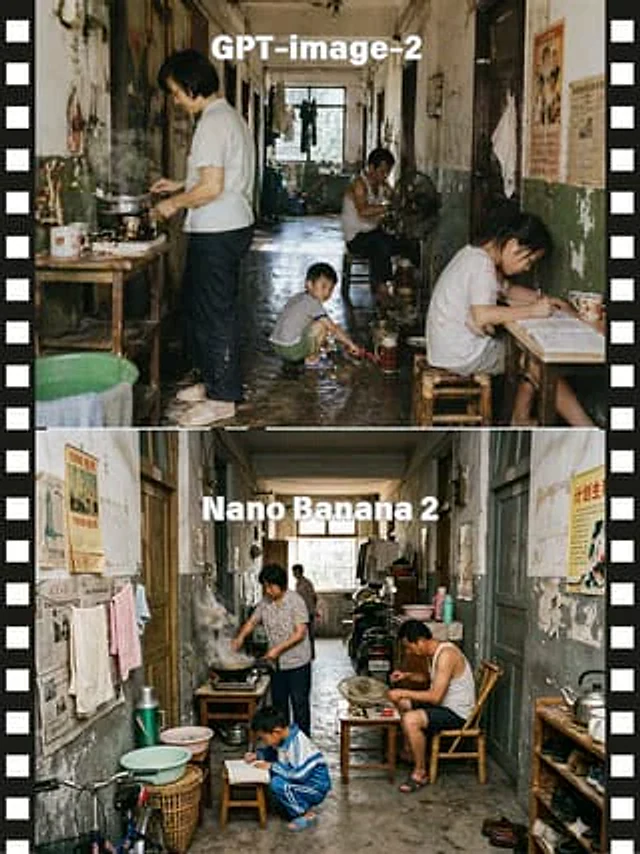
A side-by-side comparison, presented as two stacked documentary-style photographs, showcases the same narrow, old-fashioned Chinese apartment corridor, flanked by black film borders with white perforations. The upper section features large, bold, white sans-serif text at the top

AI Model Routing Comparison Infographic
GPT Image 2en

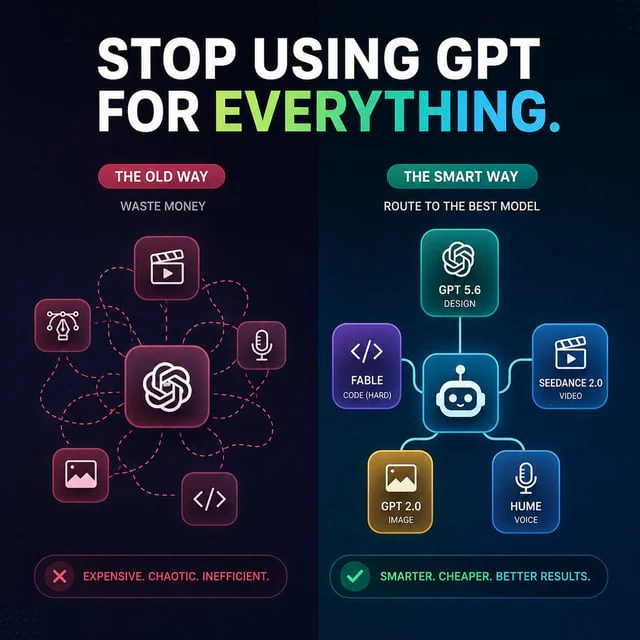
Create a square 1:1 dark futuristic tech infographic for social media comparing two AI workflow approaches. Canvas: 768x768 or similar, deep navy-to-black background with subtle dotted grid texture and a vertical split down the center. At the top, place a huge bold uppercase head

Anime Crowd POV Comparison
GPT Image 2en

{ "type": "comparison graphic", "style": "anime cinematic demonstration image on a black presentation background", "canvas": { "aspect_ratio": "4:3", "background": "solid black" }, "text_elements": [ { "text": "{argument name=\"headline text\" default=

AI Model Portrait Comparison
GPT Image 2en

Goal: Create a clean side-by-side comparison graphic showing two AI image model outputs as realistic street portraits. Canvas: Horizontal 3:2 social media comparison image, white background, high resolution. Use a simple two-column layout with a narrow vertical white divider bet