Studio Portrait From Vacation Selfie

Studio Portrait From Vacation Selfie

原文

GPT Image 2 · en

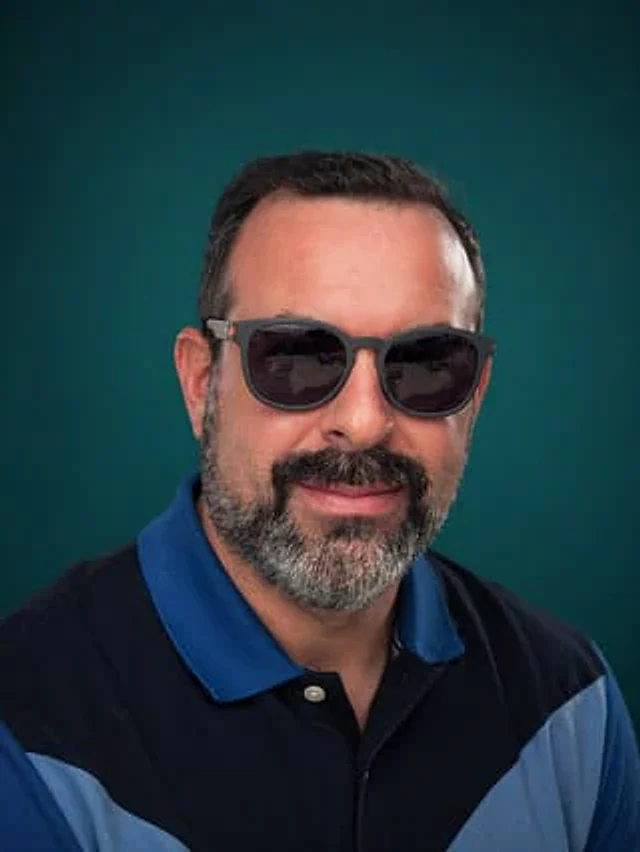
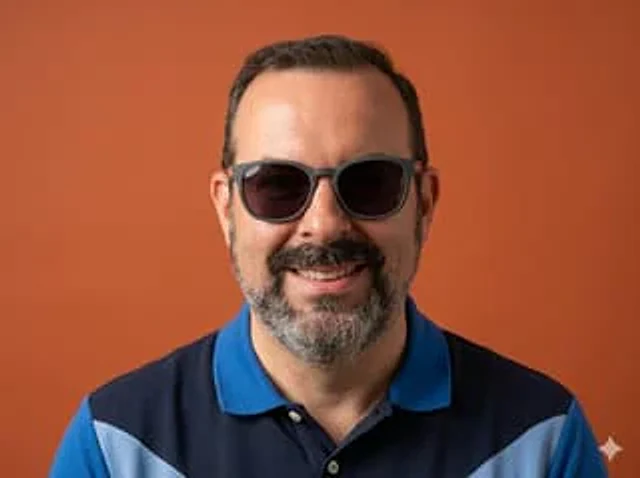
Using the provided reference image, keep the subject and blue polo shirt the same, and transform a casual poolside selfie into a clean, professional studio half-body portrait. Remove the entire outdoor resort background and replace it with a pure warm orange background. Recompose the shot, centering the subject and facing the camera directly, cropping from the center of the chest upwards, and use even, soft studio lighting to achieve a sharp, refined photographic quality. Eliminate any selfie-like feel, background distractions, and other people, and add a white four-pointed star icon in the lower right corner.

使い方

  1. パラメータを含む元のプロンプト全体をコピーします。
  2. 被写体、文字、構図を自分の要件に置き換えます。
  3. 対応する外部ツールで使用し、利用条件と結果を確認します。

開始前の確認

  • 参考画像の要否を確認してください。互換モデルの表示は、そのモデルでの生成実績を意味しません。
  • 名前、数値、画像内の文字を確認します。モデルの版で結果は変わります。
似た事例

Selfie to Studio Headshot
GPT Image 2en

Using the provided reference images, transform a casual poolside selfie into a clean, professional half-body studio portrait. Keep the subject and polo shirt, but remove the outdoor vacation background, other people, furniture, the pool, and any other vacation-related elements. R

Personal Brand Portrait System — Monochrome Alt
GPT Image 2en

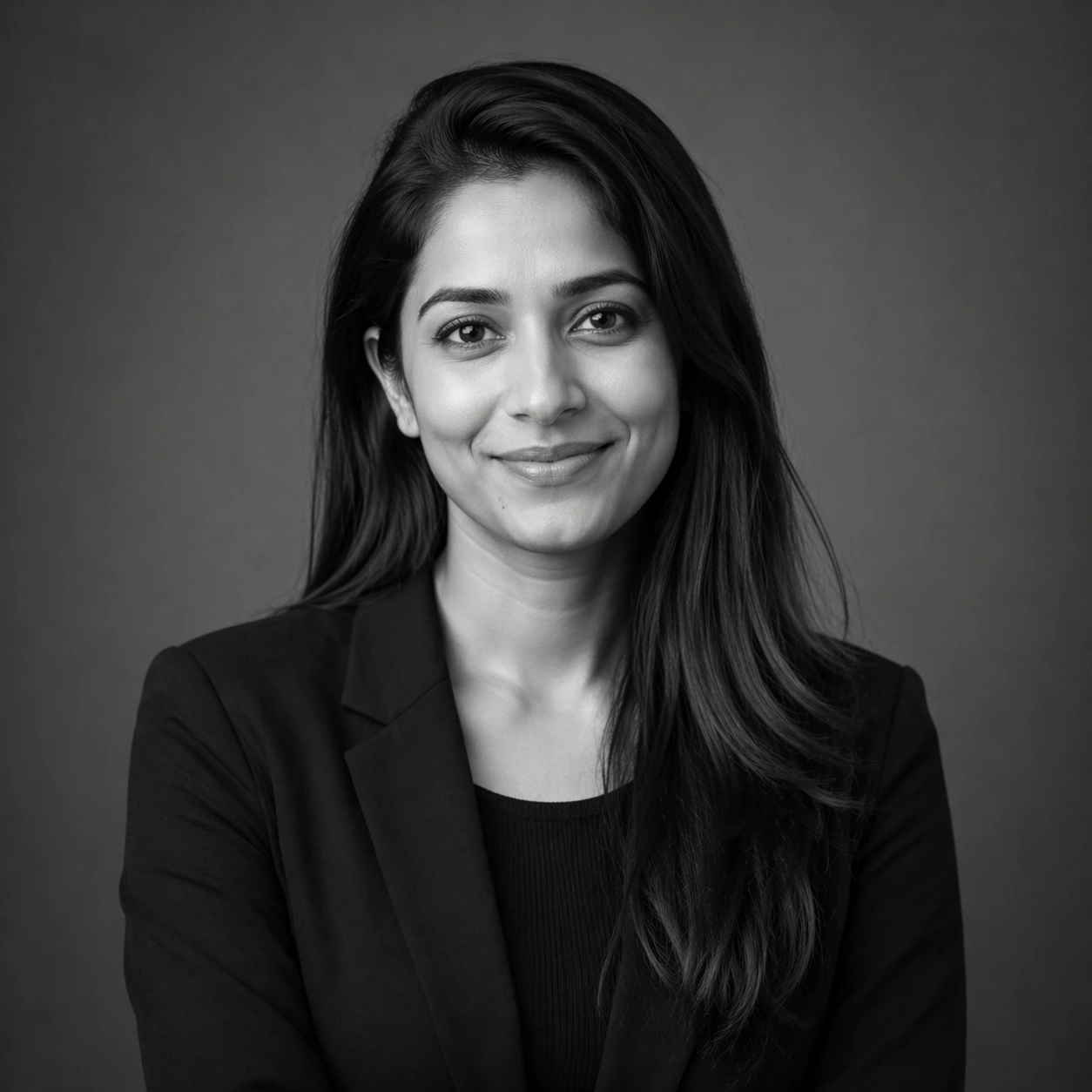
Scene: Create a square 1:1 portrait image for Personal Brand Portrait System. Use a grayscale studio portrait with crisp tonal separation, refined skin rendering, and magazine-ready depth. The frame should feel like a finished professional deliverable rather than a casual snapsho

Personal Brand Portrait System — Approachable Smile
GPT Image 2en

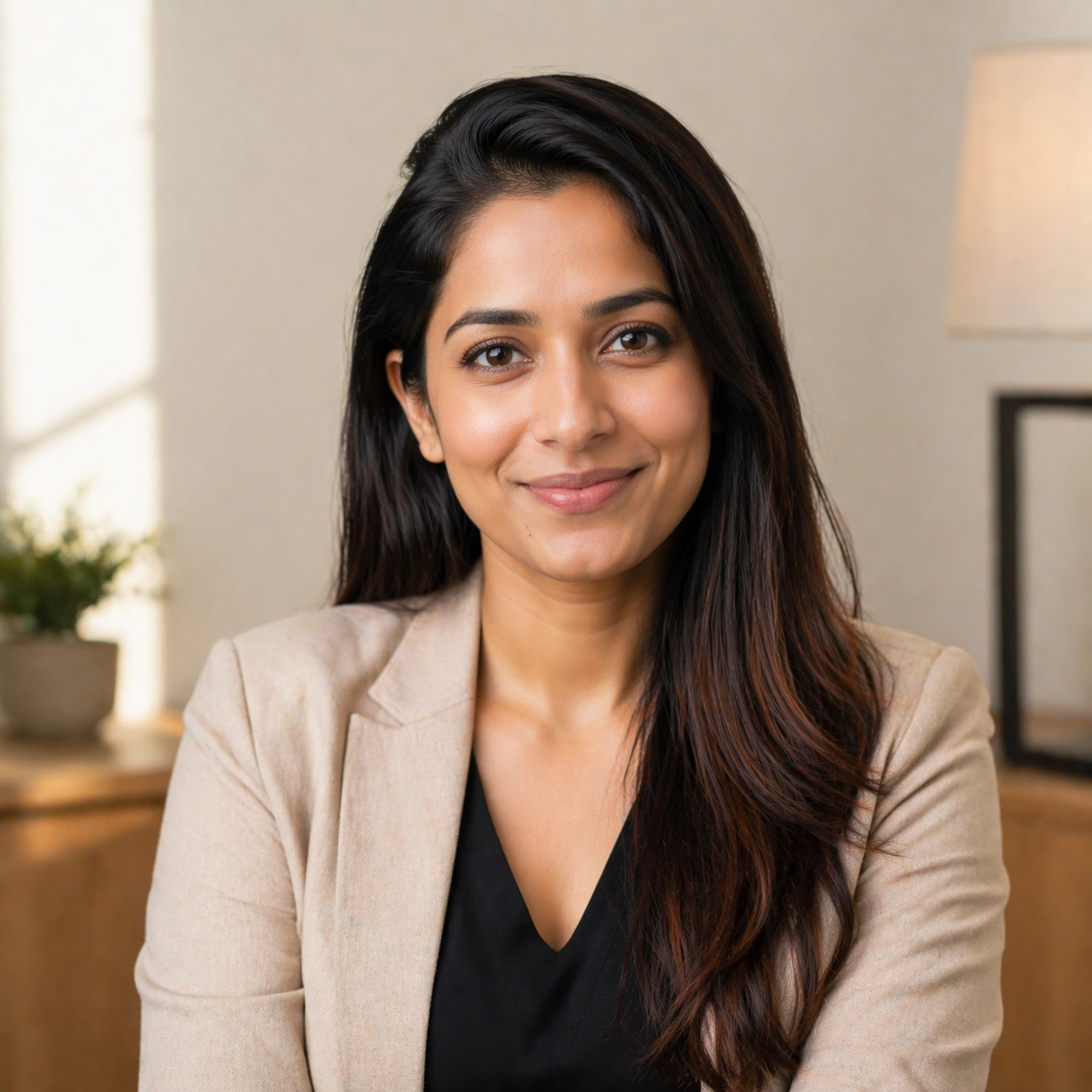
Scene: Create a square 1:1 portrait image for Personal Brand Portrait System. Use a welcoming light setup with soft highlights, gentle warmth, and subtle environmental mood that still feels premium. The frame should feel like a finished professional deliverable rather than a casu

Personal Brand Portrait System — Banner Crop Portrait
GPT Image 2en

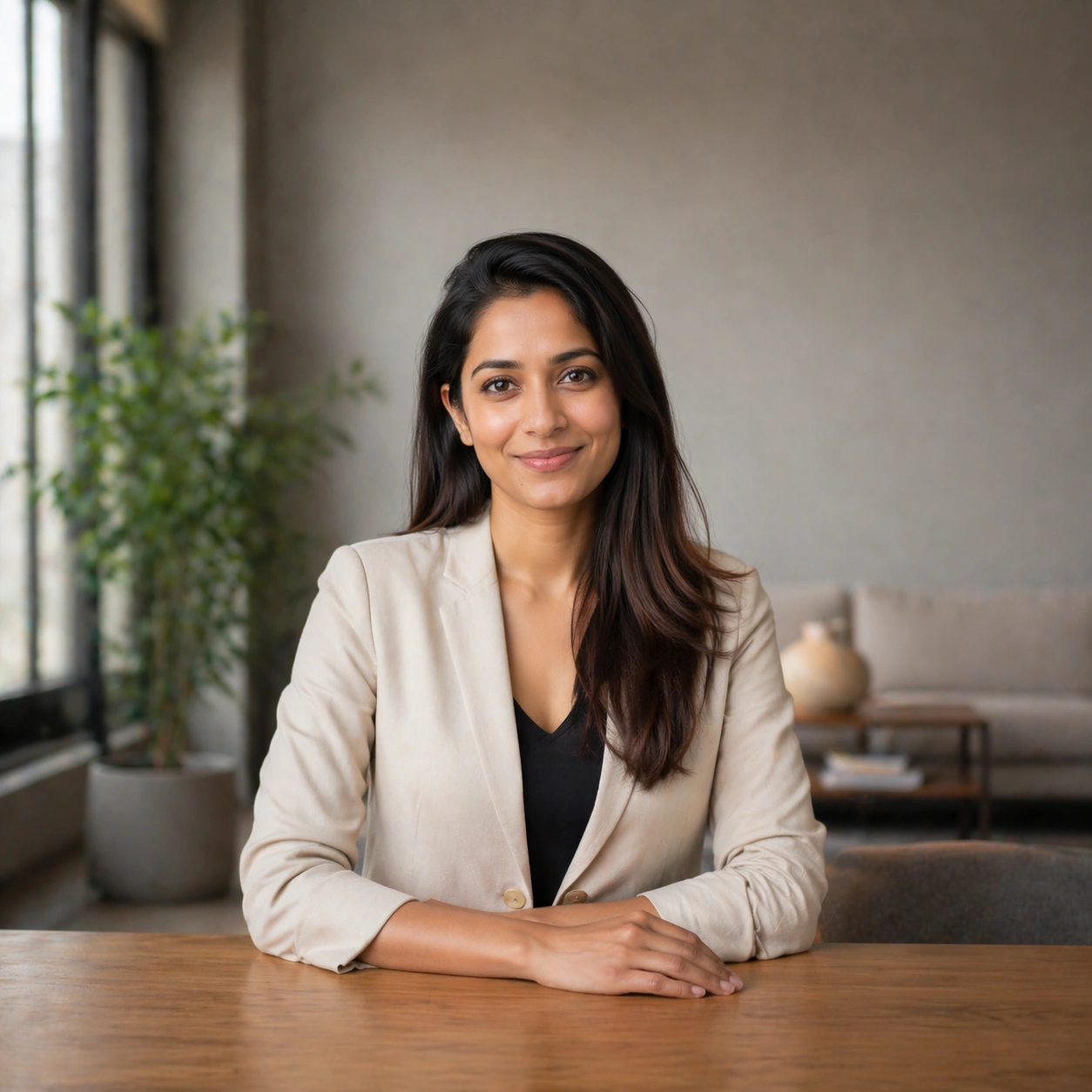
Scene: Create a square 1:1 portrait image for Personal Brand Portrait System. Use a square frame that internally feels like a landscape-safe banner crop, with strong side negative space and a stable mid-shot. The frame should feel like a finished professional deliverable rather t

Personal Brand Portrait System — Three-Quarter Hero
GPT Image 2en

Scene: Create a square 1:1 portrait image for Personal Brand Portrait System. Use a sculpted key light with subtle shadow modeling, clean negative space, and a slightly wider crop that still favors the face. The frame should feel like a finished professional deliverable rather th