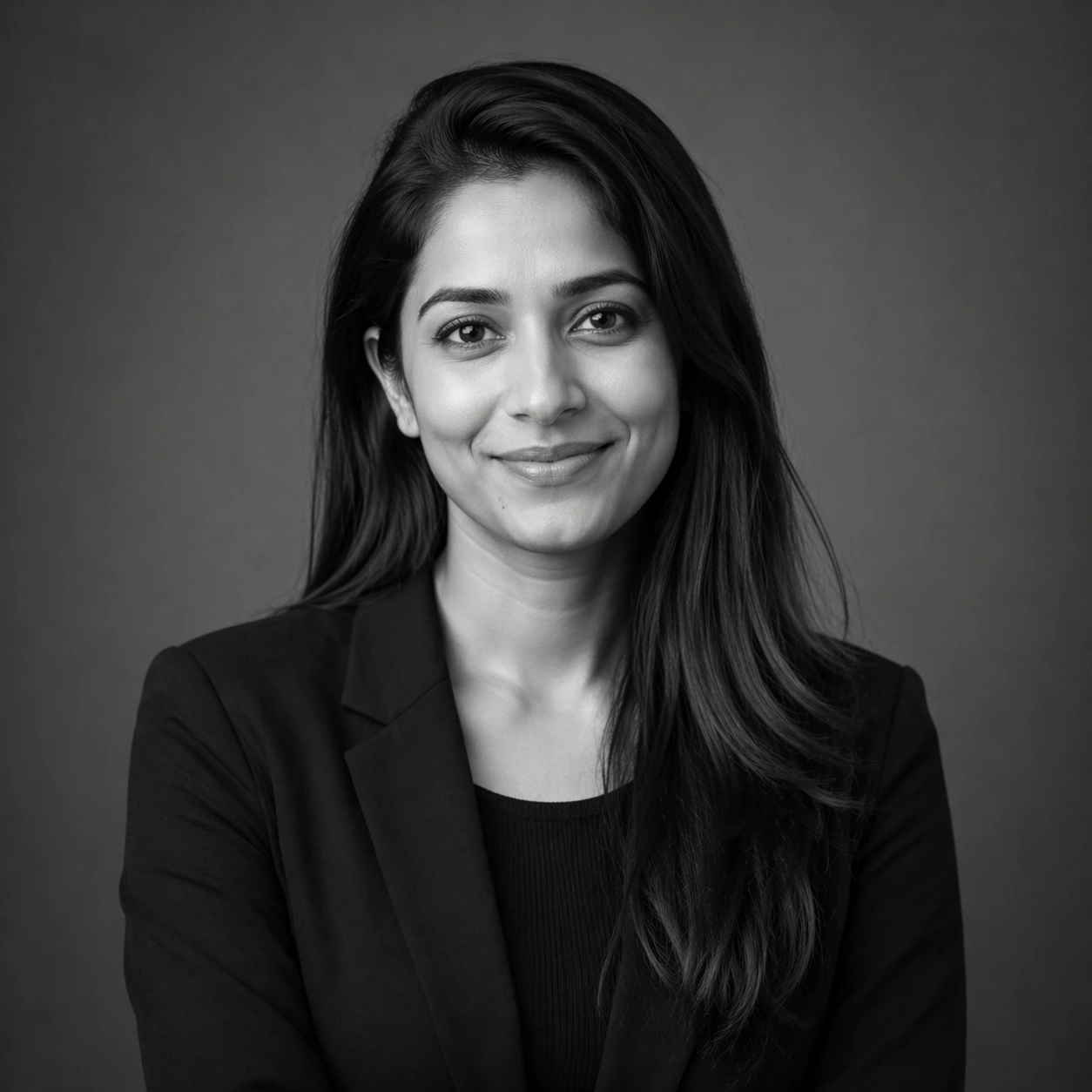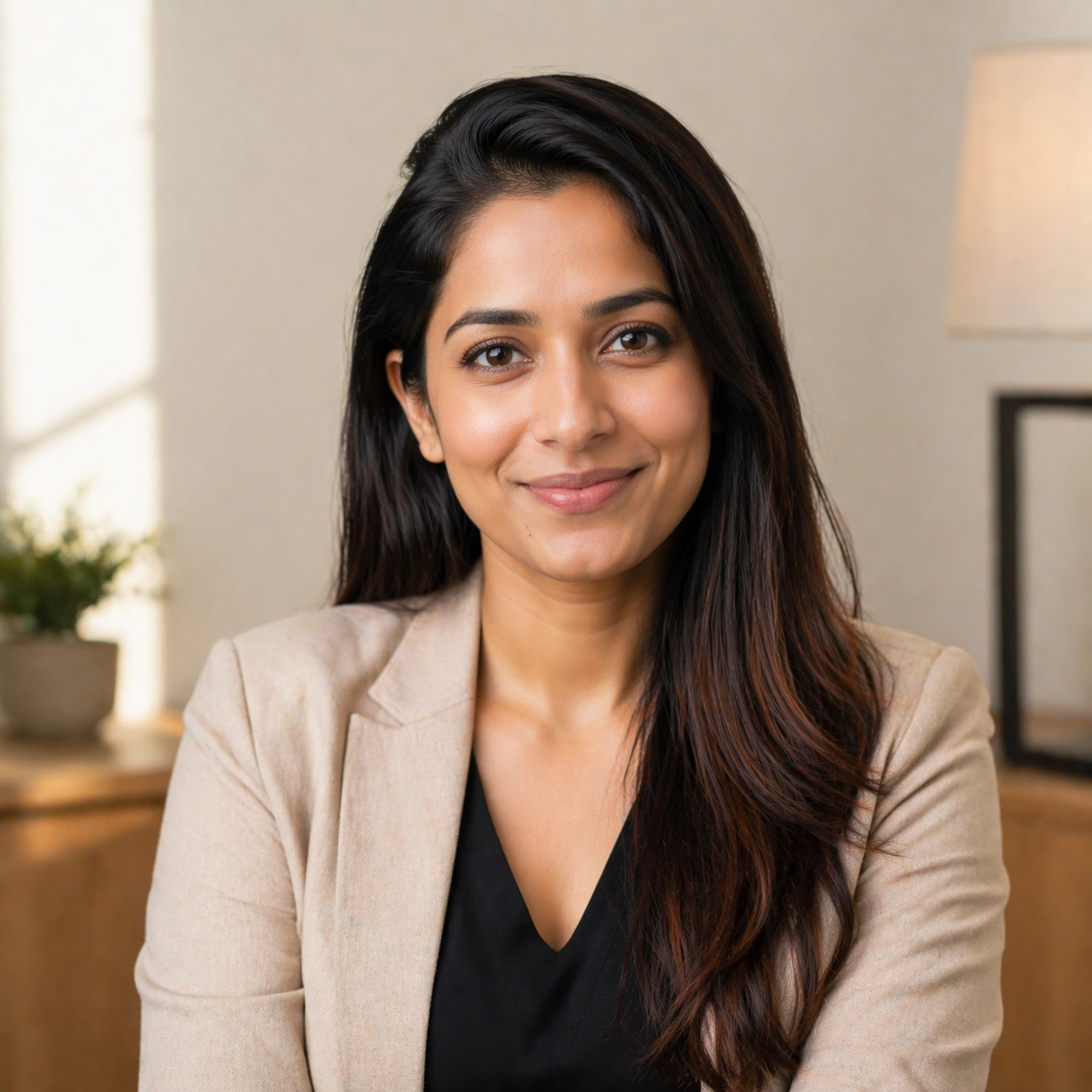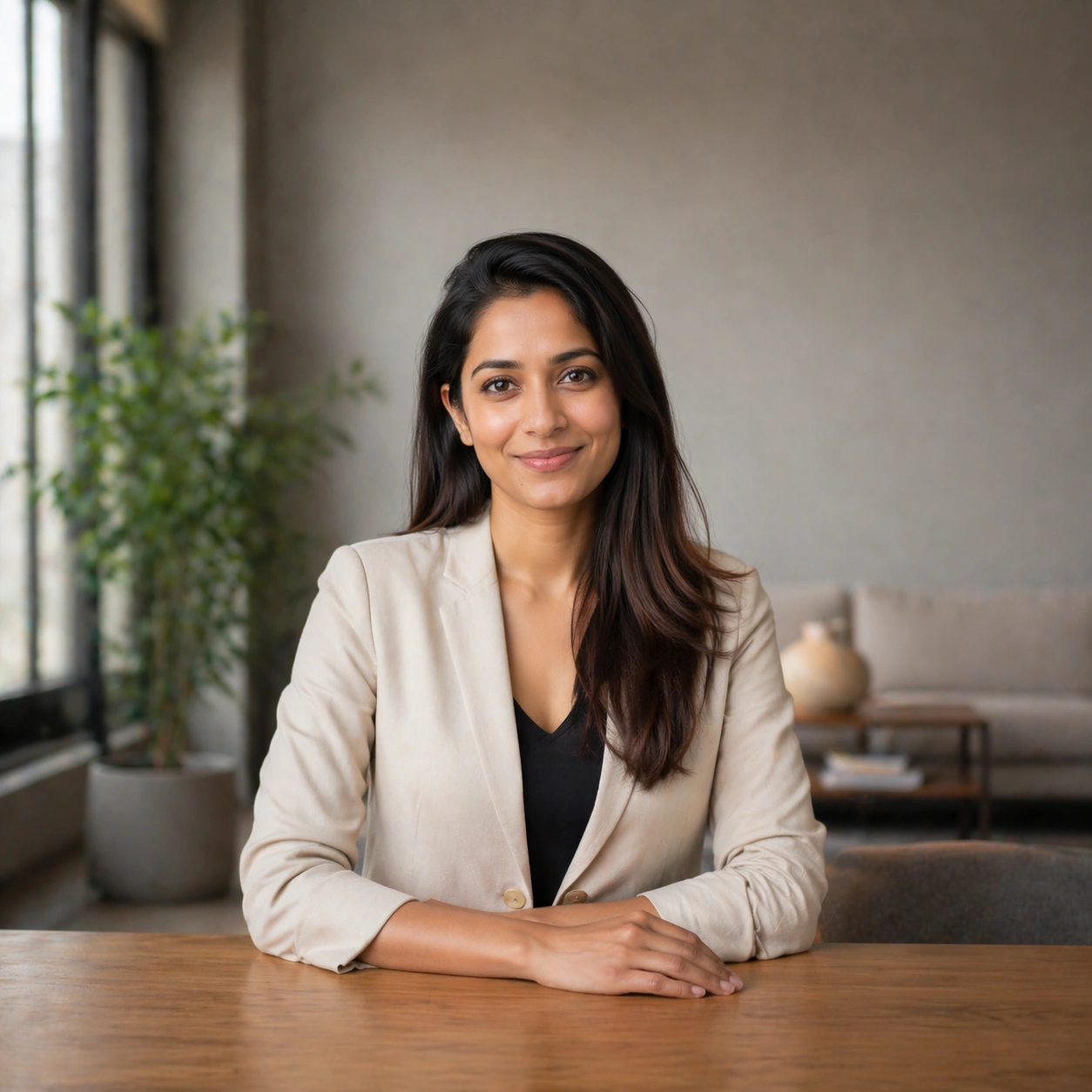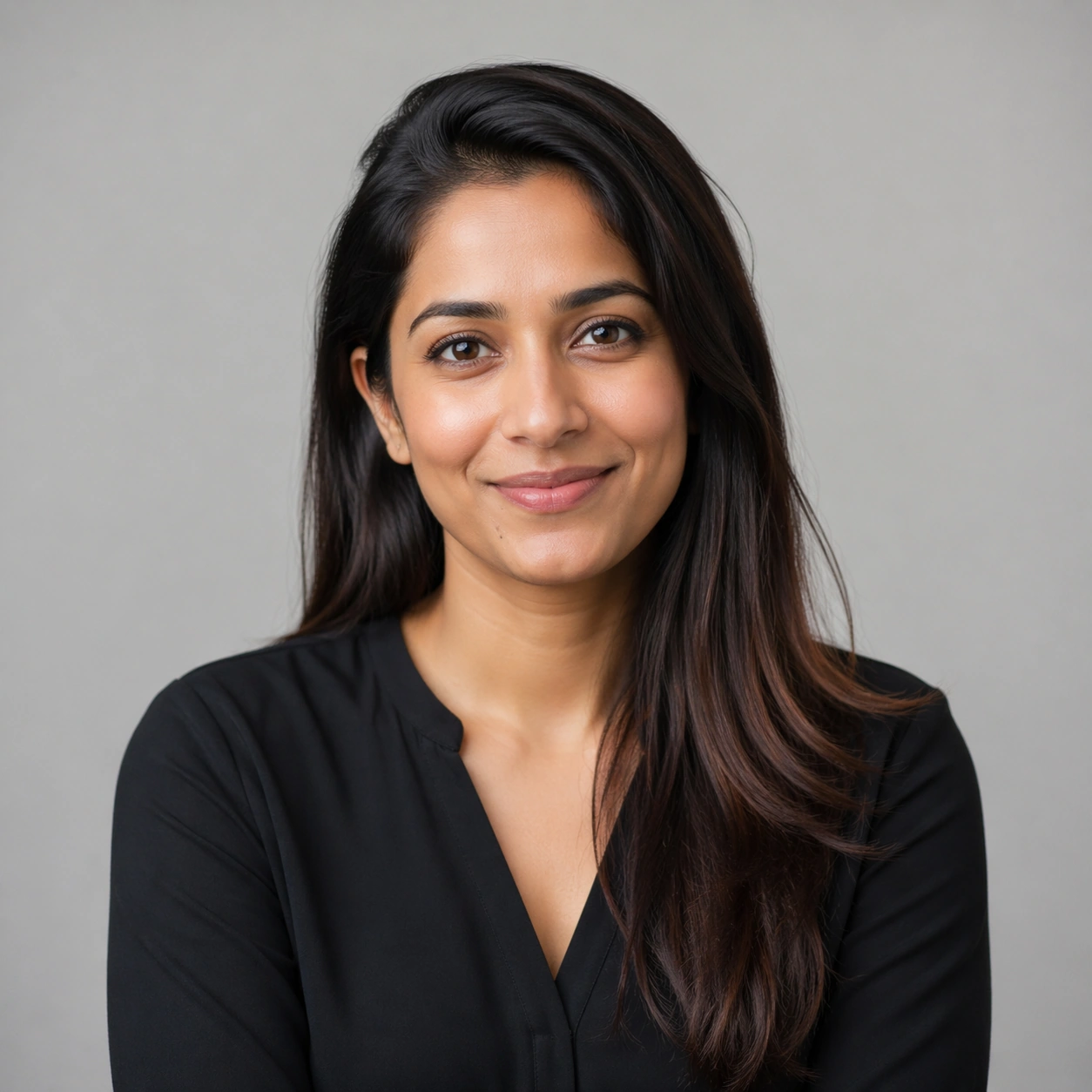
Studio Portrait From Vacation Selfie

Studio Portrait From Vacation Selfie

原始文档

GPT Image 2 · en

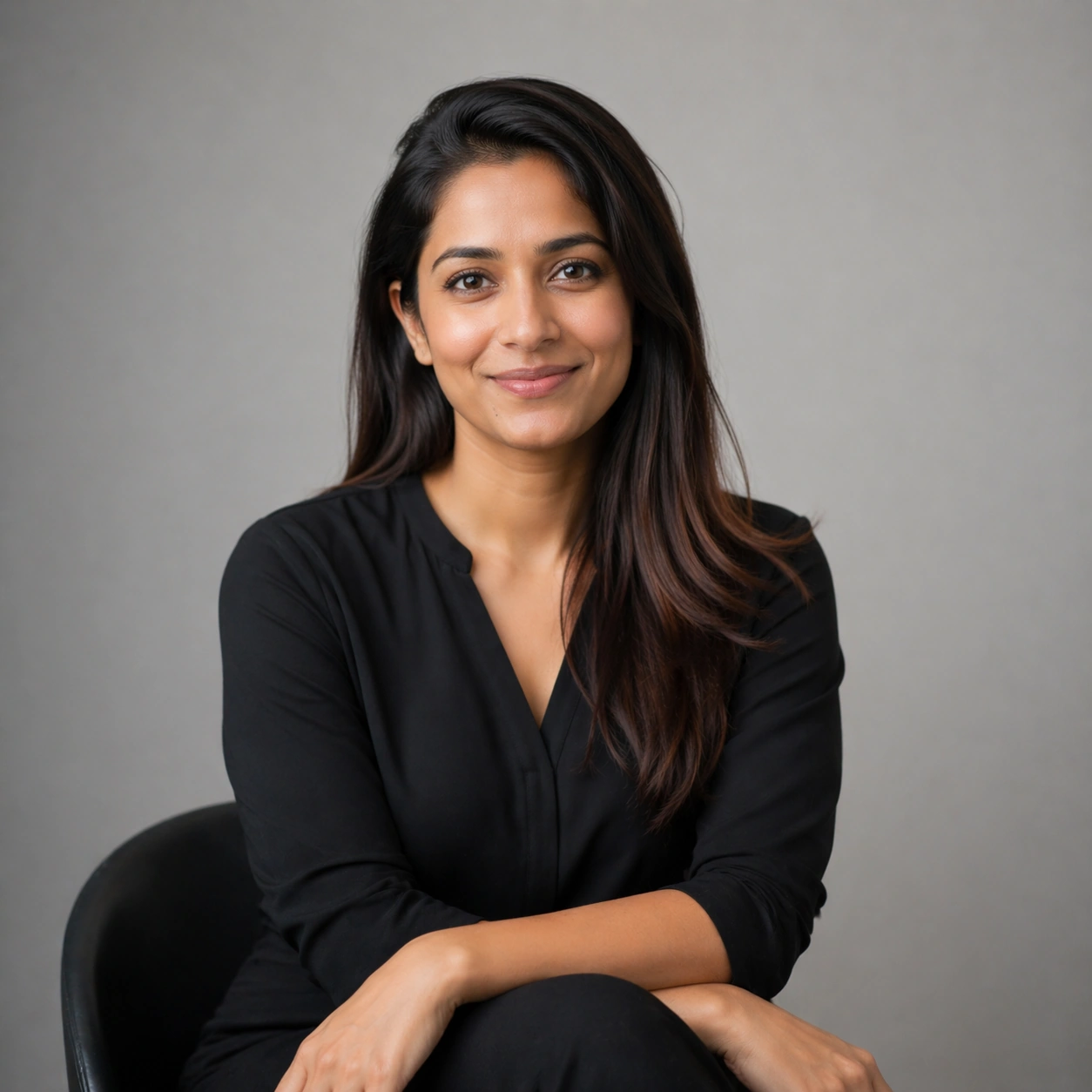
Using the provided reference image, keep the subject and blue polo shirt the same, and transform a casual poolside selfie into a clean, professional studio half-body portrait. Remove the entire outdoor resort background and replace it with a pure warm orange background. Recompose the shot, centering the subject and facing the camera directly, cropping from the center of the chest upwards, and use even, soft studio lighting to achieve a sharp, refined photographic quality. Eliminate any selfie-like feel, background distractions, and other people, and add a white four-pointed star icon in the lower right corner.

使用方法

  1. 复制完整原始提示词,并保留其中的参数。
  2. 按需求替换主体、文字和构图要求。
  3. 在兼容的外部工具中使用,核对当前使用条件并检查结果。

开始前需了解

  • 先确认是否需要参考图。标注兼容模型,不代表该示例由这个模型生成。
  • 核对名称、数字与画面文字;不同模型版本的结果可能不同。

相似案例

Selfie to Studio Headshot
GPT Image 2en

Using the provided reference images, transform a casual poolside selfie into a clean, professional half-body studio portrait. Keep the subject and polo shirt, but remove the outdoor vacation background, other people, furniture, the pool, and any other vacation-related elements. R

Personal Brand Portrait System — Monochrome Alt
GPT Image 2en

Scene: Create a square 1:1 portrait image for Personal Brand Portrait System. Use a grayscale studio portrait with crisp tonal separation, refined skin rendering, and magazine-ready depth. The frame should feel like a finished professional deliverable rather than a casual snapsho

Personal Brand Portrait System — Approachable Smile
GPT Image 2en

Scene: Create a square 1:1 portrait image for Personal Brand Portrait System. Use a welcoming light setup with soft highlights, gentle warmth, and subtle environmental mood that still feels premium. The frame should feel like a finished professional deliverable rather than a casu

Personal Brand Portrait System — Banner Crop Portrait
GPT Image 2en

Scene: Create a square 1:1 portrait image for Personal Brand Portrait System. Use a square frame that internally feels like a landscape-safe banner crop, with strong side negative space and a stable mid-shot. The frame should feel like a finished professional deliverable rather t

Personal Brand Portrait System — Reference Portrait Anchor
GPT Image 2en

Scene: Create a square 1:1 portrait image for Personal Brand Portrait System. Use a clean studio anchor with balanced soft light, neutral gray or off-white backdrop, and premium agency-grade framing. The frame should feel like a finished professional deliverable rather than a cas

Personal Brand Portrait System — Three-Quarter Hero
GPT Image 2en

Scene: Create a square 1:1 portrait image for Personal Brand Portrait System. Use a sculpted key light with subtle shadow modeling, clean negative space, and a slightly wider crop that still favors the face. The frame should feel like a finished professional deliverable rather th