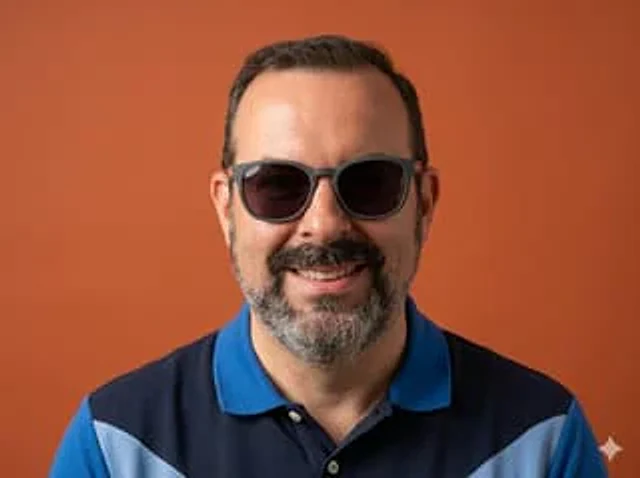
Studio Portrait From Vacation Selfie

Studio Portrait From Vacation Selfie

원본 문서

GPT Image 2 · en

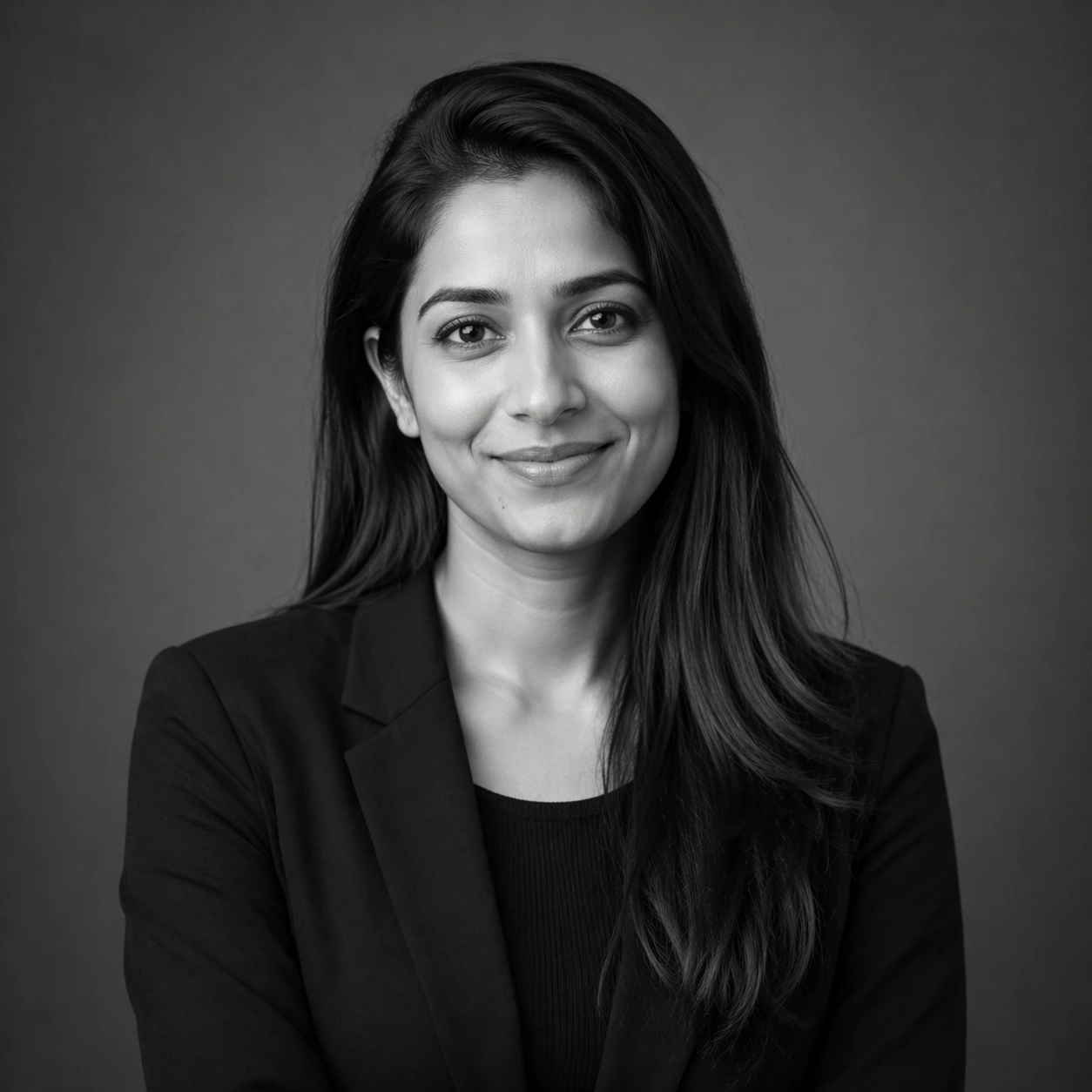
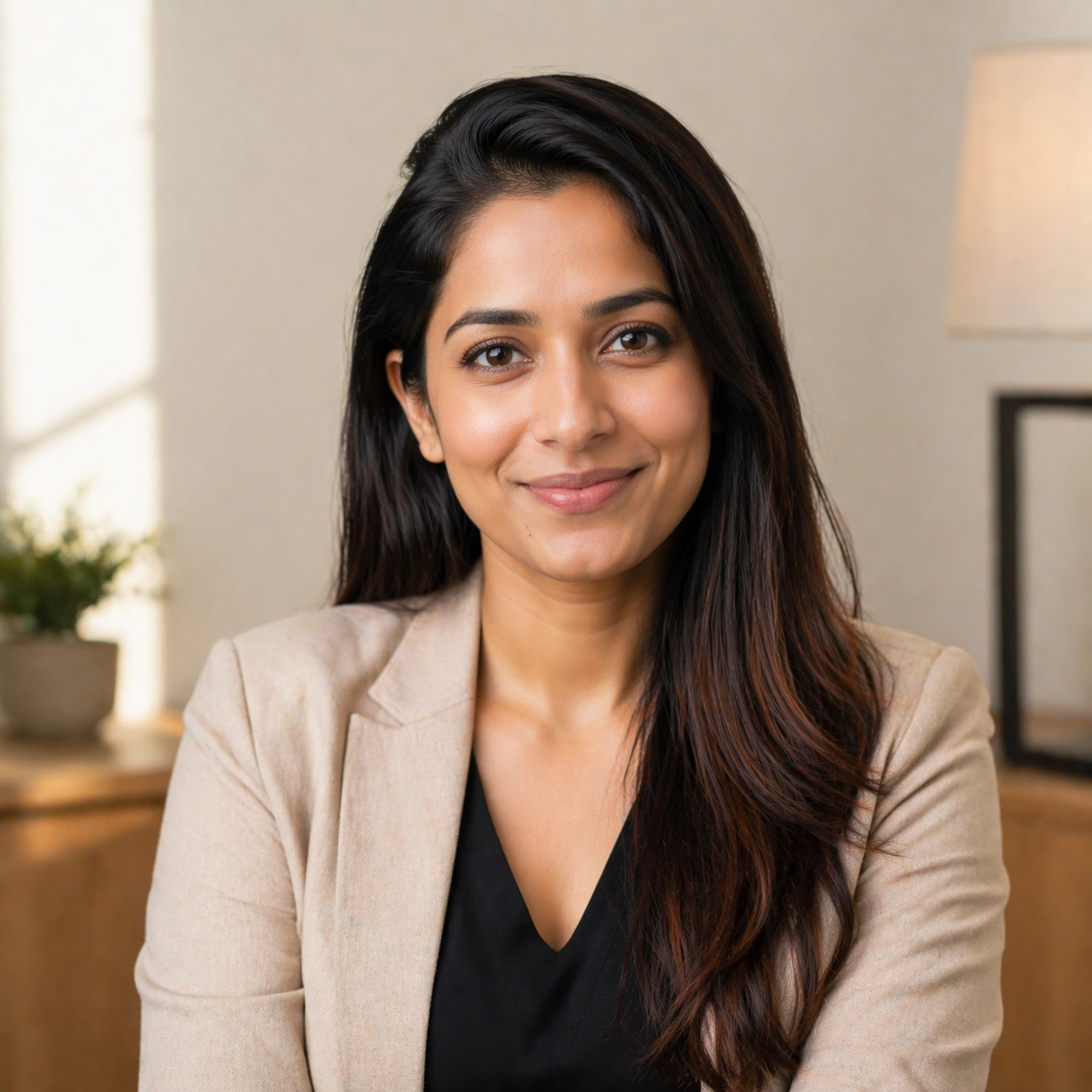
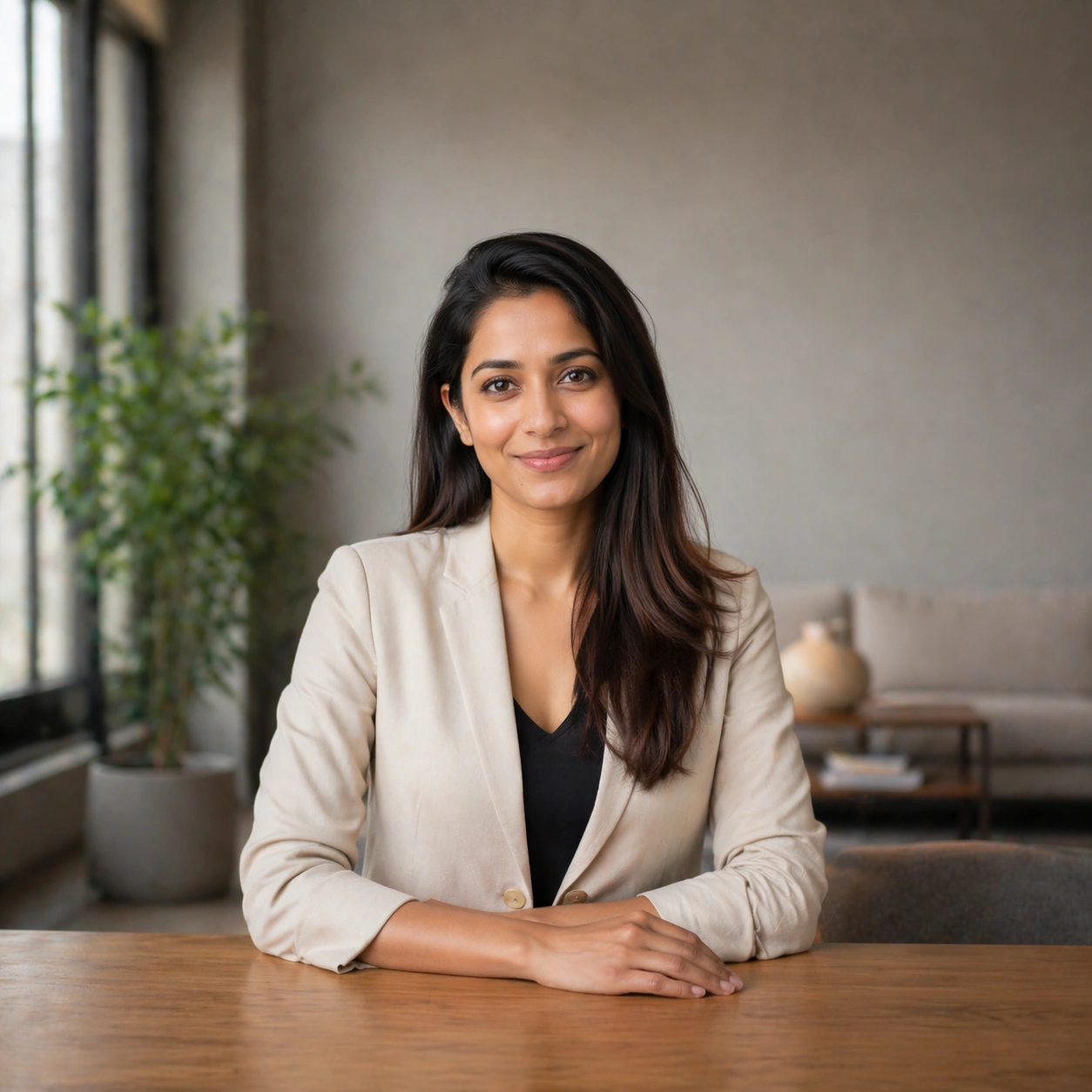
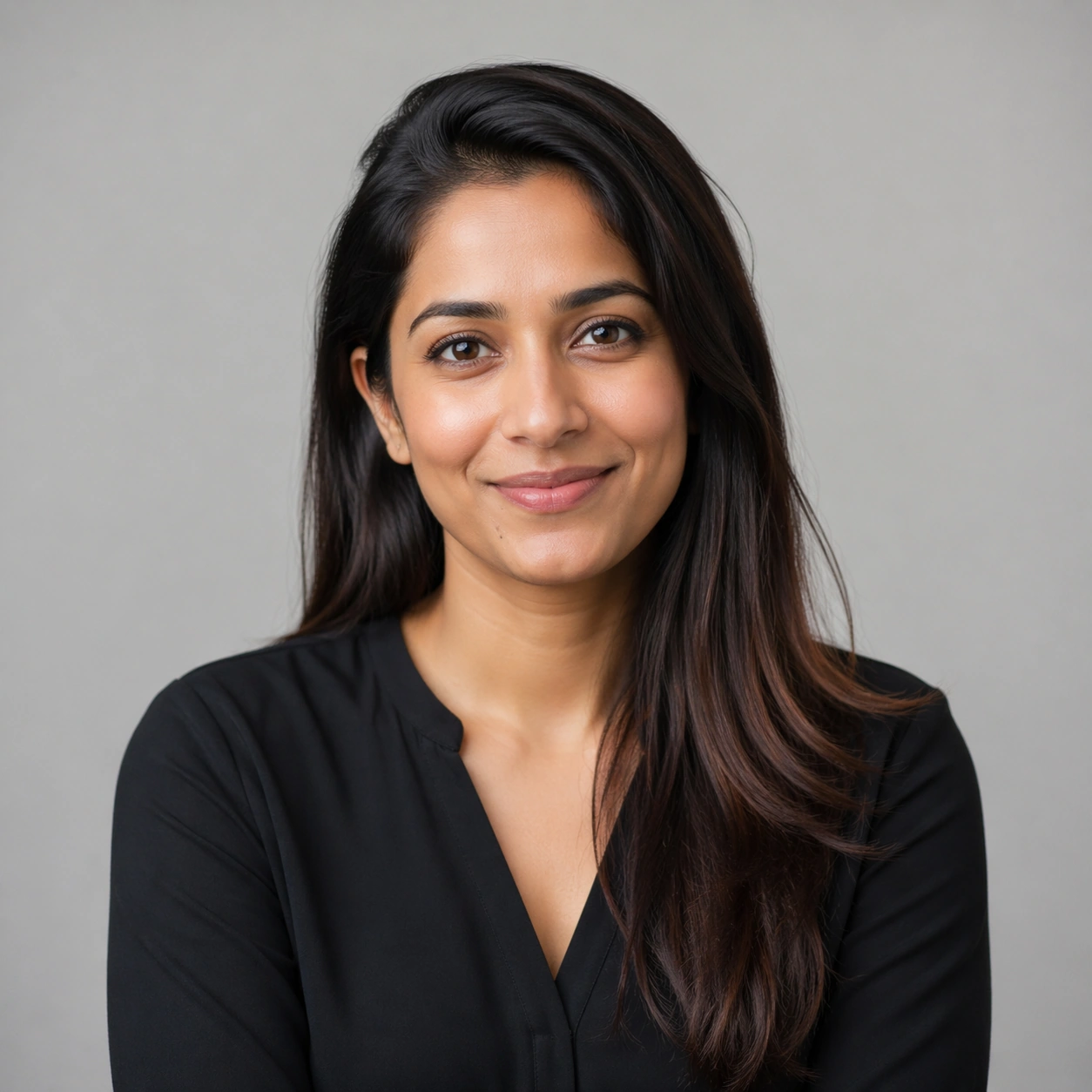
Using the provided reference image, keep the subject and blue polo shirt the same, and transform a casual poolside selfie into a clean, professional studio half-body portrait. Remove the entire outdoor resort background and replace it with a pure warm orange background. Recompose the shot, centering the subject and facing the camera directly, cropping from the center of the chest upwards, and use even, soft studio lighting to achieve a sharp, refined photographic quality. Eliminate any selfie-like feel, background distractions, and other people, and add a white four-pointed star icon in the lower right corner.

사용 방법

  1. 매개변수를 포함한 전체 원본 프롬프트를 복사하세요.
  2. 주제, 문구, 구도를 자신의 요구에 맞게 바꾸세요.
  3. 호환되는 외부 도구에서 사용하고 이용 조건과 결과를 확인하세요.

시작 전 확인

  • 참조 이미지가 필요한지 확인하세요. 호환 표시는 해당 모델로 이 예시를 생성했다는 뜻이 아닙니다.
  • 이름, 수치, 이미지 속 문구를 확인하세요. 모델 버전에 따라 결과가 다를 수 있습니다.
비슷한 예시

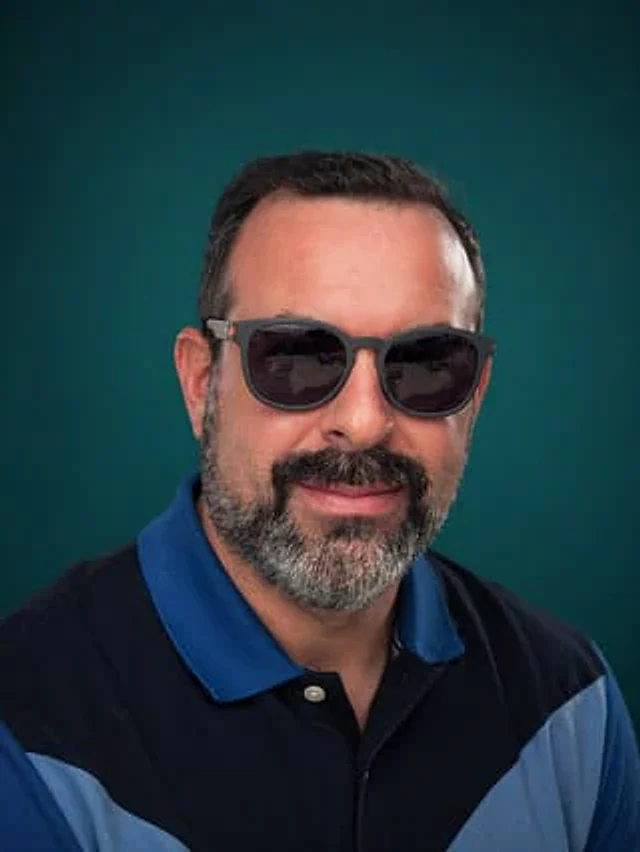
Selfie to Studio Headshot
GPT Image 2en

Using the provided reference images, transform a casual poolside selfie into a clean, professional half-body studio portrait. Keep the subject and polo shirt, but remove the outdoor vacation background, other people, furniture, the pool, and any other vacation-related elements. R

Personal Brand Portrait System — Monochrome Alt
GPT Image 2en

Scene: Create a square 1:1 portrait image for Personal Brand Portrait System. Use a grayscale studio portrait with crisp tonal separation, refined skin rendering, and magazine-ready depth. The frame should feel like a finished professional deliverable rather than a casual snapsho

Personal Brand Portrait System — Approachable Smile
GPT Image 2en

Scene: Create a square 1:1 portrait image for Personal Brand Portrait System. Use a welcoming light setup with soft highlights, gentle warmth, and subtle environmental mood that still feels premium. The frame should feel like a finished professional deliverable rather than a casu

Personal Brand Portrait System — Banner Crop Portrait
GPT Image 2en

Scene: Create a square 1:1 portrait image for Personal Brand Portrait System. Use a square frame that internally feels like a landscape-safe banner crop, with strong side negative space and a stable mid-shot. The frame should feel like a finished professional deliverable rather t

Personal Brand Portrait System — Three-Quarter Hero
GPT Image 2en

Scene: Create a square 1:1 portrait image for Personal Brand Portrait System. Use a sculpted key light with subtle shadow modeling, clean negative space, and a slightly wider crop that still favors the face. The frame should feel like a finished professional deliverable rather th