원본 문서
GPT Image 2 · en
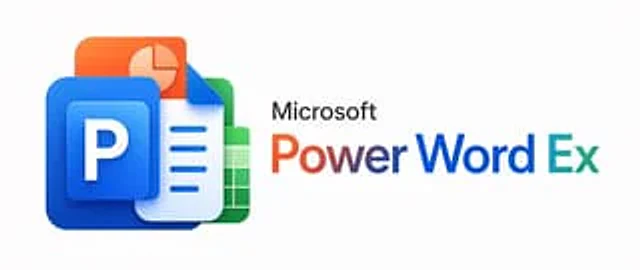
A minimalist corporate promotional image with a very light gray background, horizontally centered. On the left, a 3D glossy stack of four overlapping Microsoft Office-style application icons is created, featuring rounded corners and soft shadows: at the forefront is a large blue PowerPoint icon containing a raised blue square with a bold white capital letter P; behind it is a white-blue Word document icon with a fold-out in the upper right corner and three lines of blue horizontal text; next is a green Excel spreadsheet icon with a white grid; and finally, an orange presentation slides icon with a light pie chart. These icons should be tightly stacked into a compact cluster with modern, smooth gradients, subtle reflections, and a soft sense of depth. To the right of the icon cluster is the black "Microsoft" lettering in a clean sans-serif font, below which is a striking large title "PowerWordEx," visually merging the three product names into one word: "Power" uses an orange-to-red gradient, "Word" uses a dark blue gradient, and "Ex" uses a cyan-to-blue gradient. Maintain a clear and balanced layout with ample white space to present a sophisticated aesthetic for the technology brand, and adopt a wide banner-style composition.사용 방법
- 매개변수를 포함한 전체 원본 프롬프트를 복사하세요.
- 주제, 문구, 구도를 자신의 요구에 맞게 바꾸세요.
- 호환되는 외부 도구에서 사용하고 이용 조건과 결과를 확인하세요.
시작 전 확인
- 참조 이미지가 필요한지 확인하세요. 호환 표시는 해당 모델로 이 예시를 생성했다는 뜻이 아닙니다.
- 이름, 수치, 이미지 속 문구를 확인하세요. 모델 버전에 따라 결과가 다를 수 있습니다.