Original document
GPT Image 2 · en
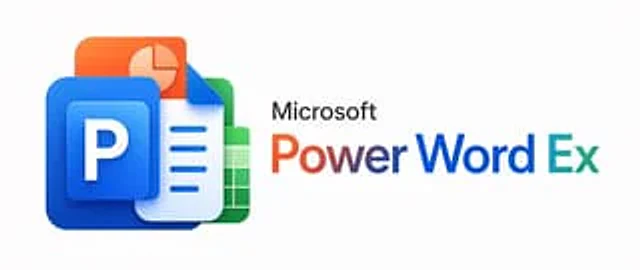
A minimalist corporate promotional image with a very light gray background, horizontally centered. On the left, a 3D glossy stack of four overlapping Microsoft Office-style application icons is created, featuring rounded corners and soft shadows: at the forefront is a large blue PowerPoint icon containing a raised blue square with a bold white capital letter P; behind it is a white-blue Word document icon with a fold-out in the upper right corner and three lines of blue horizontal text; next is a green Excel spreadsheet icon with a white grid; and finally, an orange presentation slides icon with a light pie chart. These icons should be tightly stacked into a compact cluster with modern, smooth gradients, subtle reflections, and a soft sense of depth. To the right of the icon cluster is the black "Microsoft" lettering in a clean sans-serif font, below which is a striking large title "PowerWordEx," visually merging the three product names into one word: "Power" uses an orange-to-red gradient, "Word" uses a dark blue gradient, and "Ex" uses a cyan-to-blue gradient. Maintain a clear and balanced layout with ample white space to present a sophisticated aesthetic for the technology brand, and adopt a wide banner-style composition.How to use
- Copy the complete original prompt, including any parameters.
- Replace the subject, text and composition with your own requirements.
- Use a compatible external tool; check its current access conditions and review the result.
Before you start
- Check whether a reference image is required. A compatible model label does not mean this example was generated with that model.
- Keep names, figures and visible text accurate; results can vary between model versions.