原始文档
GPT Image 2 · en
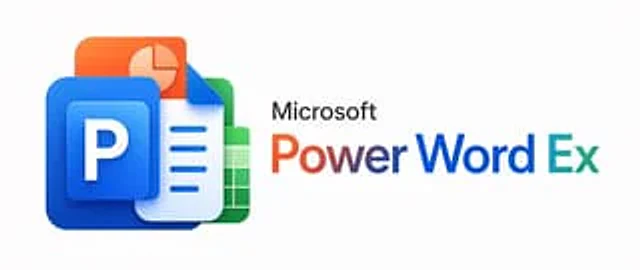
A minimalist corporate promotional image with a very light gray background, horizontally centered. On the left, a 3D glossy stack of four overlapping Microsoft Office-style application icons is created, featuring rounded corners and soft shadows: at the forefront is a large blue PowerPoint icon containing a raised blue square with a bold white capital letter P; behind it is a white-blue Word document icon with a fold-out in the upper right corner and three lines of blue horizontal text; next is a green Excel spreadsheet icon with a white grid; and finally, an orange presentation slides icon with a light pie chart. These icons should be tightly stacked into a compact cluster with modern, smooth gradients, subtle reflections, and a soft sense of depth. To the right of the icon cluster is the black "Microsoft" lettering in a clean sans-serif font, below which is a striking large title "PowerWordEx," visually merging the three product names into one word: "Power" uses an orange-to-red gradient, "Word" uses a dark blue gradient, and "Ex" uses a cyan-to-blue gradient. Maintain a clear and balanced layout with ample white space to present a sophisticated aesthetic for the technology brand, and adopt a wide banner-style composition.使用方法
- 复制完整原始提示词,并保留其中的参数。
- 按需求替换主体、文字和构图要求。
- 在兼容的外部工具中使用,核对当前使用条件并检查结果。
开始前需了解
- 先确认是否需要参考图。标注兼容模型,不代表该示例由这个模型生成。
- 核对名称、数字与画面文字;不同模型版本的结果可能不同。