원본 문서
GPT Image 2 · en
Scene:
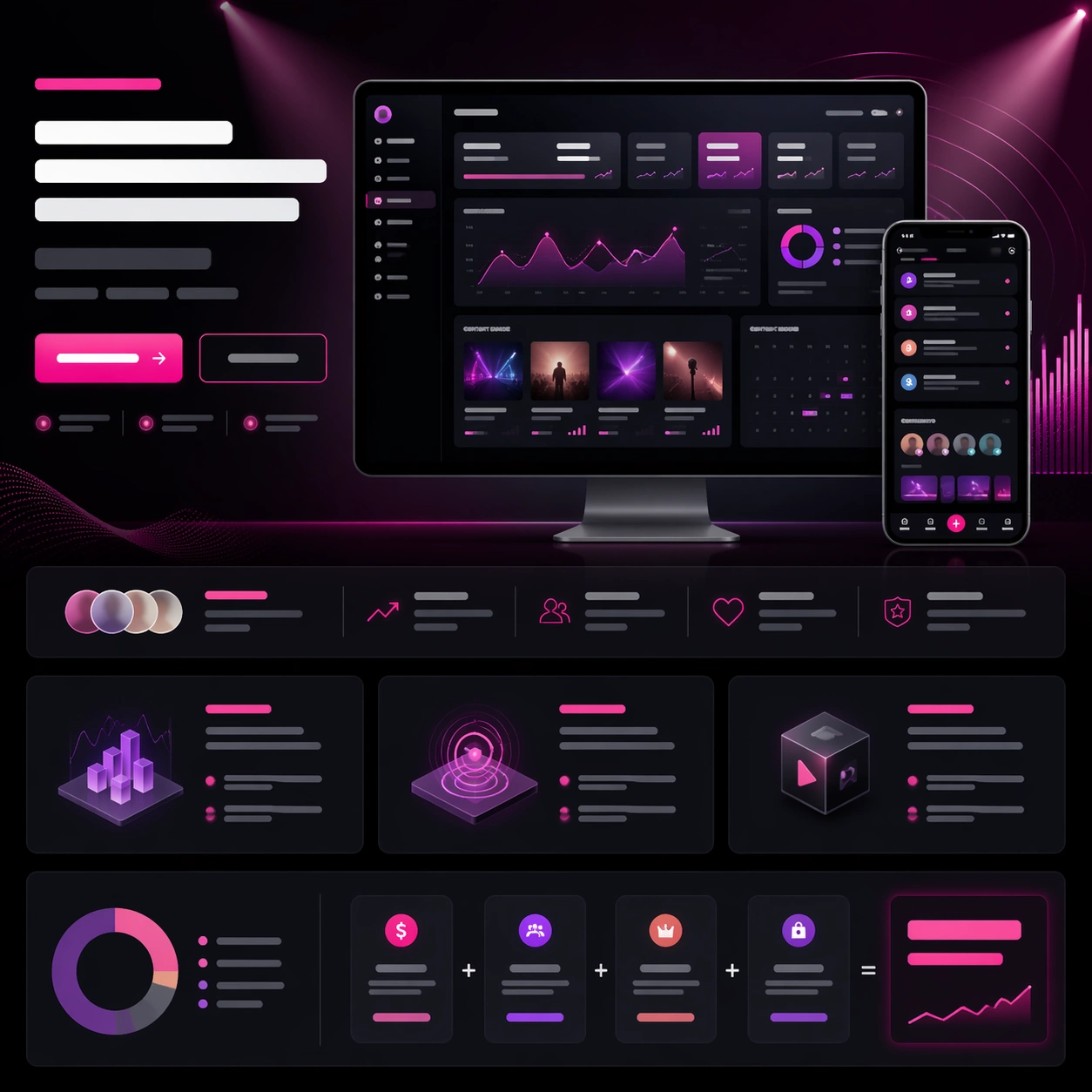
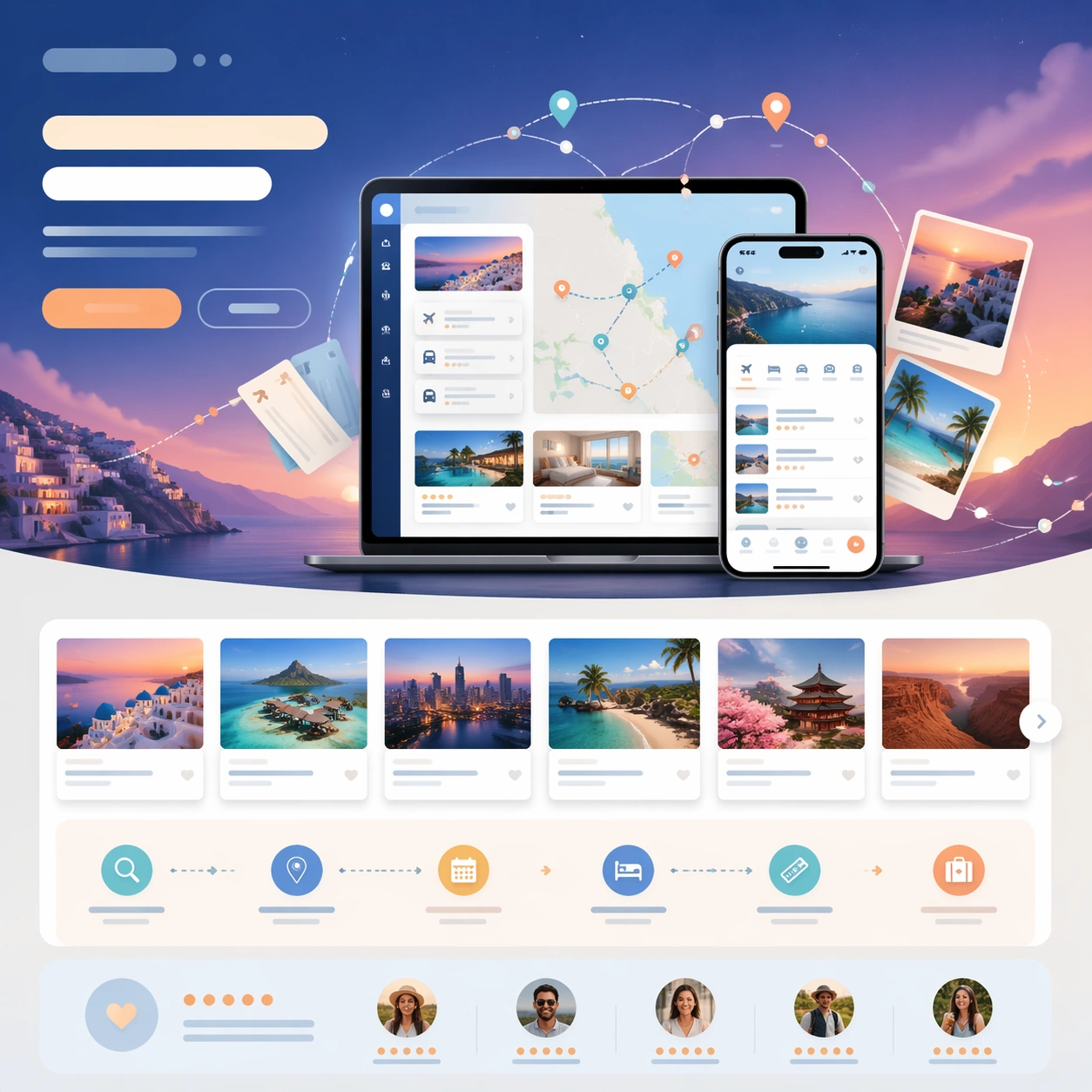
A square fintech launch-page still with dark navy, graphite, and electric emerald highlights, arranged like a premium SaaS hero section with lower feature and pricing modules. The tone should be serious and investor-ready, with sharp grids, glowing chart accents, and one restrained gradient field behind the central dashboard. The page should feel as if it belongs to a real B2B startup about to launch publicly.

Subject:
Center a large desktop dashboard screenshot for a founder-finance planning app, showing a believable mix of forecast charts, runway curves, small cash buckets, and a timeline ribbon, all rendered as clean unreadable UI. Add a secondary tablet screen angled nearby to suggest collaborative review. Build a convincing launch-page structure around the product with abstract headline rows, a slim CTA strip, three feature modules, and a compact pricing or plan comparison band. Include a subtle hero graphic of luminous graph lines turning into a city skyline above the dashboard.

Important details:
The frame must read as a true SaaS launch page, not a raw dashboard screenshot. The marketing hierarchy matters: hero proof first, then benefits, trust, and conversion. Keep the UI plausible and restrained, with executive polish rather than playful startup clutter. All copy zones should remain abstract and unreadable, using bars, dots, and icon-like shapes only. Use precise alignment and whitespace so the layout feels like a real launch asset ready for a founder, growth team, and product designer to present together.

Use case:
App Launch Hero System single study 3/9, testing whether a finance SaaS page can balance complex dashboard proof with clean launch marketing hierarchy.

Constraints:
No readable text, no watermark, no logos, preserve exact 1:1 aspect ratio, no browser chrome, no crypto clichés, no stock-photo executives, no overloaded tiny charts, no banking brand references, no distorted screen perspective.
사용 방법
- 매개변수를 포함한 전체 원본 프롬프트를 복사하세요.
- 주제, 문구, 구도를 자신의 요구에 맞게 바꾸세요.
- 호환되는 외부 도구에서 사용하고 이용 조건과 결과를 확인하세요.
시작 전 확인
- 참조 이미지가 필요한지 확인하세요. 호환 표시는 해당 모델로 이 예시를 생성했다는 뜻이 아닙니다.
- 이름, 수치, 이미지 속 문구를 확인하세요. 모델 버전에 따라 결과가 다를 수 있습니다.