원본 문서
GPT Image 2 · en
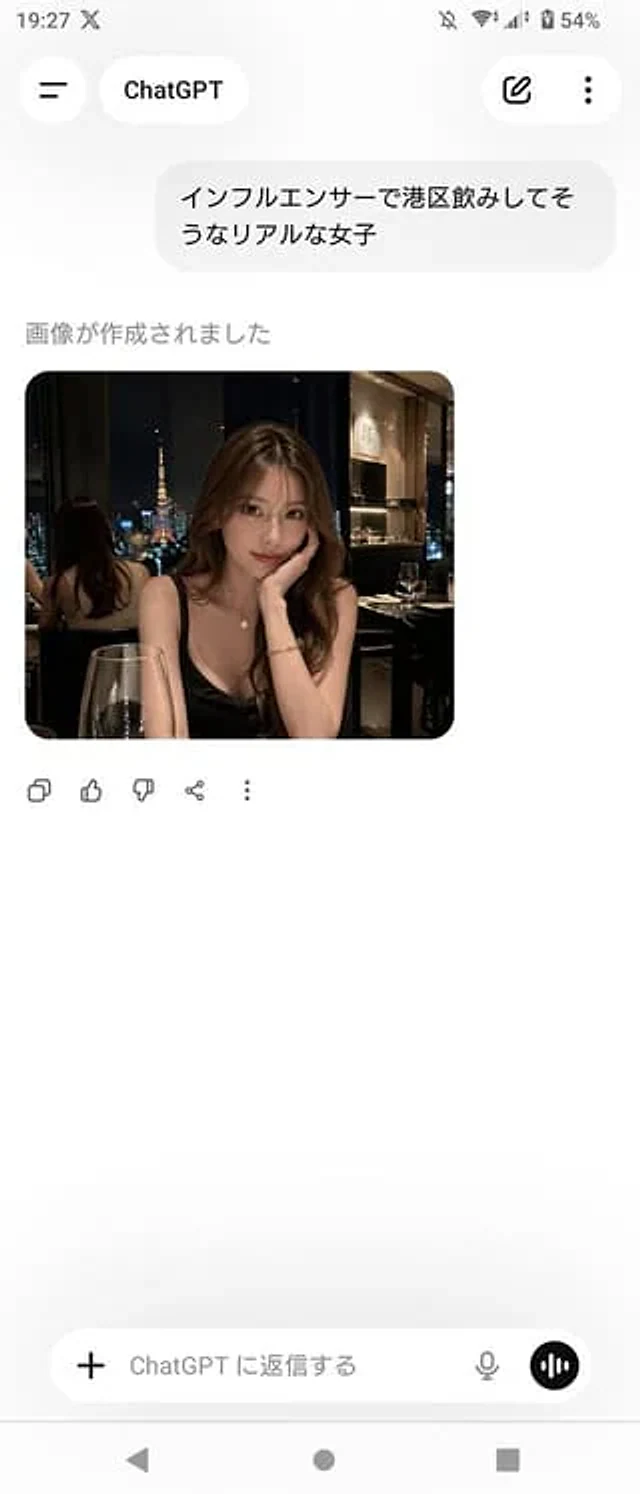
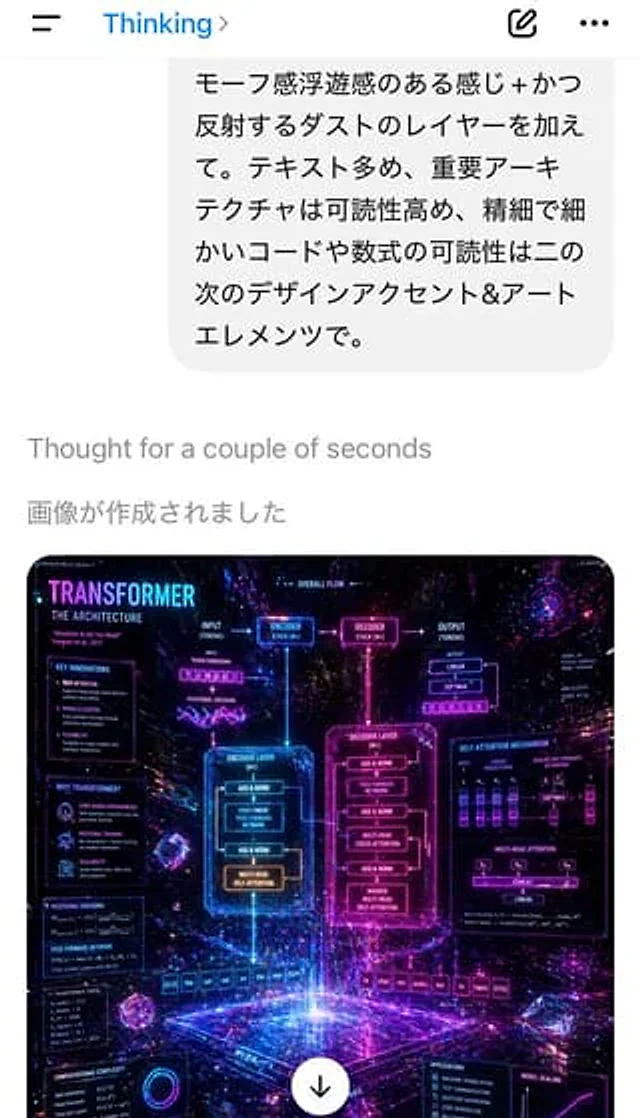
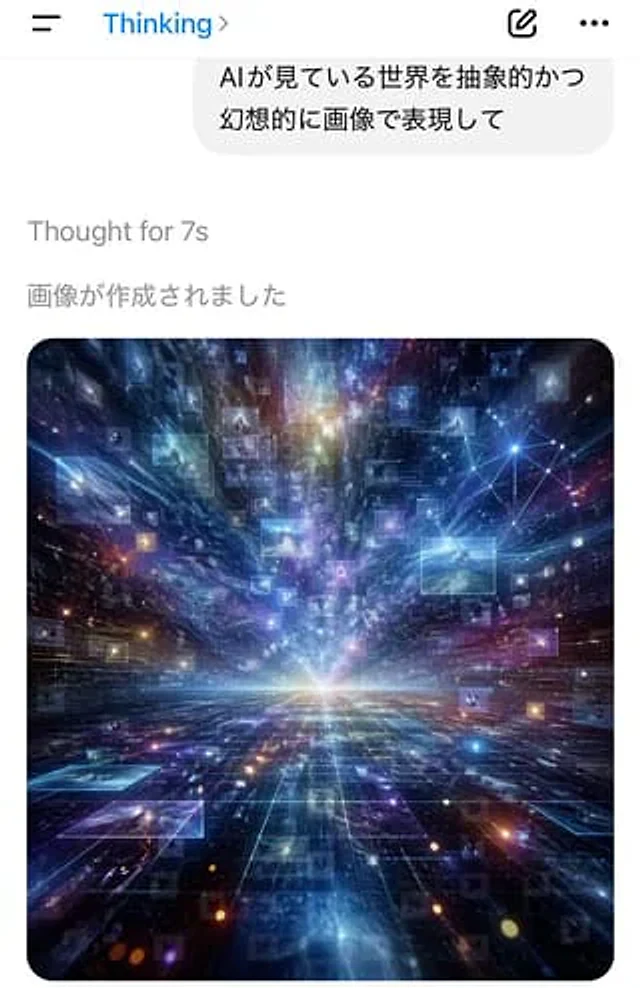
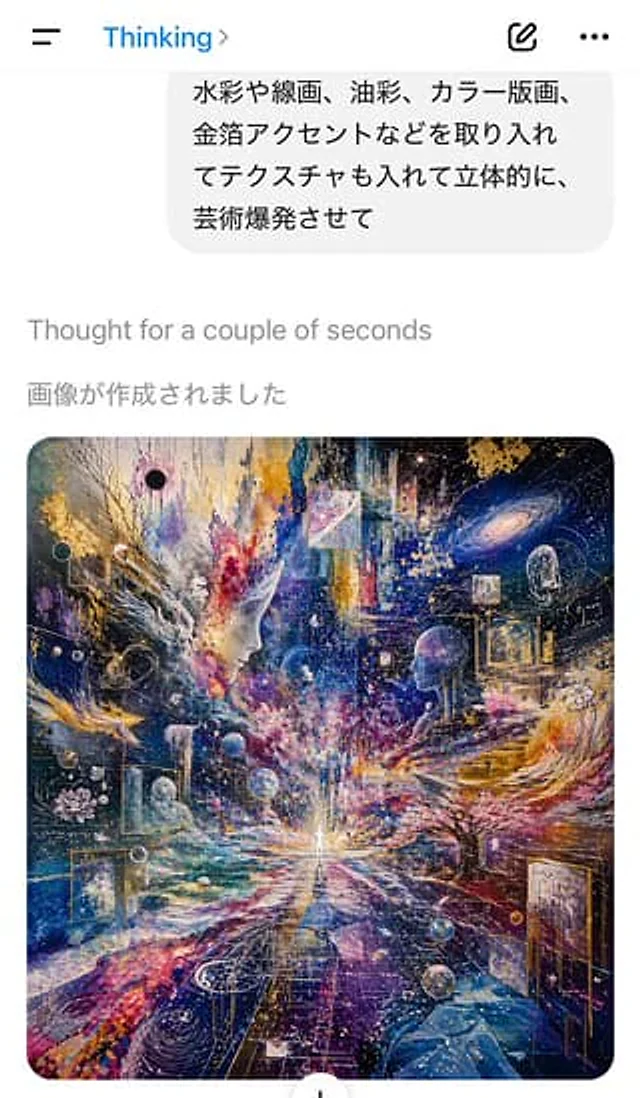
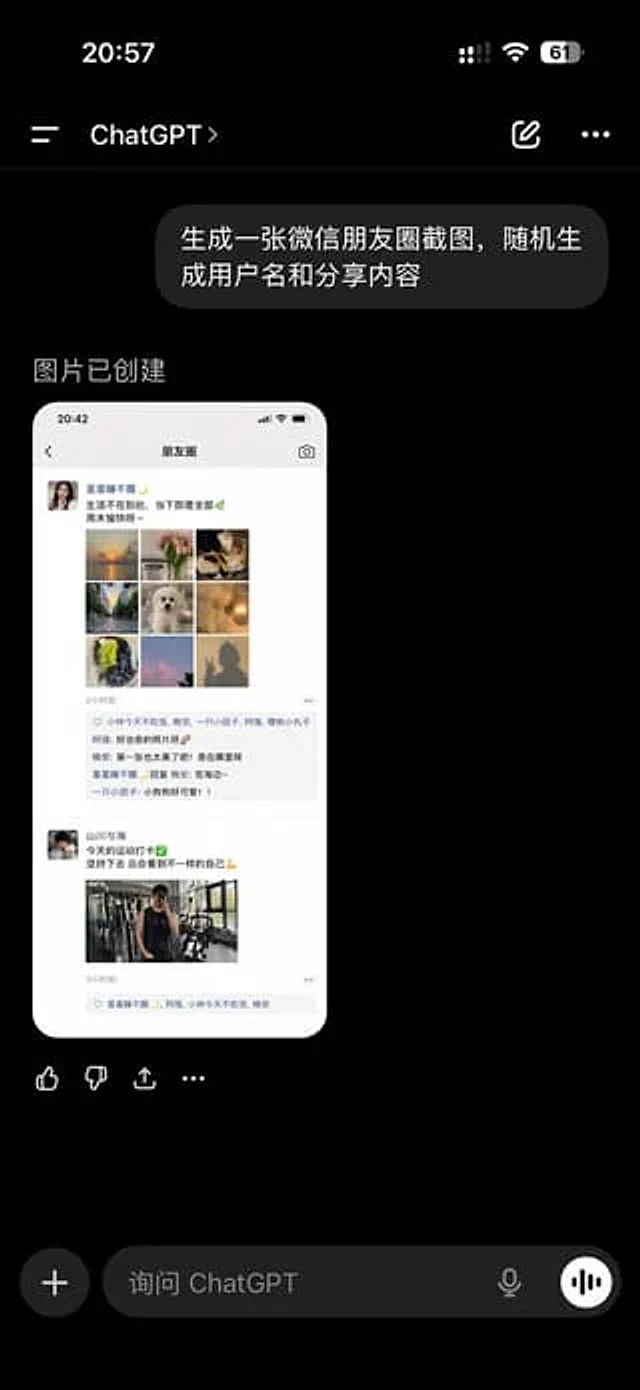
A realistic screenshot of the ChatGPT mobile app in dark mode, displayed full-screen against a black background with an iPhone-style status bar. The top left side of the status bar shows the time 20:57, while the right side displays small cellular signal, Wi-Fi, and battery icons, with the battery level showing 61%. Below is the ChatGPT conversation title bar, containing a left-side menu icon, the title "ChatGPT," an edit icon, and a three-dot menu icon. In the chat area, a user bubble message is displayed: "Generate a screenshot of a WeChat Moments post, randomly generating a username and shared content," displayed as a right-aligned, dark gray, rounded-corner bubble. Below this is the assistant's reply area, with the text "Image created." Below this reply is a preview of the generated image: a long, rounded-corner screenshot of the WeChat Moments page on a white phone screen. Inside the generated image, the top bar displays the time 20:42 and the title "Moments." Two independent Moments posts are shown. The first post features a female profile picture and the username "Stars Don't Wake Up," followed by a short Chinese caption about life and the weekend, and then a 3x3 collage containing nine square images: a sunset over water, flowers, delicate food, a tree-lined avenue, a white plush dog, warm lighting, green fruit or dessert, pink clouds or sky, and a silhouette photo. Below this is a timestamp "2 hours ago," a line of three usernames who liked the post, and a comment section with three short Chinese comments. The second post features a male profile picture and the username "Mountains and Seas," followed by a short Chinese caption on a fitness theme, complete with a green checkmark emoji and a bicep emoji, followed by a mirror selfie from the gym, with a timestamp "3 hours ago" and a line of likes below. Beyond the generated image preview and within the ChatGPT app screenshot, a line of four action icons appears below the image: Like, Dislike, Share/Export, and More. At the bottom of the screen, the ChatGPT input bar includes a dark mode. On the left is a circular plus button with the placeholder text "Ask ChatGPT," and on the right are a microphone icon and a circular voice button. Using realistic mobile UI proportions, clear typography, lifelike Chinese application interface details, and photorealistic rendering, it looks like a genuine screenshot of a WeChat Moments post generated by the ChatGPT app's AI.사용 방법
- 매개변수를 포함한 전체 원본 프롬프트를 복사하세요.
- 주제, 문구, 구도를 자신의 요구에 맞게 바꾸세요.
- 호환되는 외부 도구에서 사용하고 이용 조건과 결과를 확인하세요.
시작 전 확인
- 참조 이미지가 필요한지 확인하세요. 호환 표시는 해당 모델로 이 예시를 생성했다는 뜻이 아닙니다.
- 이름, 수치, 이미지 속 문구를 확인하세요. 모델 버전에 따라 결과가 다를 수 있습니다.